
PDF Tools Pro: Scan & OCR
PDF Editor, Compress & Merge
Designed for iPhone, iPad
Free · In-app purchases
- Age rating4+
- CategoryProductivity
- Developer明龙 车
- LanguagesEnglish+ 32 more
- Size3.8 MB
Links to the official App Store page
Download.org hosts no file of PDF Tools Pro: Scan & OCR. The button opens its official App Store page, published by 明龙 车. Listing last checked on Nov 23, 2026.
Screenshots
About
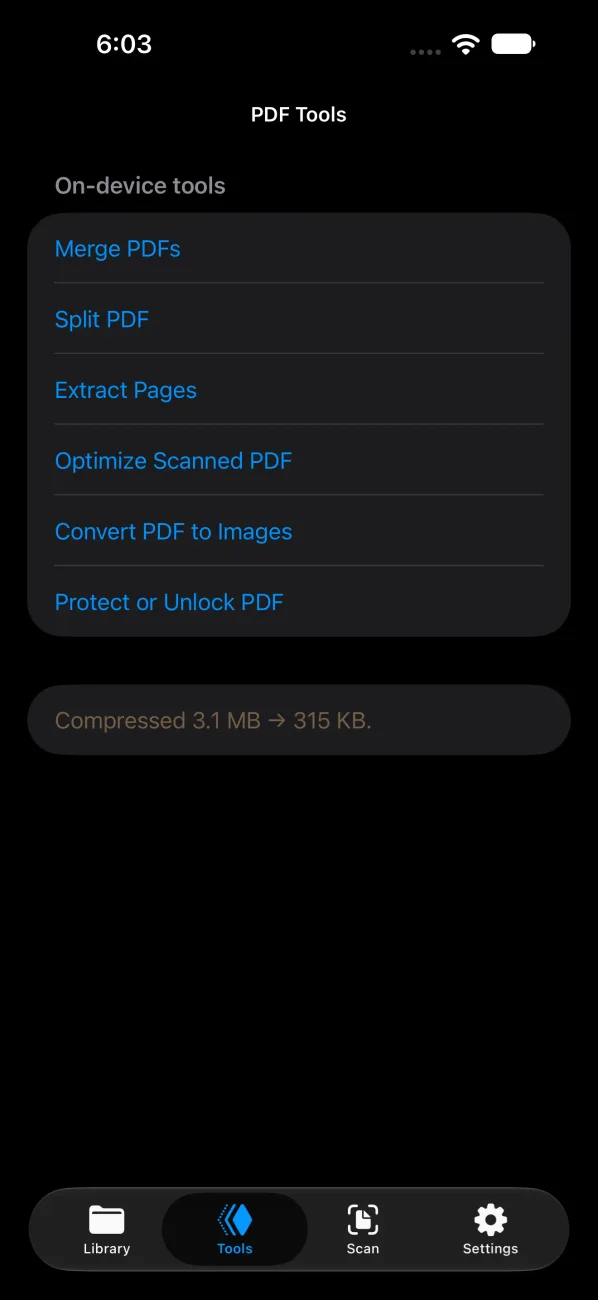
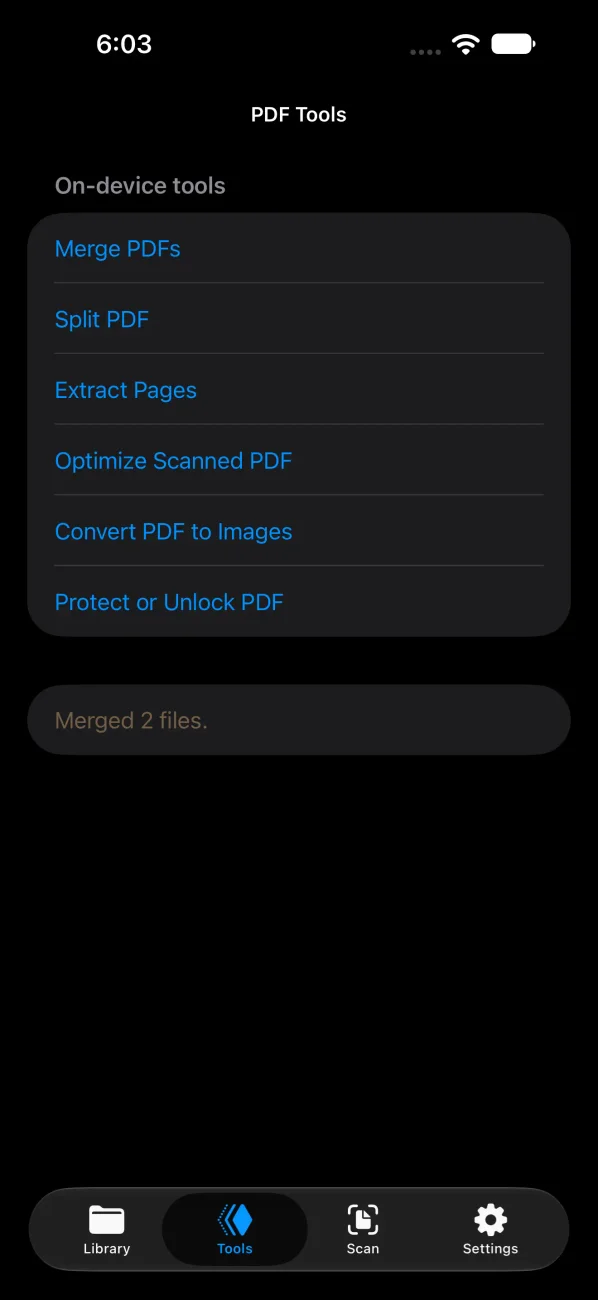
Compress, merge, split and scan PDFs right on your iPhone or iPad. Your files are processed on-device and not uploaded to us.
Shrink big PDFs for email, combine or split files, reorder and extract pages, lock or unlock with a password, and turn paper into searchable PDFs with on-device OCR.
• Import and organize documents
• Read and annotate with a safe working copy
• Convert pages to images
• Scan paper documents and optimize scanned PDFs
Free core tools stay free. Three successful advanced outputs are included on each device, and Lifetime Pro unlocks every advanced tool with one non-consumable purchase. Family Sharing is supported when eligible through Apple.
Files uploaded? No.
Subscription? No.
Account needed? No.
What’s new
Version 2.1.4 · Nov 20, 2026
Large PDF split and unlock use less memory, can be cancelled, and clean up on failure. The share sheet notes that files stay on your iPhone and are never uploaded.
App privacy
What 明龙 车 declares on the App Store about how this app handles data.
-
Data not collected
The developer does not collect any data from this app.
Privacy practices may vary, for example with the features you use or your age.
Information
- Seller
- 明龙 车
- Category
- Productivity
- Version
- 2.1.4
- Updated
- Nov 20, 2026
- Released
- Mar 20, 2026
- Size
- 3.8 MB
- Requires
- iOS 18.0 or later
- Age rating
- 4+
- Price
- Free
- In-app purchases
- Yes
- Languages
- English, Arabic, Catalan, Croatian, Czech, Danish, Dutch, Finnish, French, German, Greek, Hebrew + 21 more
- Copyright
- © 2026 JoocGame
You might also like
-
 AskEleven - AI EmployeesYour AI employees, anywhere
-
 AI Mission Alarm Clock : ROUSEWake Up Fast, Morning Routine
-
 AnydoProductivity
-
 Polyflow AgentsYour Hermes agent, remote
-
 HatcherAIAI chat, agents and Canvas
-
 PlanikoPlan your day on your calendar
-
 DPC-SpotterProductivity
-
 TreeNotes - Tree OutlinerOrganize ideas in a tree
-
 MediFamily: Health OrganizerPill Reminder & Vitals Vault
-
 KLink AI - Agents & AI ChatHermes & AI Models Hub