PDF Viewer: Reader and Editor
Sign, Edit, Read, Sign, View
Designed for iPhone, iPod touch
Free · In-app purchases
- Age rating4+
- CategoryProductivity
- DeveloperAndrew Lee
- LanguagesEnglish
- Size12.0 MB
Links to the official App Store page
Download.org hosts no file of PDF Viewer: Reader and Editor. The button opens its official App Store page, published by Andrew Lee. Listing last checked on Nov 13, 2026.
Screenshots

About
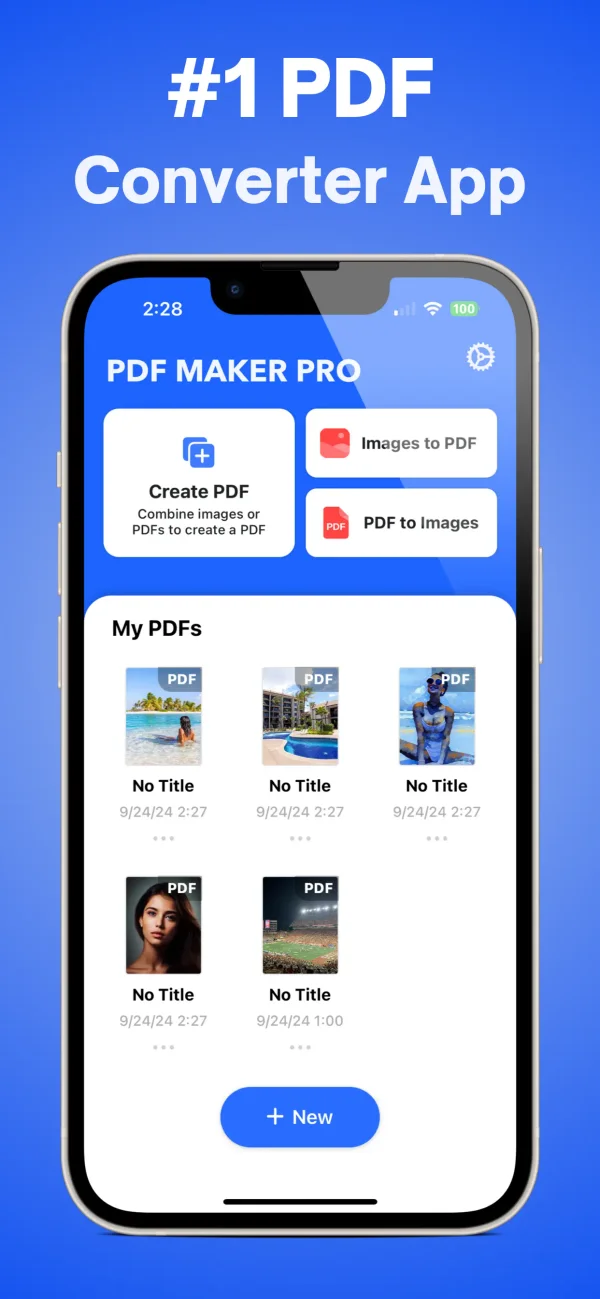
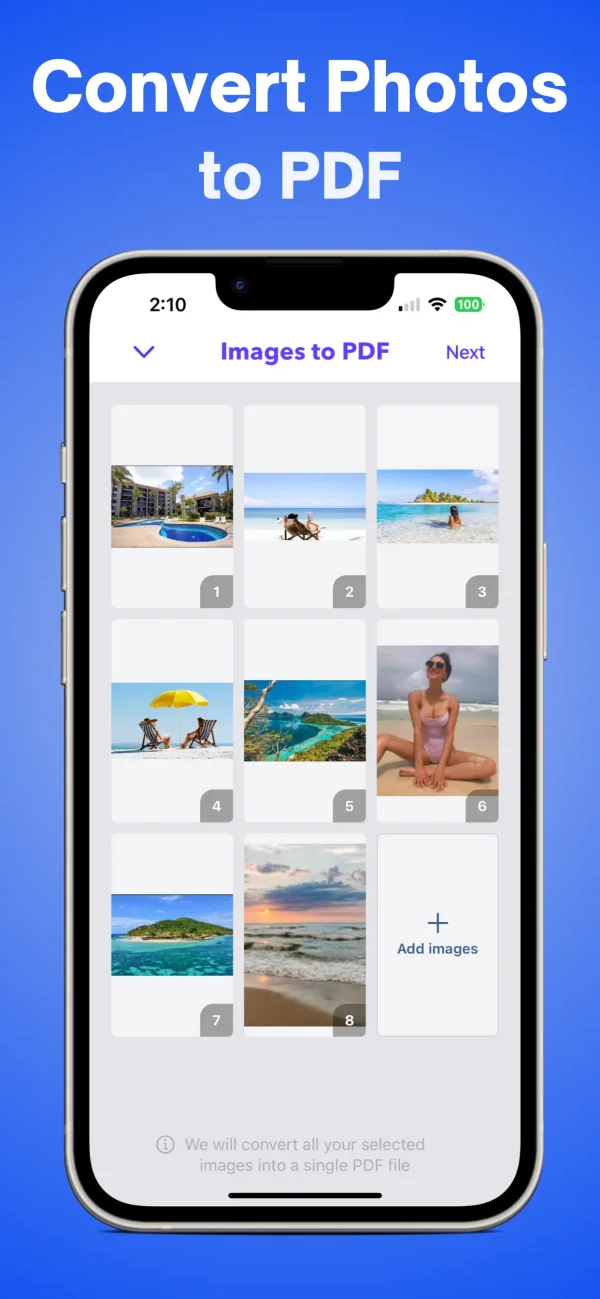
PDF Viewer makes file conversions easy, fast, and completely free. Convert files like JPG, Word, Excel, PPT, and more to PDF or convert PDFs back to other formats all from your iPhone.
Here’s what you can do with PDF Viewer:
● Convert files from popular formats like JPG, DOC, XLS, PPT, TXT, RTF, EPUB, and many more to PDF
● Convert PDF files back into various formats
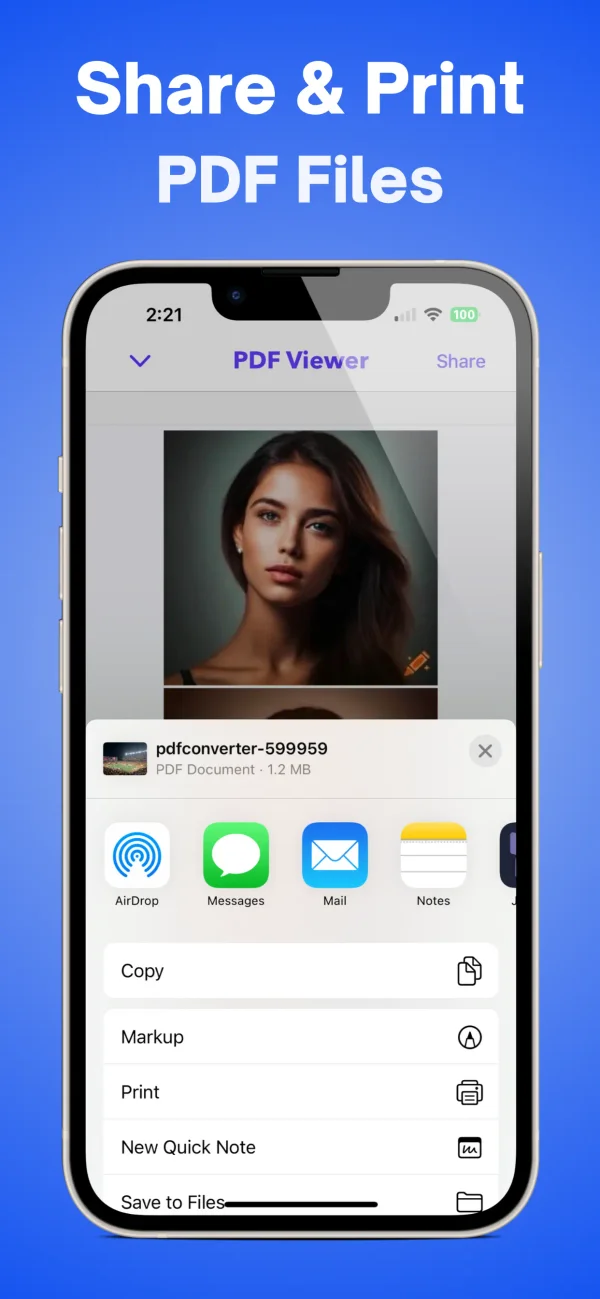
● Share or save your converted files directly to iCloud or other apps
● Access and manage your conversion history
● Pull files from iCloud, your photo gallery, or capture a new image for conversion
● Share converted files via iMessage, open them in other apps, print, or save them to your Files app
● Convert Photos to Text
————————————————————
◆ How to convert files with PDF Viewer ◆
1. Select the file you want to convert
2. Choose your desired output format (PDF or another)
3. Tap the “Convert” button
4. Your file will be instantly converted (you can then save it, share it, or access it from your history)
————————————————————
PDF Viewer subscription policy:
Once you sign up to PDF Viewer Premium, you will have full access to all of PDF Viewer’s features for free for 3 days.
You can cancel your subscription any time and you will be sent a reminder before your PDF Viewer subscription begins after your trial.
PDF Viewer Premium Subscription:
- With a PDF Viewer Premium subscription you have access to all of PDF Viewer’s advanced PDF editing features, and access to all future updates.
- PDF Viewer Premium monthly subscription is billed monthly for $4.99, and payment will be charged to iTunes Account after a 3 day free trial.
- Subscription automatically renews unless auto-renew is turned off at least 24-hours before the end of the current period.
- Account will be charged for renewal within 24-hours prior to the end of the current period, and identify the cost of the renewal.
- Subscriptions can be managed by the user and auto-renewal can be turned off by going to the user's iPhone Settings -> Apple ID -> Subscriptions.
————————————————————
Connect with us on X and Instagram:
@AndrewLeeReal
Have any questions or recommendations? Feel free to reach out to me at:
Andrew@AndrewLee.Ventures
Privacy Policy: http://andrewlee.ventures/privacy
Terms of Use: http://andrewlee.ventures/terms
What’s new
Version 1.05 · Nov 12, 2026
Fixed a bug that was causing the app to stall or crash sometimes when converting images to PDFs on the newer iPhones with the latest iOS.
Have anyone questions or suggestions? Feel free to reach out:
Andrew@AndrewLee.Ventures
App privacy
What Andrew Lee declares on the App Store about how this app handles data.
-
Data not collected
The developer does not collect any data from this app.
Privacy practices may vary, for example with the features you use or your age.
Information
- Seller
- Andrew Lee
- Category
- Productivity
- Version
- 1.05
- Updated
- Nov 12, 2026
- Released
- Oct 3, 2024
- Size
- 12.0 MB
- Requires
- iOS 15.0 or later
- Age rating
- 4+
- Price
- Free
- In-app purchases
- Yes
- Languages
- English
- Copyright
- © PDF Scan, 2025
You might also like
-
 AI Detector & Humanizer・Undetectable AI - BypassGPT
-
 Pomodoro Focus Timer: KronoFocus & Study Tracker
-
 PDFs: Merge & SplitWatermark, Lock & Unlock PDF
-
 Image Compressor ™Productivity
-
 Minimalist Launcher: LessPhoneMinimal Dumb Phone to Refocus
-
 Daily Planner - Habit BuilderMorning Routine Planner
-
 Elevate: Daily Planner&HabitSchedule,Habit Track, Reminder
-
 Omni AI: Chat & GPT AssistantVideo & Image Generator
-
 bypassgpt & undetectable aihuman ai humanizer
-
 Authenticator: 2FA OTP CodesTwo-Factor Login Protection