PDFAI Scan - Document Scanner
PDF Converter, OCR, DOCX, PPTX
Designed for iPhone, iPad
Free · In-app purchases
- Age rating4+
- CategoryProductivity
- DeveloperDuc Lai
- LanguagesEnglish+ 25 more
- Size69.6 MB
Links to the official App Store page
Download.org hosts no file of PDFAI Scan - Document Scanner. The button opens its official App Store page, published by Duc Lai. Listing last checked on Nov 22, 2026.
Screenshots

About
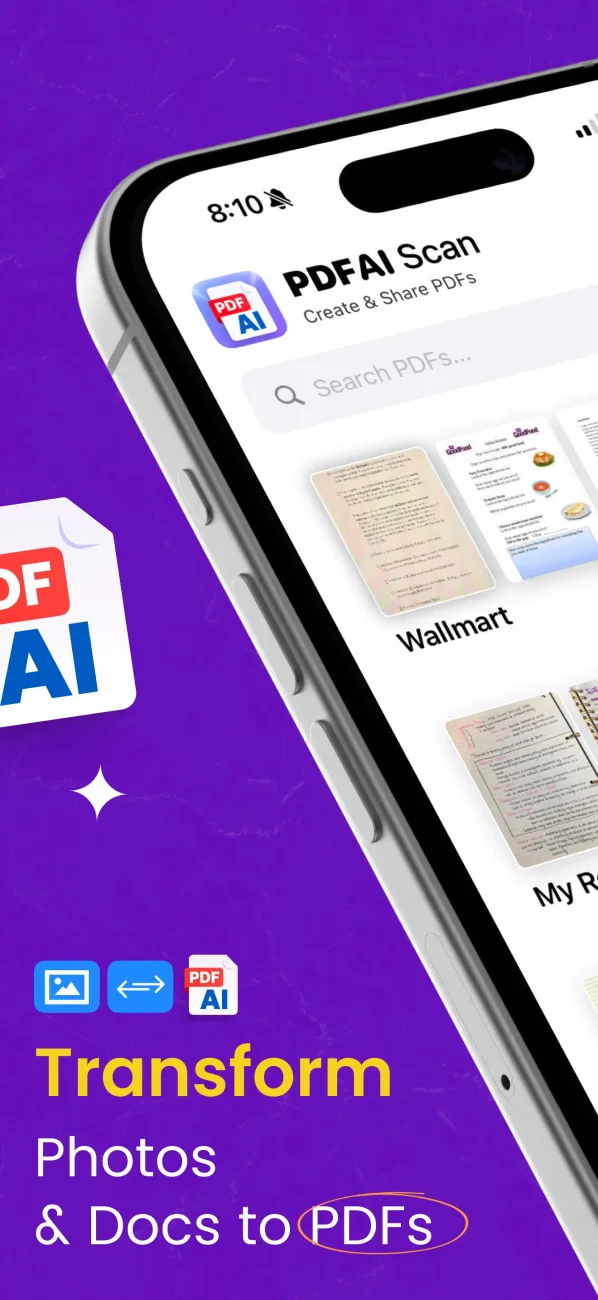
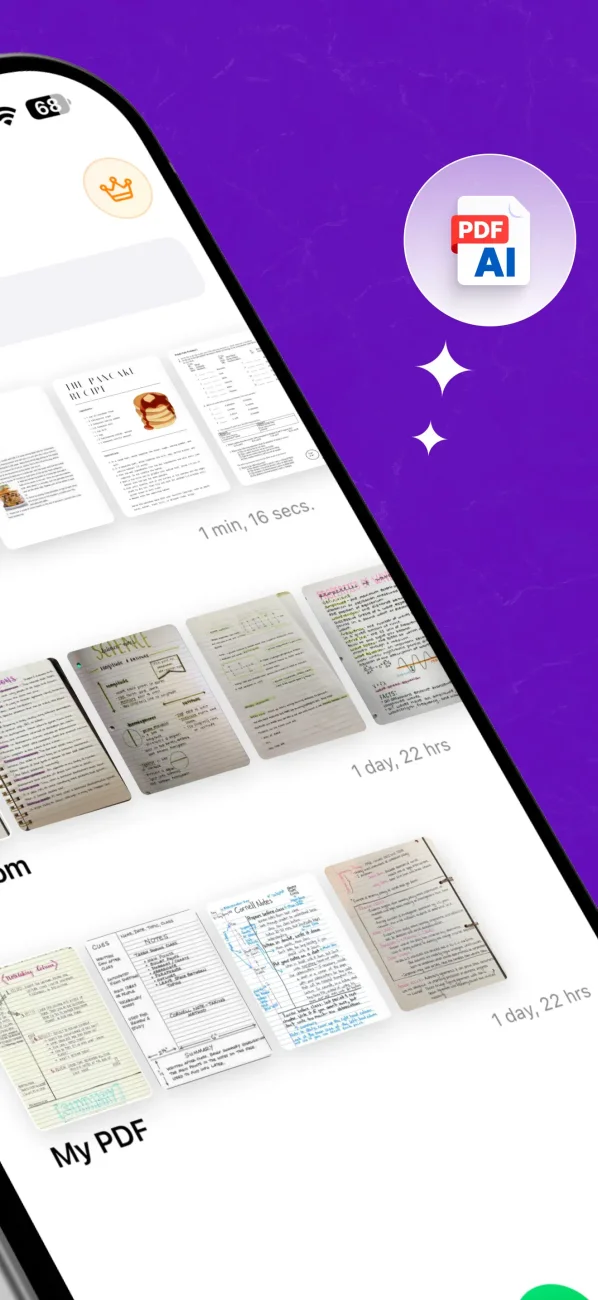
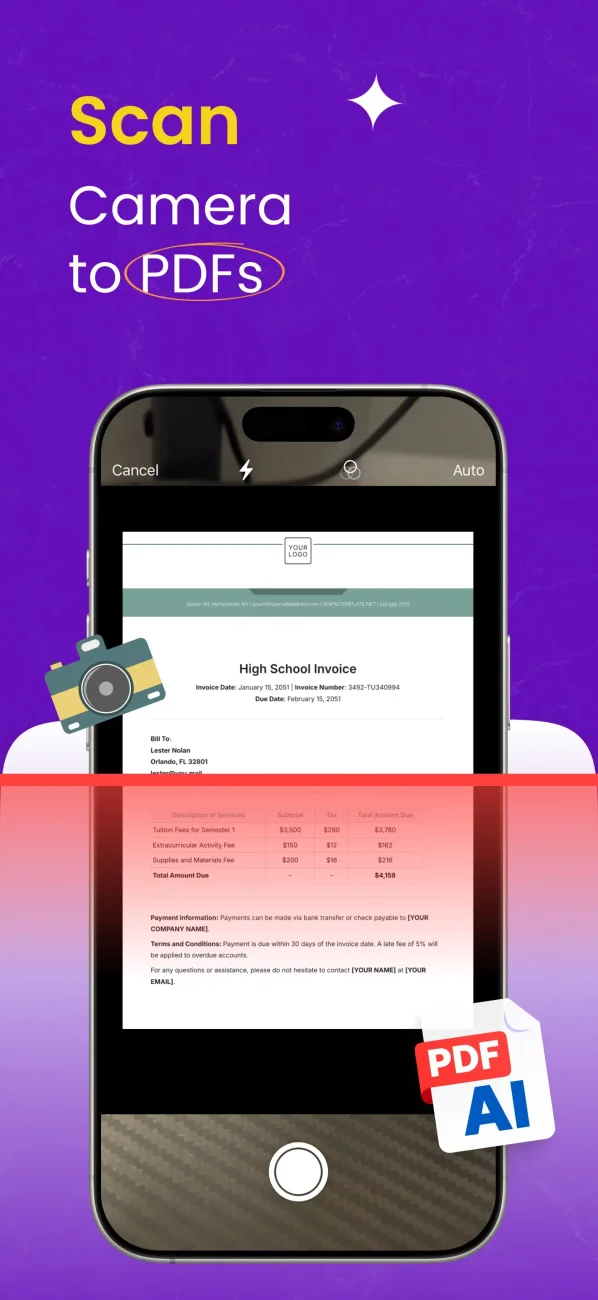
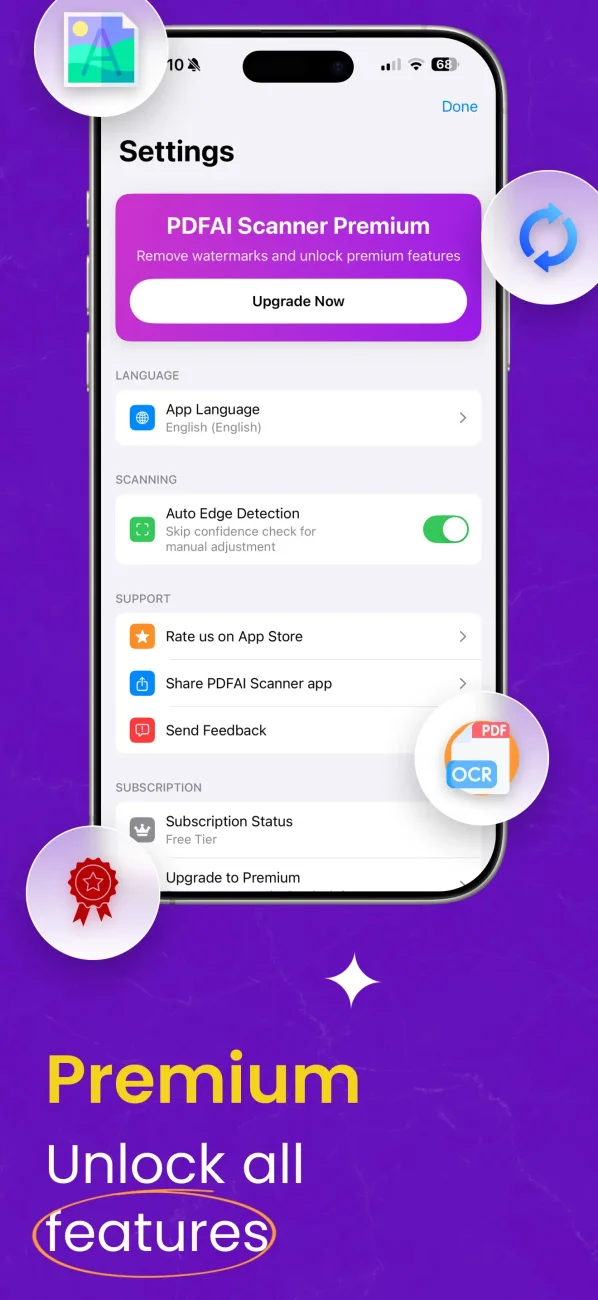
“PDFAI Scan - Document Scanner” turns your iPhone and iPad into a smart document scanner with AI-powered study tools. Take a photo, import from your gallery, or open any PDF. The app makes your documents clearer and helps you learn from them.
◆ Easy Scanning
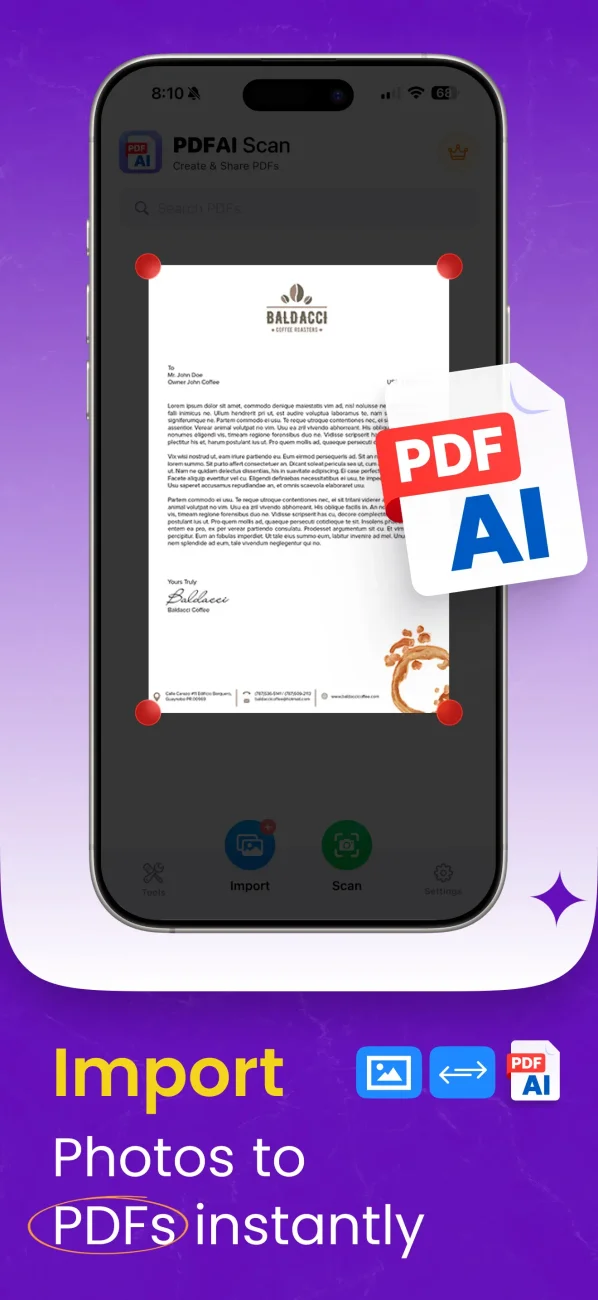
‣ Snap photos with your camera or choose images from your gallery
‣ Automatic document edge detection
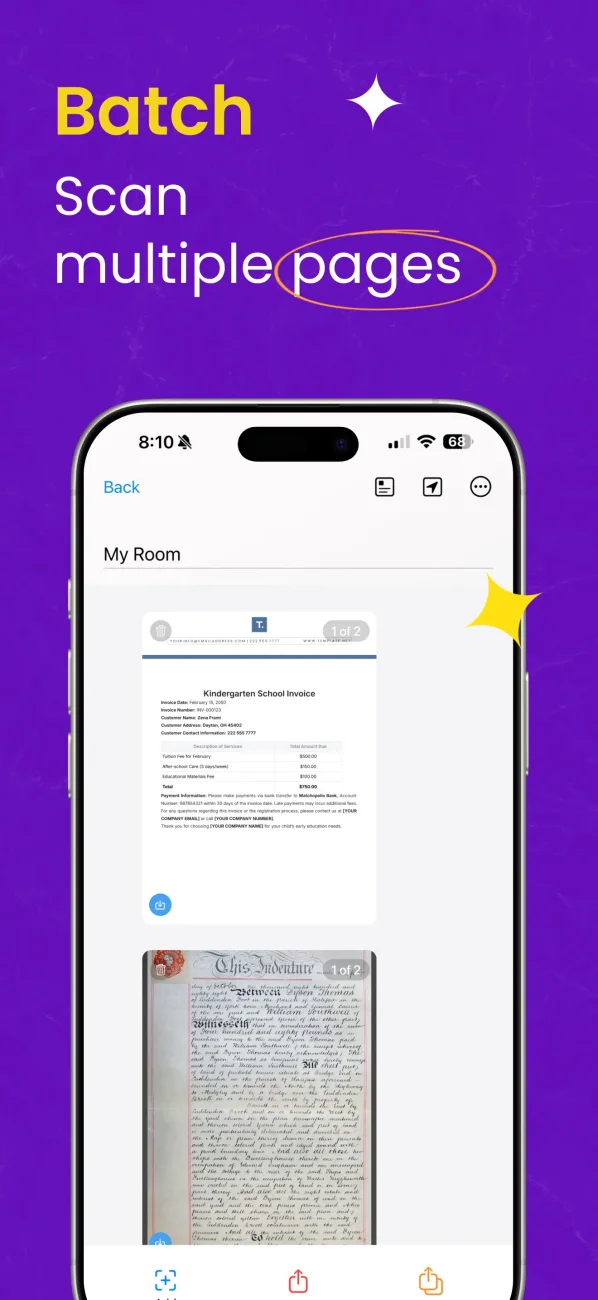
‣ Scan single pages or multi-page documents
‣ Import PDFs, Word documents, and PowerPoint slides
◆ Photo to PDF
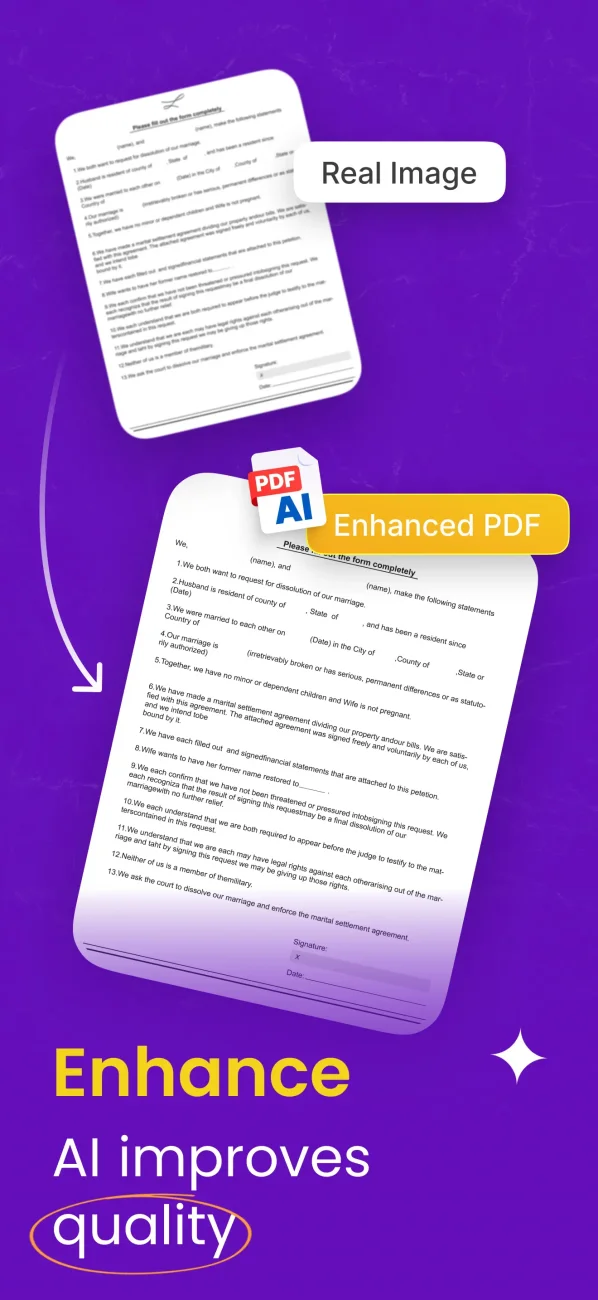
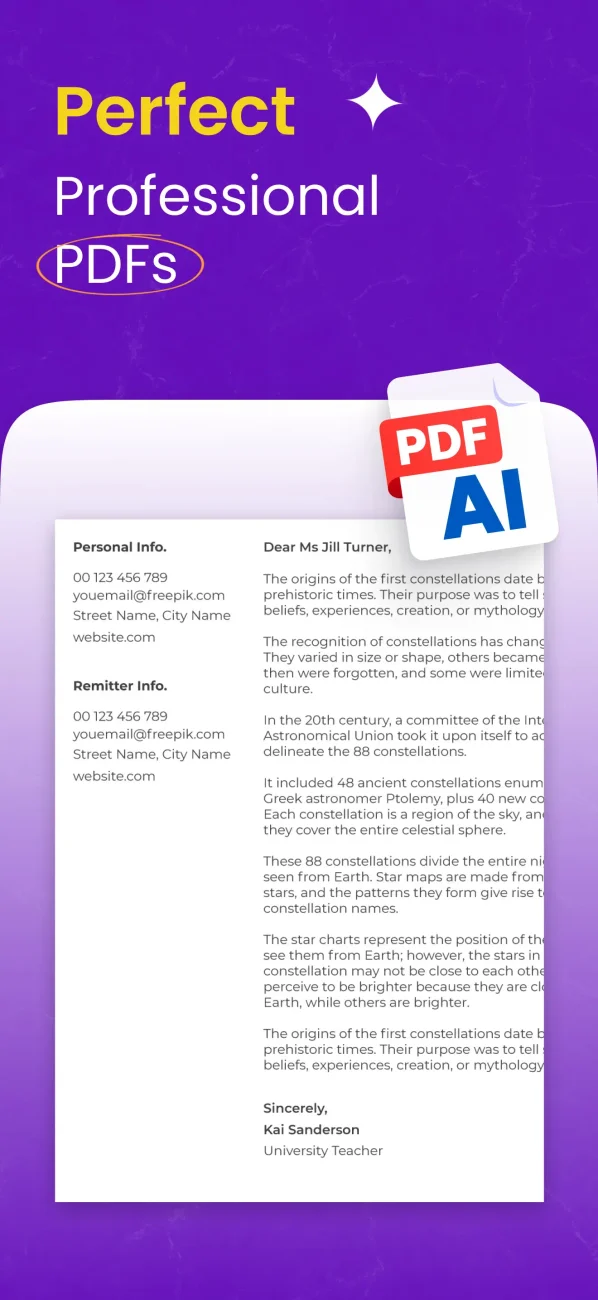
‣ Convert photos (JPG, PNG) into clean, high-quality PDF documents
‣ Enhance text and images for better readability
‣ Extract text from scans in 26+ languages (OCR)
‣ Smart naming automatically gives your documents helpful titles
◆ AI Study Tools
‣ AI Summary – Get key points from any document in seconds
‣ AI Flashcards – Automatically create study cards from your notes
‣ AI Quiz – Test yourself with questions generated from your documents
‣ Chat with PDF – Ask questions and get answers from any document
‣ Fun Mode – Add jokes and humor to make studying more enjoyable
‣ Earn XP and badges as you learn
◆ Listen & Read
‣ Text-to-Speech – Listen to any document read aloud
‣ 150+ voices in many languages
‣ Highlight words as they are read
‣ Great for learning on the go or when your eyes are tired
◆ Save & Share
‣ Export as PDF, Word (DOCX), Text, or images (PNG, JPG)
‣ Save audio files (M4A) to listen to later
‣ Share flashcards in Anki format
‣ Challenge friends with shared quizzes
‣ iCloud sync across iPhone, iPad, and Mac
◆ Premium Features
‣ No watermarks on your files
‣ Unlimited AI summaries, flashcards, and quizzes
‣ More accurate text recognition
‣ Work with multiple files at once
‣ Access to all voices and export options
‣ Priority customer support
◆ Works Everywhere
‣ Supports 32+ languages including English, Spanish, French, German, Chinese, Japanese, Korean, Vietnamese, Arabic, Hindi, and more
‣ Supports right-to-left languages like Arabic and Hebrew
‣ Optimized for iPad with sidebar navigation
‣ Supports VoiceOver, larger text, and haptic feedback
◆ Privacy First
‣ Scanning and text recognition happen on your device
‣ AI features ask for your permission before use
‣ Your documents remain private
‣ Location tagging is optional
Perfect for receipts, homework, notes, forms, books, and important documents. Whether for school, work, or home, “Photo to PDF: PDFAI Scan” makes scanning and studying simple.
Download “PDFAI Scan - Document Scanner” today and turn any document into a powerful learning tool.
PDFAI Premium
‣ Weekly $3.99 · Monthly $4.99 · Annual $39.99 (save up to 80%)
‣ 7-day free trial with the monthly plan
‣ Prices are in USD and may vary by country
‣ Subscriptions automatically renew unless cancelled at least 24 hours before the end of the current period
‣ Payment is charged to your Apple ID upon confirmation of purchase
‣ Manage or cancel your subscription anytime in Account Settings
‣ Any unused portion of a free trial will be forfeited when you purchase a subscription
‣ EULA: https://www.apple.com/legal/internet-services/itunes/dev/stdeula/
What’s new
Version 2.4.2 · Nov 20, 2026
Improved document reading with clearer controls for pages, search, display settings, annotations, and AI tools.
Updated Home and Library cards with document thumbnails and new-document badges.
Fixed a crash when opening the document scanner and improved text and signature editing.
Improved AI document processing, saved results, and audio reading.
App privacy
What Duc Lai declares on the App Store about how this app handles data.
-
Data used to track you
May be used to track you across apps and websites owned by other companies.
- Purchases
- Identifiers
- Usage data
-
Data linked to you
May be collected and linked to your identity.
- Purchases
- Identifiers
- Usage data
-
Data not linked to you
May be collected but is not linked to your identity.
- User content
- Diagnostics
Privacy practices may vary, for example with the features you use or your age.
Information
- Seller
- Duc Lai
- Category
- Productivity
- Version
- 2.4.2
- Updated
- Nov 20, 2026
- Released
- Aug 21, 2024
- Size
- 69.6 MB
- Requires
- iOS 16.0 or later
- Age rating
- 4+
- Price
- Free
- In-app purchases
- Yes
- Languages
- English, Arabic, Czech, Danish, Dutch, Finnish, French, German, Greek, Hindi, Hungarian, Indonesian + 14 more
- Copyright
- © AAAI.Studio
You might also like
-
 TranscriptorReal-time voice transcription
-
 AVR X Pro - Voice MemosAI Transcribe & Summarize
-
 XLSX to PDF ConverterConvert XLSX Files to PDF
-
 Private AI : NivonLLM, Offline & Secure
-
 AI SummaryAI summary of youtube videos
-
 Phone Security & Secret VaultMobile Security & Privacy
-
 AI Writer: Story, Email, PoemAI Writing app: Text Generator
-
 Screenshot Editor - TextMaskRedact, Highlight & Blur Text
-
 Scan PDF-Convert DocumentOCR & PDF document scanner
-
 Notee: Note AI TakerTranscribe audio to text