
- Age rating4+
- CategoryBusiness
- DeveloperBryan Ollivier
- LanguagesEnglish
- Size94.3 MB
Links to the official App Store page
Download.org hosts no file of PeakForms. The button opens its official App Store page, published by Bryan Ollivier. Listing last checked on Nov 18, 2026.
Screenshots
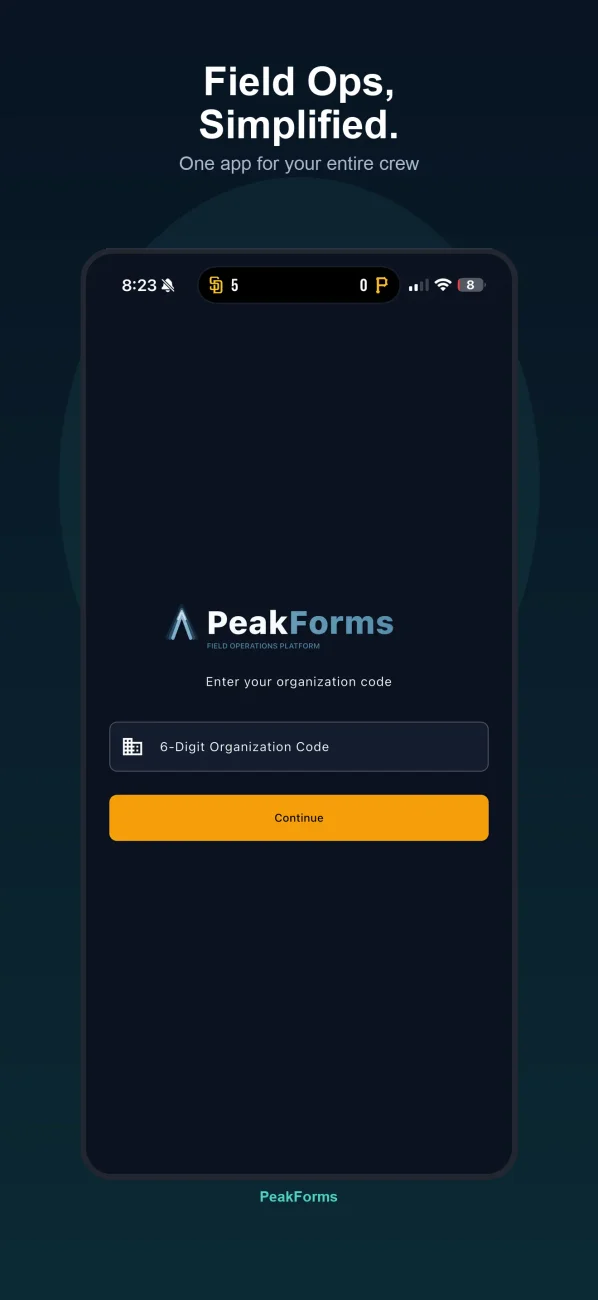
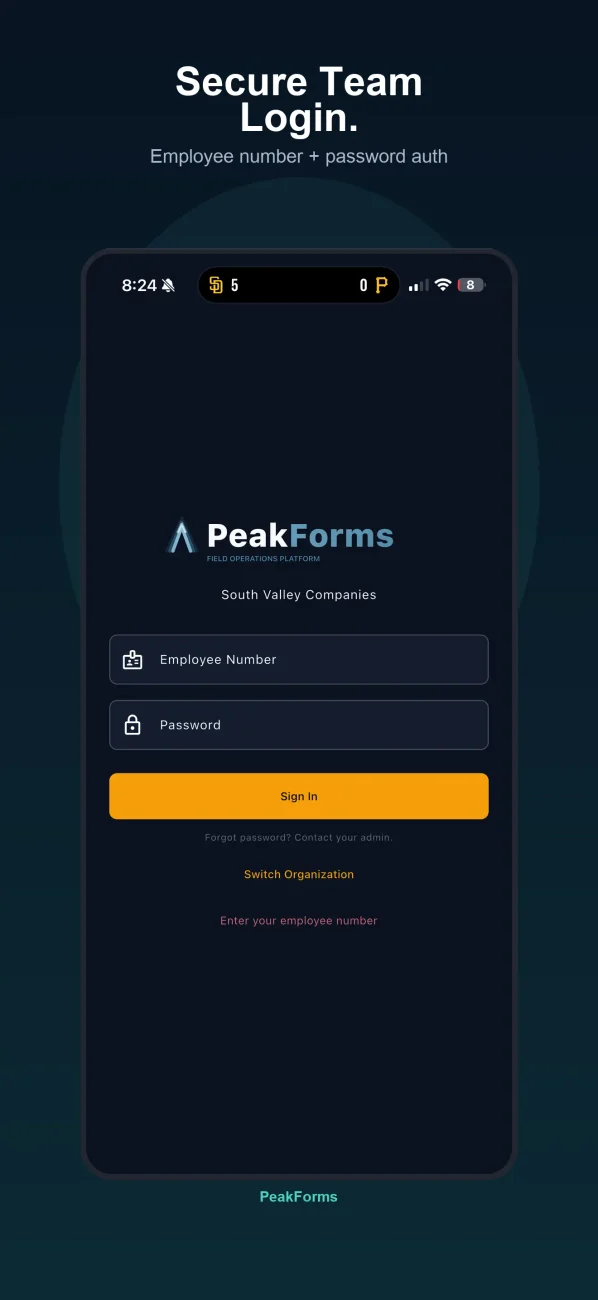
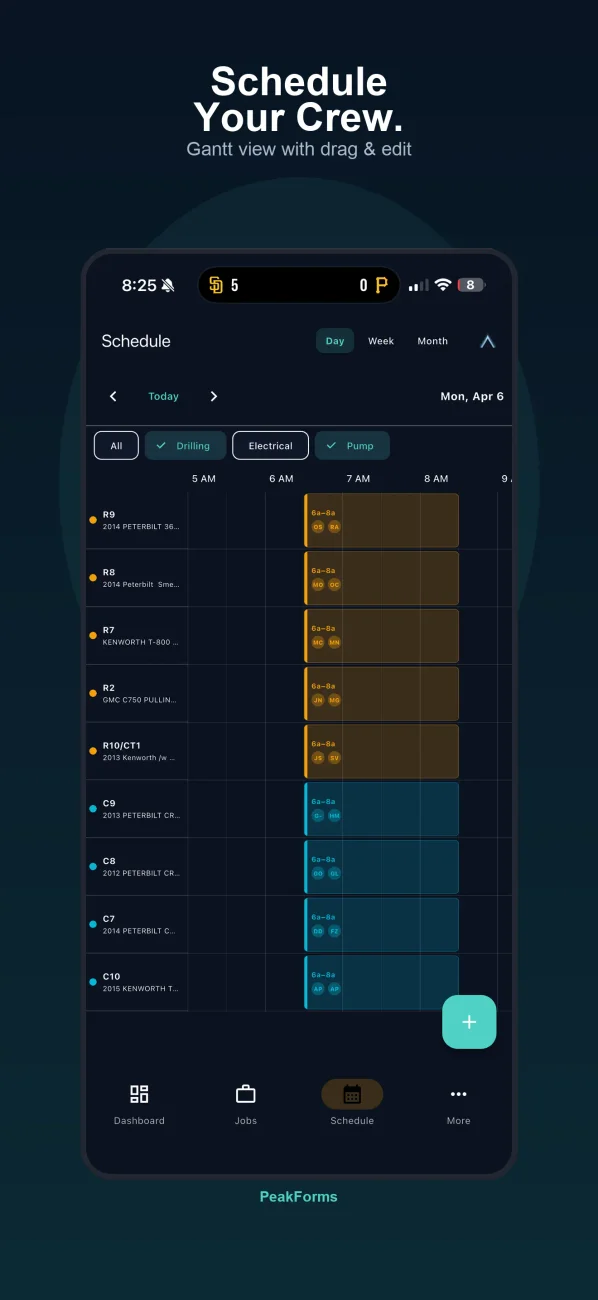
About
PeakForms is the offline-first field operations platform built for construction, industrial, and service companies. Replace paper forms with fast, reliable digital workflows your crew can use anywhere — even in dead zones.
KEY FEATURES:
- Offline-First: Submit daily worksheets, JSAs, vehicle inspections, and custom forms with or without internet. Data saves locally and syncs automatically when connectivity returns.
- Digital Signatures: Capture crew signatures right on the device. No more chasing down wet-ink sign-offs.
- Photo Documentation: Snap site photos and attach them directly to forms. GPS-tagged and time-stamped automatically.
- Job Tracking: View all your active jobs in one place with GPS directions, customer details, and every form ever submitted to a job.
- 30-Second Forms: Big buttons, smart defaults, and no scrolling through menus. Built for workers wearing gloves in the field.
- ERP Integration: Sync billable hours, equipment usage, and materials directly to Microsoft Business Central, QuickBooks, or your accounting system.
HOW IT WORKS:
1. Your administrator sets up your organization in the PeakForms admin portal — employees, jobs, equipment, and customers.
2. Download the app and log in with your employee number.
3. Start submitting forms. Data flows to the cloud and into your company's systems automatically.
PeakForms was built by people who understand what it takes to work in the field. No fluff, no clutter — just the tools that matter.
What’s new
Version 2.0.14 · Nov 9, 2026
• Split-screen layouts for iPhone Duo, landscape iPhone, and iPad.
• One searchable picker for Ops and Safety forms.
• Safety screens follow your light or dark appearance.
• Refreshed fonts.
• Face ID no longer re-prompts when switching Duo displays.
• Reconnect an expired session with your password while keeping data saved on your device.
App privacy
What Bryan Ollivier declares on the App Store about how this app handles data.
-
Data linked to you
May be collected and linked to your identity.
- Location
- Contact info
- User content
- Identifiers
Privacy practices may vary, for example with the features you use or your age.
Information
- Seller
- Bryan Ollivier
- Category
- Business
- Version
- 2.0.14
- Updated
- Nov 9, 2026
- Released
- Mar 12, 2026
- Size
- 94.3 MB
- Requires
- iOS 16.0 or later
- Age rating
- 4+
- Price
- Free
- Languages
- English
- Copyright
- © 2026 Peak Dynamics ERP, LLC.
You might also like
-
 FormForceConquer Compliance.
-
 CSUB NextTech KernBusiness
-
 Wood Pole GuideBusiness
-
 Bonadelle NeighborhoodsBusiness
-
 MobileMMSBusiness
-
 WindEDIT LiteFor remote monitor and control
-
 ITS GoProductivity
-
 Enverus OpenTicket MobileTicket Creation & Job Tracking
-
 Bible Note for ChristianChristian note taking app
-
 NSC 2025 Safety Congress&ExpoBusiness