
Peek: Learn Language Passively
Widget & Lockscreen Flashcards
Designed for iPhone
Free · In-app purchases
- Age rating4+
- CategoryEducation
- DeveloperMelvyn Hoarau
- LanguagesEnglish+ 17 more
- Size59.1 MB
Links to the official App Store page
Download.org hosts no file of Peek: Learn Language Passively. The button opens its official App Store page, published by Melvyn Hoarau. Listing last checked on Nov 17, 2026.
Screenshots
About
Do you want to learn languages naturally by picking up new words and vocabulary through quick daily glances?
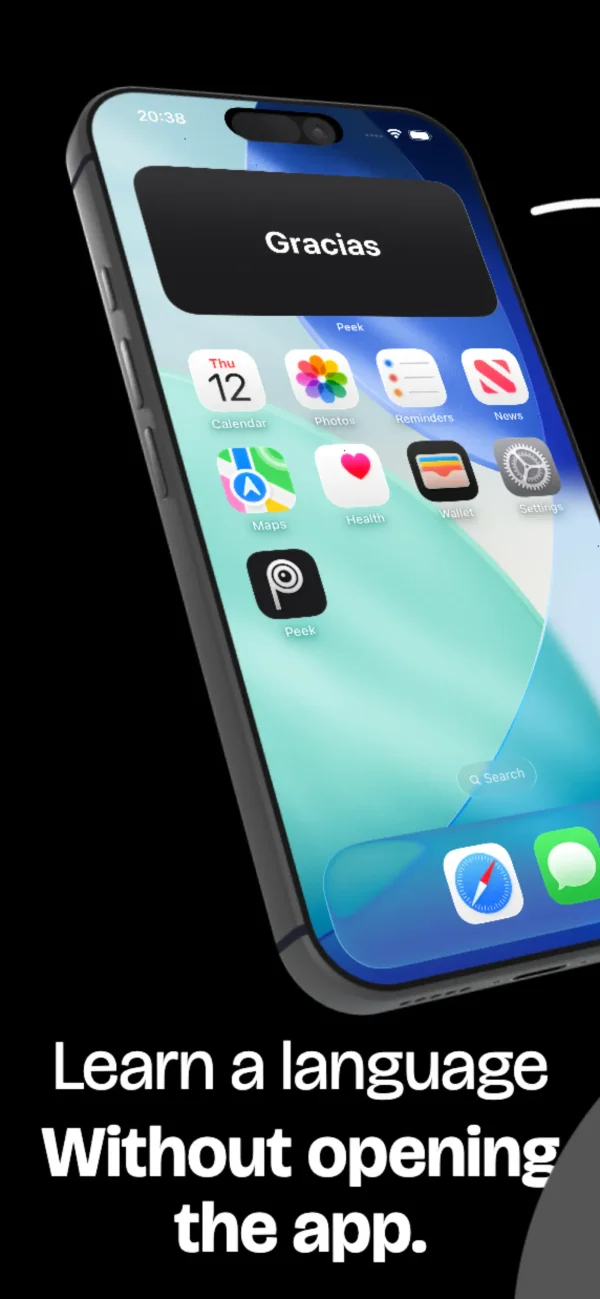
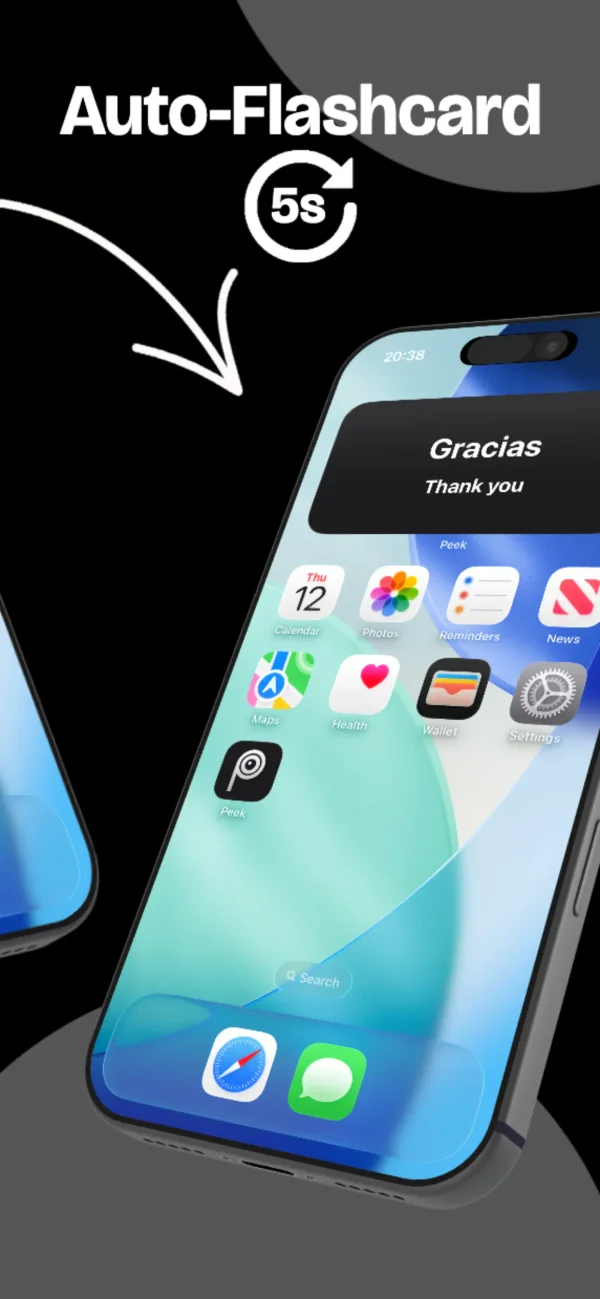
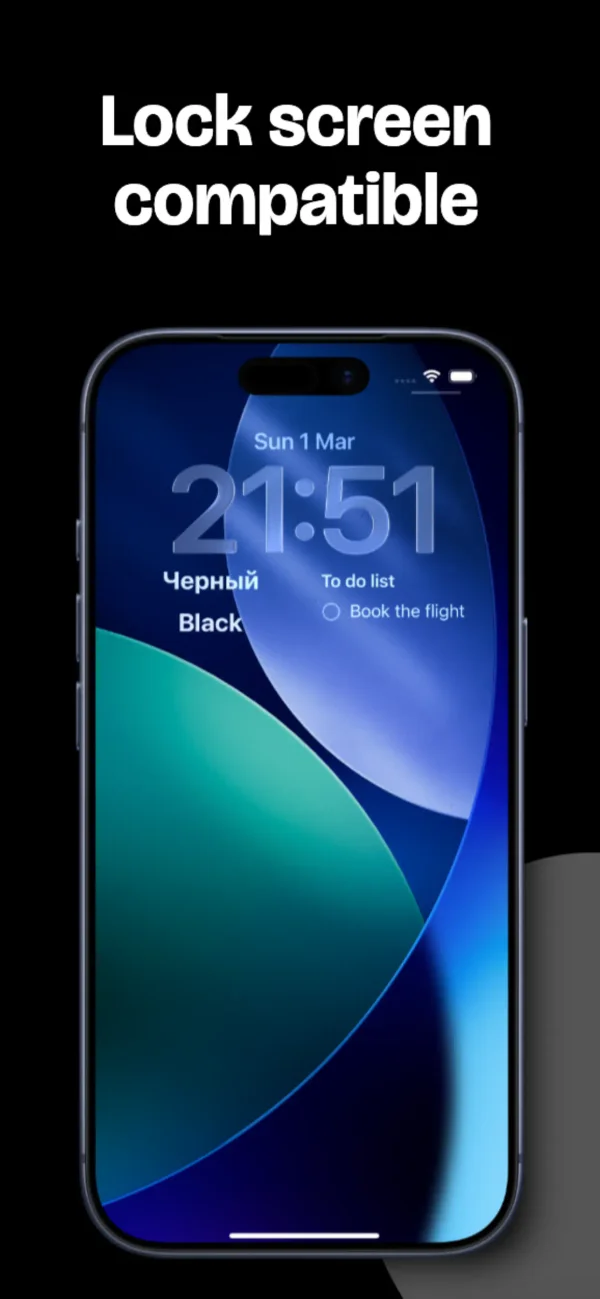
Welcome to Peek – a passive language learning app that lets you learn new languages directly from your home screen. Peek is designed for language learners who want to learn new languages through natural repetition and simple exposure to vocabulary and phrases throughout the day. Instead of opening the app for lessons or studying flashcards manually, it helps you learn by showing automatic flashcards on your home screen widget throughout the day.
Whether you are checking your phone during the day, working, or relaxing, Peek lets you improve your vocabulary recognition and language familiarity without pressure or complicated lessons.
How to Use Peek?
1. Install the app
2. Add the widget on your home screen
3. Start learning from daily glances
Just install Peek and add the smart widget to your home screen. The widget will automatically display flashcards with new words and phrases throughout the day so you can learn naturally while checking the time, notifications, or weather.
You don’t need to open the app constantly. Every quick glance at your phone becomes a small learning moment.
Key Features of Peek:
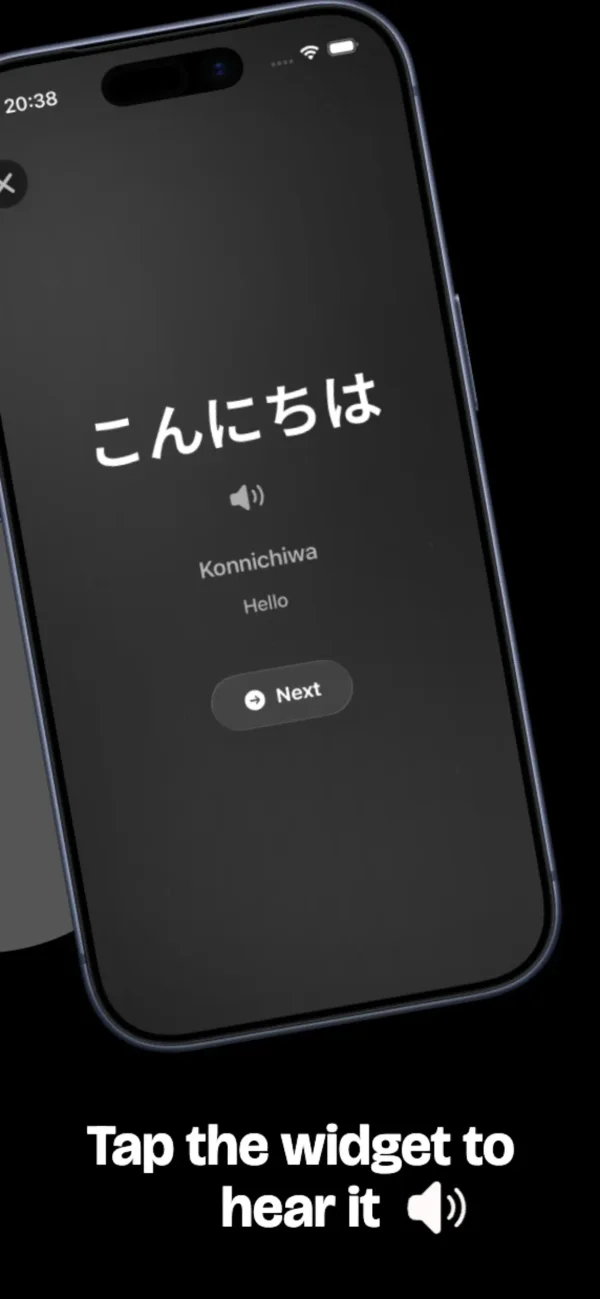
Passive language learning: Learn languages naturally through auto-updating flashcards that appear on your home screen widget.
Home screen widget learning: Smart flashcards appear directly on your home screen, turning everyday screen checks into learning opportunities.
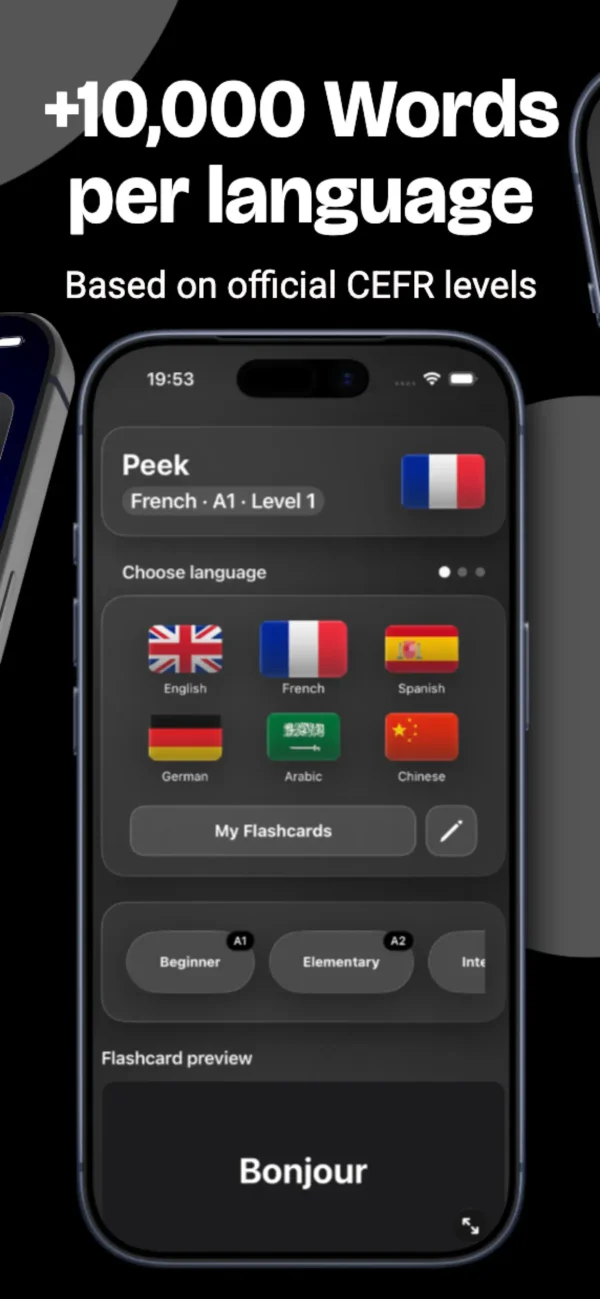
Create your own flashcards: Add your own words, phrases, and translations to personalize your learning experience and focus on what matters most to you.
Natural daily exposure: Dozens of quick exposures each day help your brain remember vocabulary effortlessly over time.
Smart vocabulary building: Common words and useful phrases repeat naturally to help improve memory and recognition.
Simple and stress-free learning: No long sessions, no pressure, and no need to open the app constantly.
So why wait? Install Peek, add the widget to your home screen, and turn your everyday screen time into a simple language learning habit.
Terms of Use:
https://www.apple.com/legal/internet-services/itunes/dev/stdeula/
What’s new
Version 1.2.5 · Nov 8, 2026
- iPhone Duo compatibility
App privacy
What Melvyn Hoarau declares on the App Store about how this app handles data.
-
Data not collected
The developer does not collect any data from this app.
Privacy practices may vary, for example with the features you use or your age.
Information
- Seller
- Melvyn Hoarau
- Category
- Education
- Version
- 1.2.5
- Updated
- Nov 8, 2026
- Released
- Mar 9, 2026
- Size
- 59.1 MB
- Requires
- iOS 18.2 or later
- Age rating
- 4+
- Price
- Free
- In-app purchases
- Yes
- Languages
- English, Arabic, Dutch, French, German, Hindi, Italian, Japanese, Korean, Polish, Portuguese, Russian + 6 more
- Copyright
- © 2026 Melvyn Hoarau
You might also like
-
 ReadArabic: Learn ArabicTap & Translate Stories
-
 Glance Widget: Easy VocabularyDaily Words & Vocab Builder
-
 Wordify: Vocabulary FlashcardsLearn Words with Widgets
-
 Wrd – Word of the Day WidgetLearn Words on Lock Screen
-
 Brill: Language at First SightThe Language Widget
-
 LinguistWidget: Daily WordLearn words from widgets
-
 LinguaWidgetSpanish vocabulary widget
-
 Lingo Widget: Daily VocabularyWord Flashcards · Lock Screen
-
 Mishka: Learn Russian LanguageTutor-Made Stories & Grammar
-
 DoomersionDoomscroll to Learn Languages