Pendl: Metronome
Metronome, Polyrhythm & Swing
Designed for iPhone, iPad
Free · In-app purchases
- Age rating4+
- CategoryMusic
- DeveloperGreg Raine
- LanguagesEnglish+ 4 more
- Size5.7 MB
Links to the official App Store page
Download.org hosts no file of Pendl: Metronome. The button opens its official App Store page, published by Greg Raine. Listing last checked on Nov 18, 2026.
Screenshots

About
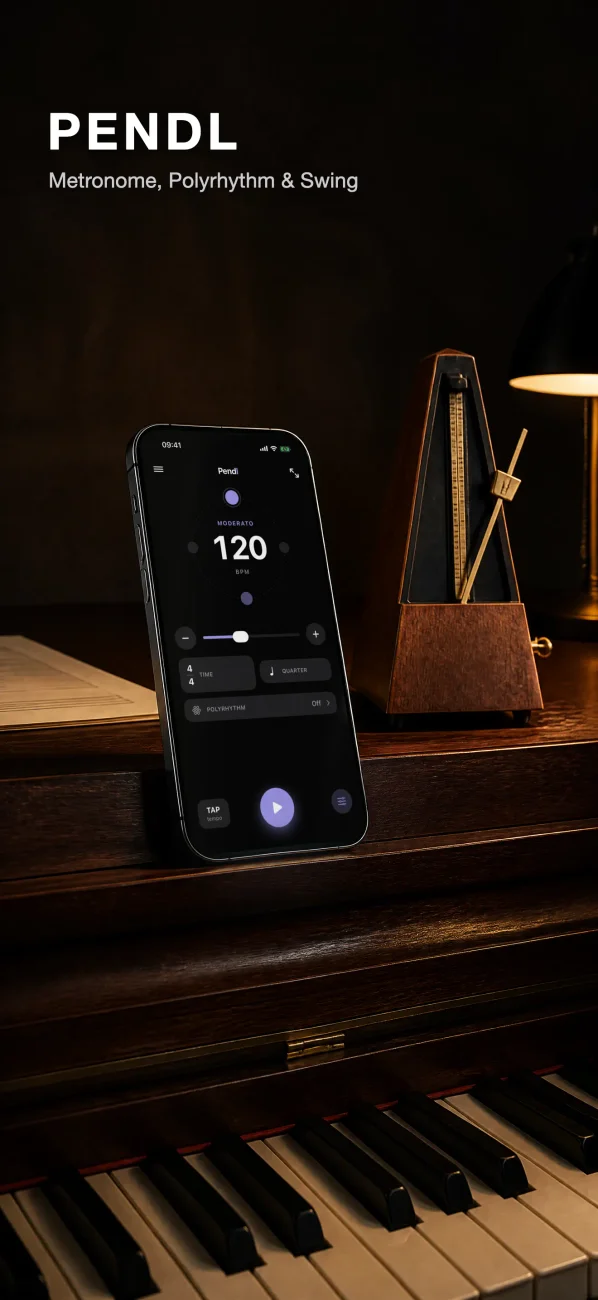
Pendl is a metronome that stays out of your way — and a joy to look at while it works.
Most metronome apps are a blinking dot and a number. Pendl gives every beat a color, so you can see the pulse as clearly as you hear it — from the practice room to the back of the stage.
KEEP TIME, IN COLOUR
A precise, low-latency click with a clean face you can read at a glance. No clutter, no gimmicks — just rock-solid tempo.
A COLOUR FOR EVERY BEAT
Shape any measure with four beat weights — down, accent, normal and mute. Build the exact feel of your meter and see it laid out in front of you.
GREEN MEANS IT LANDED
The sounding beat flashes green, dead on the click. Instant visual feedback for locking in your timing — no more guessing whether you're ahead or behind.
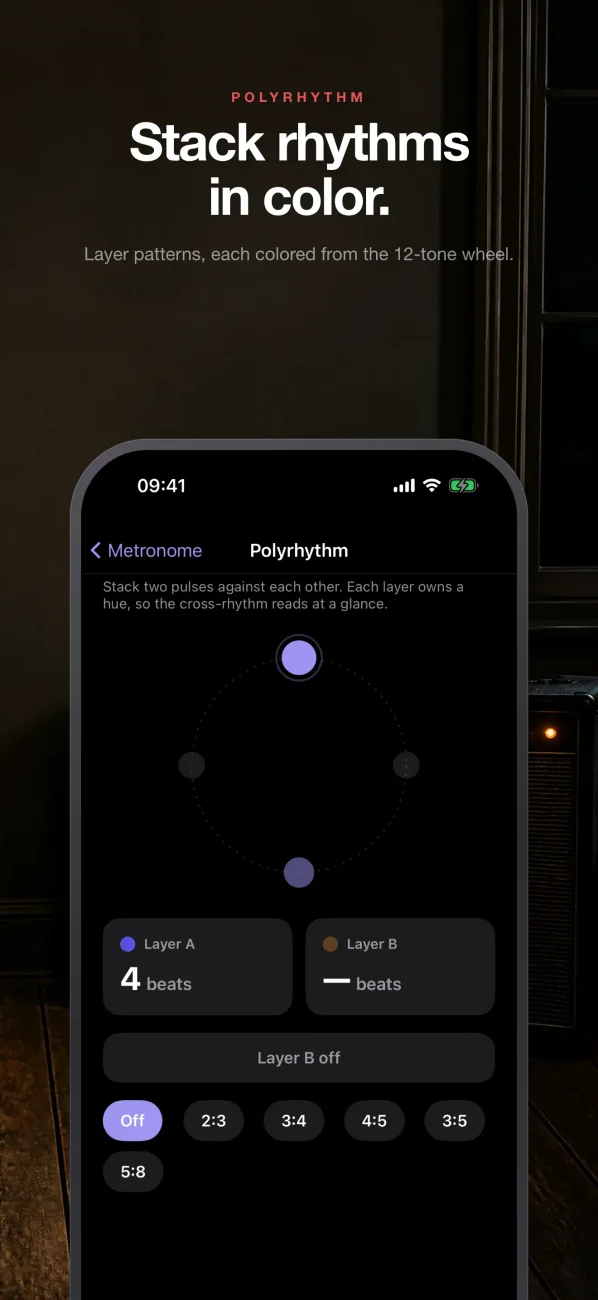
ODD METERS & POLYRHYTHM
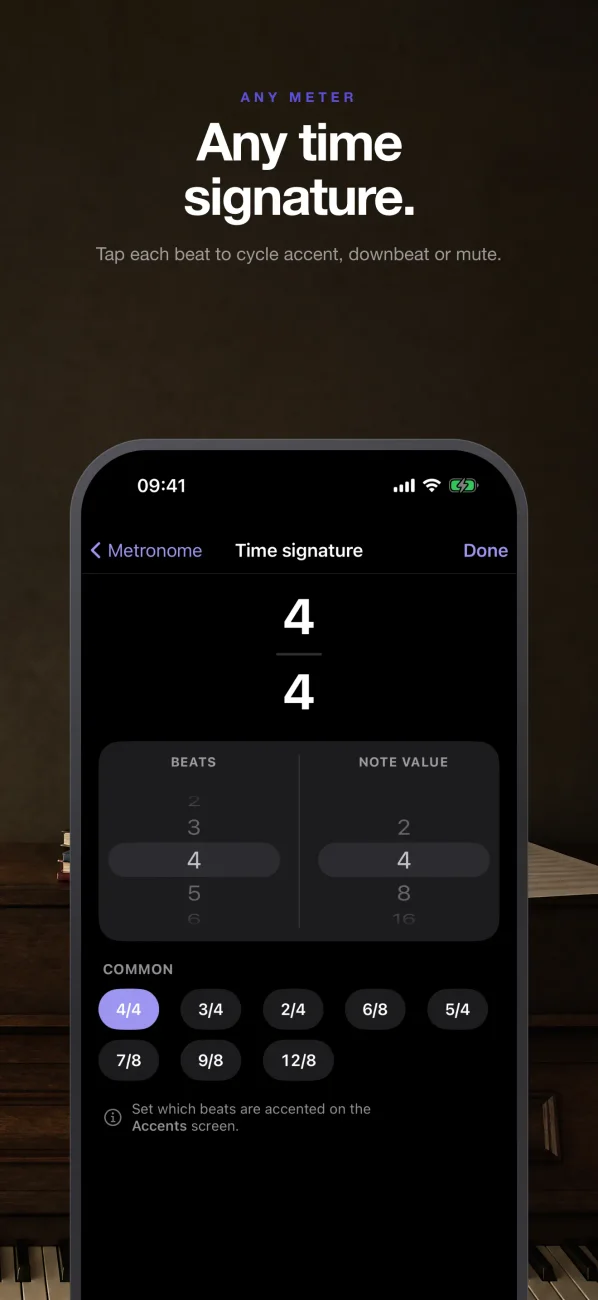
Go past 4/4. Stack two pulses at once — 3 over 4, 5 over 4, whatever the chart demands — each layer in its own color so the pattern stays readable.
STAGE MODE
A low-chrome, high-contrast fullscreen view designed for the music stand. Set it on the piano or the desk and read the beat from across the room.
PRACTICE TOOLS
Presets for every piece you're working on, a gap trainer that drops the click so you have to hold the tempo yourself, and a tempo trainer that ramps you up bar by bar. Part of Pendl Pro — one payment, no subscription.
MADE FOR REAL PRACTICE
• Wide tempo range with tap-tempo
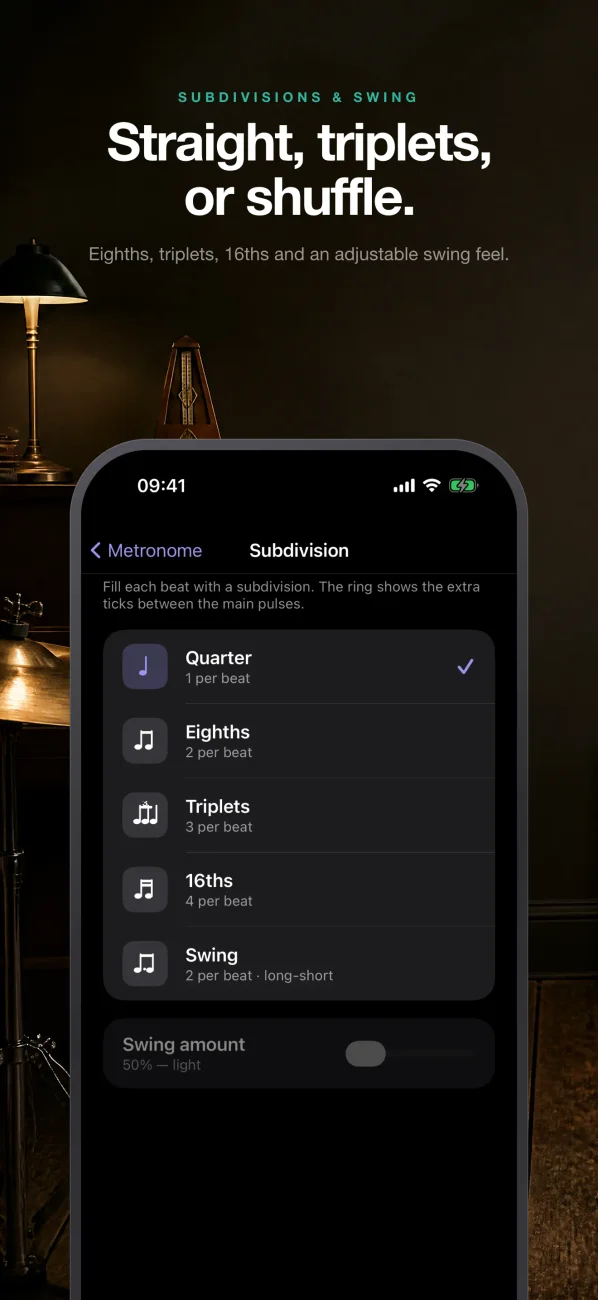
• Custom subdivisions and accent patterns
• Adjustable click sounds
• Clean, distraction-free interface
Whether you're drilling scales, tightening a band or holding tempo on stage, Pendl keeps you honest — and makes practicing something you actually want to look at.
Download Pendl and keep time, in color.
What’s new
Version 1.1.0 · Sep 25, 2026
Pendl 1.1 is built around the practice session.
• Practice timer — Choose how long to practice and Pendl stops when time is up. The time left shows on the main screen and on stage.
• Bars and elapsed time — See how many bars you’ve played and how long you’ve been going.
• Half and double tempo — Two buttons under the tempo slider halve or double the tempo in one tap.
• Click balance — Set the accent and sub-click levels against the main beat.
• A count-in of its own — The count-in now has its own sound, and “Count in once” skips it when you restart the same exercise.
• Vary the silence (Pendl Pro) — Gap-click training can mute a different number of bars each time, so you can’t see the silence coming.
• One back button — Settings and Presets each have a single way back.
App privacy
What Greg Raine declares on the App Store about how this app handles data.
-
Data not linked to you
May be collected but is not linked to your identity.
- Usage data
- Diagnostics
Privacy practices may vary, for example with the features you use or your age.
Information
- Seller
- Greg Raine
- Category
- Music
- Version
- 1.1.0
- Updated
- Sep 25, 2026
- Released
- Jul 7, 2026
- Size
- 5.7 MB
- Requires
- iOS 26.0 or later
- Age rating
- 4+
- Price
- Free
- In-app purchases
- Yes
- Languages
- English, French, German, Japanese, Spanish
- Copyright
- © Greg Raine
You might also like
-
 Drums Architect ProUltimate Beat Maker
-
 Xsynth EditorMusic
-
 Tempo: Simple Drum notationOne bar. Total focus.
-
 Clockworks – Easy Polyrhythms!Polyrhythmic music maker
-
 Beattronome: Metrónomo BateríaMetrónomo Batería y Rudimentos
-
 GenuineSounds Vol. IIGemini Edition
-
 SUS4 Chord ID: Chord FinderPlay a chord, see its name
-
 ShimmerVerbMassive ethereal reverb
-
 ProMetronome+Polyrhythm, Pendulum & Tempo
-
 MathRonome2 Rings with toggleable beats