
Penguin Planner: Schedule
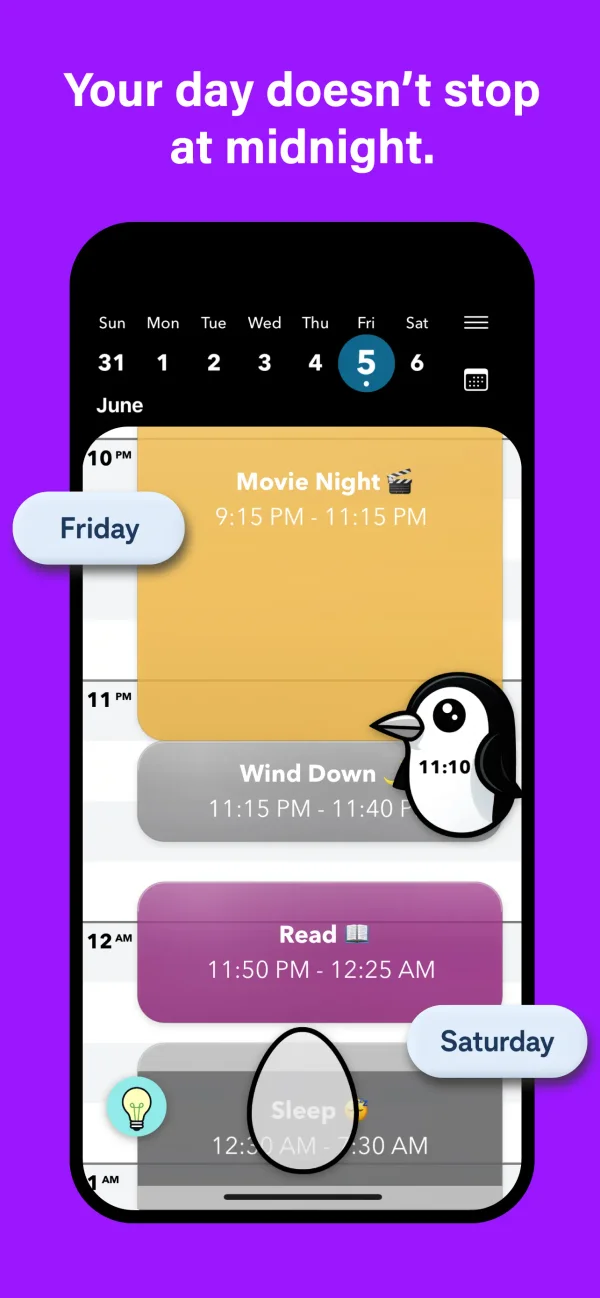
Plan on a Continuous Timeline
Designed for iPhone, iPod touch
Free · In-app purchases
- Age rating4+
- CategoryProductivity
- DeveloperCharles Torosian
- LanguagesEnglish
- Size142.7 MB
Links to the official App Store page
Download.org hosts no file of Penguin Planner: Schedule. The button opens its official App Store page, published by Charles Torosian. Listing last checked on Nov 12, 2026.
Screenshots
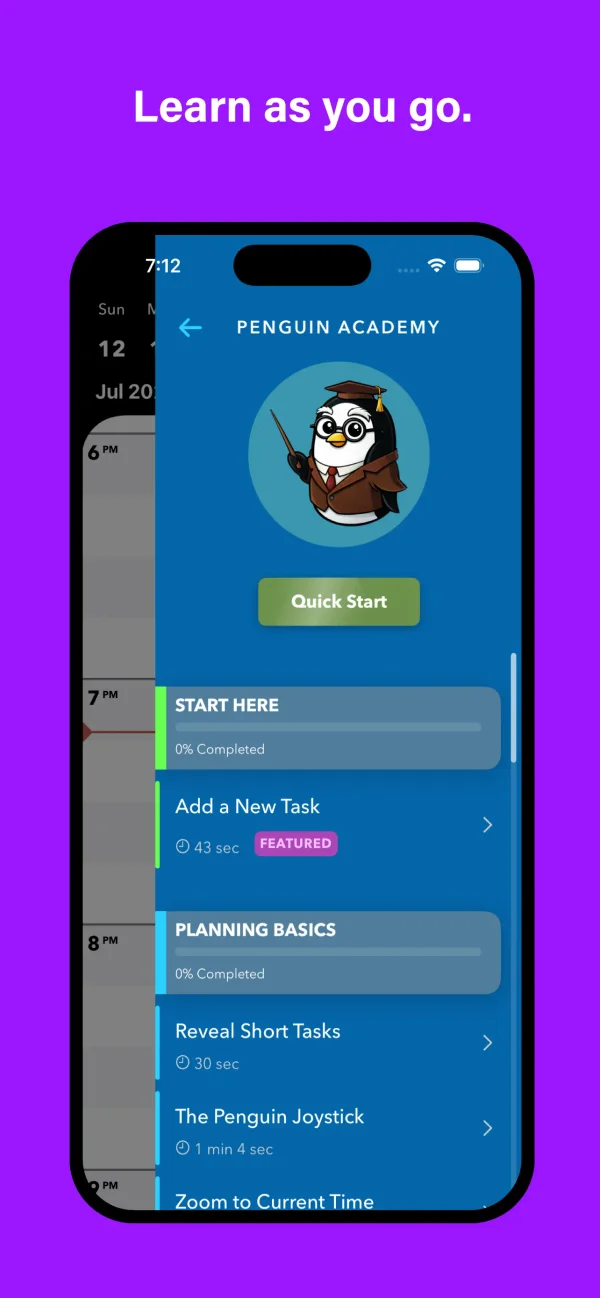
About
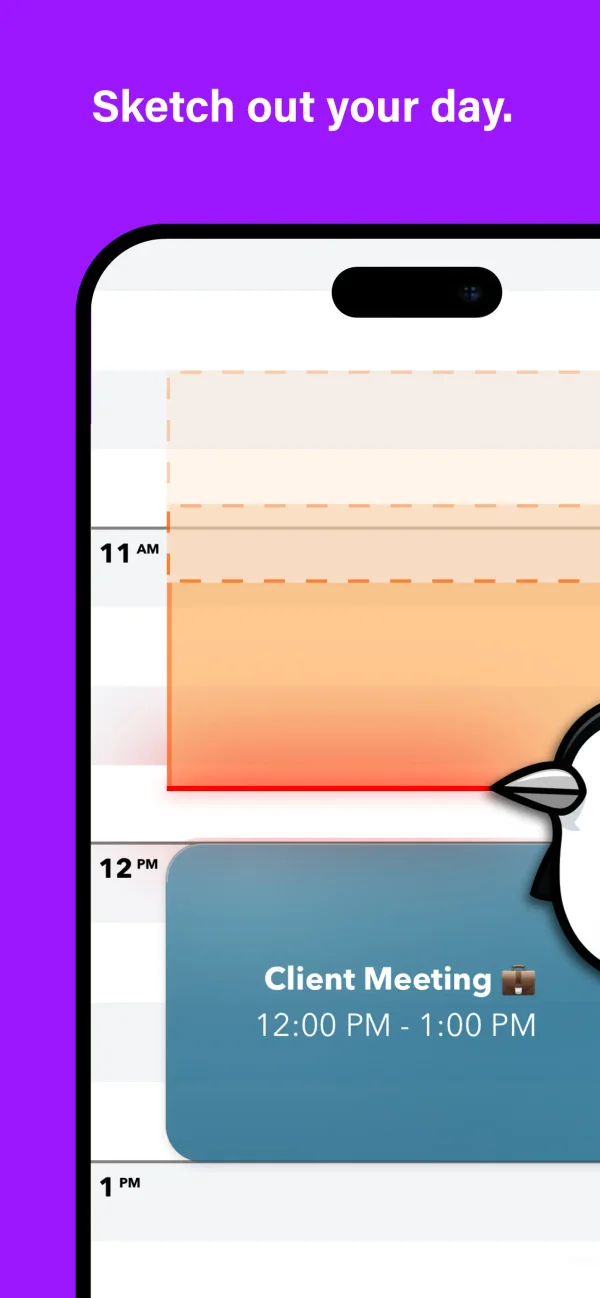
Plan your day by drawing tasks directly onto a continuous timeline.
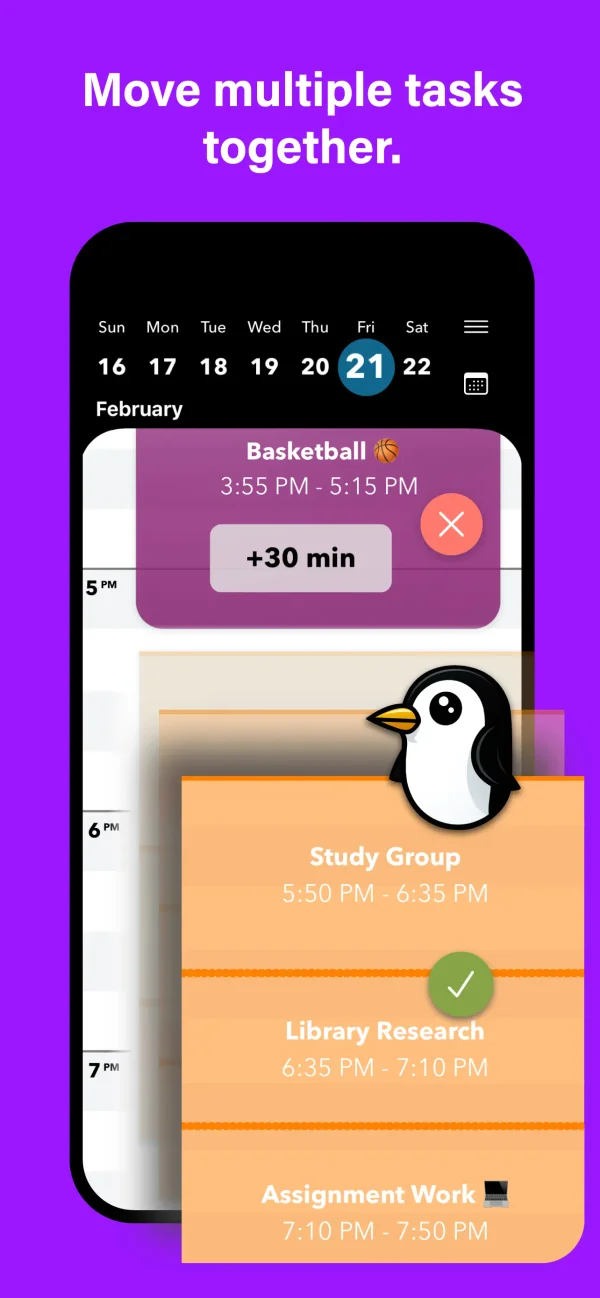
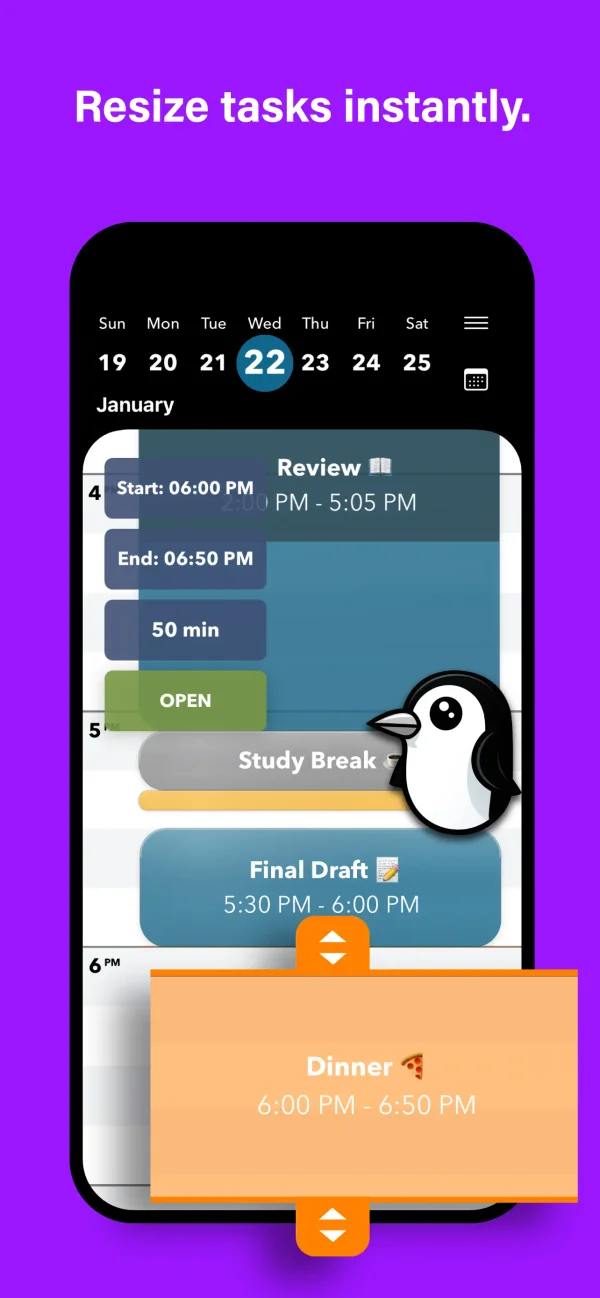
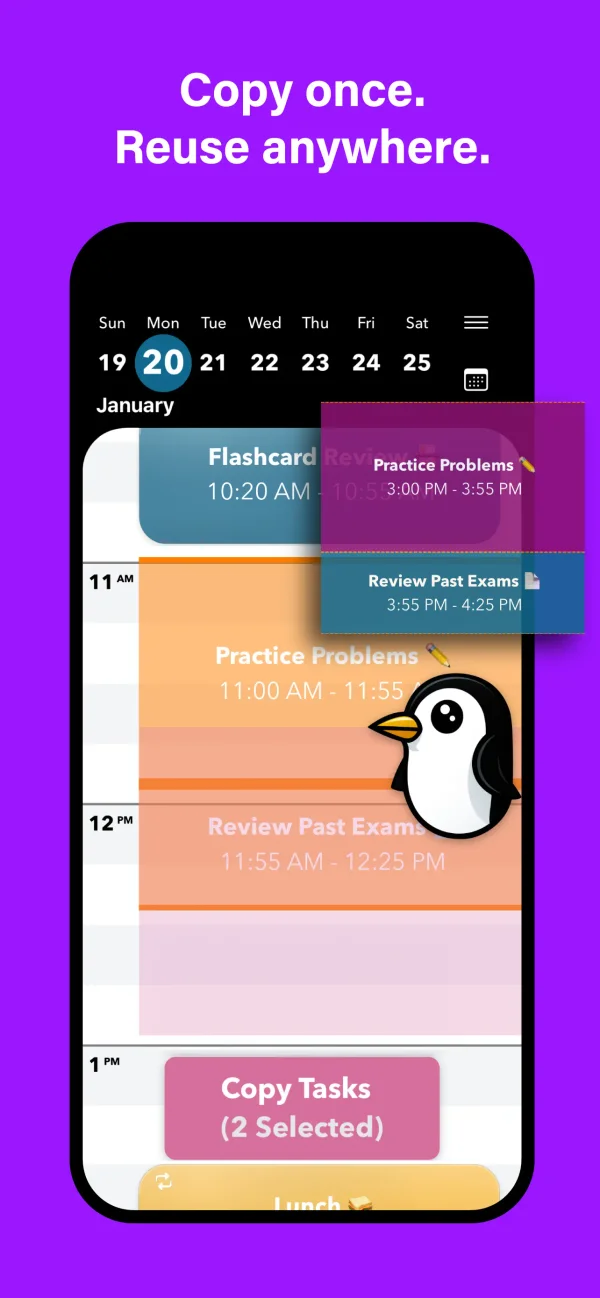
See your schedule take shape as you plan. Stretch tasks to match the time they really need, move whole groups when plans shift, and copy routines exactly where you point.
Instead of juggling a to-do list and a calendar, build a schedule you can actually see.
FEATURES
• Continuous timeline that flows naturally across days
• Draw tasks directly on the timeline
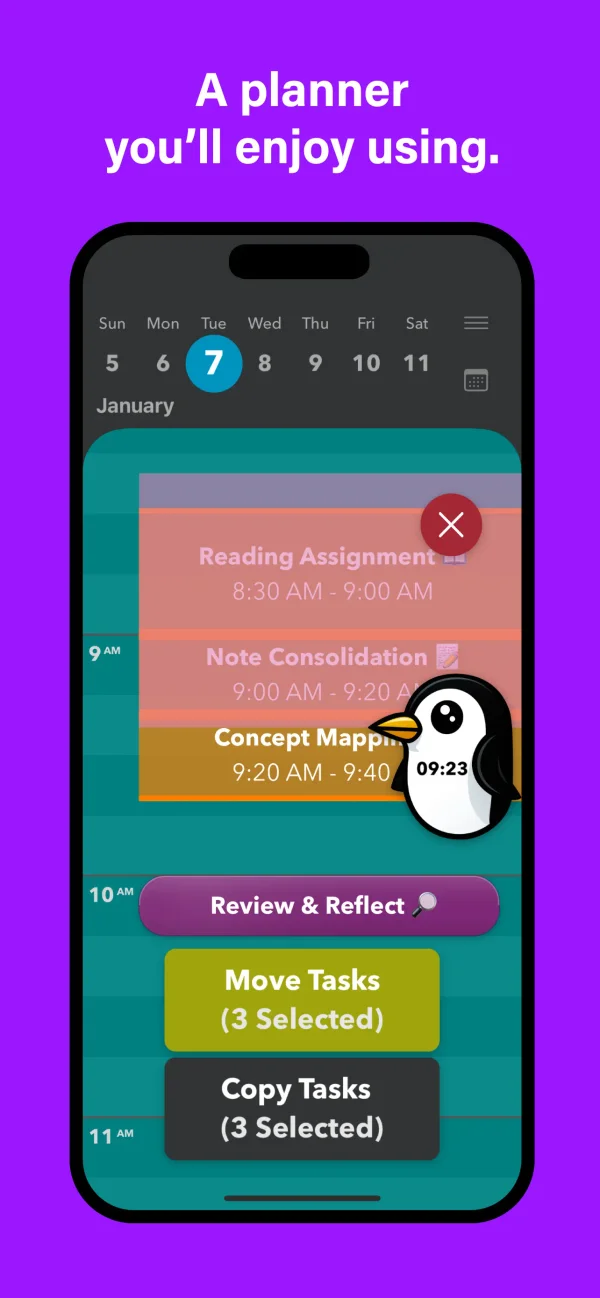
• Move multiple tasks together in a single action
• Copy and paste individual tasks or entire groups
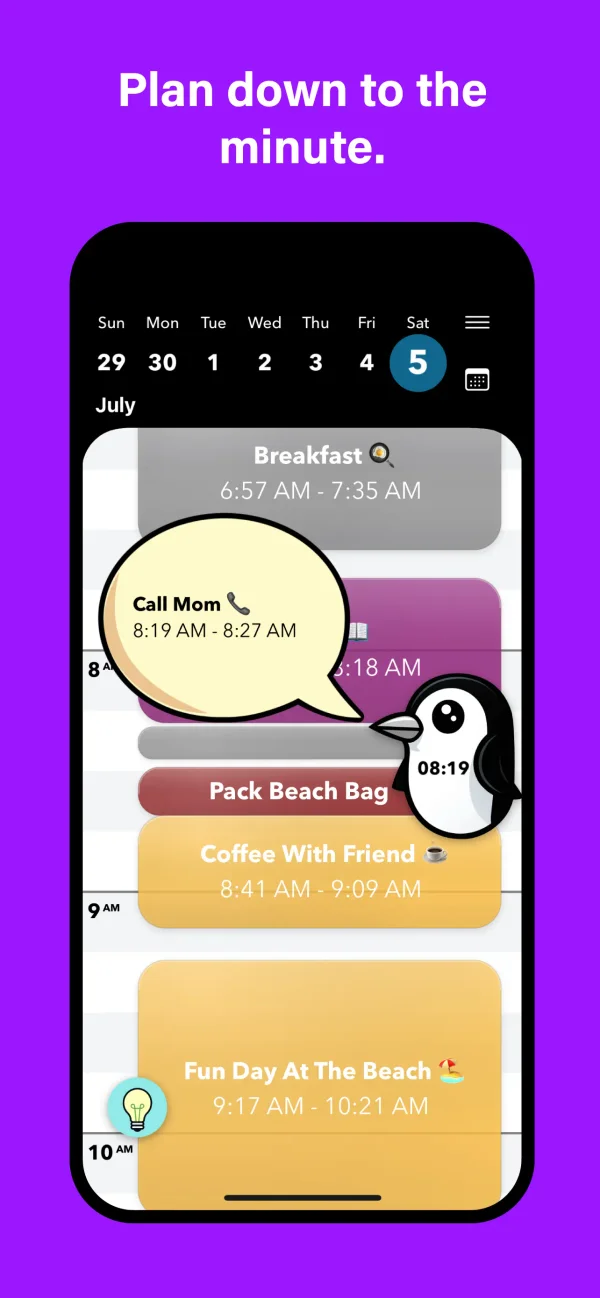
• Resize tasks visually with minute-level precision
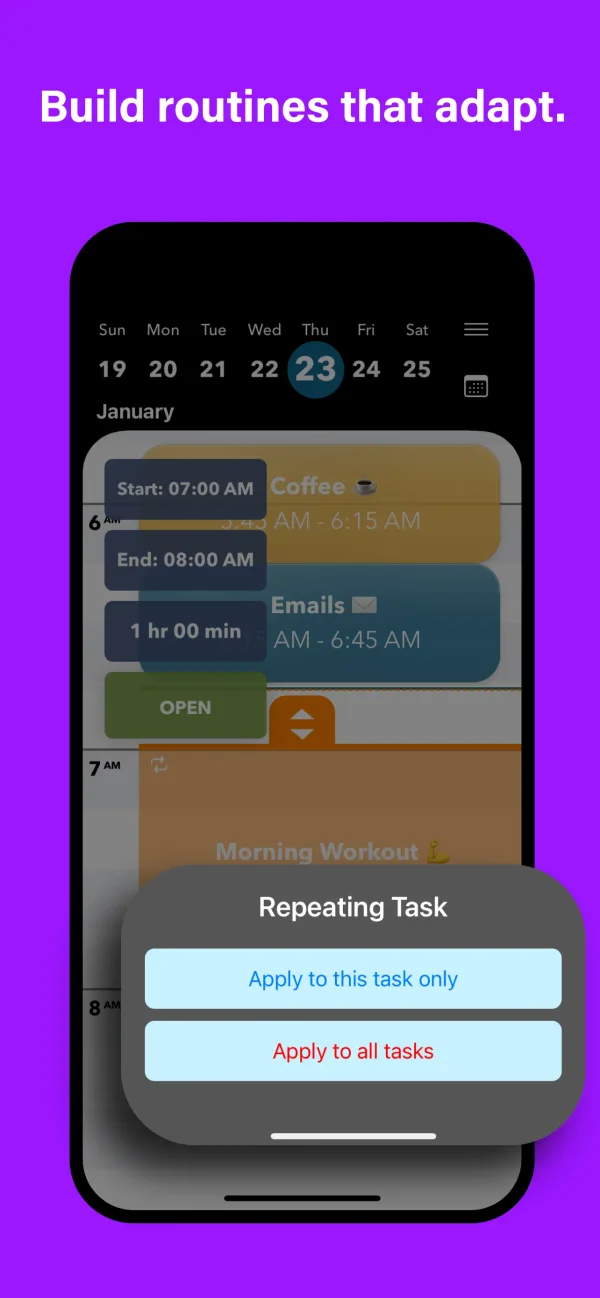
• Flexible repeating tasks
• Reminders and special alerts
• Marine and Light timeline themes
• Built-in Penguin Academy lessons
Whether you're organizing your daily routine, planning projects, or using time blocking to stay focused, Penguin Planner helps you see your schedule clearly and stay in control of what matters most.
Because planning isn't about chasing your schedule.
It's about taking control of your time.
A new way to plan.
Terms of Use:
https://penguinplanner.com/terms
Privacy Policy:
https://penguinplanner.com/privacy
What’s new
Version 1.1.2 · Sep 20, 2026
Penguin Planner just got a fresh new look.
• Tasks got a makeover with a softer, more dimensional design that gives your schedule extra depth while keeping the timeline visible underneath.
• The side menu now features a sleek, translucent frosted-glass appearance that lets your planner subtly show through in the background.
Same continuous timeline. Same fast, visual planning. Now with a more polished, modern feel.
App privacy
What Charles Torosian declares on the App Store about how this app handles data.
-
Data linked to you
May be collected and linked to your identity.
- Purchases
- Identifiers
- Usage data
- Diagnostics
Privacy practices may vary, for example with the features you use or your age.
Information
- Seller
- Charles Torosian
- Category
- Productivity
- Version
- 1.1.2
- Updated
- Sep 20, 2026
- Released
- Jun 24, 2026
- Size
- 142.7 MB
- Requires
- iOS 15.6 or later
- Age rating
- 4+
- Price
- Free
- In-app purchases
- Yes
- Languages
- English
- Copyright
- © 2026 Charles Torosian
You might also like
-
 Daily Planner - Day OrganizerPlan your day in one drag
-
 Time Blocking for ADHD: AlignDaily Planner, To-Do & Habits
-
 Daily Schedule Planner - MyDayTo Do List, Widget, Calendar
-
 TimeFinder: Schedule PlannerDaily & Hourly Time Blocking
-
 Daily Planner, To-Do ListOrganize Your Day, Week, Year
-
 TimeBloc - Daily PlannerTime Block, To-Do & Routines
-
 Nori - Family AIAll-in-One Family Management
-
 SimpleCal: Simple CalendarFast, Easy Schedule Planner
-
 HelloHabit - Habit TrackerTasks, Routines, & Streaks
-
 Simple Calendar・Schedule appProductivity