PennyDrive Cloud
Encrypted cloud storage
Designed for iPhone, iPod touch
Free · In-app purchases
- Age rating4+
- CategoryProductivity
- DeveloperSangeeta Gour
- LanguagesEnglish
- Size43.2 MB
Links to the official App Store page
Download.org hosts no file of PennyDrive Cloud. The button opens its official App Store page, published by Sangeeta Gour. Listing last checked on Nov 20, 2026.
Screenshots

About
Cheap cloud storage for your photos and files, encrypted so that only your devices can open them.
HOW IT WORKS
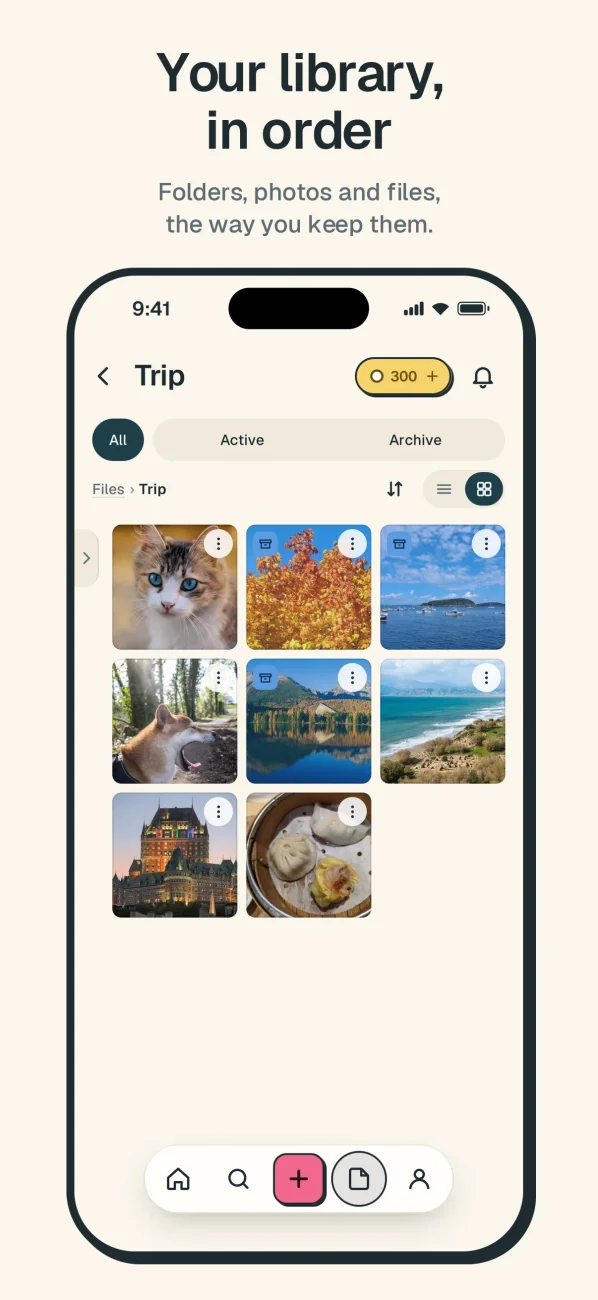
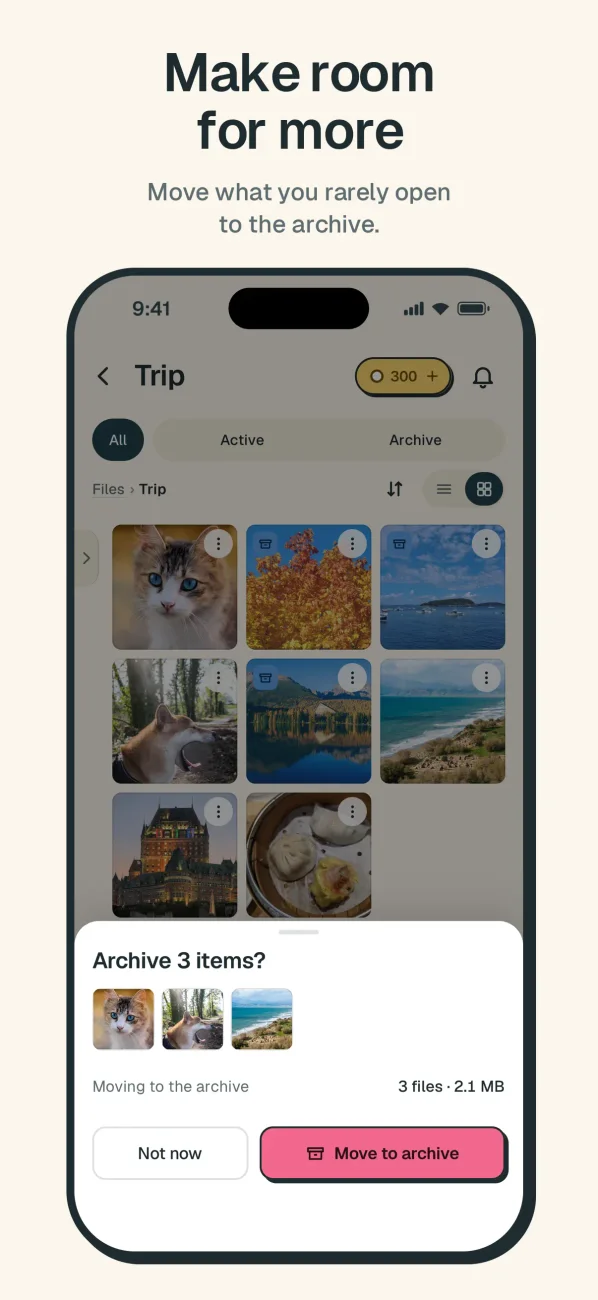
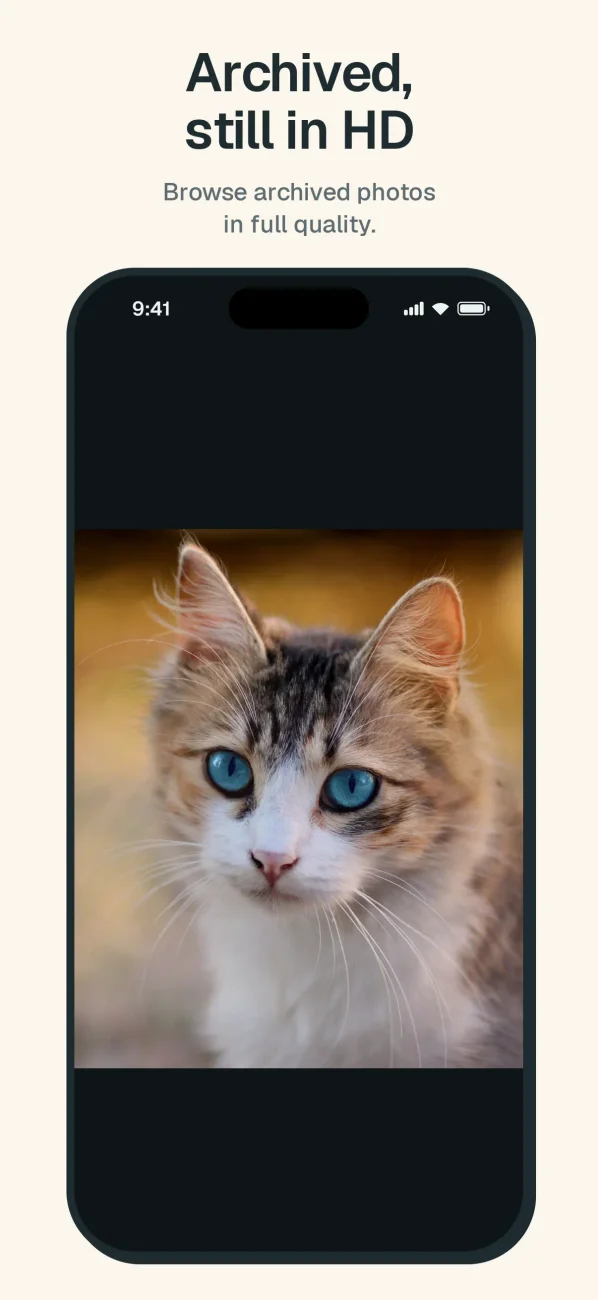
Recent files stay ready to open. Archive the folders you rarely open to make room for more. Archived photos stay viewable in HD for free, so your library still feels complete. Archived videos show a short motion preview so you can tell them apart; retrieve one to play it.
ENCRYPTED BEFORE IT LEAVES YOUR PHONE
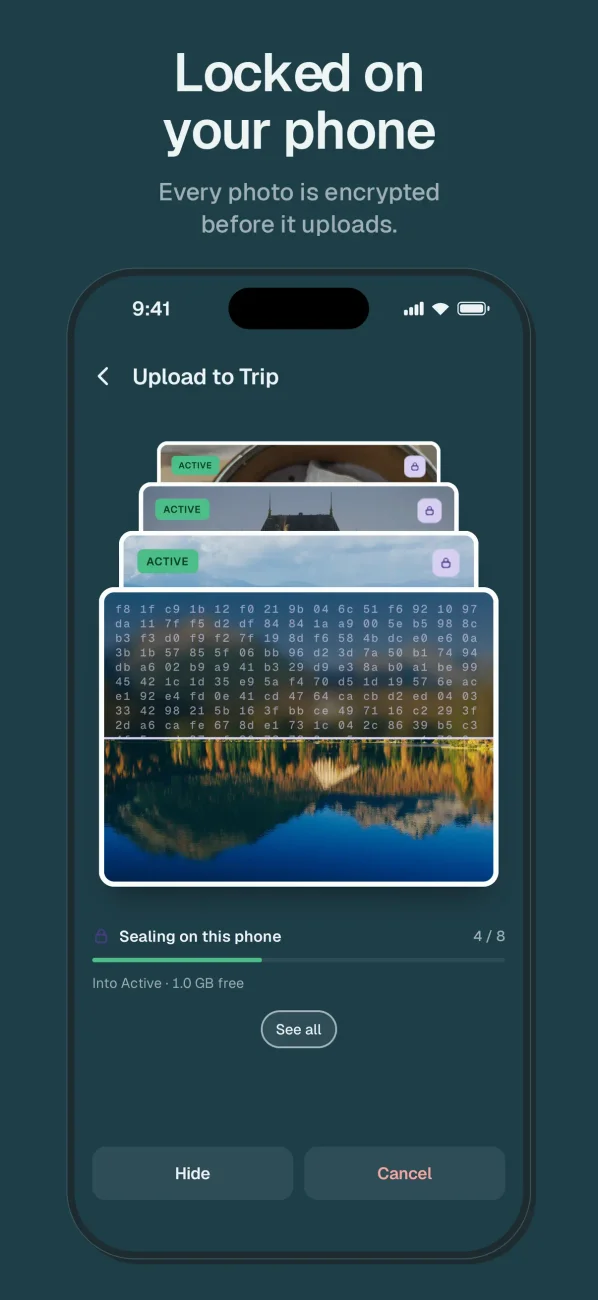
Every file is encrypted on your phone before it uploads, and so are its thumbnail and preview. Your keys are made on your phone, and we never see them. We store only the locked copy and cannot open it. There's no setting to switch on: this is how the app works.
WHAT WE CAN SEE
File names, file sizes, folder names and upload dates. We need them to show you your library and to bill you correctly. We cannot see what is inside any file: no photos, videos, documents or previews.
PLANS
Free: 1 GB active, 5 GB archive
Starter: 20 GB active, 500 GB archive
Standard: 100 GB active, 2 TB archive
Premium: 500 GB active, 5 TB archive
Paid plans renew monthly and include a monthly coin bonus.
GETTING FILES BACK
Archived files come back on demand, usually within 12 hours, using in-app coins (150 coins per GB). Paid plans include coins every month, and you can buy coin packs any time. Retrieved files are saved on your device, and anything you retrieved in the last 7 days downloads again at no extra cost.
YOUR RECOVERY KEY
Because we can't read your files, we can't recover them for you either. When you set up PennyDrive you get a 12-word recovery key. Keep it safe: if you lose it and every device you use PennyDrive on, nobody can open your files, not you and not us. The app backs the key up to your iCloud Keychain where it can, and keeps reminding you until a copy is safe.
PRIVACY
No ads, no tracking, and we don't sell your data. Sign in with Apple or Google. Delete your account any time from Settings.
TERMS AND PRIVACY
Terms of Use (EULA): https://www.apple.com/legal/internet-services/itunes/dev/stdeula/
Terms of Service: https://pennydrive.in/terms
Privacy Policy: https://pennydrive.in/privacy
What’s new
Version 2.1.0 · Nov 3, 2026
A new look for PennyDrive.
• Every screen redesigned, from sign-in to your photos
• Light, Dark or Adaptive, in Profile → Appearance
• Keep files at the top of Files, outside any folder
• Tap anywhere outside a text field to close the keyboard
App privacy
What Sangeeta Gour declares on the App Store about how this app handles data.
-
Data linked to you
May be collected and linked to your identity.
- Purchases
- Contact info
- User content
- Identifiers
-
Data not linked to you
May be collected but is not linked to your identity.
- Diagnostics
Privacy practices may vary, for example with the features you use or your age.
Information
- Seller
- Sangeeta Gour
- Category
- Productivity
- Version
- 2.1.0
- Updated
- Nov 3, 2026
- Released
- Jul 27, 2026
- Size
- 43.2 MB
- Requires
- iOS 15.1 or later
- Age rating
- 4+
- Price
- Free
- In-app purchases
- Yes
- Languages
- English
- Copyright
- © 2026 PennyDrive
You might also like
-
 KRT – Knowledge Realty TrustKRT
-
 Listy: Movie & Book ListsSave, track & share favorites
-
 Indore 311Productivity
-
 Glean WorkThe Work AI platform
-
 MyRoutine: Organize your dayBuilt around your real life
-
 1Password: Password ManagerSave & share passwords safely
-
 Claude by AnthropicAI assistant for life and work