
PerfectLine: Putting Simulator
Guide for putting line
Designed for iPhone, iPad
Free · In-app purchases
- Age rating4+
- CategorySports
- DeveloperLineMatics Inc.
- LanguagesEnglish+ 1 more
- Size115.6 MB
Links to the official App Store page
Download.org hosts no file of PerfectLine: Putting Simulator. The button opens its official App Store page, published by LineMatics Inc. Listing last checked on Nov 12, 2026.
Screenshots

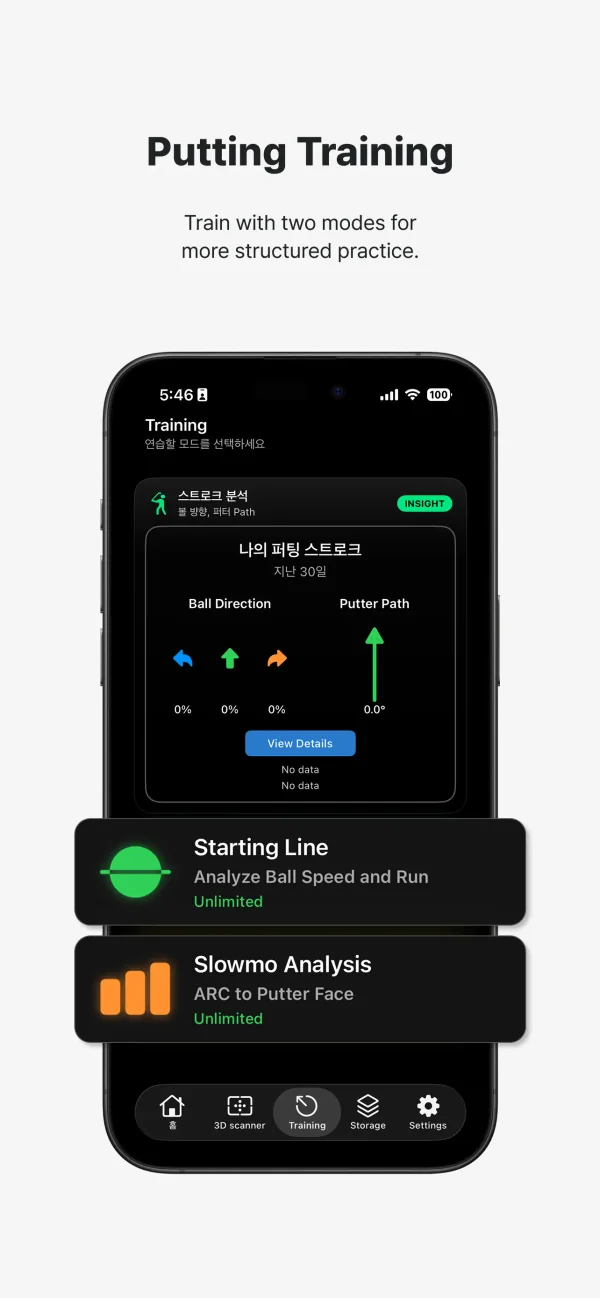
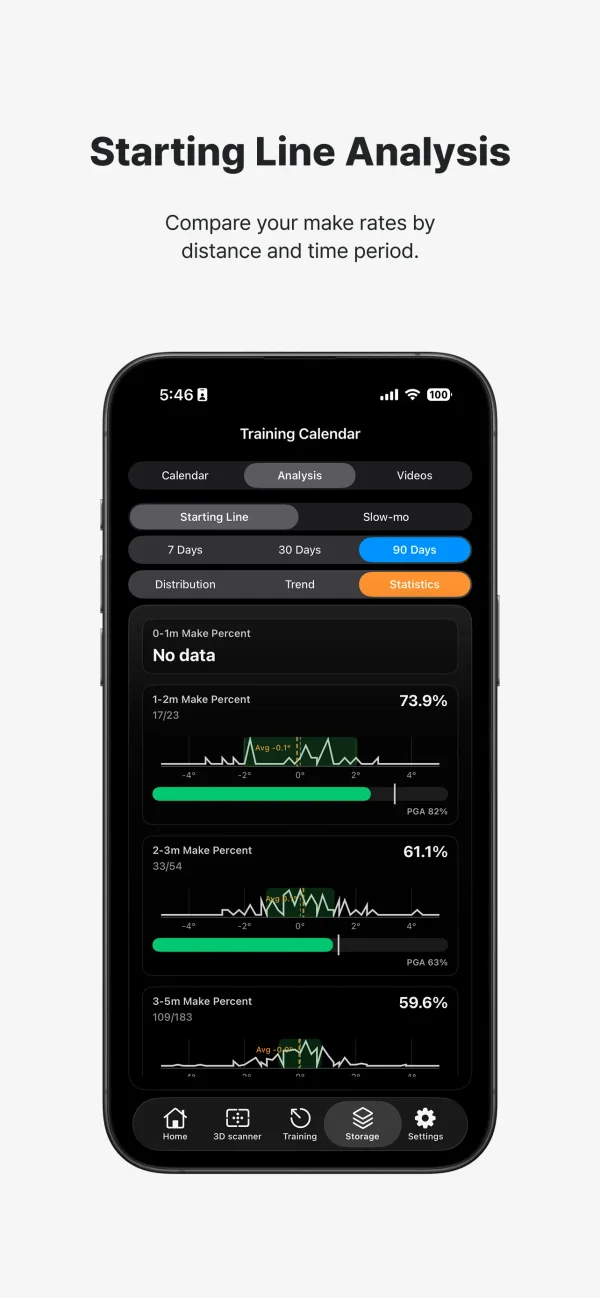
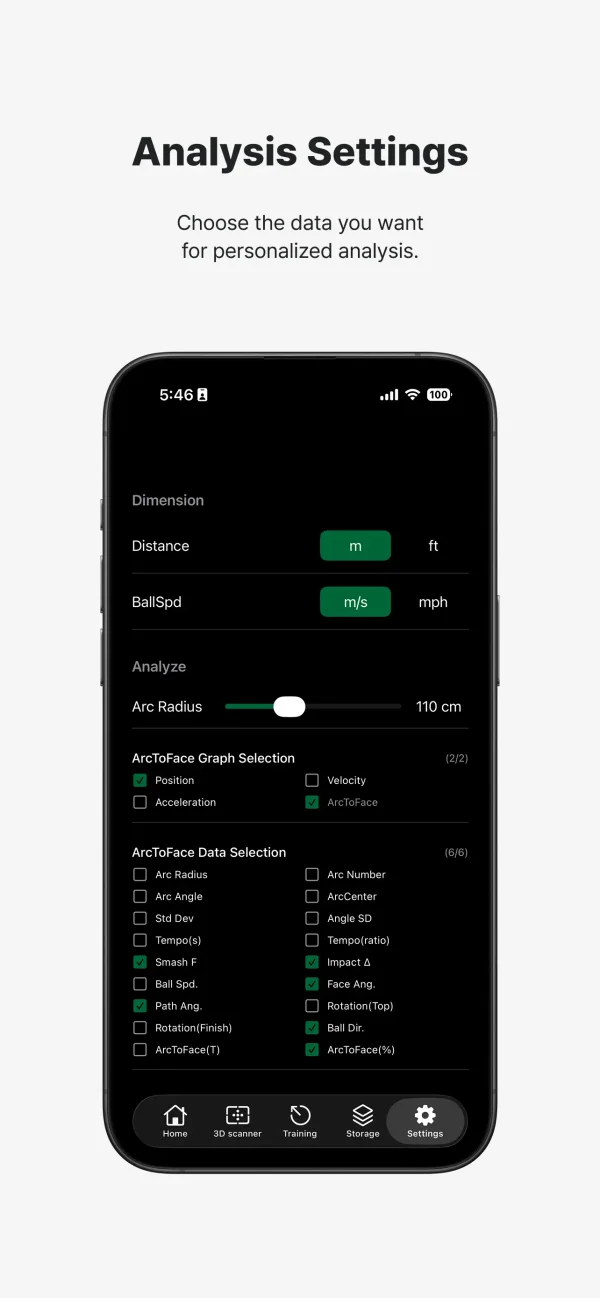
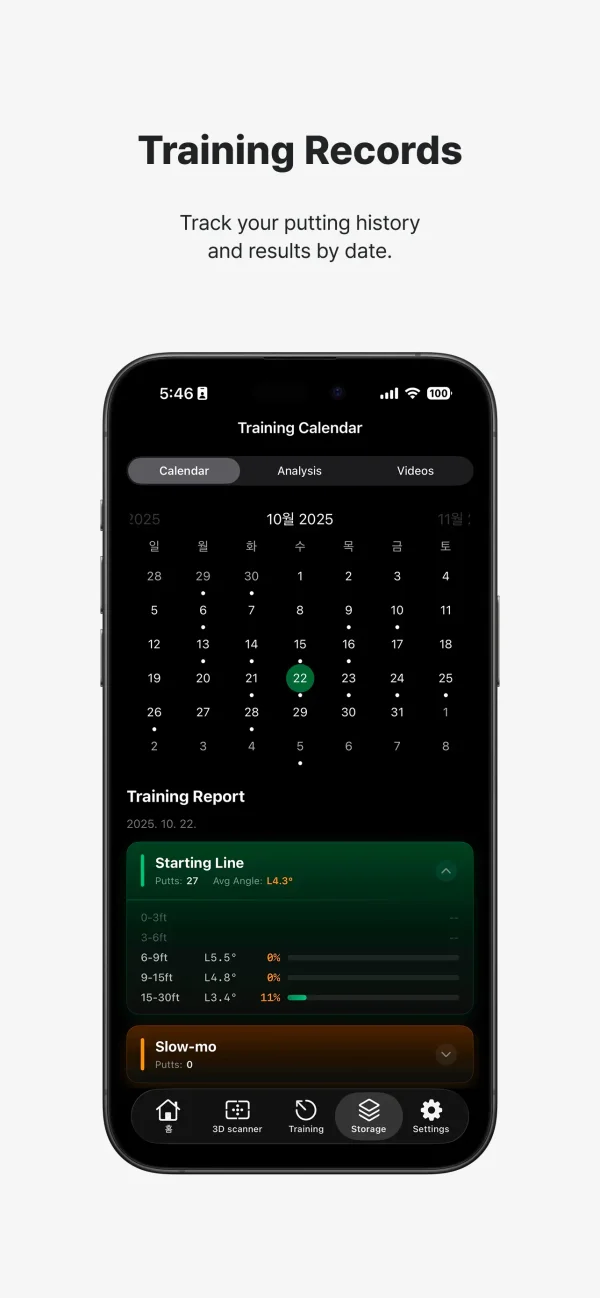
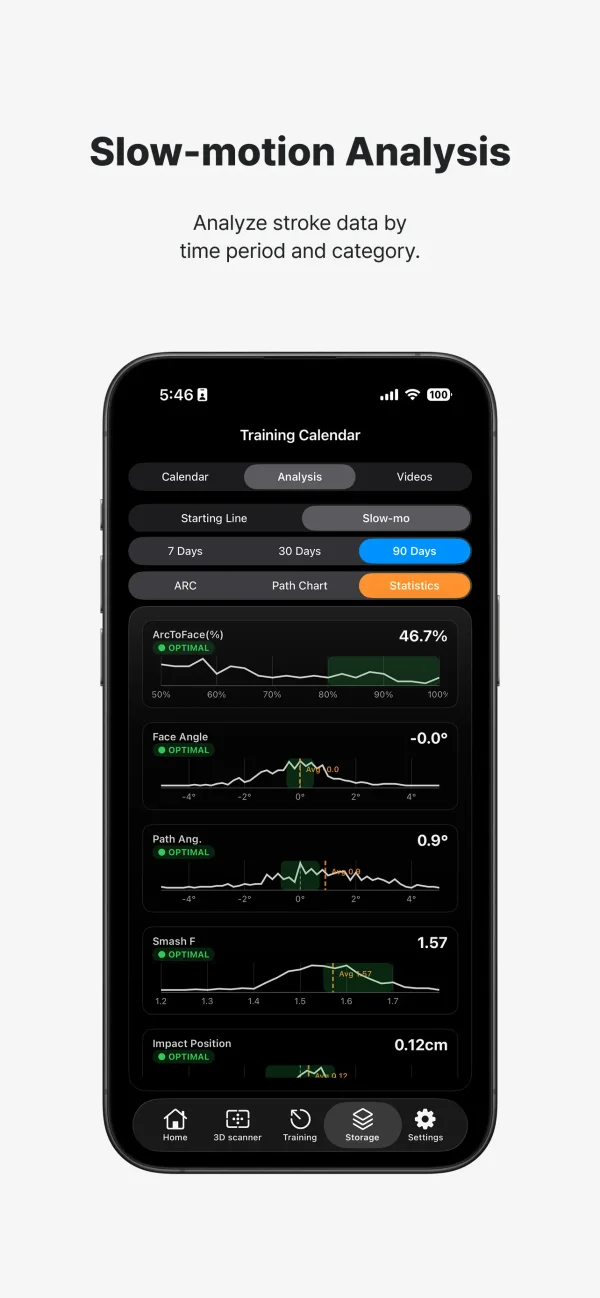

About
Scan on the green for putting line guide
Best putting guide in real-time
Available Devices:
iPhone 12 +
iPad (2021+)
We use your data to track advertising performance and deliver personalized ads tailored to your interests.
By downloading this app, you agree to the Terms of Use: [https://www.apple.com/legal/internet-services/itunes/dev/stdeula/](https://www.apple.com/legal/internet-services/itunes/dev/stdeula/)
What’s new
Version 3.3.4 · Nov 11, 2026
This update adds support for iPhone Duo (foldable).
iPhone Duo support — on the unfolded screen, training (Start-Line, Slow-mo, Stroke, Tempo Training) opens as a split view with the camera on top and your stats below, and the ⇅ button in the lower left swaps them. The layout follows your right- or left-handed setting automatically
Fold to get the cover-screen UI, unfold to get the Duo UI instantly. Folding or unfolding mid-session restarts the camera screen
Unfolded Start-Line — four stat tiles with the ball distribution graph and GREEN SPEED / TEMPO wheels below; scroll GREEN SPEED vertically to change it
Unfolded Slow-mo — the stat grid with TEMPLATE / TEMPO wheels and backswing / follow-through sliders below; the replay plays in the camera area while metrics and the deviation / angle graphs fill the stats area
Alerts, popups and sheets open in the same orientation as the content when unfolded, and Home, Calendar and Settings use the full width beside the tab bar
On the folded cover screen the camera fills the full height, and the leveling ring and menus are no longer hidden behind the tab bar
iPad Slow-mo — while waiting for ball and putter placement only the camera area dims; stats and history stay visible
Metronome BPM range is now 40–90
We're always working to improve your putting experience.
For any questions, please contact us through the in-app support.
App privacy
What LineMatics Inc. declares on the App Store about how this app handles data.
-
Data used to track you
May be used to track you across apps and websites owned by other companies.
- Location
- Identifiers
- Usage data
-
Data linked to you
May be collected and linked to your identity.
- Purchases
- Location
- Contact info
- User content
- Identifiers
- Usage data
- Other data
-
Data not linked to you
May be collected but is not linked to your identity.
- User content
- Usage data
- Diagnostics
- Surroundings
Privacy practices may vary, for example with the features you use or your age.
Information
- Seller
- LineMatics Inc.
- Category
- Sports
- Version
- 3.3.4
- Updated
- Nov 11, 2026
- Released
- Apr 17, 2024
- Size
- 115.6 MB
- Requires
- iOS 16.0 or later
- Age rating
- 4+
- Price
- Free
- In-app purchases
- Yes
- Languages
- English, Korean
- Copyright
- © 2024 LineMatics Inc.
You might also like
-
 VoiceCaddieX : Golf GPSRange Finder, Handicap, Score
-
 PuttViewAR Putting Trainer for Golfers
-
 OnePutt – Golf Putting AIGolf Green Reading &Putting AI
-
 Tour Read GolfGreen reading. Make more putts
-
 Motion2Coach GolfDeep Dive: Golf Insights
-
 Handy GolfPractice Golf, Improve Faster
-
 StrackaLine - Golf PuttingSports
-
 Smartscore-Golf Portal ServiceEverything golf in one place!
-
 ShaShot: Shot & Swing TracerAI Swing Analyzer & Editor
-
 카카오골프예약Sports