
Personal Ledger
Plan vs. actual money tracker
Designed for iPhone
Free · In-app purchases
- Age rating4+
- CategoryFinance
- DeveloperJad Salhani
- LanguagesEnglish+ 1 more
- Size6.9 MB
Links to the official App Store page
Download.org hosts no file of Personal Ledger. The button opens its official App Store page, published by Jad Salhani. Listing last checked on Nov 15, 2026.
Screenshots

About
Personal Ledger is not a budgeting app. It is a verification app.
If you already keep a cashflow plan in Excel — what should come in, what should go out, month by month — Personal Ledger imports that workbook and then checks your real spending against it. Every day, per category, per bucket, per income source. So you find out on the 8th that you are drifting, not on the 30th.
WHAT IT DOES
• Import your .xlsx cashflow plan
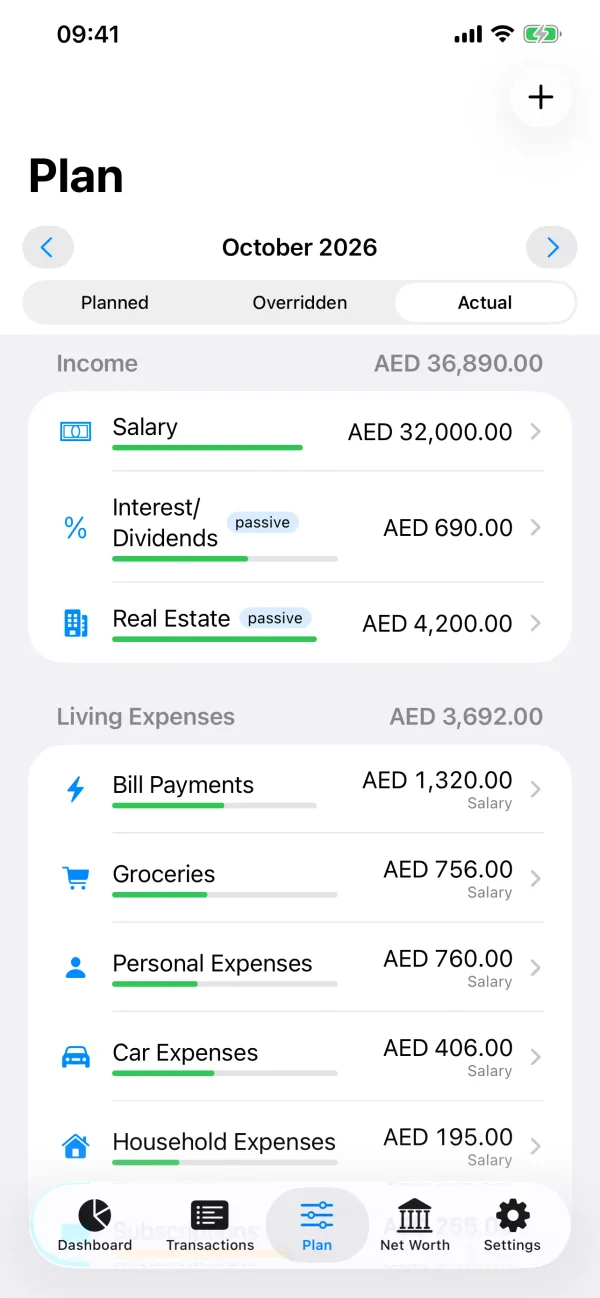
Your workbook comes in as-is. Income, Living, Liability and Investment categories, with the planned amount for each month. No re-typing, no rebuilding it inside someone else's app.
• Compare actual against plan
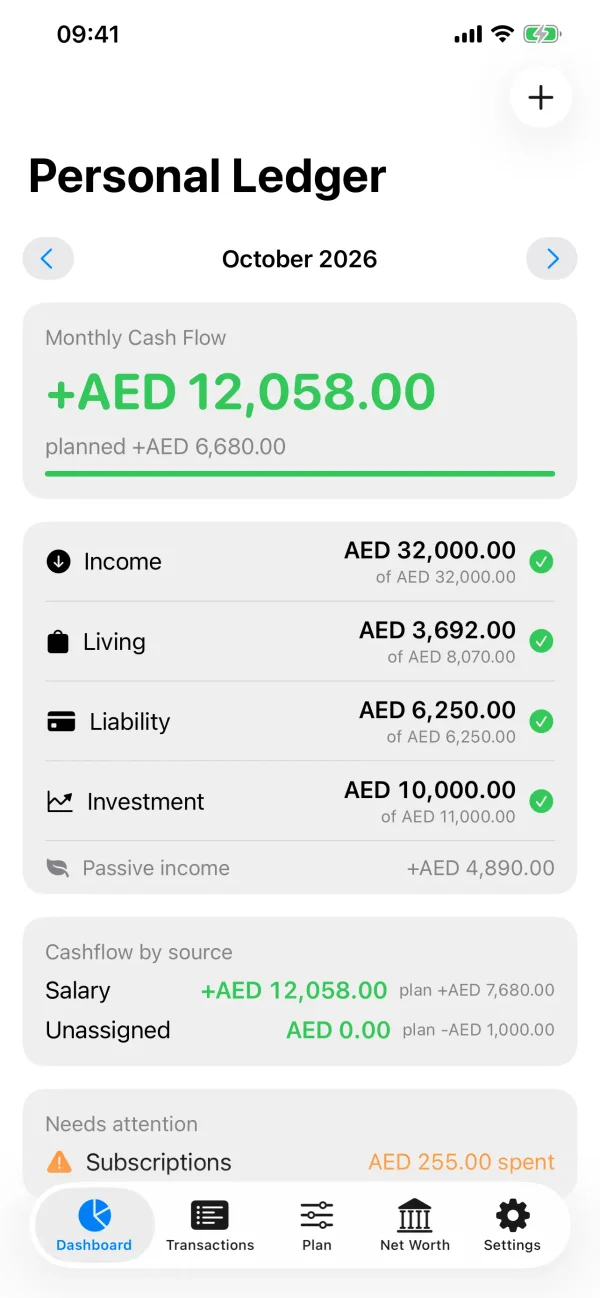
The dashboard shows monthly cashflow against what you planned, broken out by category and by bucket. Plan health is pro-rated by day of month, so being 20% through your groceries on the 6th does not raise a false alarm.
• Log transactions in seconds
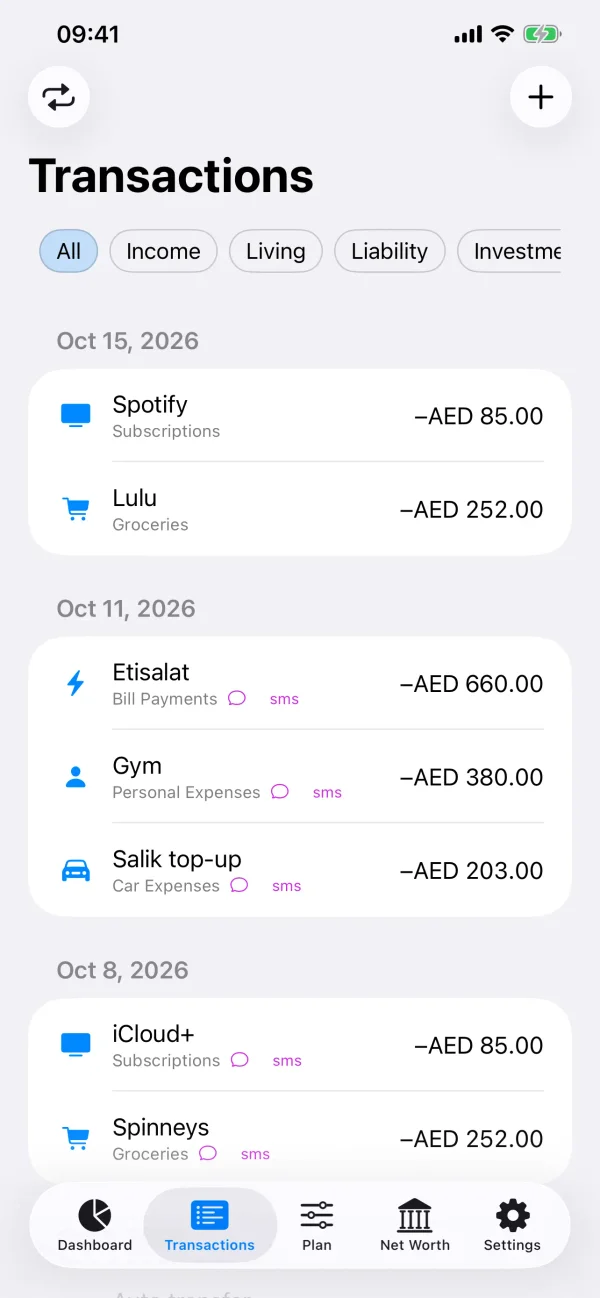
Enter them by hand, paste a bank SMS and let the app parse it, or set up a Shortcuts automation once and let incoming bank alerts log themselves. Add a keyword per bank, so cards at more than one bank all feed the same parser. Message parsing runs on your device, using Apple Intelligence where available and a local text parser everywhere else.
• Cashflow by income source
If money arrives from more than one place, you can see which source is actually covering which spending.
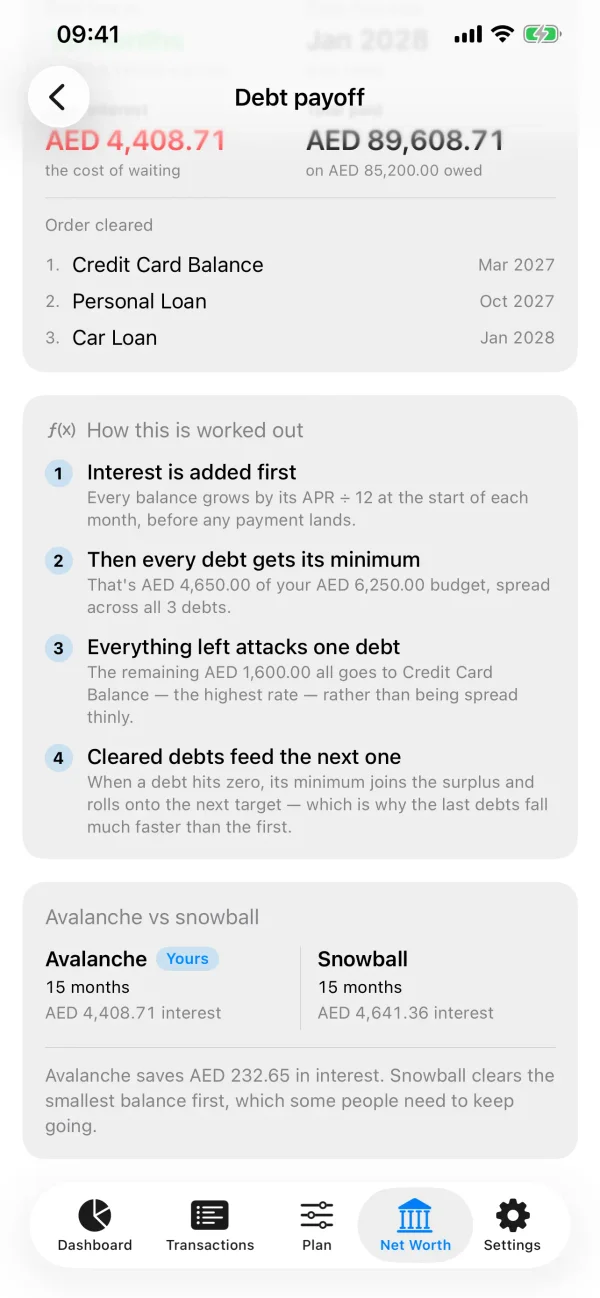
• Net worth balance sheet
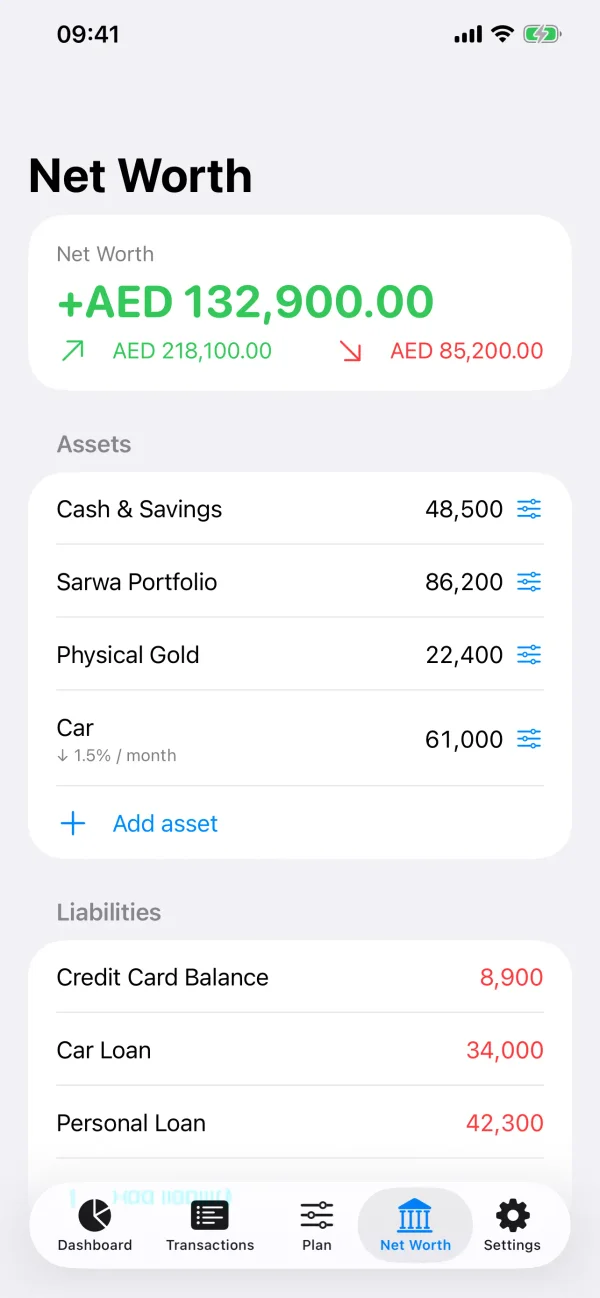
Assets minus liabilities, sitting alongside your monthly cashflow, so you can see the stock as well as the flow.
• Built for the UAE
The app picks your currency from your region on first launch — AED, SAR, QAR, KWD, OMR, JOD, EGP, USD, EUR or GBP — and converts anything you log in another one at live rates. Merchant rules for the places you actually spend. And a configurable salary day, so each cycle runs pay day to pay day instead of pretending your money resets on the 1st.
YOUR LEDGER STAYS ON YOUR DEVICE
There is no account to create and no cloud sync. Your transactions, plans, assets and liabilities are stored locally on your iPhone. Your spreadsheet is read and processed on your device. Bank messages are parsed on your device. Your ledger is never uploaded.
The app does include two Google Firebase services: Analytics, which reports anonymous usage and purchase events so we can measure which ads bring people here, and Crashlytics, which sends a report if the app crashes so the problem can be fixed. Both are described in full in the privacy policy, and neither ever includes your financial data.
PERSONAL LEDGER PRO
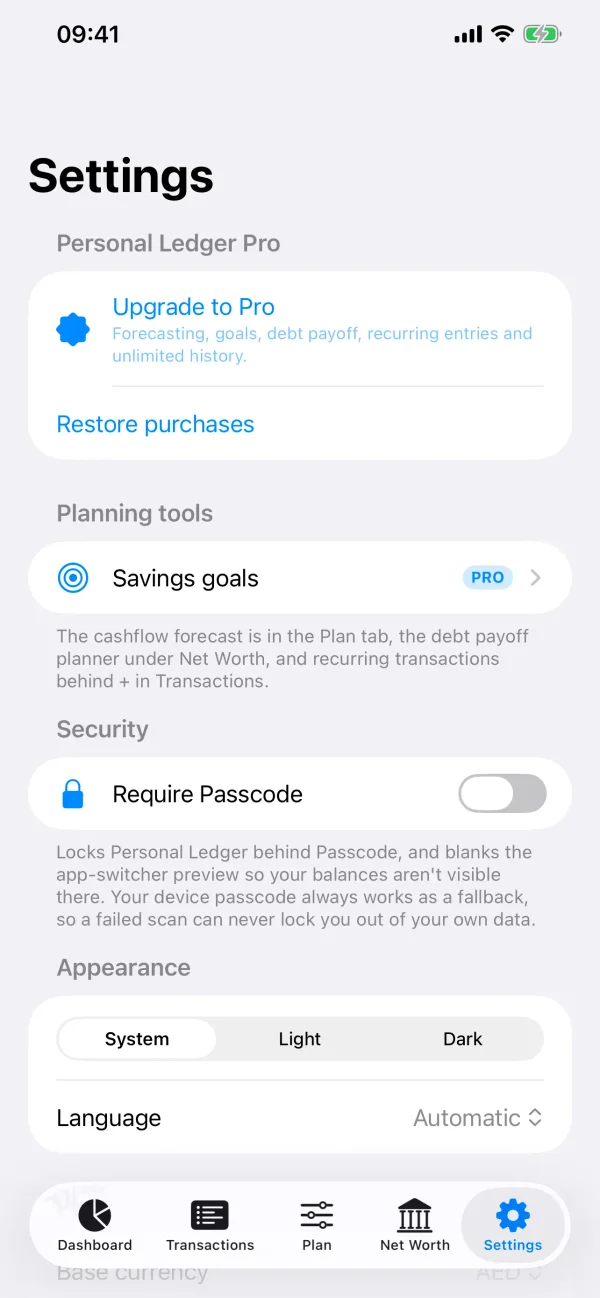
The core app is free. Pro unlocks deeper plan analysis, and comes with a 7-day free trial.
• $3.99 per month
• $24.99 per year
• $99.99 once, forever
Subscriptions renew automatically unless cancelled at least 24 hours before the end of the current period. Manage or cancel in your App Store account settings.
QUESTIONS
Email jad@salhani.com. A real person reads it.
Privacy policy: https://jadsalhani.com/apps/personal-ledger/privacy
Terms of Use (EULA): https://www.apple.com/legal/internet-services/itunes/dev/stdeula/
What’s new
Version 1.4.1 · Oct 23, 2026
READY FOR iOS 27 AND THE NEW iPHONES
Personal Ledger is now built for iOS 27 and checked on iPhone 18 Pro, iPhone 18 Pro Max and iPhone Duo. Amounts no longer break across two lines where the screen is narrower.
THE PLAN TAB OPENS ON WHAT ACTUALLY HAPPENED
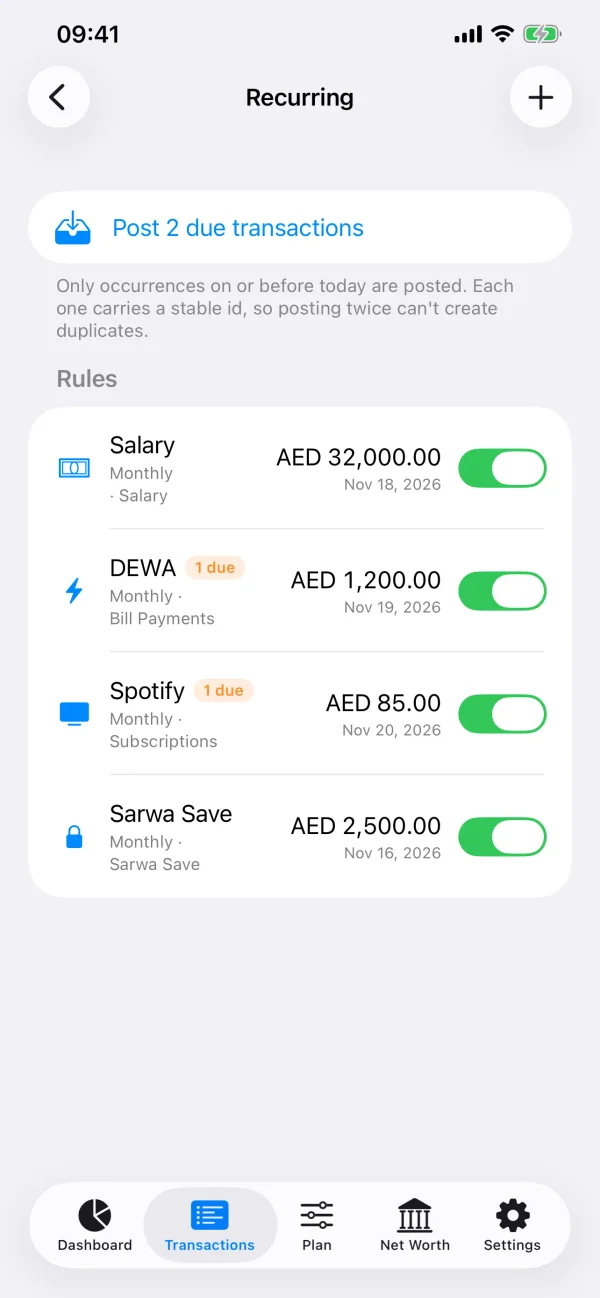
The Plan tab now starts on Actual, so the first thing you see is this cycle's real income and spending. Planned and Overridden are one tap away.
ALSO
• On iPhones with Touch ID, the welcome screens now say Touch ID instead of promising Face ID.
• App lock messages, purchase and restore messages, and the subscription terms on the Pro screen now appear in Arabic when the app is in Arabic.
App privacy
What Jad Salhani declares on the App Store about how this app handles data.
-
Data not linked to you
May be collected but is not linked to your identity.
- Identifiers
- Usage data
Privacy practices may vary, for example with the features you use or your age.
Information
- Seller
- Jad Salhani
- Category
- Finance
- Version
- 1.4.1
- Updated
- Oct 23, 2026
- Released
- Jul 17, 2026
- Size
- 6.9 MB
- Requires
- iOS 17.0 or later
- Age rating
- 4+
- Price
- Free
- In-app purchases
- Yes
- Languages
- English, Arabic
- Copyright
- © 2026 Jad Salhani
You might also like
-
 GFH: Investment BankingSeamless and Secure Investing
-
 GoalMint: Finance Goal TrackerSmart Financial Goals
-
 TruthSayer AI: Stock SignalsDark Pool & Hedge Fund Alerts
-
 Safe Home FinanceIslamic Finance & Investment
-
 Money Tracker: Budget ManagerFinance
-
 MinerX-BTCCloud Hashpower & BTC
-
 GoTrading: Stock Trading AppReal Stock Trading Simulator
-
 Pos System : Wise SaleInvoices , Inventory , Shops
-
 TEFS: Crypto Trading SimulatorPass challenge & get funded
-
 IIB Smart Mobile BankingIraqi Islamic Bank