
Pexori: PDF, Docs & Scanner
Edit, sign, scan, present
Designed for iPhone, iPad
Free
- Age rating4+
- CategoryProductivity
- DeveloperSamotya Software Private Limited
- LanguagesEnglish
- Size24.3 MB
Links to the official App Store page
Download.org hosts no file of Pexori: PDF, Docs & Scanner. The button opens its official App Store page, published by Samotya Software Private Limited. Listing last checked on Nov 12, 2026.
Screenshots
About
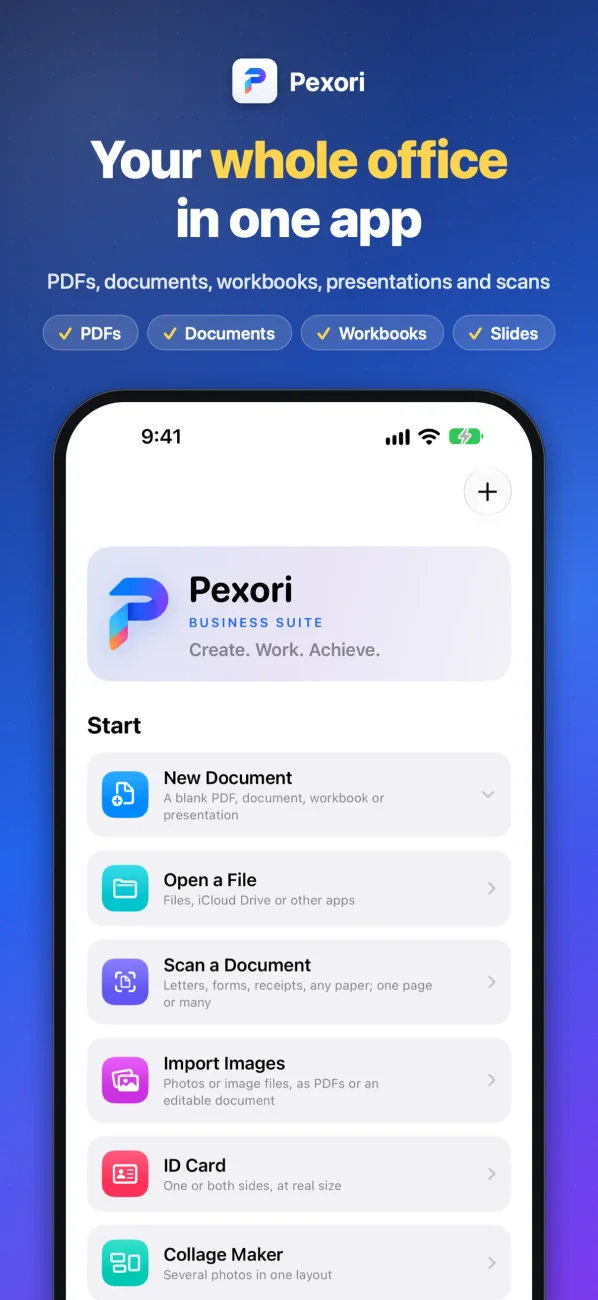
Pexori brings your PDFs, documents, workbooks and presentations together in one fast, private app for iPhone, iPad and Mac. Read, edit, sign, scan and share, with no account: your files stay on your device and in your iCloud Drive.
PDF
• Read smoothly, even very large files, with search, thumbnails, outlines and links
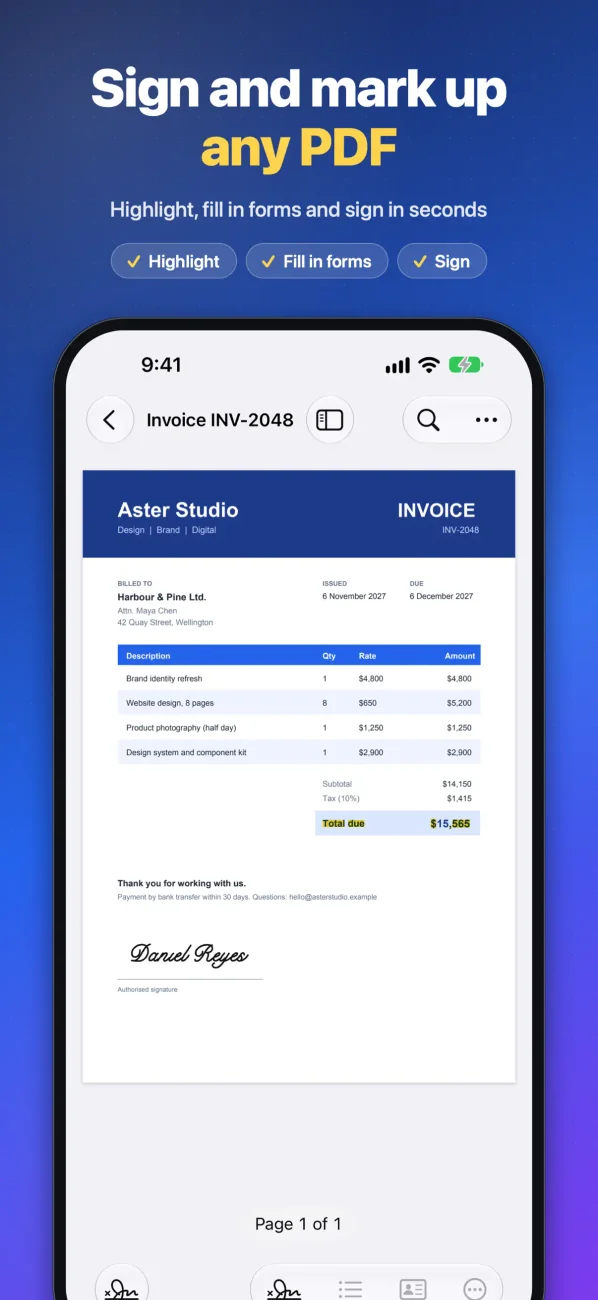
• Highlight, underline, add notes, draw, add shapes, stamps and text boxes
• Fill in forms and sign with your own signature
• Organise pages: insert, delete, rotate, reorder, extract, merge and split
• Read Aloud, night and sepia page colours
DOCUMENTS (.docx)
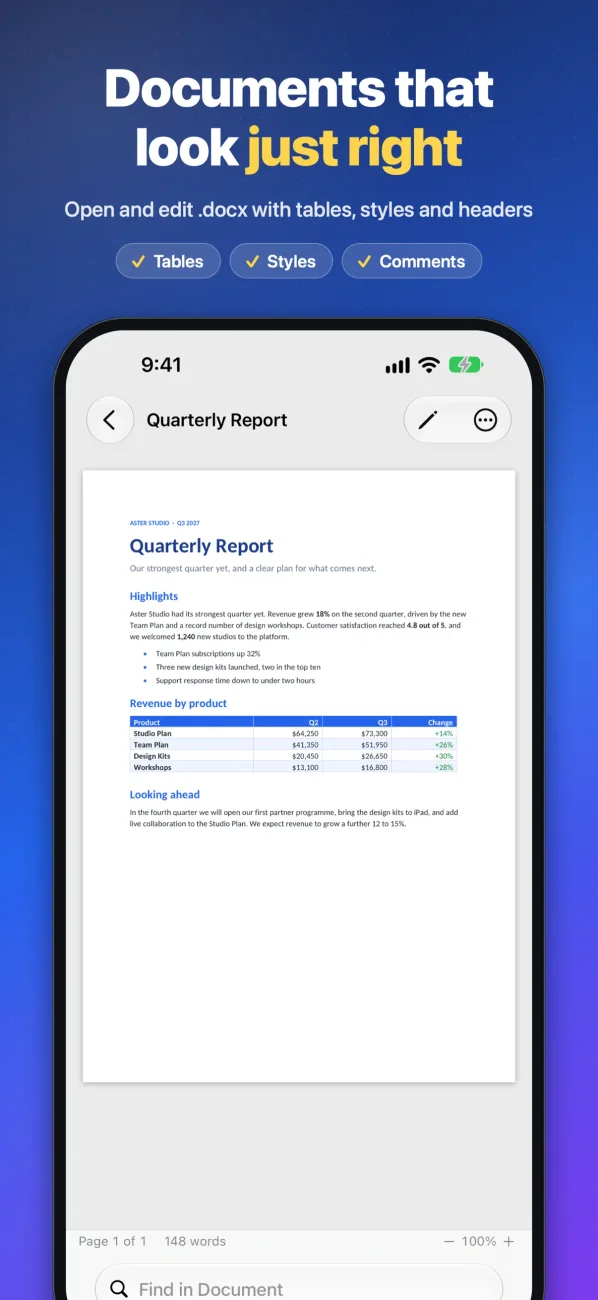
• Pages laid out faithfully, with headers, footers, tables, pictures and columns
• Edit text and formatting in place, with comments and tracked changes
• Page setup, page numbers, links and Find & Replace
WORKBOOKS (.xlsx)
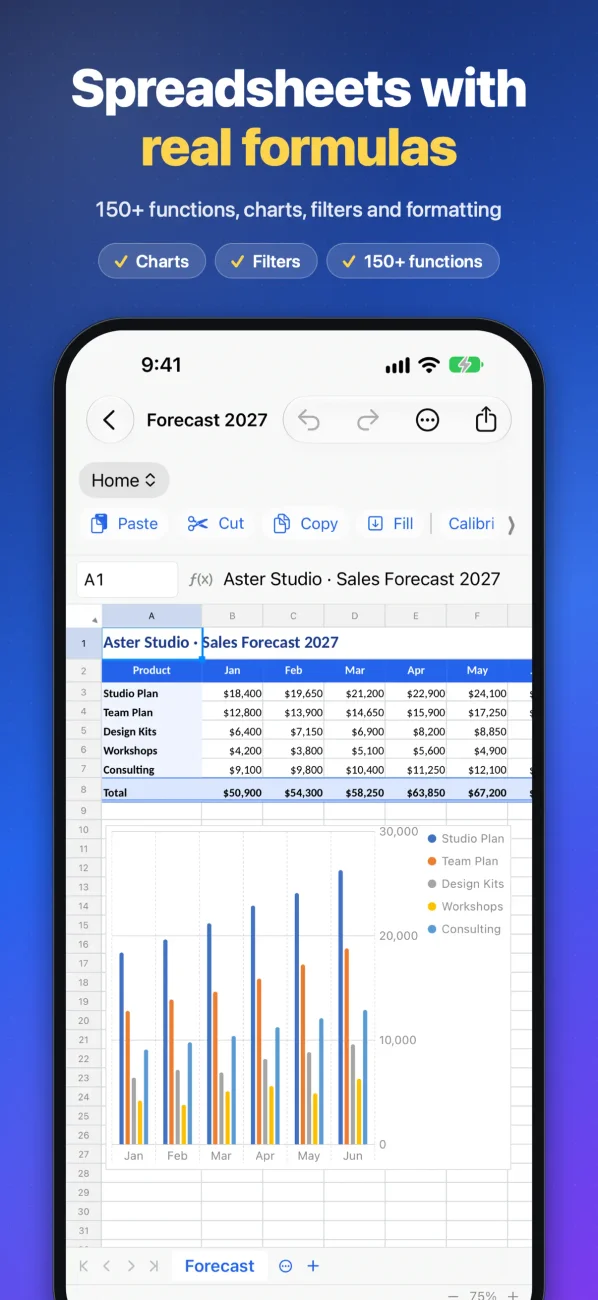
• More than 150 functions, worked out as you type
• Formatting, sorting, filters, charts, pictures and comments
• Print and export with page setup
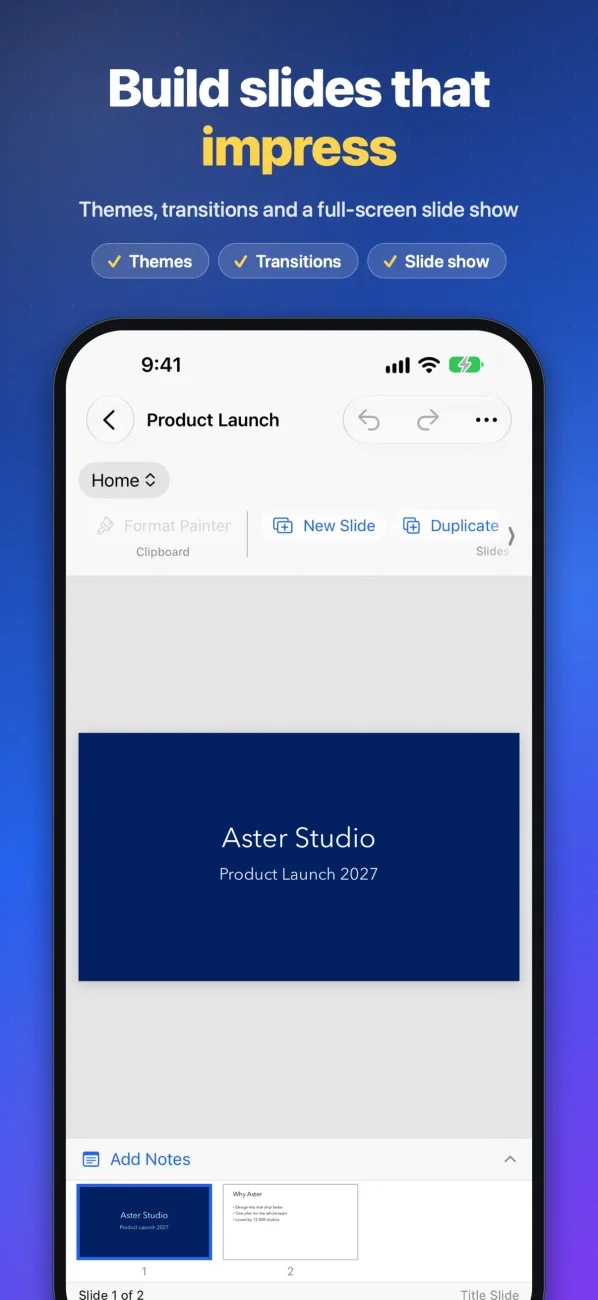
PRESENTATIONS (.pptx)
• Edit slides, text, shapes, tables, charts and pictures
• Themes, transitions, animations and speaker notes
• Present full screen with Presenter View, or let the slide show play by itself
SCAN
• Scan documents, ID cards, business cards and more, sharpened and straightened
• Make PDFs, one PDF per page, or editable documents
• Read QR codes and barcodes, and act on them: open links, join Wi-Fi, add contacts and events
• Business cards: the details read into fields, saved as a contact, or made into a new card PDF with a QR code
• Receipts and invoices: the shop, date and total read out for you
• Make passport and visa photos
TEMPLATES AND CONVERTING
• Start from ready-made invoices, letters, résumés, budgets, plans and slide decks
• Convert documents, workbooks, presentations and pictures to PDF
• PDF or picture tables to workbooks, PDFs to documents, CSV to and from workbooks
• Extract text from PDFs and pictures, edit it, copy it or have it read aloud
• Watermark any PDF, document, workbook or presentation
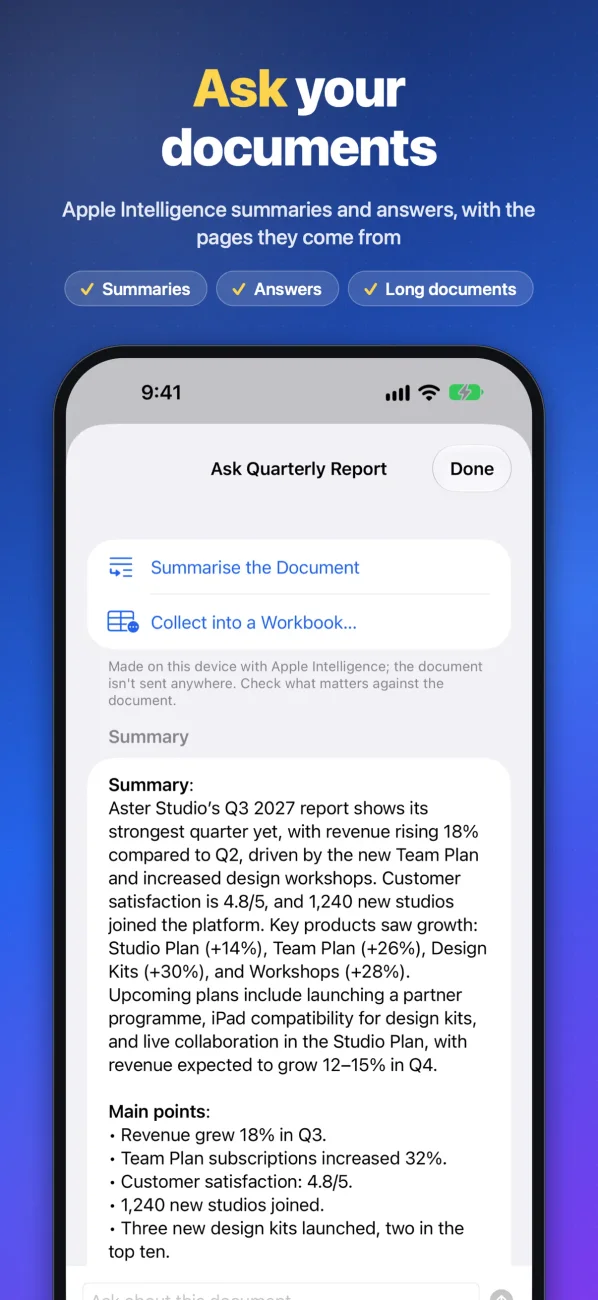
APPLE INTELLIGENCE
• Summarise a document, list its key points, tasks and dates, or draft from it
• Ask about it, and see the pages each answer comes from
• Collect what it lists into a new workbook
• Write and explain workbook formulas
• Runs on your device. Long documents can be read with Apple's Private Cloud Compute, which uses them only to answer and doesn't keep them; you can turn this off
ORGANISE AND STAY SAFE
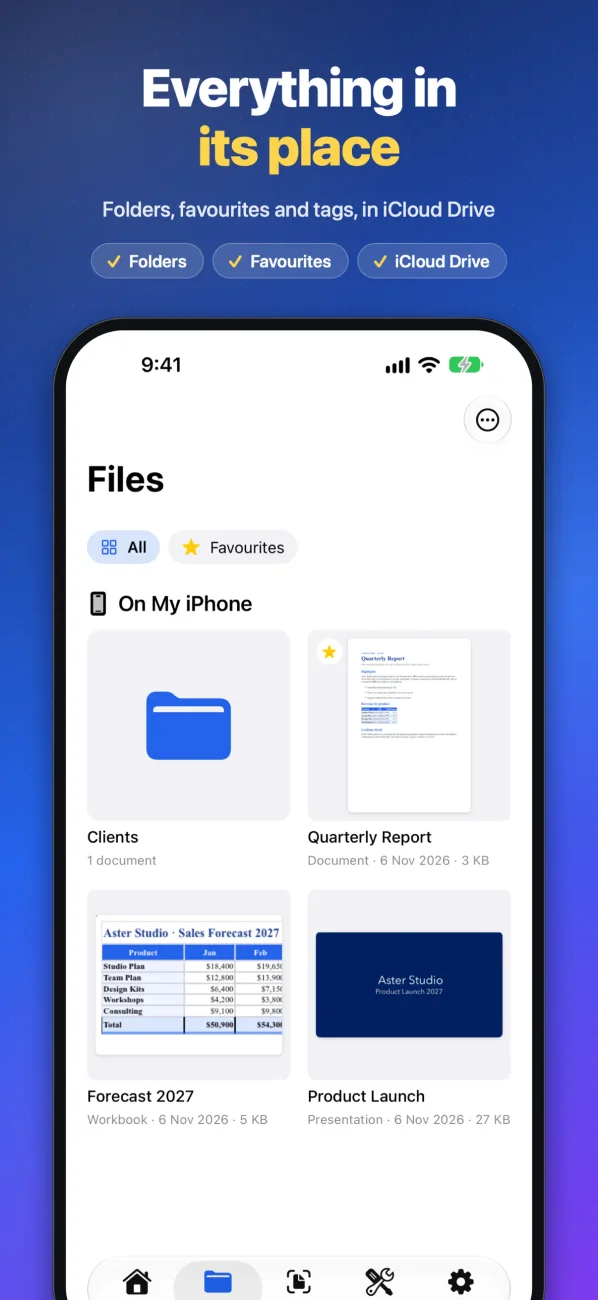
• Folders, favourites, tags and Recently Deleted, in iCloud Drive on all your devices
• Your original stays as it is until you choose to save your changes
• Optional App Lock with Face ID, Touch ID or your passcode
• A built-in User Guide for every feature
PEXORI PRO
Reading, marking up, signing, forms, scanning and editing documents, workbooks and presentations are free. Pro adds editing PDF text and pictures, crop, watermarks, attachments, compression, passwords, making scans searchable, extracting and translating text, converting tables to workbooks, scans to editable documents, ID photo print sheets, saving collages, and unlimited Apple Intelligence answers (five a day without Pro).
Pro is available monthly, yearly (with a free trial for new subscribers) or as a one-time lifetime purchase. Subscriptions renew automatically unless cancelled at least 24 hours before the end of the current period. Manage or cancel them in your Apple Account settings. Payment is charged to your Apple Account at confirmation of purchase.
Terms of Use: https://samotyasoftware.com/termsofservice.html
Privacy Policy: https://samotyasoftware.com/privacypolicy.html
App privacy
What Samotya Software Private Limited declares on the App Store about how this app handles data.
-
Data not collected
The developer does not collect any data from this app.
Privacy practices may vary, for example with the features you use or your age.
Information
- Seller
- SAMOTYA SOFTWARE PRIVATE LIMITED
- Category
- Productivity
- Version
- 1.0
- Updated
- Nov 10, 2026
- Released
- Nov 10, 2026
- Size
- 24.3 MB
- Requires
- iOS 26.0 or later
- Age rating
- 4+
- Price
- Free
- Languages
- English
- Copyright
- Copyright © 2026 Samotya Software Private Limited. All rights reserved.
You might also like
-
 FUTO NotesNotes that grow with you
-
 Cash Flow PlannerExpense tracker & budget tool
-
 Kagi AssistantYour Intelligent Companion
-
 Swift PaperlessNative document managament
-
 Raindrop.ioAll in One Bookmark Manager
-
 Locally AI by LM StudioLocal & Private AI Assistant
-
 JioAICloud - Storage & PhotosBackup & AI Photo Sharing
-
 App Lock™ - Locked Apps VaultPrivate Photos & Block Videos
-
 NextcloudPrivate cloud storage