Phaseboard
Your projects, your next step
Designed for iPhone, iPad, Mac
Free · In-app purchases
- Age rating4+
- CategoryProductivity
- Developer东堃 许
- LanguagesEnglish+ 2 more
- Size15.0 MB
Links to the official App Store page
Download.org hosts no file of Phaseboard. The button opens its official App Store page, published by 东堃 许. Listing last checked on Nov 16, 2026.
Screenshots

About
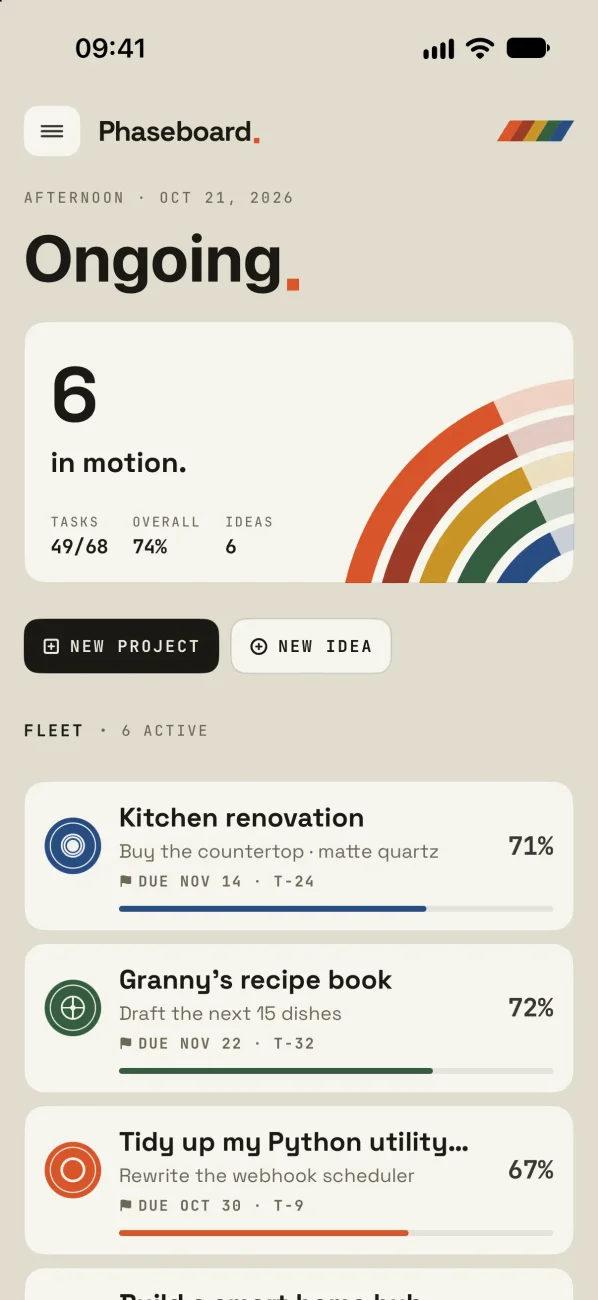
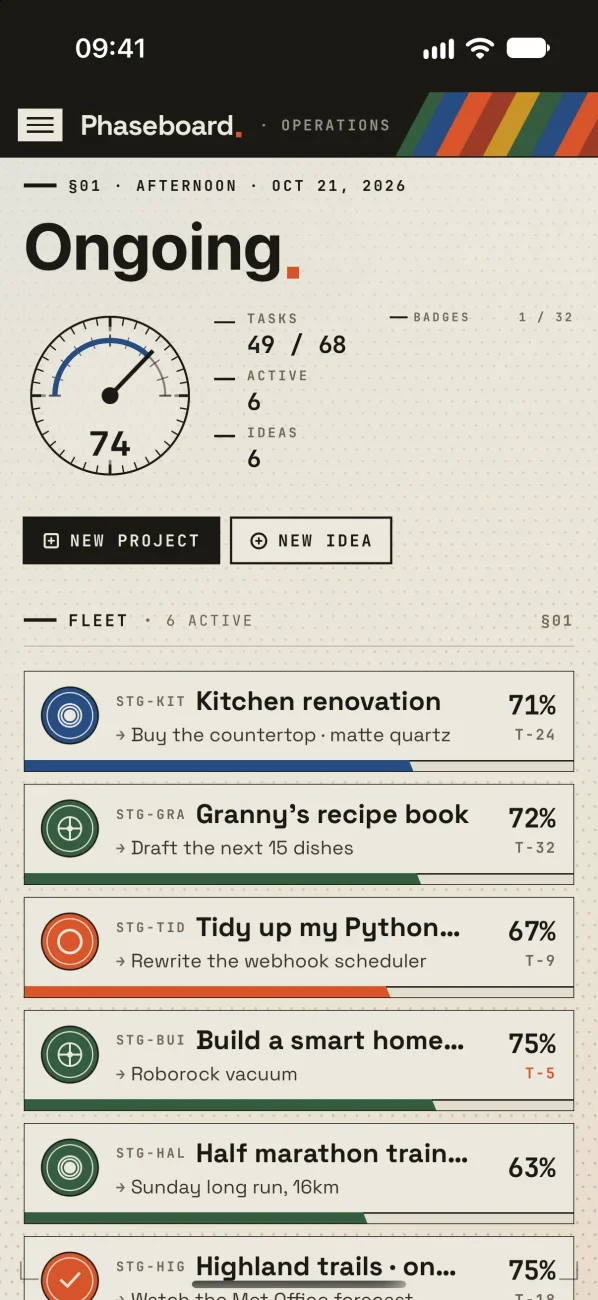
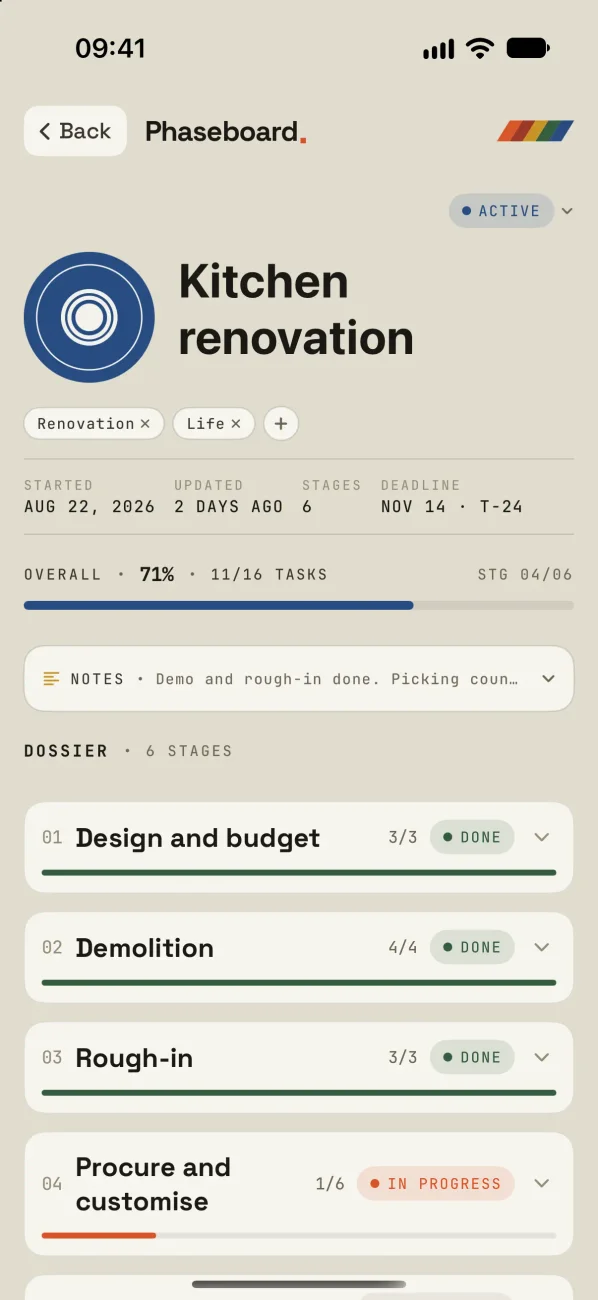
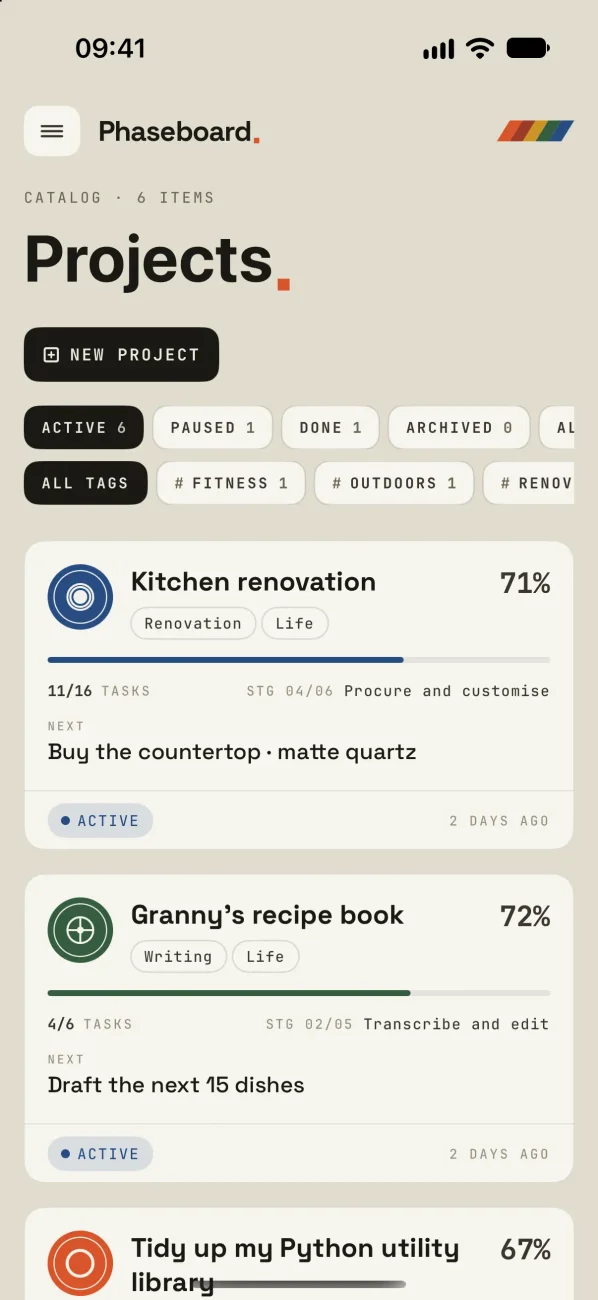
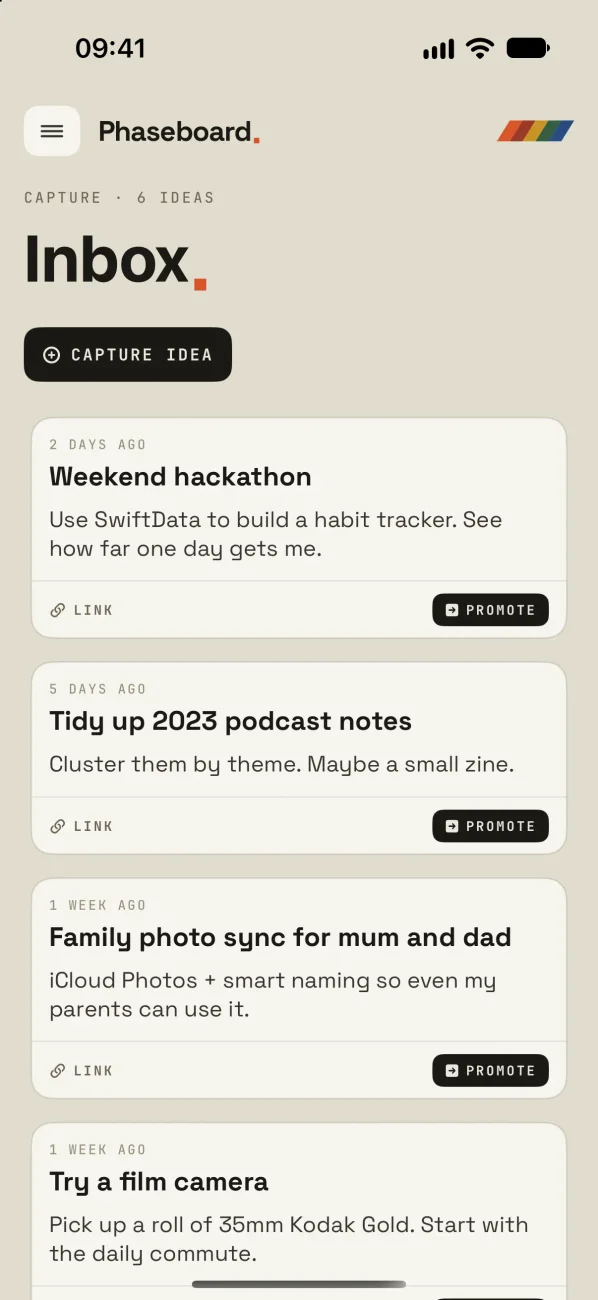
For the moments when products, prototypes, side projects, and late-night ideas are all alive at once. Phaseboard is a quiet, beautiful place to keep them, with each one's current stage, progress, and the one thing to do next.
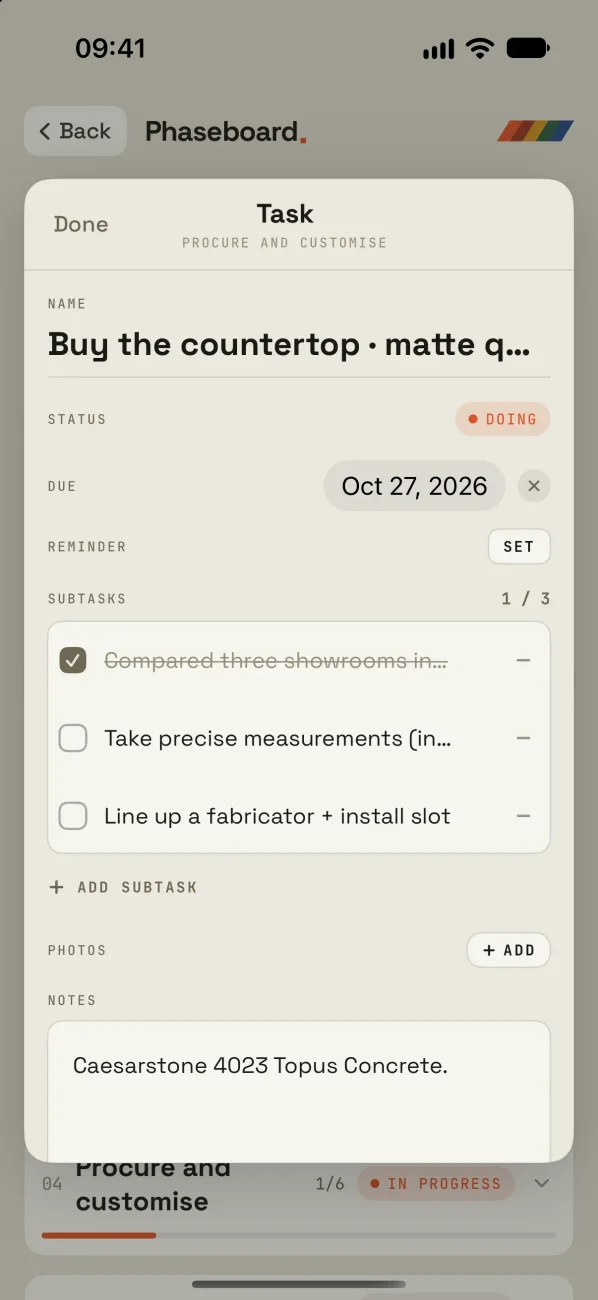
Every project breaks down the same way. From outermost to innermost: project, stage, task, subtask. Statuses roll up automatically as you check things off, so the dashboard always shows which projects deserve your time today.
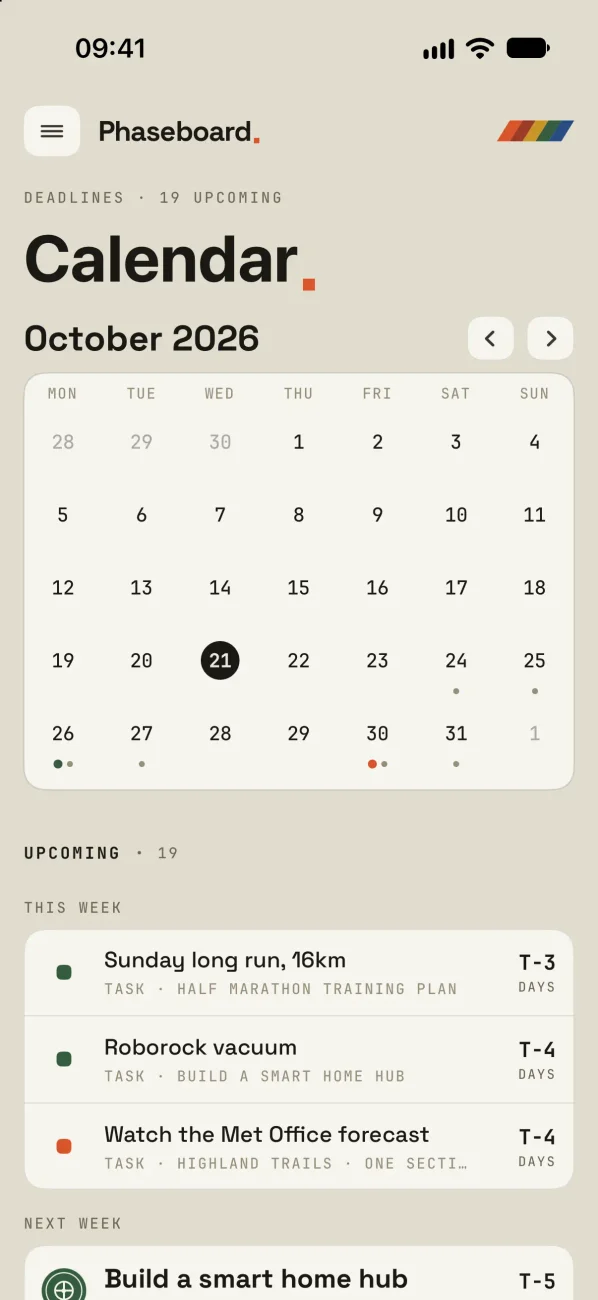
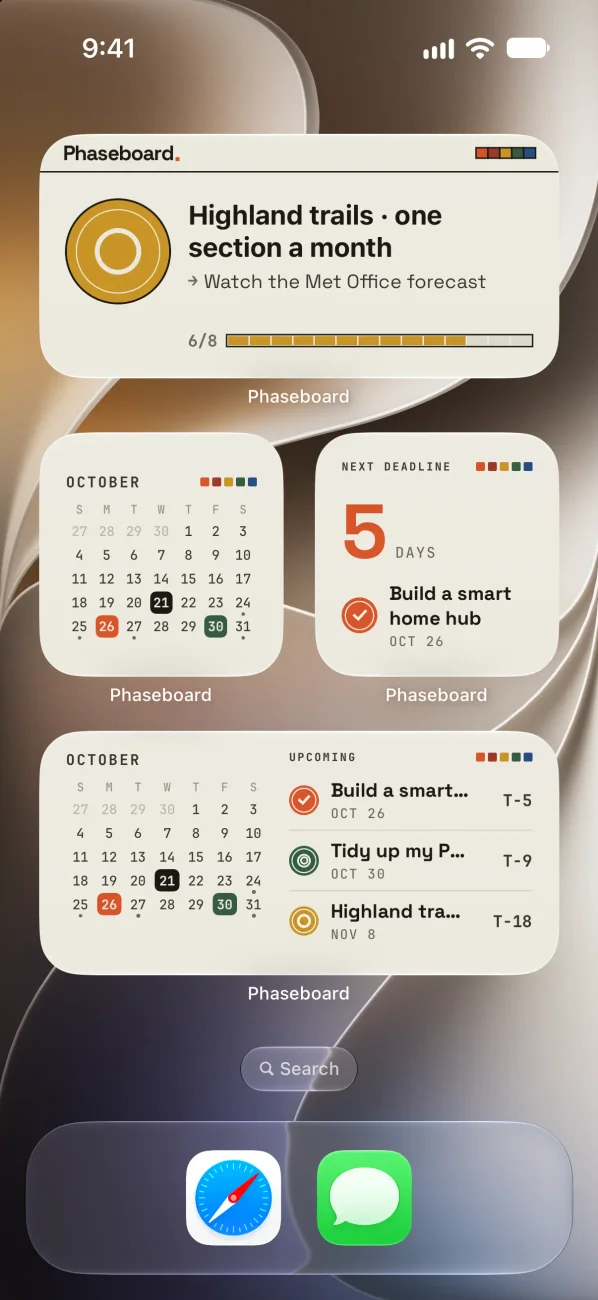
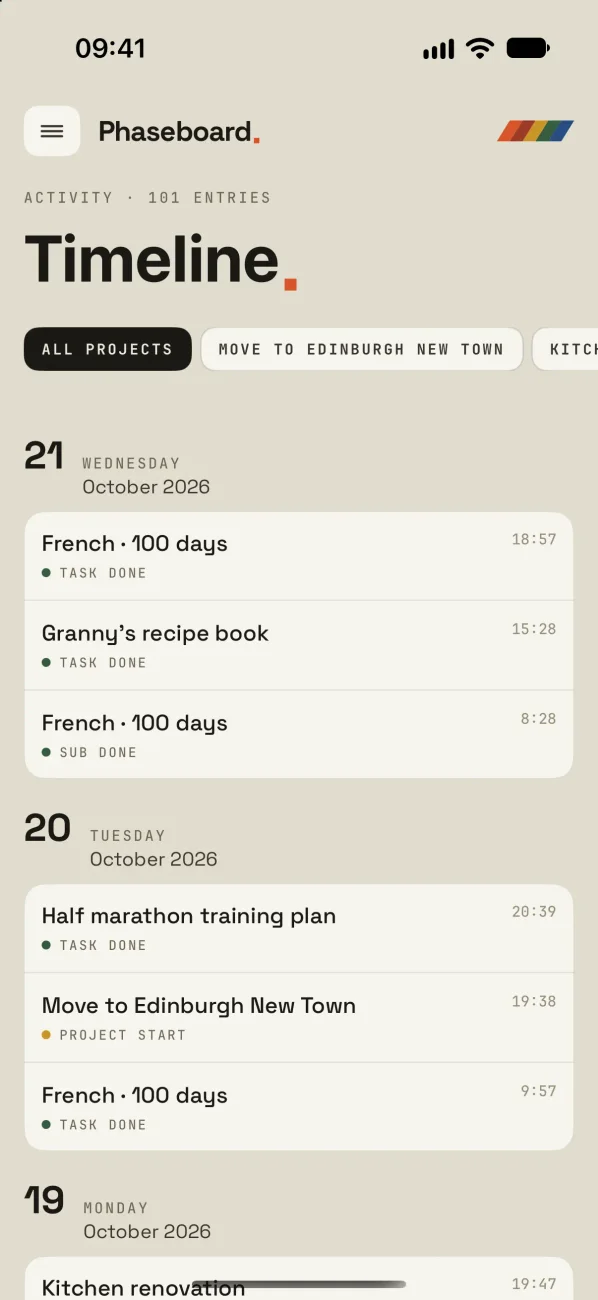
Projects now support deadlines, with a countdown on Home and on the project page. The Calendar page lists every deadline and task due date by month. Three new free widgets show the calendar and upcoming deadlines on the Home Screen.
Two styles are available: Quiet, with soft lines and plenty of room, and Classic, the original engineering-manual look. Switch between them any time from the side menu.
Phaseboard is built natively for iPhone, iPad, and Mac. Your projects sync privately through your own iCloud, with full offline support. Home Screen widgets, Lock Screen views, and a Mac menu bar tile keep what you're working on always in sight. Available in English, Simplified Chinese, and Japanese.
Terms of Use (EULA): https://www.apple.com/legal/internet-services/itunes/dev/stdeula/
Privacy Policy: https://phaseboard.app/privacy
Subscription and refund terms: https://phaseboard.app/terms
What’s new
Version 1.1.0 · Oct 22, 2026
Phaseboard 1.1 adds deadlines, a calendar, and a new style.
• Deadlines: projects now support a due date, with a countdown on the project page and on Home.
• Calendar: a new page in the side menu lists every project deadline and task due date by month, grouped into this week, next week, and later.
• Calendar widgets: three new free widgets show a month grid, the month with the next three deadlines, or a countdown to the next deadline.
• Quiet style: a calmer look with softer lines and more room on every page. Switch between Quiet and Classic any time from the side menu.
App privacy
What 东堃 许 declares on the App Store about how this app handles data.
-
Data not linked to you
May be collected but is not linked to your identity.
- Purchases
- Identifiers
Privacy practices may vary, for example with the features you use or your age.
Information
- Seller
- 东堃 许
- Category
- Productivity
- Version
- 1.1.0
- Updated
- Oct 22, 2026
- Released
- Jun 24, 2026
- Size
- 15.0 MB
- Requires
- iOS 18.0 or later
- Age rating
- 4+
- Price
- Free
- In-app purchases
- Yes
- Languages
- English, Japanese, Simplified Chinese
- Copyright
- © 2026 Xxxxxxx Systems
You might also like
-
 Habit-福格习惯养成Productivity
-
 Kenotex: AI Task PlannerIdeas into to-dos & calendar
-
 Sassy Parrot - Stop ScrollingProcrastination? Digital detox
-
 Sprint AI 目标管理专家Productivity
-
 Activity BlockProductivity
-
 Ply Note - Capture Daily LifeLight Notes, Free Flow
-
 Joygarden To DoWrite freely, like a notebook
-
 NeloaReview yesterday. Focus today.
-
 roadbarVisual timeline for your tasks
-
 OneList Item ListShared lists for your people