- Age rating4+
- CategoryBusiness
- DeveloperSpeech Processing Solutions GmbH
- LanguagesEnglish+ 2 more
- Size56.5 MB
Links to the official App Store page
Download.org hosts no file of Philips SpeechLive. The button opens its official App Store page, published by Speech Processing Solutions GmbH. Listing last checked on Nov 12, 2026.
Screenshots





About
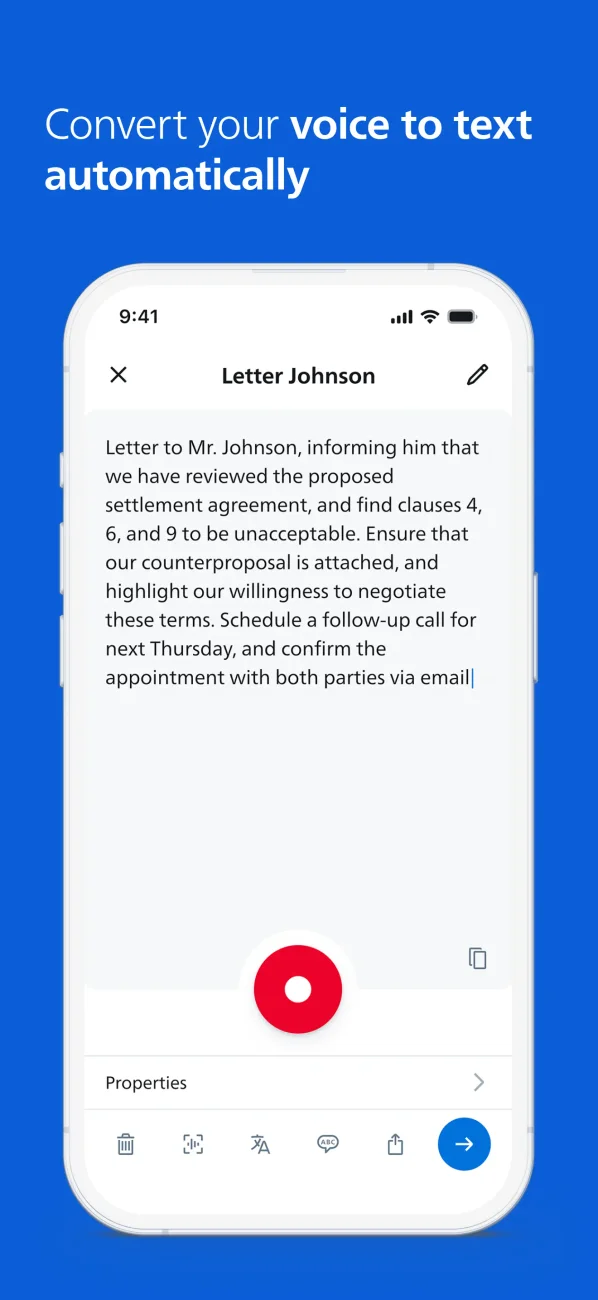
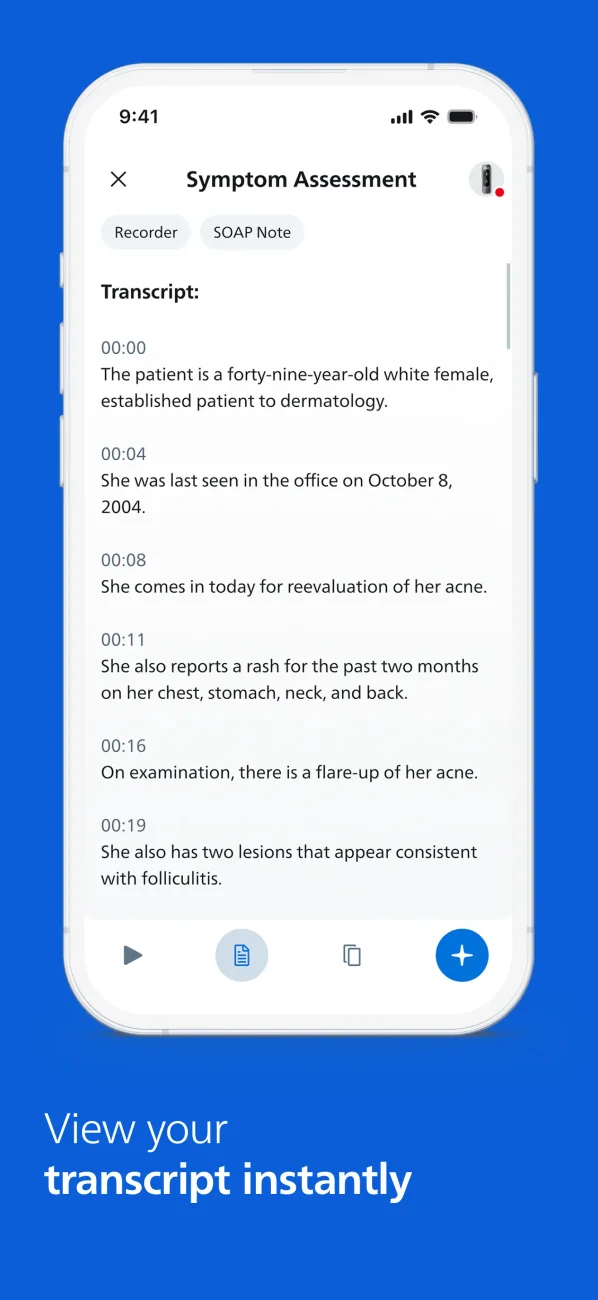
The most efficient and accurate way to convert your speech into text The new Philips SpeechLive app allows you to take full control of your document creation workflow. You can turn your dictations into written text quicker and easier than ever before.
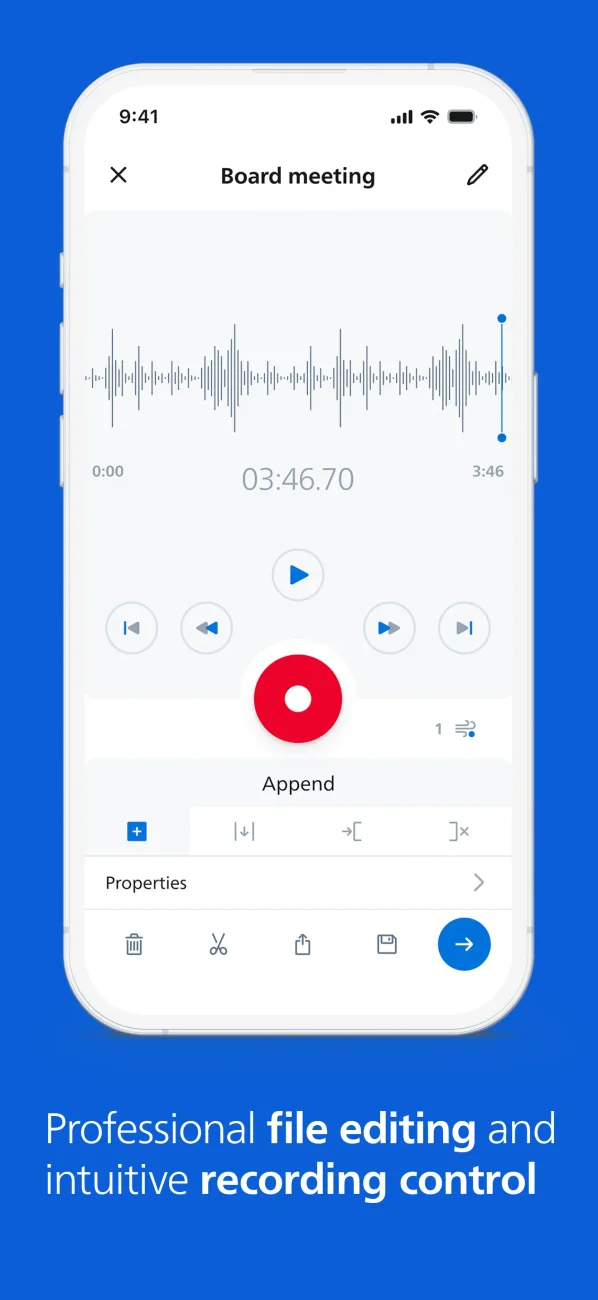
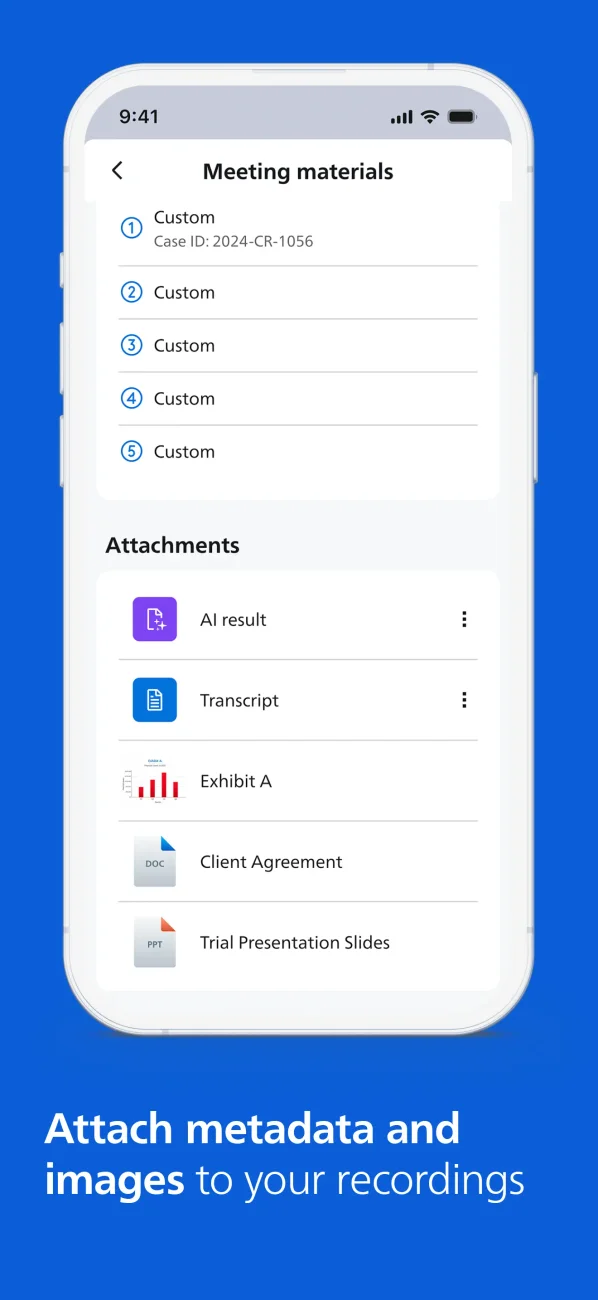
The app offers professional recording functions, such as the ability to insert or trim audio sequences and even allows you to attach images to your recordings.
The app is designed to be used with the powerful Philips SpeechLive solution. The innovative document creation solution offers high-quality benefits such as:
- Speech recognition
- Transcription
- Integration of your own personal assistant
- Browser-based file management and workflow from anywhere
- Individual user management
You can also use your Apple Watch to dictate on the go and send the dictation to your preferred typist.
What’s new
Version 2.0.15 · Oct 28, 2026
SpeechLive Health:
• Custom Templates
Use custom templates previously created on the web directly in the SpeechLive Health AI Assistant mobile app. Select your preferred template after dictation for a more personalized documentation experience.
• Notes on Mobile
Add patient notes under Context → will this special character show? the arrow? My Notes before, during, or after recording. Edit or delete notes at any time. They’re saved automatically and remain available when you revisit the session.
Other improvements:
• Replacements
Custom voice commands are now called Replacements. You can continue using your spoken triggers to automatically insert text snippets text snippets could be better said as alternative text and standard phrases.
• Usability Enhancements
User interface refinements across the app for a smoother, more responsive experience.
App privacy
What Speech Processing Solutions GmbH declares on the App Store about how this app handles data.
-
Data linked to you
May be collected and linked to your identity.
- User content
- Identifiers
-
Data not linked to you
May be collected but is not linked to your identity.
- Identifiers
- Usage data
- Diagnostics
Privacy practices may vary, for example with the features you use or your age.
Information
- Seller
- Speech Processing Solutions GmbH
- Category
- Business
- Version
- 2.0.15
- Updated
- Oct 28, 2026
- Released
- Sep 28, 2020
- Size
- 56.5 MB
- Requires
- iOS 18.0 or later
- Age rating
- 4+
- Price
- Free
- Languages
- English, French, German
- Copyright
- © 2020 Speech Processing Solutions GmbH
You might also like
-
 NetDocumentsBusiness
-
 BigHandBusiness
-
 Expert Assistant ProfessionalBusiness
-
 iManage Work 10 For IntuneBusiness
-
 Tungsten Power PDF MobileProductivity
-
 Dictate⁺Professional Dictation
-
 SurePoint LMSTimekeeping and Productivity
-
 iTimekeepBetter Timekeeping
-
 LEAP MobileLegal Practice Management
-
 ODMS CloudBusiness