- Age rating4+
- CategoryGames
- DeveloperSquatchCraft LLC
- LanguagesEnglish+ 14 more
- Size72.0 MB
Links to the official App Store page
Download.org hosts no file of Phosphor Emulator. The button opens its official App Store page, published by SquatchCraft LLC. Listing last checked on Nov 21, 2026.
Screenshots


About
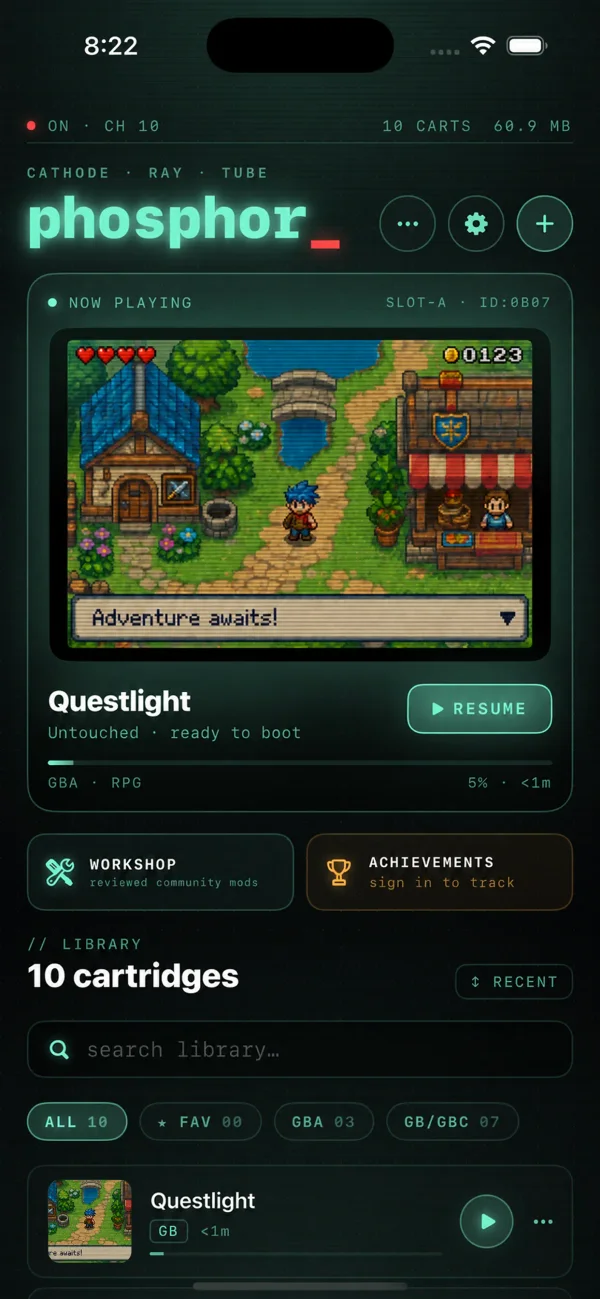
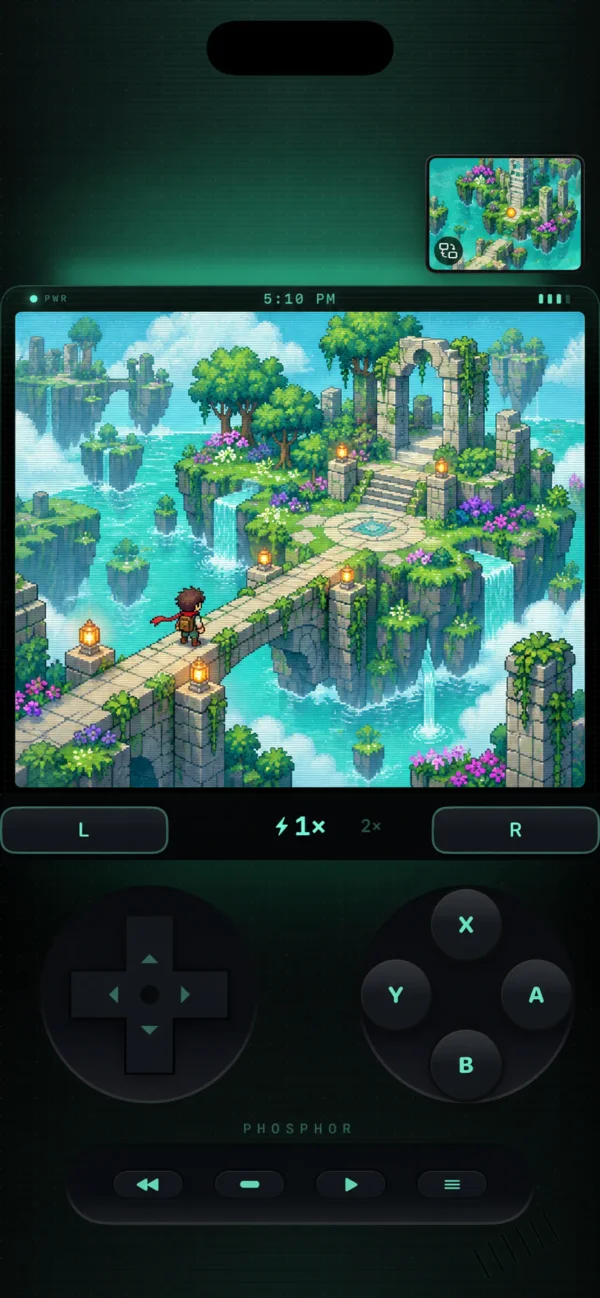
Phosphor is a free retro game emulator for iPhone, iPad, Mac, and Apple Watch. Play Game Boy, Game Boy Color, and Game Boy Advance games, plus Nintendo DS games on iPhone and iPad, with save states, fast-forward, rewind, iCloud save sync, controller support, and community mods.
No ads. No subscriptions. No accounts. No tracking.
Import your own compatible ROM files through Files, iCloud Drive, or AirDrop. Organize your library, pick your controls, and take your favorite handheld games anywhere.
MADE FOR IPHONE DUO
A handheld console that adapts to the fold. Play Game Boy, Game Boy Color, and Game Boy Advance with a centered cover-screen layout and controls arranged around your thumbs. Open Duo for more room, or stand it up for a clamshell experience. Nintendo DS places a screen on each side of the fold, with controls beside the touch screen. Close Duo to close the DS lid.
NINTENDO DS ON IPHONE AND IPAD
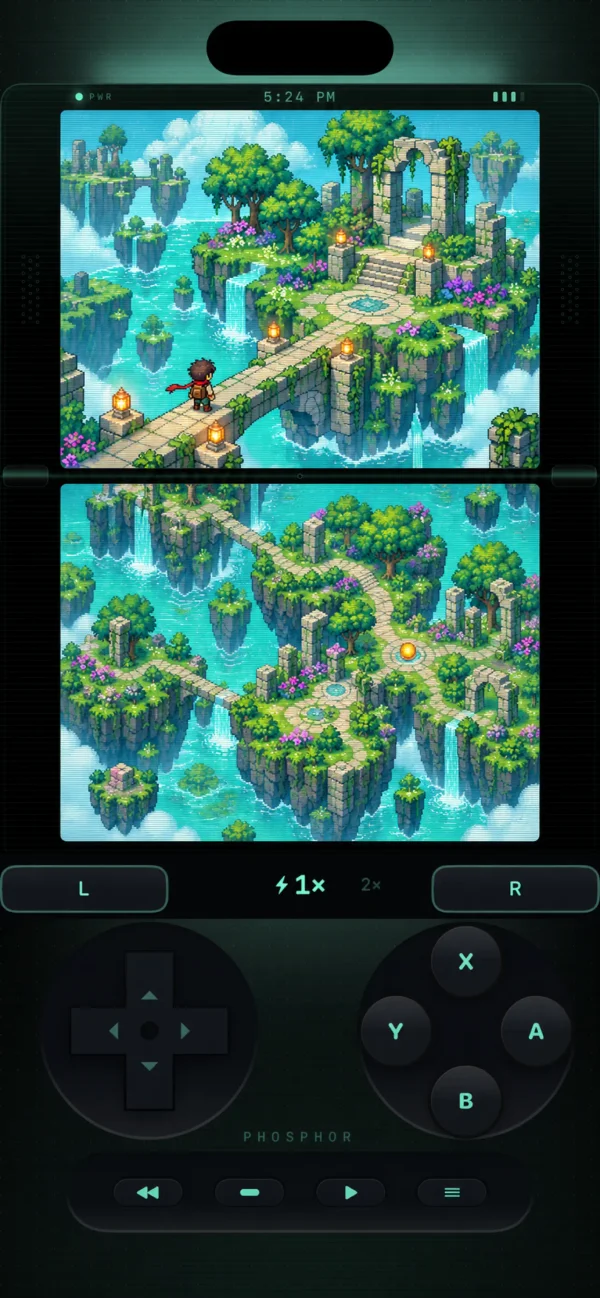
Import compatible .nds files and choose single-screen or dual-screen play. Start with a focused single-screen layout, switch to both screens from the menu, and swap screens when you need to. Touch-screen input, microphone controls, and portrait and landscape layouts keep DS play flexible.
MODS POWERED BY GEN1RECOMP
Supported games can use the integrated gen1recomp engine to run compatible community mods inside Phosphor. Keep your library, controls, and display framing while exploring new ways to play.
The updated engine brings gameplay and compatibility fixes. Features vary by game, engine, and mod. Rewind and cheat codes are available with Phosphor’s standard emulator core, not during gen1recomp play.
FEATURES
Classic handheld games
Play compatible .gb, .gbc, and .gba ROMs, with .nds support on iPhone and iPad. Import individual games or supported ZIP archives and search your library.
Link Cable trading
Connect supported games over the same Wi-Fi network. Gen 3 Pokémon Link Cable support covers Ruby, Sapphire, Emerald, FireRed, and LeafGreen. Compatible games, in-game progress, and normal trading restrictions apply.
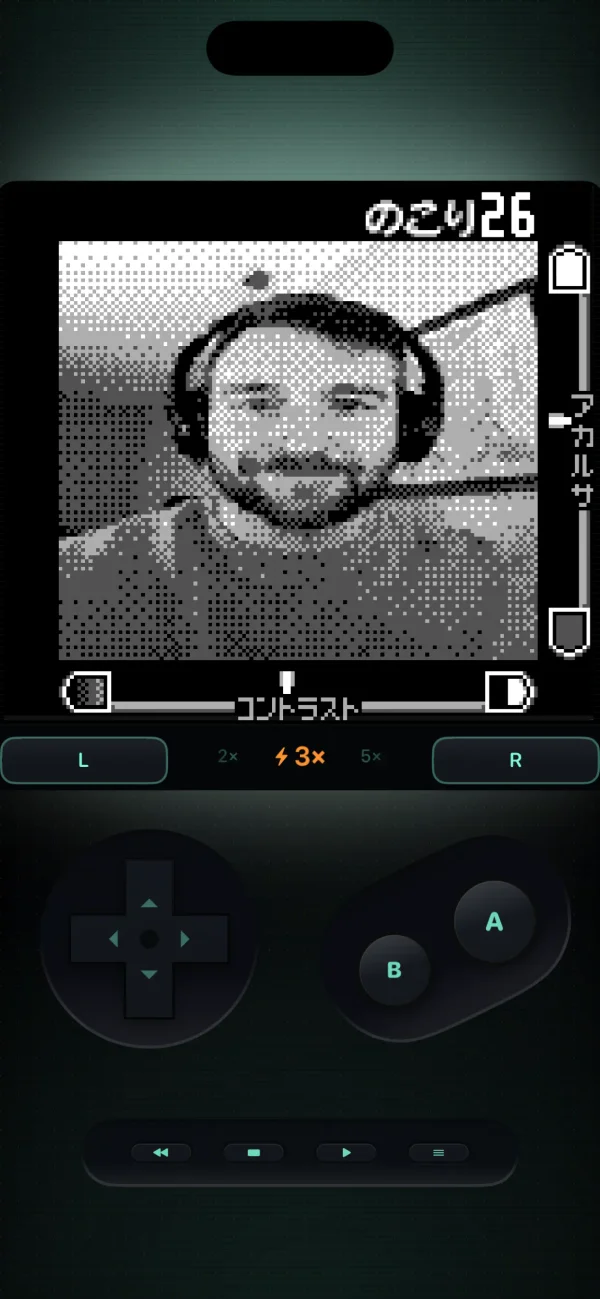
Fast-forward up to 15×
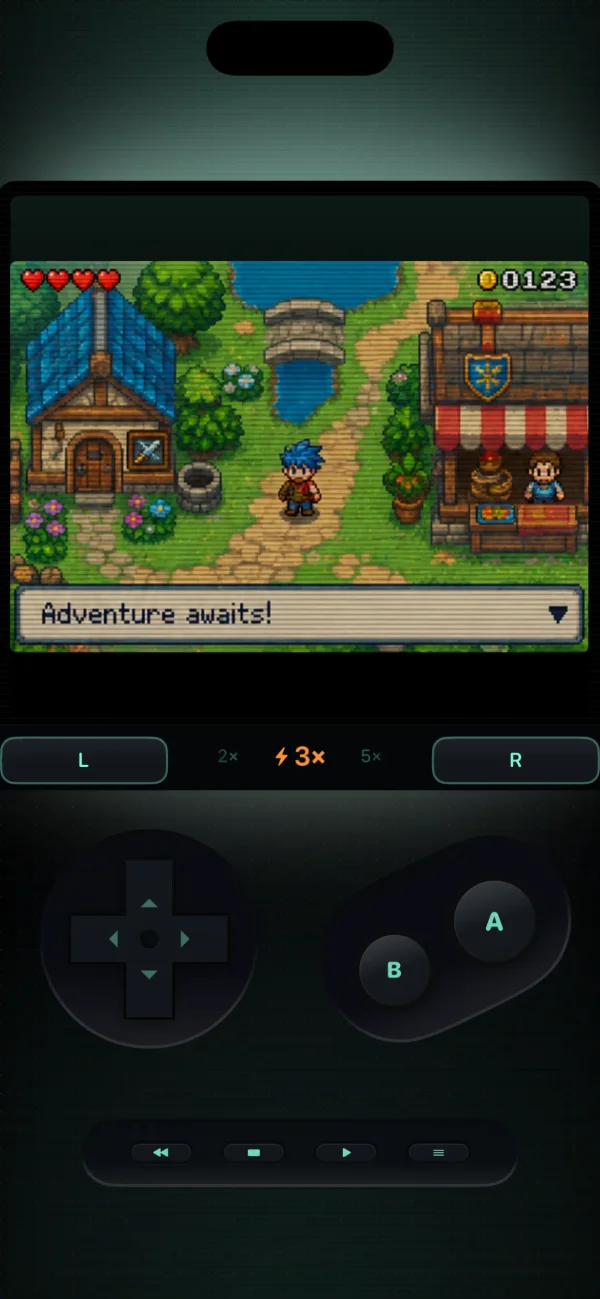
Choose 1×, 2×, 3×, 5×, 10×, or 15× where supported to move through battles, travel, and repeated sections. Available speeds depend on the game, core, and device.
Live rewind
Hold rewind to return to an earlier moment and try again with the standard emulator core.
Save states and quick resume
Create quick saves and save-state slots, then return to your session with quick resume where supported.
iCloud saves
Sync compatible in-game saves, quick saves, and save-state slots across devices using the same Apple ID. Check for saved progress in Settings and choose which copy to keep when saves conflict. Game files are not backed up; after reinstalling, reimport them with their original filenames to reconnect your saves.
CRT display and themes
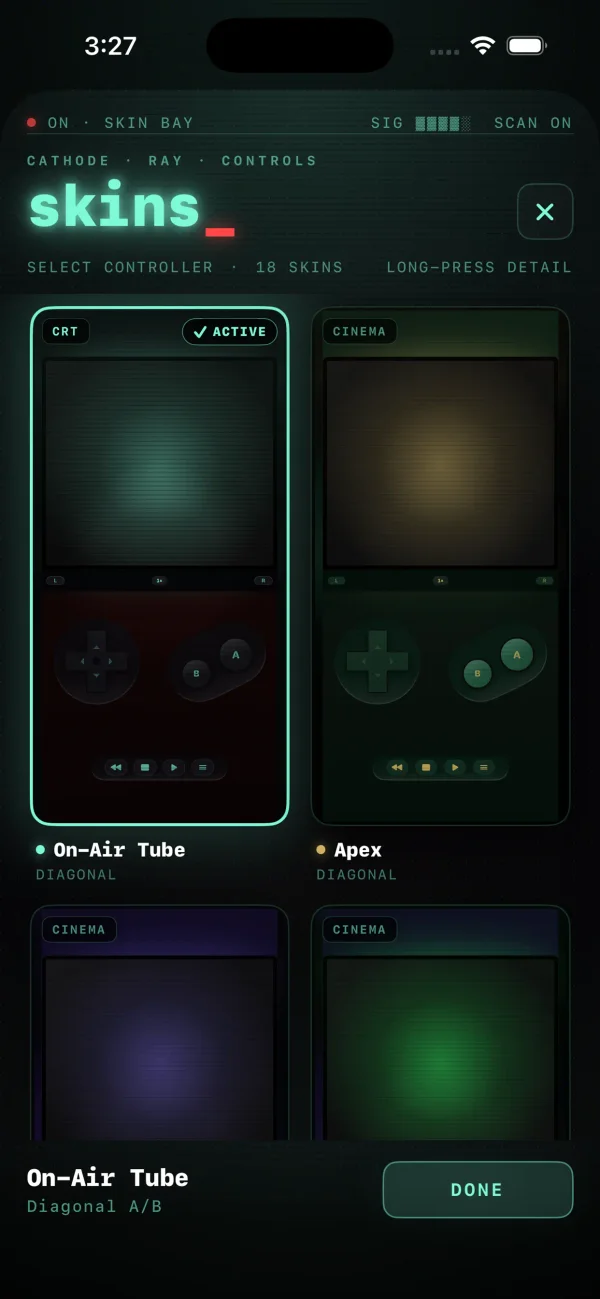
Customize your screen with scanlines, phosphor glow, dot-grid texture, vignette, contrast, and color themes.
External controllers
Play with compatible controllers or use responsive touch controls, haptics, and layouts designed for portrait and landscape.
Cheat codes
Use supported cheat formats with compatible games on Phosphor’s standard emulator core.
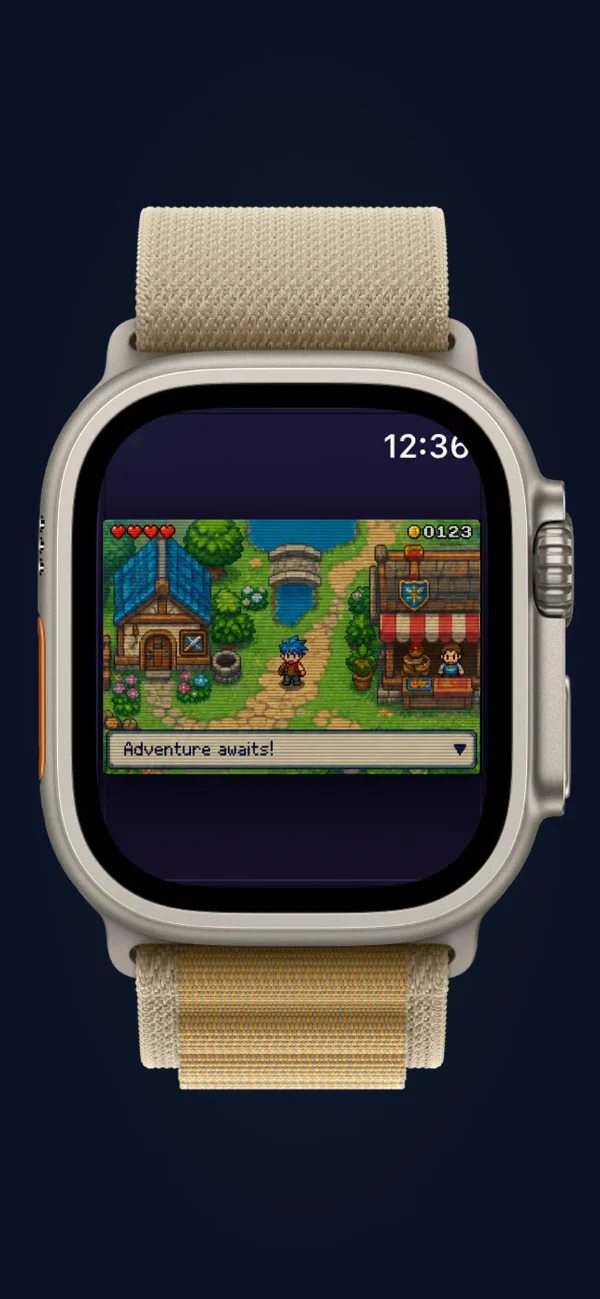
Apple Watch play
Take supported games to your wrist. Platform and feature availability vary by device; Nintendo DS play is available on iPhone and iPad.
Live Activities
See your current game, play time, and quick-resume status from the Lock Screen.
BRING YOUR OWN GAMES
Phosphor does not include games or ROMs. Provide your own legally obtained, compatible game files.
Community mods have their own authors, licenses, and compatibility requirements. Save states and other features may vary between emulator cores, engine versions, and devices.
A classic handheld feel. Modern Apple features. Your games, your library, your way to play.
What’s new
Version 5.5 · Nov 19, 2026
Meet Phosphor on iPhone Duo.
• Game Boy, Game Boy Color, and Game Boy Advance layouts adapt when Duo is closed, standing, or fully open.
• A centered cover-screen console and repositioned D-pad and A/B buttons make better use of the closed display. GBA shoulder buttons sit above each thumb group, with clearer Select, Start, Rewind, and Menu controls below.
• Nintendo DS gets a refined clamshell layout, with a screen on each side of the fold, recessed frames, and controls beside the touch screen. Close Duo to close the DS lid.
• 3D mode fills the cover screen, and compact menus fit comfortably on smaller displays.
More improvements:
• Import matching .sav files through the new Drop Saves Here folder in Files. Previous progress is kept in Earlier Saves.
• Performance Mode limits ProMotion displays to 60 Hz during standard emulation. The same limit applies when iOS reports serious thermal pressure, reducing unnecessary display work.
• Updated the integrated gen1recomp engine to 0.4.8, with compatibility fixes and improvements to supported 3D games and mods.
• Improved Gold compatibility for Terrarium and the run bridge.
• DS save states from another Phosphor version are preserved when they cannot be loaded.
Phosphor does not include games or ROMs. Bring your own compatible, legally obtained game files.
App privacy
What SquatchCraft LLC declares on the App Store about how this app handles data.
-
Data not collected
The developer does not collect any data from this app.
Privacy practices may vary, for example with the features you use or your age.
Information
- Seller
- SquatchCraft LLC
- Category
- Games
- Version
- 5.5
- Updated
- Nov 19, 2026
- Released
- Feb 27, 2026
- Size
- 72.0 MB
- Requires
- iOS 17.0 or later
- Age rating
- 4+
- Price
- Free
- Languages
- English, Arabic, Dutch, French, German, Hindi, Italian, Japanese, Korean, Portuguese, Russian, Simplified Chinese + 3 more
- Copyright
- © SquatchCraft 2026
You might also like
-
 SUMEE!Complete portable gaming OS
-
 Pocket8A PICO-8 Fantasy Emulator
-
 GlassROMRetro Game Emulator
-
 ArcEmuRetro Games Emulator for Watch
-
 Linking BoyGBA/GBC/GB emulator with Link
-
 Revo PS1 EmulatorPS1 Emulator - Enjoy old games
-
 Dream EmulatorGame Boy emulator for iOS
-
 Retro Emulator: 4 Buttons8-bit games with save states
-
 Control Ultimate EditionEdge-Of-Your-Seat Adventure
-
 GBA Emulator: Retro GamesSave States, Rewind & Cheats