
Photo Declutter, Bulk Compress
Resize, Insights, Find Similar
Designed for iPhone, iPad, Mac
In-app purchases
- Age rating4+
- CategoryPhoto & Video
- DeveloperHawkwise Labs OU
- LanguagesGerman+ 15 more
- Size55.6 MB
Links to the official App Store page
Download.org hosts no file of Photo Declutter, Bulk Compress. The button opens its official App Store page, published by Hawkwise Labs OU. Listing last checked on Nov 13, 2026.
Screenshots



About
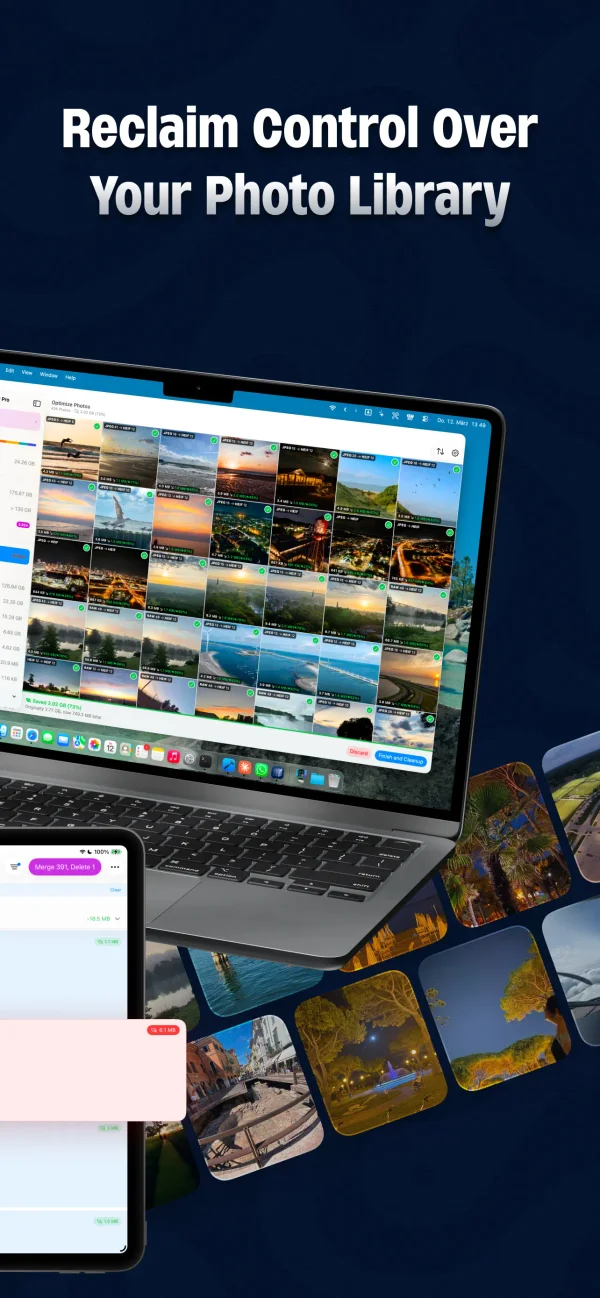
Take back control of your photo library — starting with the storage you didn't know you were losing.
If your phone storage is full and you can't figure out why, you're not alone. Most photo cleaners go after the obvious: old screenshots, blurry shots, the occasional duplicate. MediaDeclutter Pro goes deeper. It finds the storage that quietly eats 2–4x more space than you think — and shows you exactly where it's hiding before anything changes.
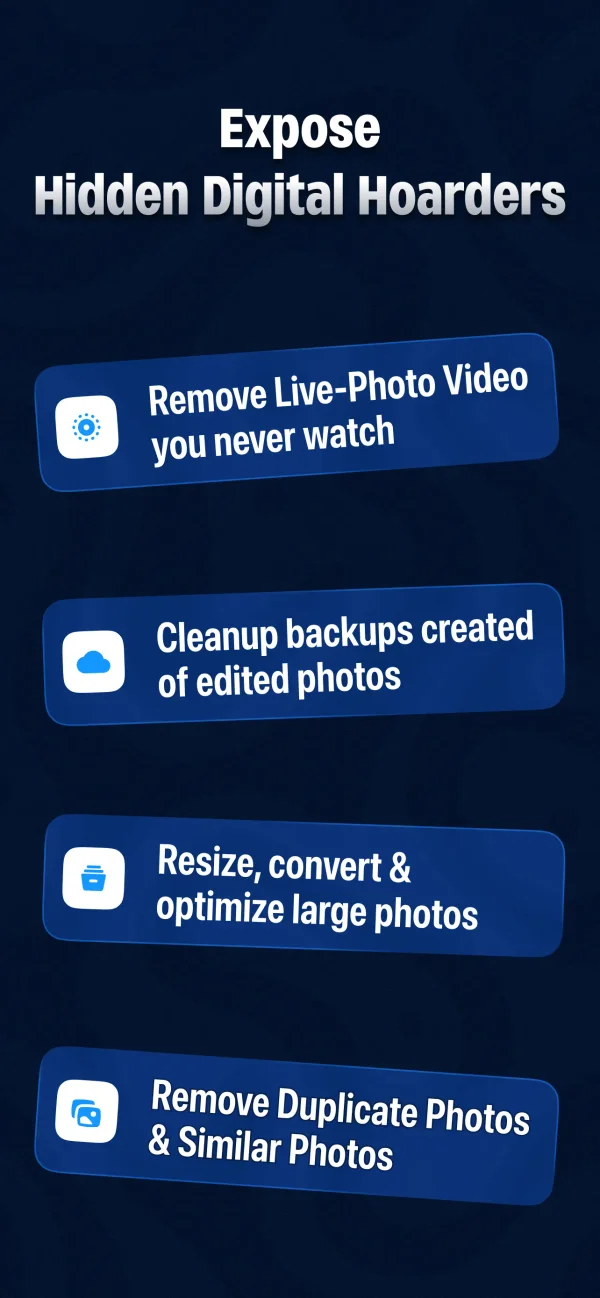
FIND HIDDEN HOARDERS
Your library is full of files that look like ordinary photos but aren't. Each Live Photo bundles a short video alongside the picture. Each edited photo keeps the original in the background so you can revert later. Each crop or retouch stores another hidden copy. Over thousands of photos, this quiet accumulation becomes gigabytes.
MediaDeclutter Pro is built to see what you usually wont see:
• Live Photos with their motion clips — convert to stills, keep the memory, free real storage
• Edit backups hidden behind every retouched image — reclaim the originals' space
• Format overhead from inefficient files — older JPG, oversized captures, uncompressed HEIC
• Deep metadata and thumbnails that add up across large libraries
This is the storage other cleaners miss. Often the single biggest win in your library.
GUIDED CLEANUP — START WITH ONE TAP
Knowing where to begin is the hardest part. SmartClean scans your library, ranks actions by impact, and puts the biggest wins first. Instead of digging through thousands of photos manually, you see clear recommendations: convert these HEIC files, reduce these oversized images, remove these duplicates.
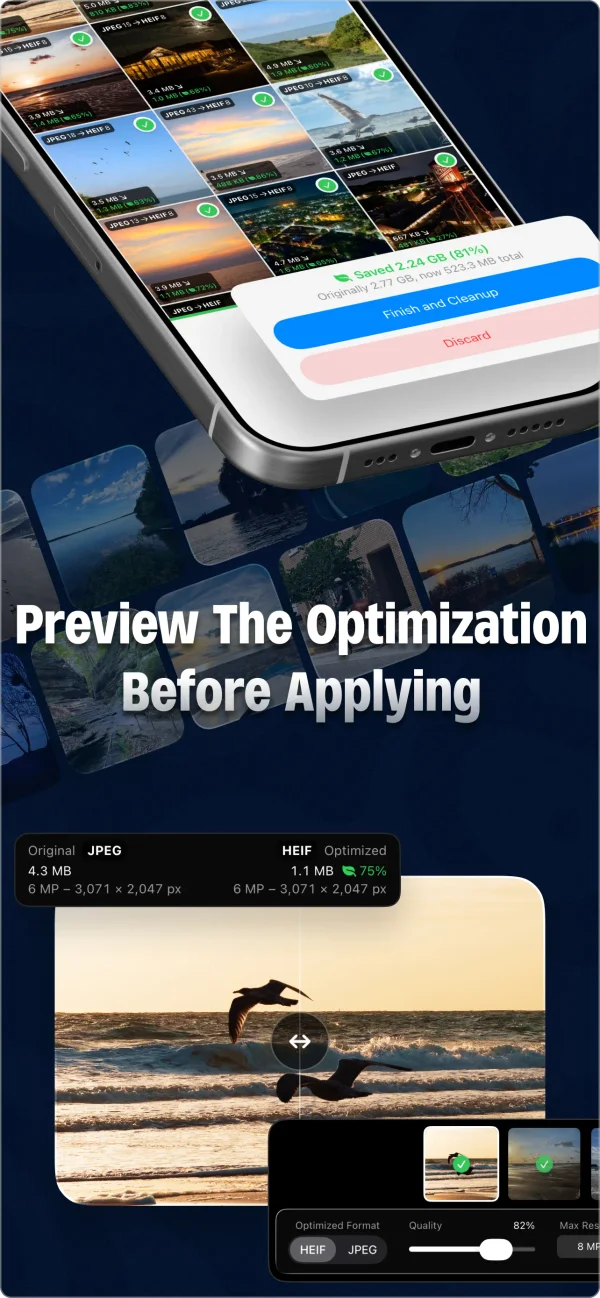
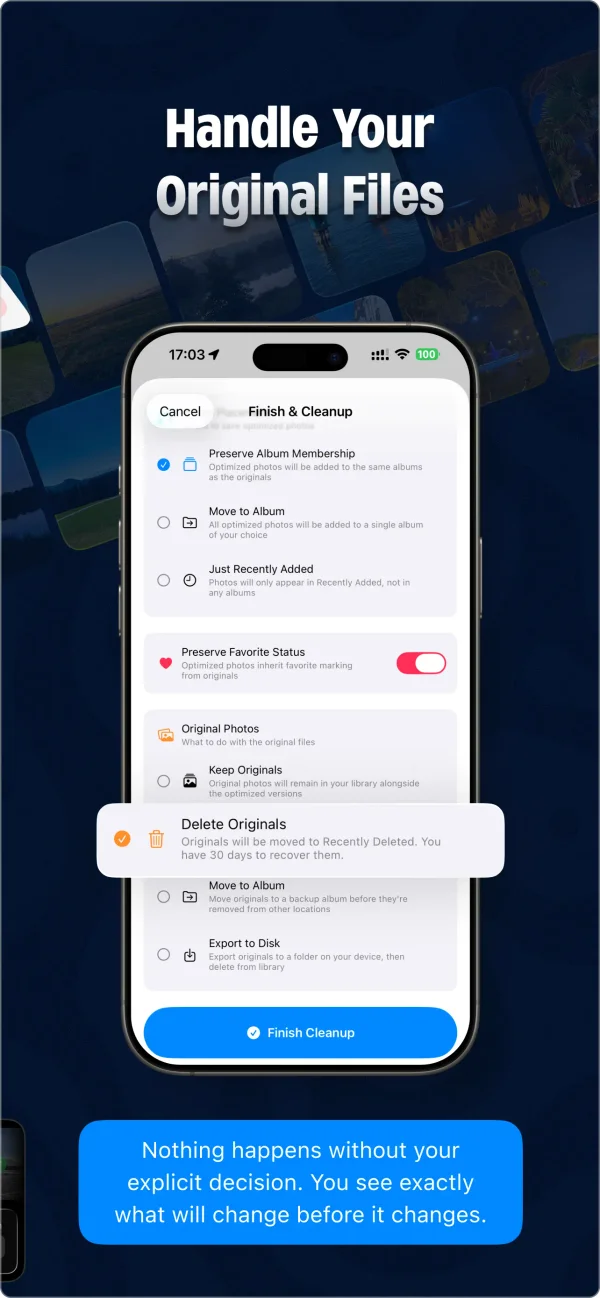
Every suggestion is reviewed by you before anything happens. Nothing is deleted automatically. Nothing is sent off your device.
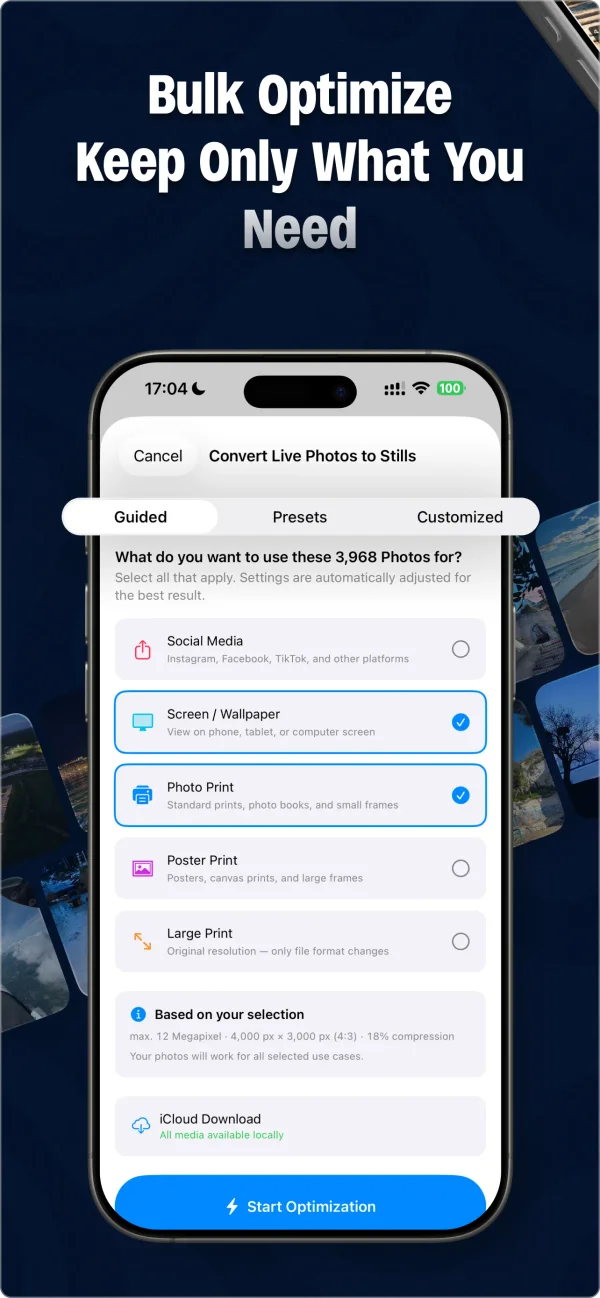
Three modes adapt to how you work:
• Guided — simple recommendations, one decision at a time
• Presets — one-tap cleanup with saved settings
• Customize — full manual control for technical users
BULK COMPRESS — OPTIMIZE AT SCALE
A modern 48-megapixel photo uses 8–12x more space than it needs for viewing on your phone. Multiply that across thousands of shots — a full trip, a kids' birthday, a year of daily life can easily hit 10, 20, 40 gigabytes.
MediaDeclutter Pro includes a batch compression engine that processes all selected pictures in on pass. Convert older formats to modern HEIF, convert HEIC to JPG for sharing, or reduce oversized images with full control over quality, resolution, and output. Photos stay beautiful while taking a fraction of the space.
FIND AND MANAGE DUPLICATES
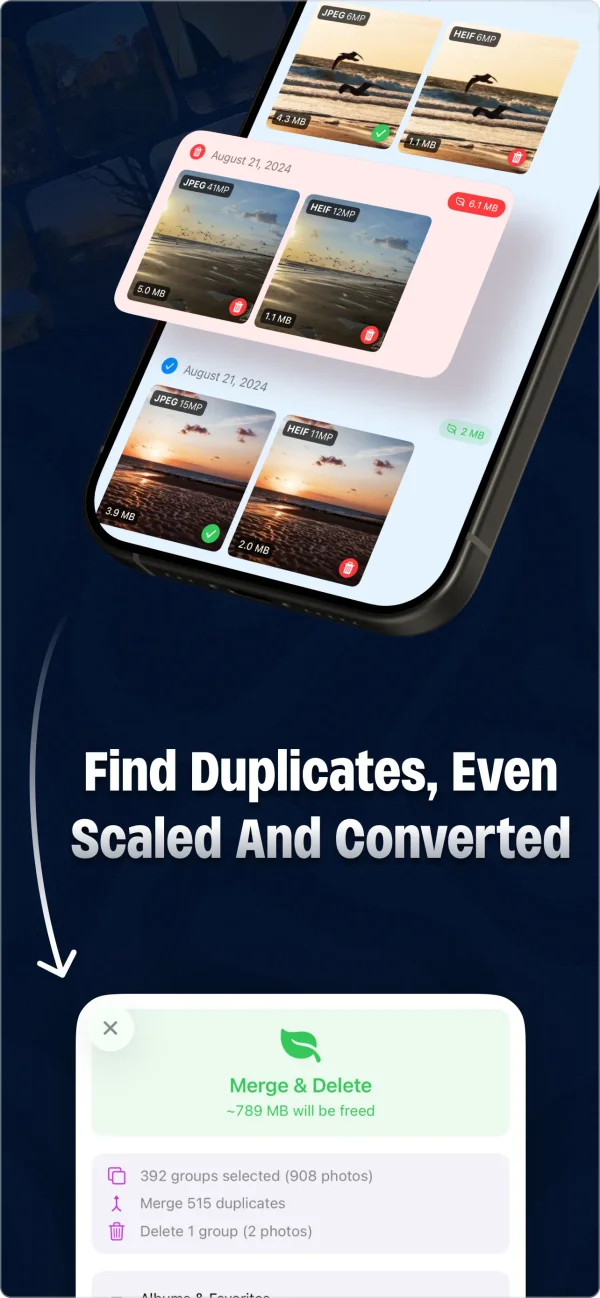
Duplicates accumulate silently through editing, messaging apps, cloud sync, and backups. The duplicate finder scans for exact and near-duplicate images, groups them visually, and suggests which version to keep based on quality and metadata. You stay in control — nothing removed without your confirmation.
FOR EVERY PHOTO LIBRARY
• Phone storage full
• Usually shooting RAW but don't need all of them in RAW
• Years of kids' photos you'll never delete but want in a size you actually need
• Hundreds of edits, each quietly kept a full backup
• Duplicates from WhatsApp, backups, and edits doubled your library
MediaDeclutter Pro handles it all with a simple workflow.
PRIVATE BY DESIGN
Everything happens on-device. Your photos never leave your phone, never touch a server, never get analyzed by anyone but you. No account. No sign-in.
WHY MEDIADECLUTTER PRO
Most photo cleanup apps are aggressive: they push you toward deletion and treat your library like junk to clear fast. MediaDeclutter Pro is the opposite. It shows you what's actually taking space, explains why, ranks the biggest wins, and waits for your decision. Nothing automatic. Nothing risky. You end the session with gigabytes freed and every photo you cared about still there.
Download now and find the hidden storage in your library — safely, on-device, in your control.
What’s new
Version 26.1 · Apr 20, 2026
MediaDeclutter Pro - Find hidden Hoarders most Apps don't detect. Live Photos & edits can use 2-4x more space than you think. Discover where your photo storage really goes.
New Features:
- Background notifications: Get notified when optimization or duplicate scanning of photos finishes in the background
- Choose your start page: Pick whether the app opens to Smart Cleanup, Library, or Menu in Settings
- Upgrade prompt: A convenient upgrade option now appears when you've used all your free features
- 11 new languages: The app now supports French, Spanish, Italian, Portuguese, Japanese, Chinese (Simplified), Arabic, Hindi, Russian, Vietnamese, Indonesian, and Thai
Improvements in this version:
- Background tasks now continue more reliably after switching apps or locking your device
- Safer photo deletion: a "Select All" step now appears before you can delete multiple photos
- More detailed progress information during background tasks
Bugfixes:
- Fixed an issue where drag-to-select could drift to the wrong row on iPhone
App privacy
What Hawkwise Labs OU declares on the App Store about how this app handles data.
-
Data not linked to you
May be collected but is not linked to your identity.
- Usage data
Privacy practices may vary, for example with the features you use or your age.
Information
- Seller
- Hawkwise Labs OU
- Category
- Photo & Video
- Version
- 26.1
- Updated
- Apr 20, 2026
- Released
- Apr 3, 2026
- Size
- 55.6 MB
- Requires
- iOS 26.0 or later
- Age rating
- 4+
- In-app purchases
- Yes
- Languages
- German, Arabic, English, French, Hindi, Indonesian, Italian, Japanese, Dutch, Polish, Portuguese, Russian + 4 more
- Copyright
- © 2026 Hawkwise Labs OÜ
You might also like
-
 prividPrivate videos, encrypted
-
 YJingManage, Secure, Photo wall
-
 PixSafe: Photo EXIF RemoverRemove EXIF GPS Metadata
-
 Reelo - Vertical Vlog EditorDaily vlogs, no editing skills
-
 Private Album-Securely CameraPrivacy Protection · Camera
-
 Hyper Ultra Zoom Camera 100x100x Zoom AI Camera & Video
-
 Retrofy: AI Photo ColouriserOld Black & White to Colour
-
 SwipeDelete: Cull Large VideosDedupe & Bulk Delete Photos
-
 Latent Photos: Review & TagSimilar shots, side by side
-
 Flo AI Photo & Video GeneratorPicture Editor & Image Creator