Photo Frame Effects Editor
Pic Frames Collage Editor
Designed for iPhone, iPad
Free · In-app purchases
- Age rating4+
- CategoryPhoto & Video
- DeveloperSandeep Bhandari
- LanguagesEnglish+ 15 more
- Size12.3 MB
Links to the official App Store page
Download.org hosts no file of Photo Frame Effects Editor. The button opens its official App Store page, published by Sandeep Bhandari. Listing last checked on Nov 12, 2026.
Screenshots

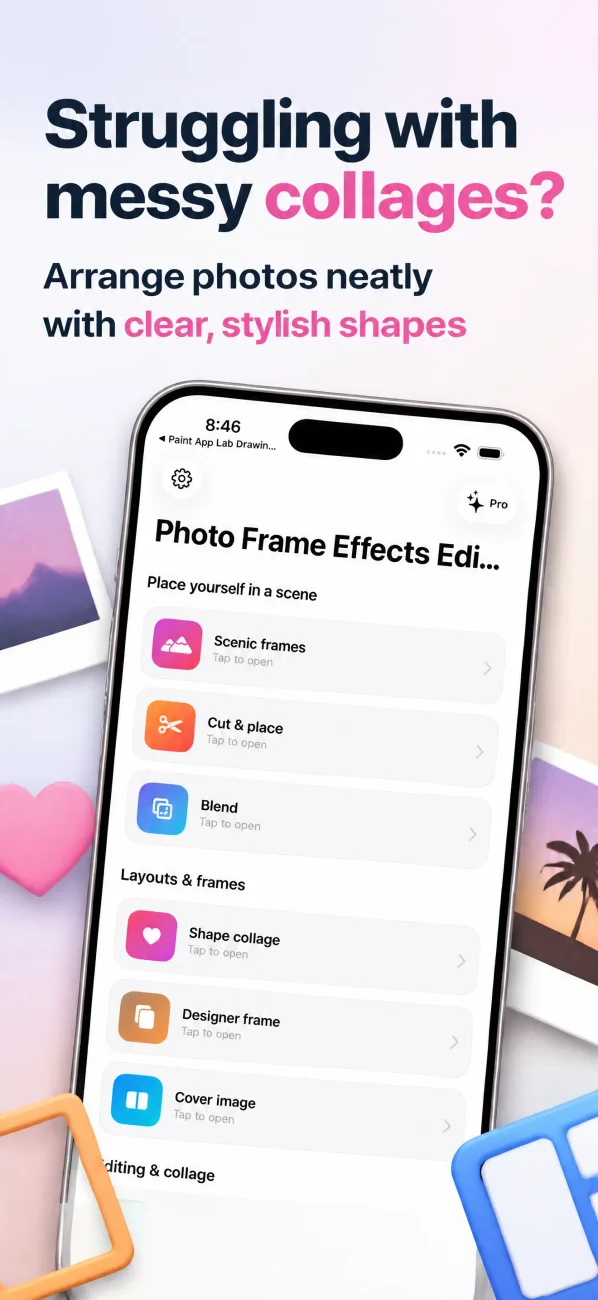
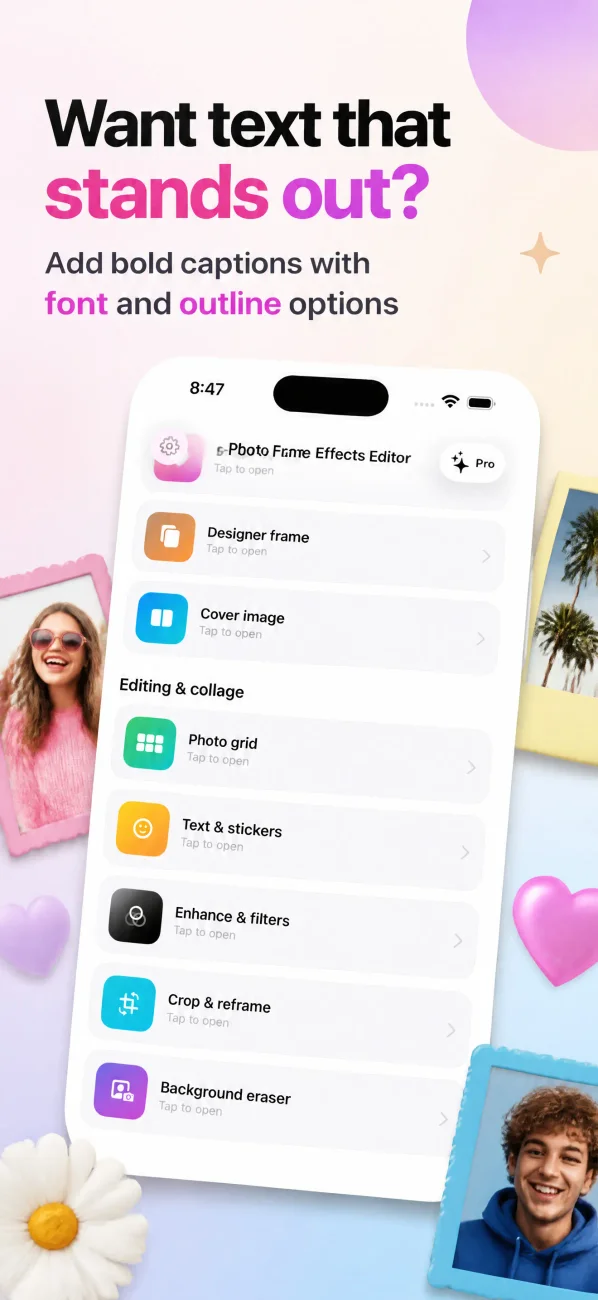
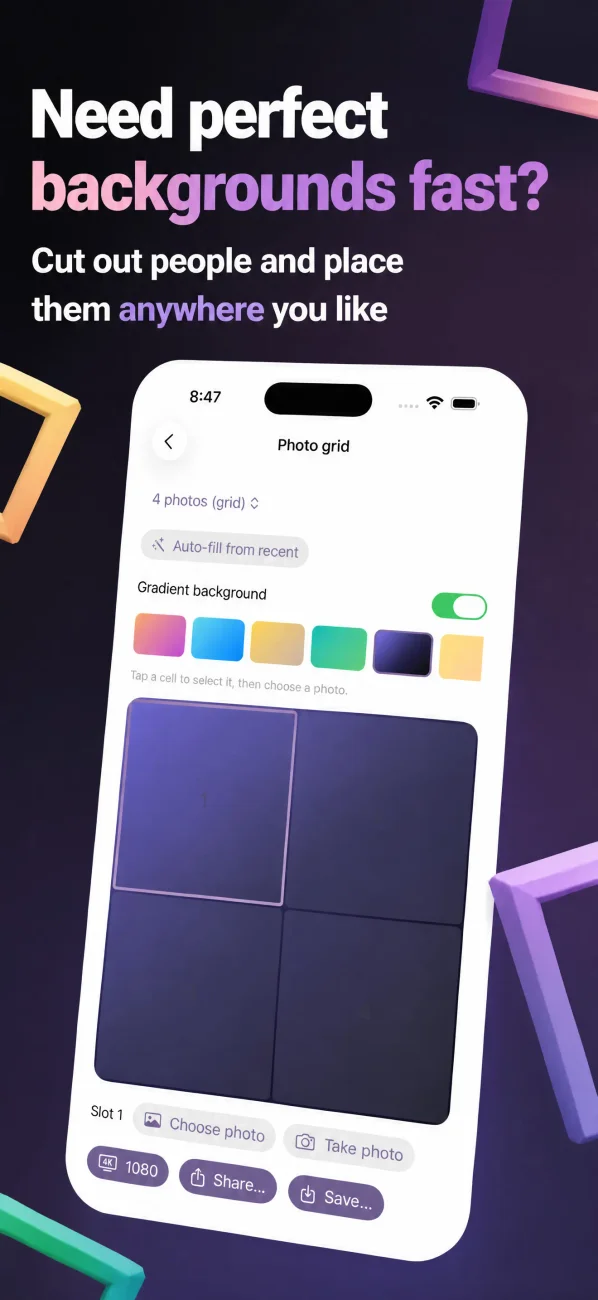

About
Turn ordinary photos into polished frame edits, collages, and cutout scenes without wrestling with complicated controls. Make the look you want faster, then save or share it in the size that fits.
Photo Frame Effects Editor helps you build photo frames, collage layouts, blend pictures, and scene edits from your own photos.
Bring a person into a sunset scene, make a cover photo from two images, or clean up a portrait with crop and reframe before you share it. You can lay out a quick photo grid for a recap post, place text and stickers over a background photo, make a heart or circle shape collage, or cut out a person and place them on a new backdrop. If you want a designer frame, a blend photo effect, or a simple collage maker with clear export choices, it is all in one app.
- Make a photo grid with layouts like side by side, 3 in one row, 2×2, 2×3, 3×3, and banner + row, then export a square collage.
- Add captions and stickers on top of a background photo, change text color, size, font style, and turn on text outline for better readability.
- Adjust your picture with Looks like Mono, Chrome, Fade, and Instant, then fine-tune exposure, brightness, contrast, saturation, vibrance, and sharpness.
- Press and hold in the filter editor to compare your edit with the original photo before you save it.
- Place yourself in a scene with built-in gradient backdrops or your own backdrop photo, then move, scale, rotate, flip, or fade your foreground photo.
- Cut out person photos and place them on a new background, with messages that help if the photo is unclear.
- Blend two pictures with Normal, Multiply, Screen, Overlay, Soft Light, Hard Light, Difference, and more for creative collage results.
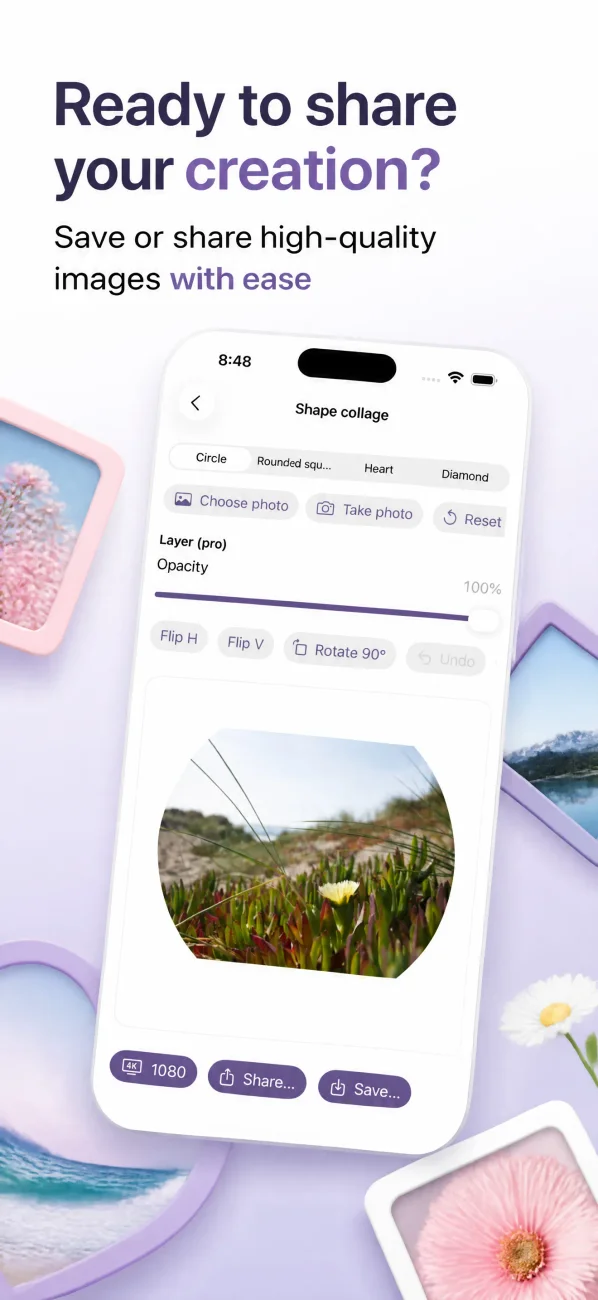
- Make a shape collage with Circle, Rounded square, Heart, or Diamond masks.
- Build a designer frame with custom mat and frame colors, then reset the pose anytime.
- Create a wide cover image with separate backdrop and foreground photos.
- Crop and reframe with popular aspect choices, using simple pan and pinch gestures.
- Save or share as PNG or JPEG, and jump back into recent edits from the home screen.
Everything is arranged around clear editors, so you can switch from a photo frame to a cover photo or collage maker without learning a new workflow each time. Recent edits help you reopen past exports, and the shared move, pinch, rotate, flip, and opacity controls make Scenic frames, Blend, Shape collage, Designer frame, Cover image, and Cut & place feel consistent. That makes it handy for everyday jobs like making a birthday collage, trying a blend photo look, building a clean cover image, or placing a cutout portrait into a new scene right on your phone.
Some backdrops, export options, and batch export are available with Pro. Free users can also get temporary access to a Pro feature after watching a short ad. The app asks for photo access only to choose your pictures and save your finished images, and Pro removes ads.
Pick a mode, place your photos, and make a frame, collage, or cover image that looks ready to share.
Terms of Use (EULA) - http://www.apple.com/legal/itunes/appstore/dev/stdeula
What’s new
Version 1.3 · Aug 11, 2026
Bug fixes and enhancements
App privacy
What Sandeep Bhandari declares on the App Store about how this app handles data.
-
Data used to track you
May be used to track you across apps and websites owned by other companies.
- Identifiers
- Usage data
-
Data linked to you
May be collected and linked to your identity.
- Identifiers
- Usage data
-
Data not linked to you
May be collected but is not linked to your identity.
- Diagnostics
Privacy practices may vary, for example with the features you use or your age.
Information
- Seller
- Sandeep Bhandari
- Category
- Photo & Video
- Version
- 1.3
- Updated
- Aug 11, 2026
- Released
- Sep 14, 2017
- Size
- 12.3 MB
- Requires
- iOS 26.0 or later
- Age rating
- 4+
- Price
- Free
- In-app purchases
- Yes
- Languages
- English, Arabic, Dutch, French, German, Hindi, Italian, Japanese, Korean, Polish, Portuguese, Russian + 4 more
- Copyright
- © Indrani Solutions
You might also like
-
 Katchi FunA photo platform with fun.
-
 Hoarding Photo Frames & CardHoarding Greeting Cards
-
 PhraseCamera(ComiCam)AR camera that makes comical
-
 Summer Vibes : Beachy Pics CamSunny Snap - GlowSummer Studio
-
 Layoutz: Photo Grid CollagePhoto Collage · No Watermark
-
 Blend Editor PhotosPhoto & Video
-
 Summer Snap Cam : Beach BlissOcean Wave - Beachside Frames
-
 Virtual Try On: AI Clothes FitTry Before You Buy Any Outfits
-
 Glitter Photo Frames - EditorPhoto & Video