
- Age rating4+
- CategoryUtilities
- DeveloperOpsOh LLC
- LanguagesEnglish
- Size3.8 MB
Links to the official App Store page
Download.org hosts no file of Photo Location Export. The button opens its official App Store page, published by OpsOh LLC. Listing last checked on Nov 16, 2026.
Screenshots


About
Explore your photo locations. Export your memories.
Discover where your photos were taken, explore your photo history on an interactive map, and export valuable photo metadata in just a few taps.
Photo Location Export makes it easy to turn your photo library's location information into useful CSV and KML files — without accounts or subscriptions.
EXPLORE YOUR PHOTOS ON A MAP
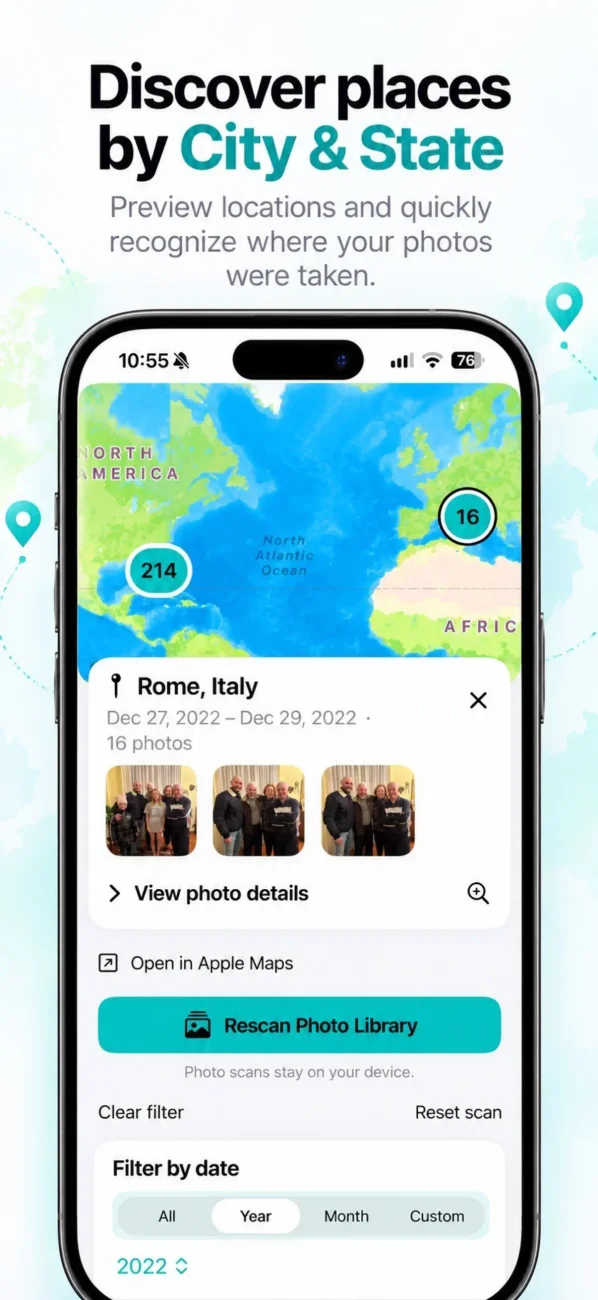
• Discover where your photos were taken on an interactive map.
• Tap location pins and clusters to preview photo thumbnails.
• View photo dates, GPS coordinates, and location details.
• See city and region names when available.
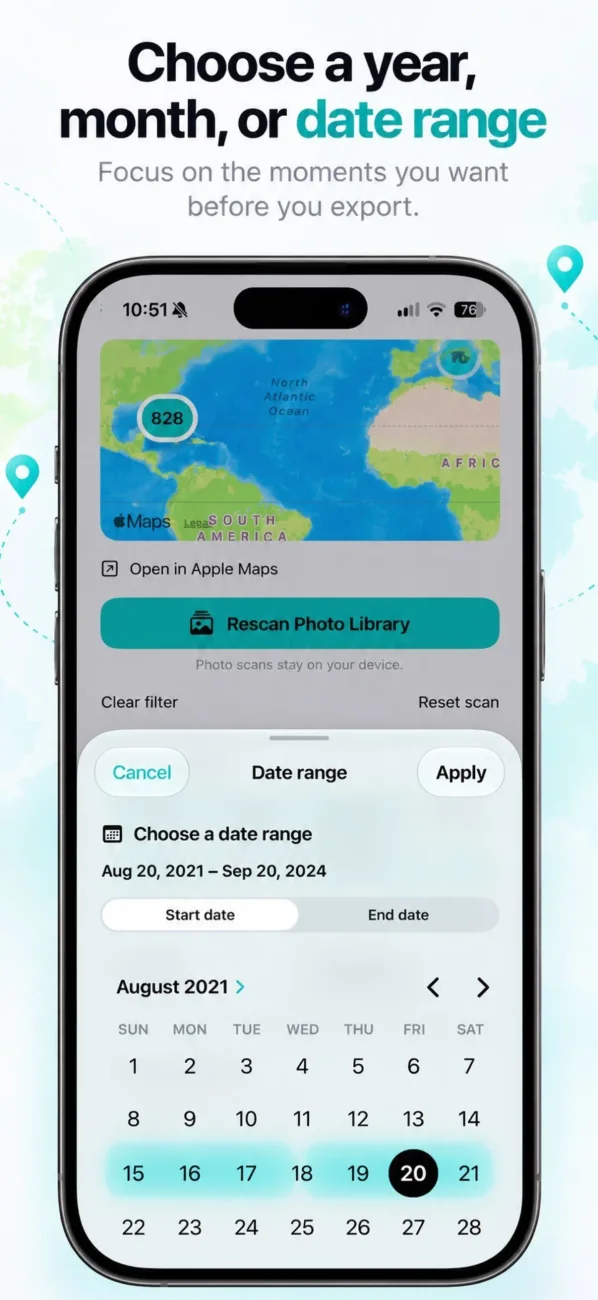
• Explore your photo history by year, month, or custom date range.
EXPORT YOUR PHOTO DATA
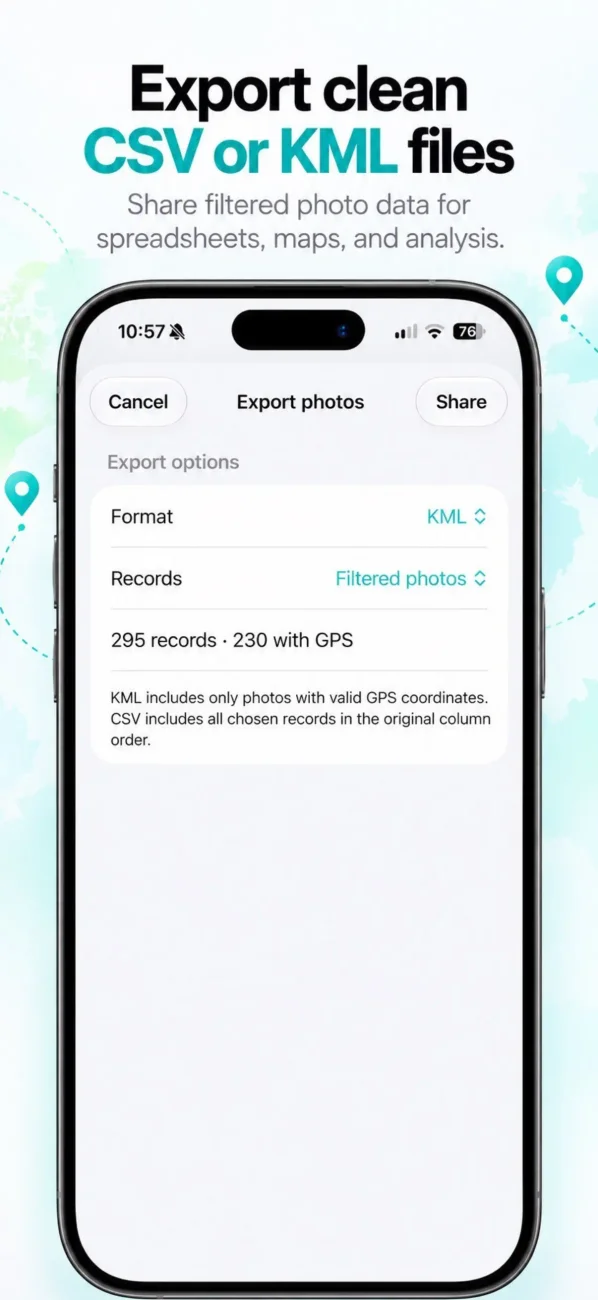
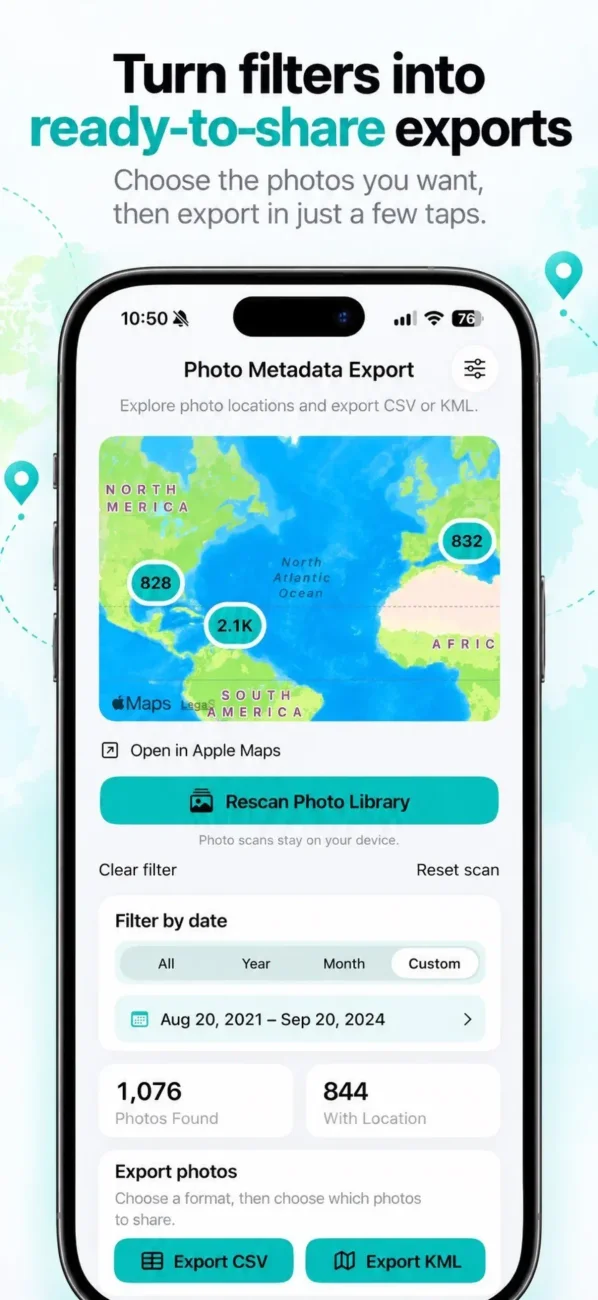
• Export to CSV for Excel, Google Sheets, and data analysis.
• Export to KML for Google Earth and compatible mapping applications.
• Export all scanned photos, filtered results, or selected photos.
• Include useful metadata such as filenames, dates, and GPS coordinates when available.
SIMPLE, POWERFUL, AND EASY TO USE
• Beautiful, modern interface designed for iPhone.
• Interactive maps with intelligent location grouping.
• Refined calendar controls for finding photos by date.
• No accounts, subscriptions, or complicated setup.
• One simple purchase. Yours to keep.
YOUR PRIVACY MATTERS
Your photo library is scanned on your device, and photo metadata exports are generated locally.
Optional city and region lookup uses Apple's location services to identify places from GPS coordinates. You can turn this feature off in Settings.
No account required. No photo uploads to OpsOh servers.
Rediscover where your photos have taken you — and take your location data wherever you need it.
What’s new
Version 2.0 · Oct 21, 2026
Photo Location Export 2.0 is here!
We've given the app a fresh new look and added powerful new ways to explore and export your photo locations.
• Explore your photos on an interactive map. Tap locations to discover photo thumbnails, dates, and location details.
• New KML export. Export photo locations for use in Google Earth and compatible mapping apps, alongside the familiar CSV format.
• More export flexibility. Export all photos, filtered results, or selected photos.
• Smarter location previews. See city and state names when available, with improved map markers and clustering.
• Better date filtering. Enjoy a redesigned calendar and more intuitive controls.
• Refined for modern iPhones. A refreshed interface with adaptive layouts, including support for iPhone Duo.
We've also improved photo-library scanning and overall reliability.
Same simple experience. No accounts, no subscriptions. Just your photos and their locations.
App privacy
What OpsOh LLC declares on the App Store about how this app handles data.
-
Data not collected
The developer does not collect any data from this app.
Privacy practices may vary, for example with the features you use or your age.
Information
- Seller
- OpsOh LLC
- Category
- Utilities
- Version
- 2.0
- Updated
- Oct 21, 2026
- Released
- Mar 30, 2026
- Size
- 3.8 MB
- Requires
- iOS 17.6 or later
- Age rating
- 4+
- Price
- $1.99
- Languages
- English
- Copyright
- © OpsOh
You might also like
-
 Photo2XL: EXIF Metadata ExcelBatch GPS & Photo Data Export
-
 Teleport BrokersUtilities
-
 CollectBook: Photo CleanerOrganize your memories
-
 NoiseRadar: Sound FinderFind Loud Sound Direction
-
 Precision Wi-PlexUtilities
-
 Reported NYC - 311 Made EasyQuickly Report NYC Vehicles
-
 DAM100Utilities
-
 SmartKey - ManagerManagement & Access locks
-
 PCI UpdaterUtilities
-
 ECOSENSEUtilities