HyperPhotoPDF: Photo PDF Maker
Annotate, Pin & Send Reports
Designed for iPhone, iPad
Free · In-app purchases
- Age rating4+
- CategoryProductivity
- DeveloperVectorsoft Sdn Bhd
- LanguagesEnglish+ 5 more
- Size17.8 MB
Links to the official App Store page
Download.org hosts no file of HyperPhotoPDF: Photo PDF Maker. The button opens its official App Store page, published by Vectorsoft Sdn Bhd. Listing last checked on Nov 25, 2026.
Screenshots

About
Photos in. A finished PDF out.
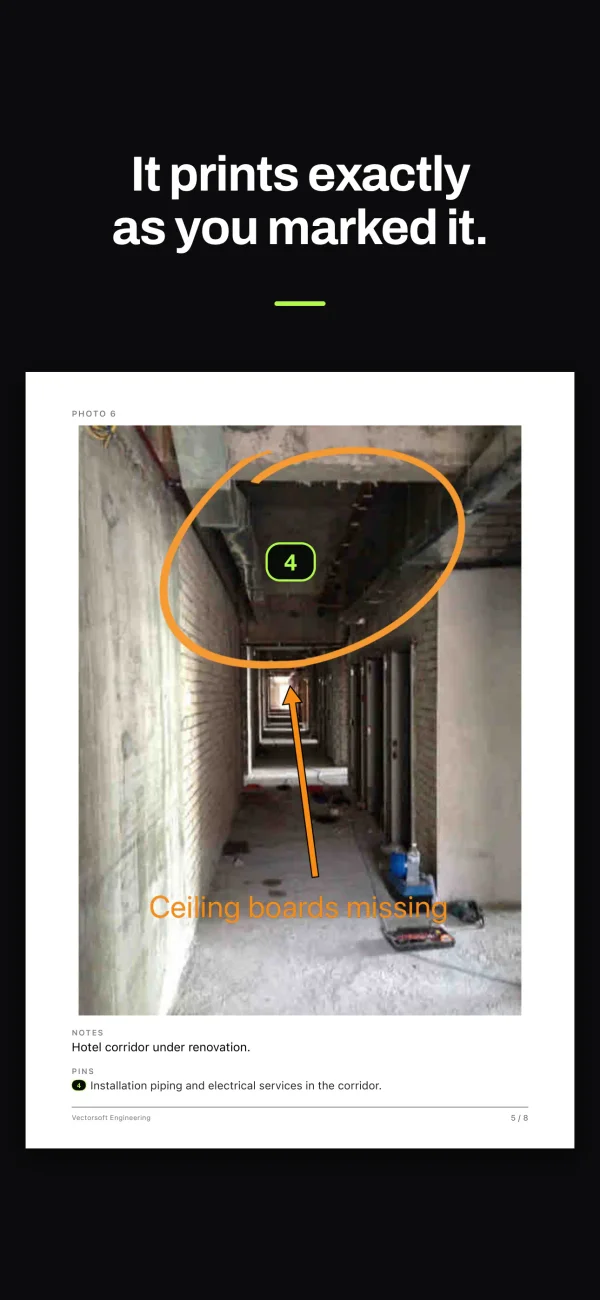
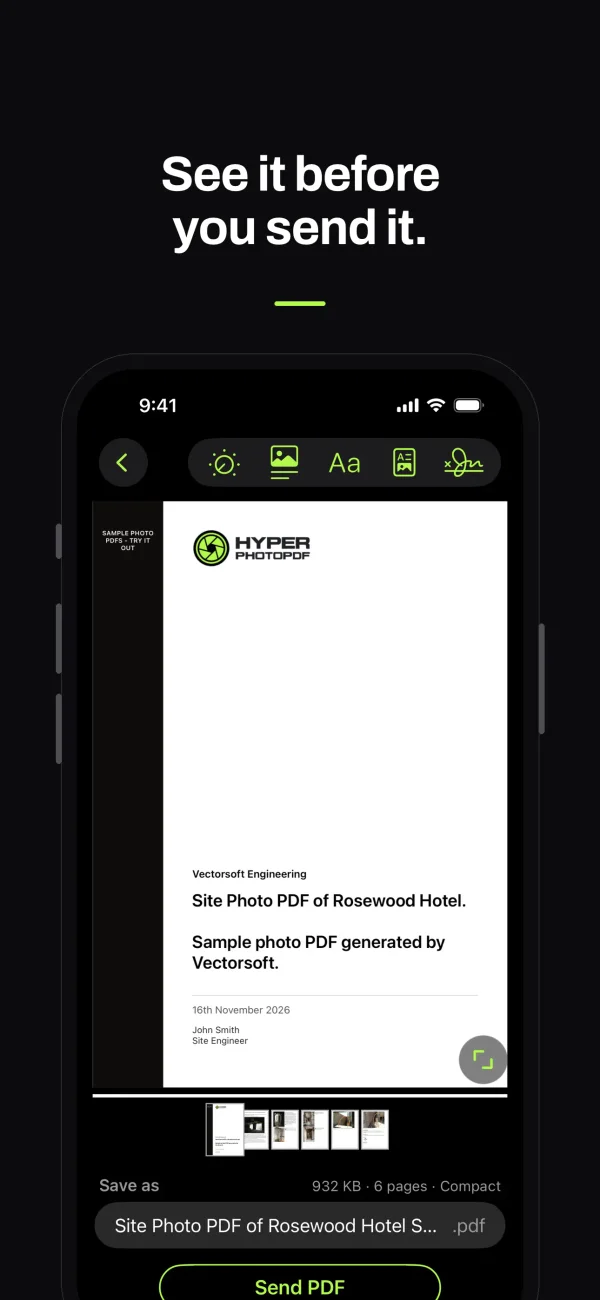
HyperPhotoPDF, formerly Photo PDF, turns your photos and notes into a clean, professional photo PDF with a cover page, your logo, page numbers and your signature. Send it by Mail, Messages, WhatsApp or AirDrop, save it to Files, or print it with AirPrint.
PHOTOS AND TEXT
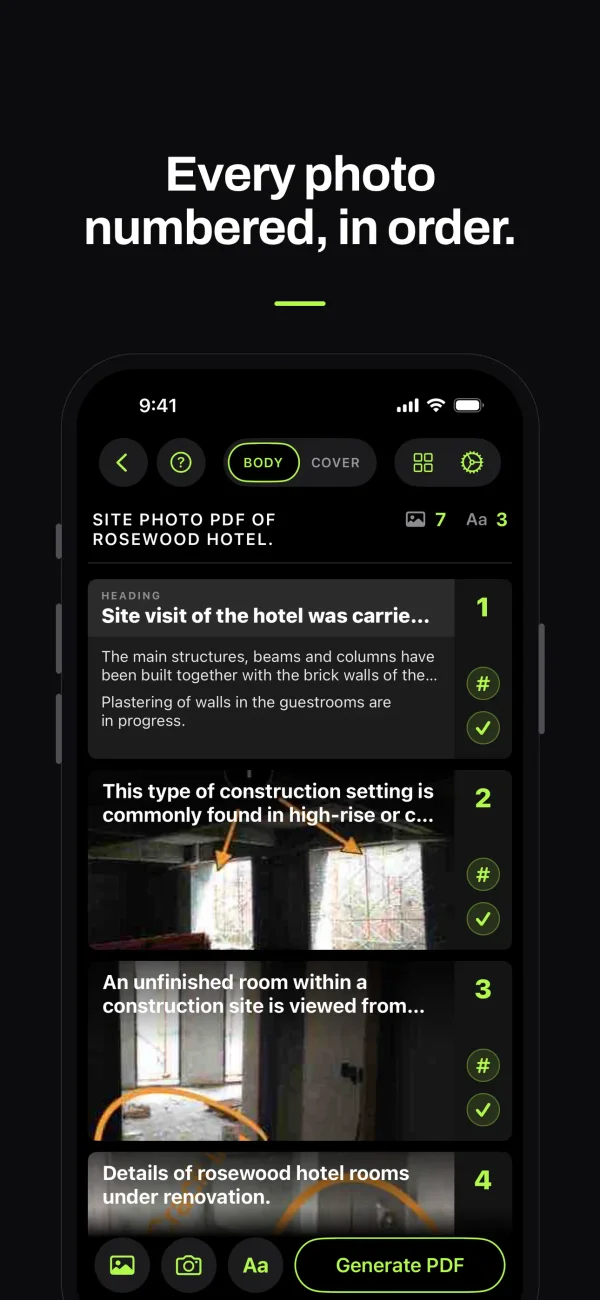
- Take photos in the app, or pick many at once from your library.
- Give each photo a description.
- Add paragraphs of text between your photos for findings, notes and summaries.
- Drag to reorder photos and text.
- Turn any photo or paragraph on or off for the PDF, and show or hide each photo's number.
DRAW AND WRITE ON PHOTOS
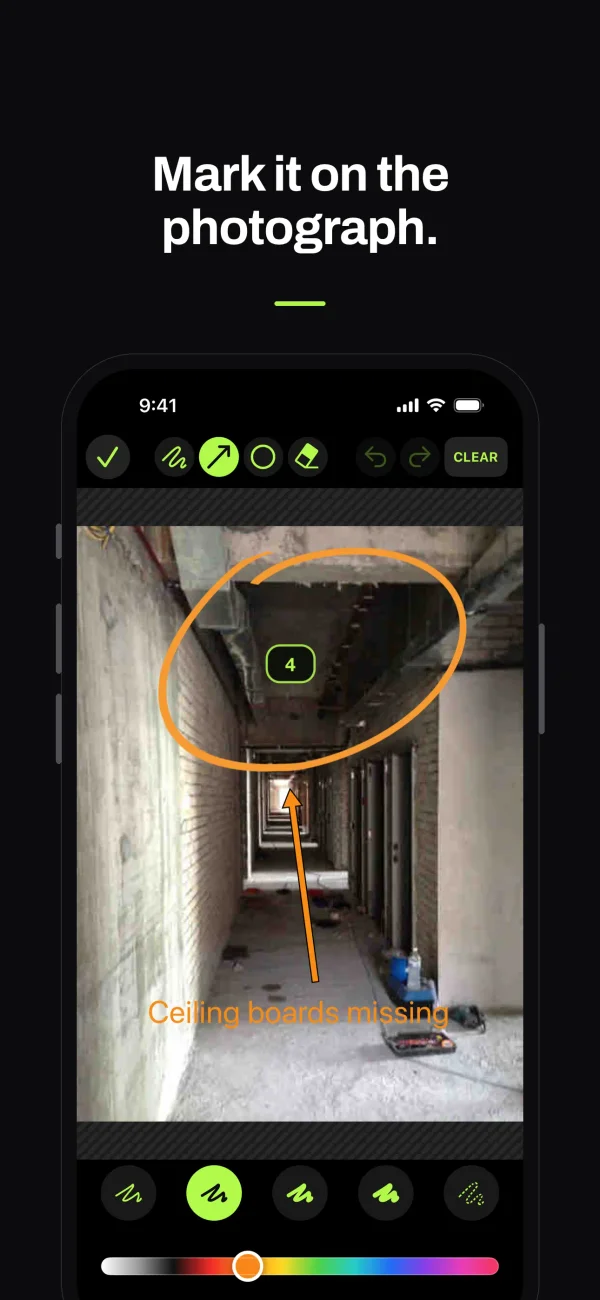
- Draw freehand, arrows, circles and dotted lines.
- Change color and pen width. Undo, redo, erase or start again.
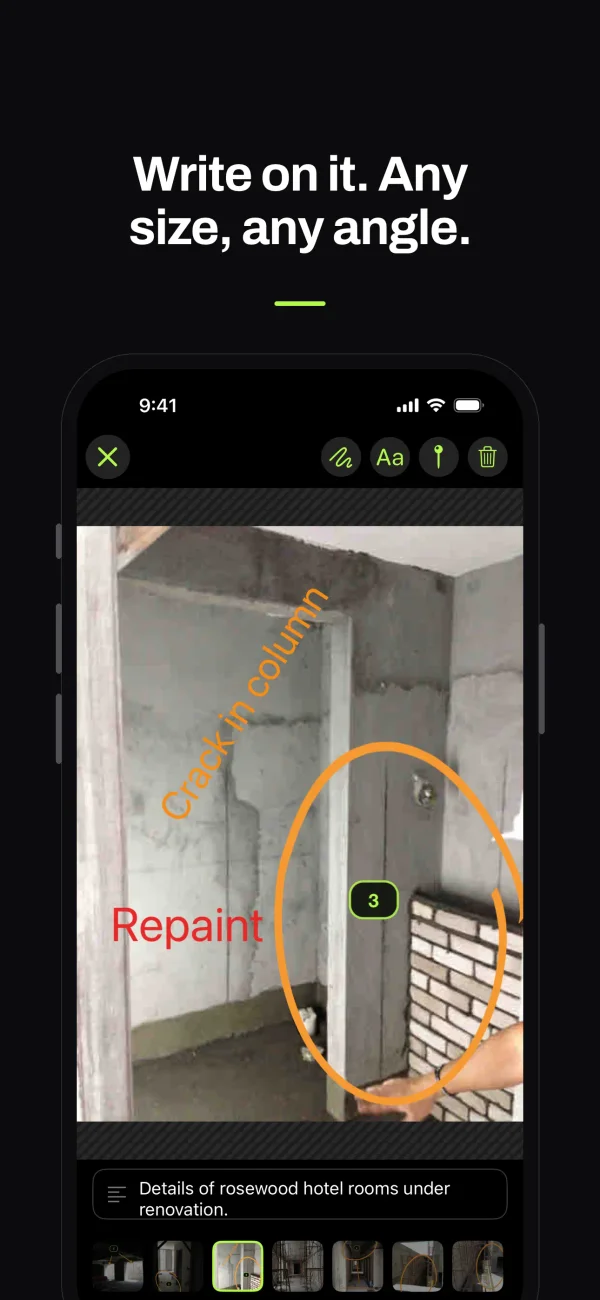
- Type text straight onto a photo, in color and in the size you want. Twist it with two fingers to turn it.
- Pinch to zoom in for detail.
PINS
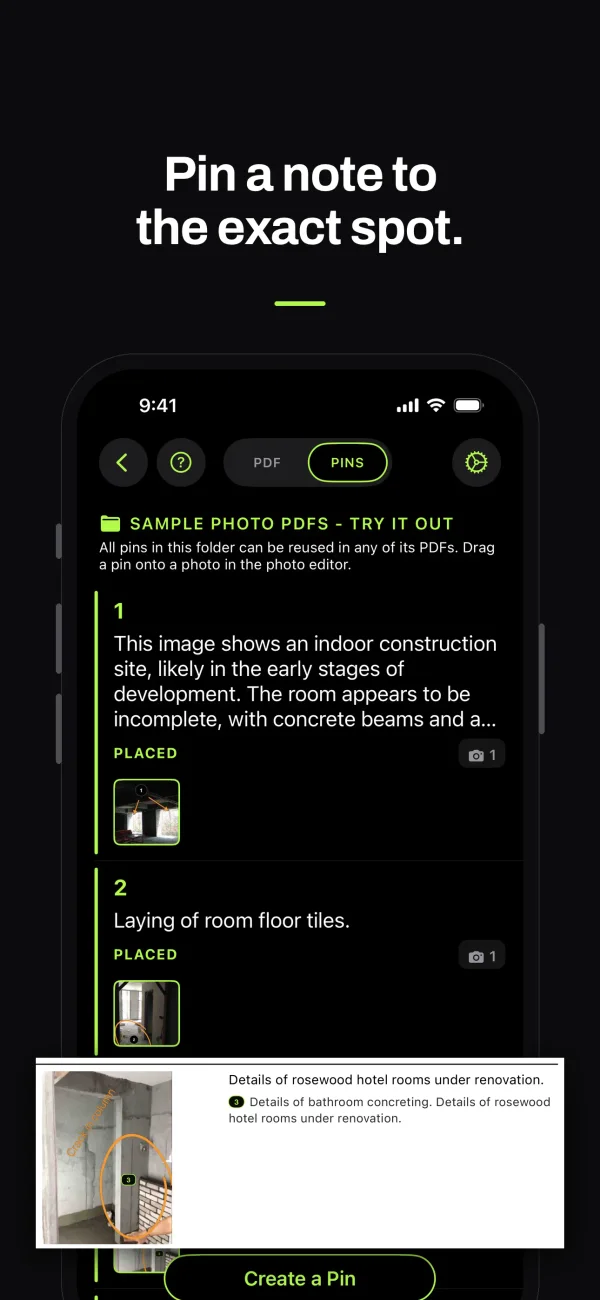
- Create numbered pins with a description and drag them onto your photos.
- Use the same pin on as many photos as you need.
- Every pin is listed in the PDF with its description.
LAYOUTS AND COVERS
- Five page layouts: Classic, Wide, Two across, One per page, and Schedule, a table of photos and words.
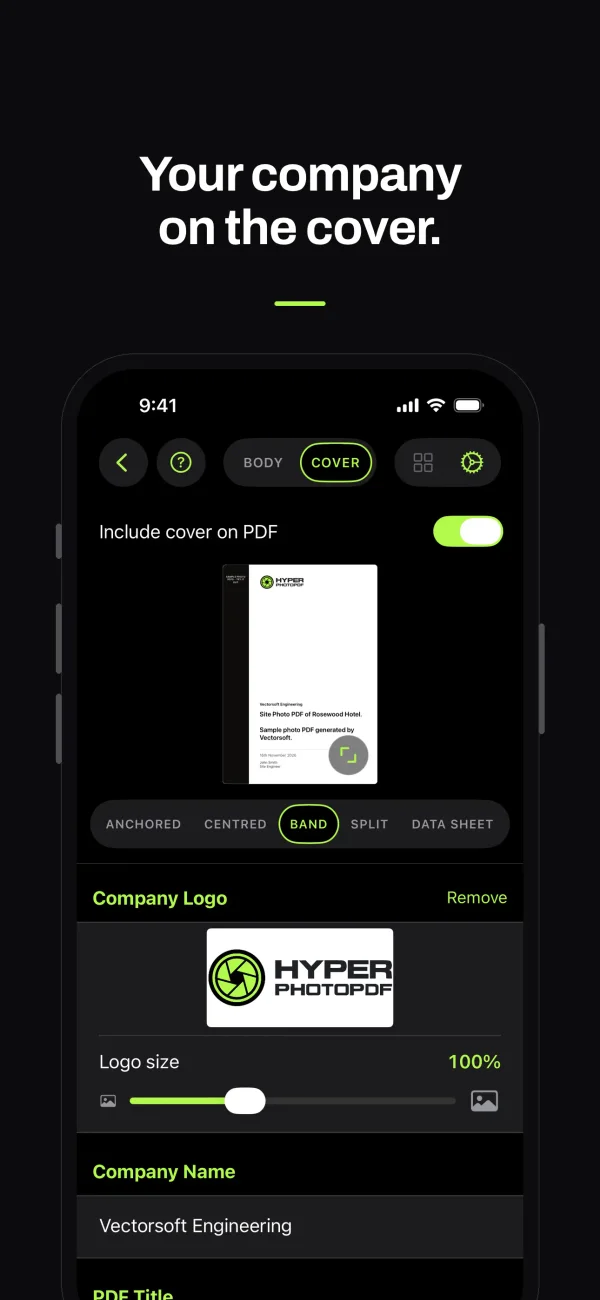
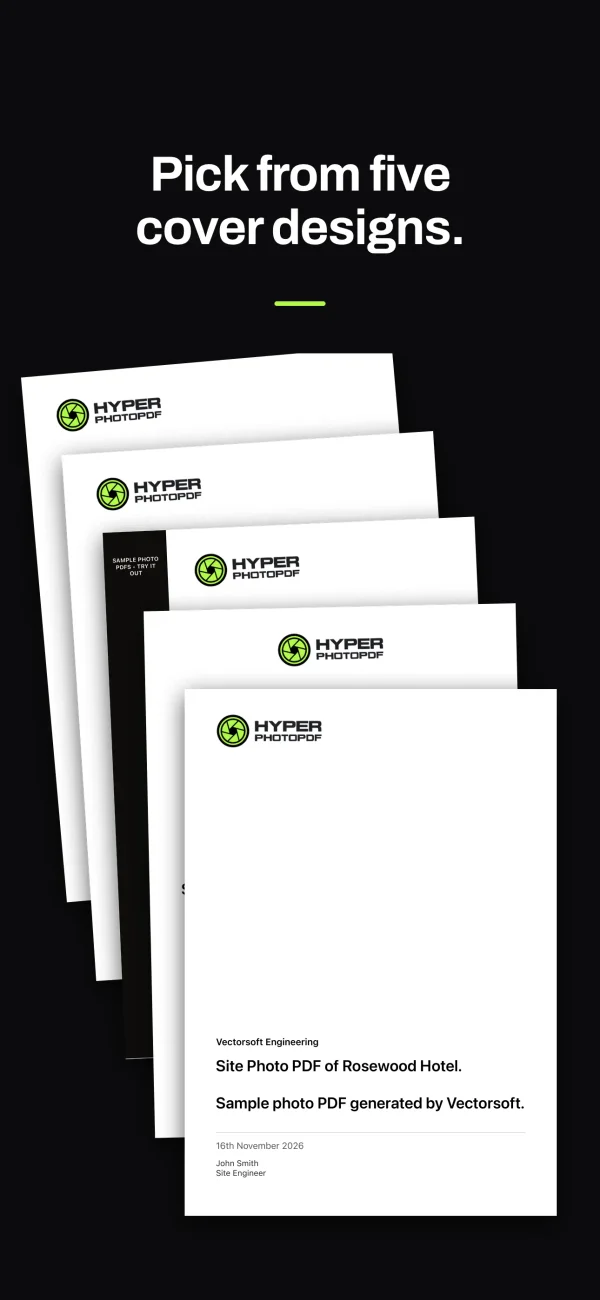
- Five cover designs, with your company logo, company name, report title, date and author.
- Choose the font for your PDF.
- Choose Best, Normal or Compact quality to keep files small enough to email.
SIGN
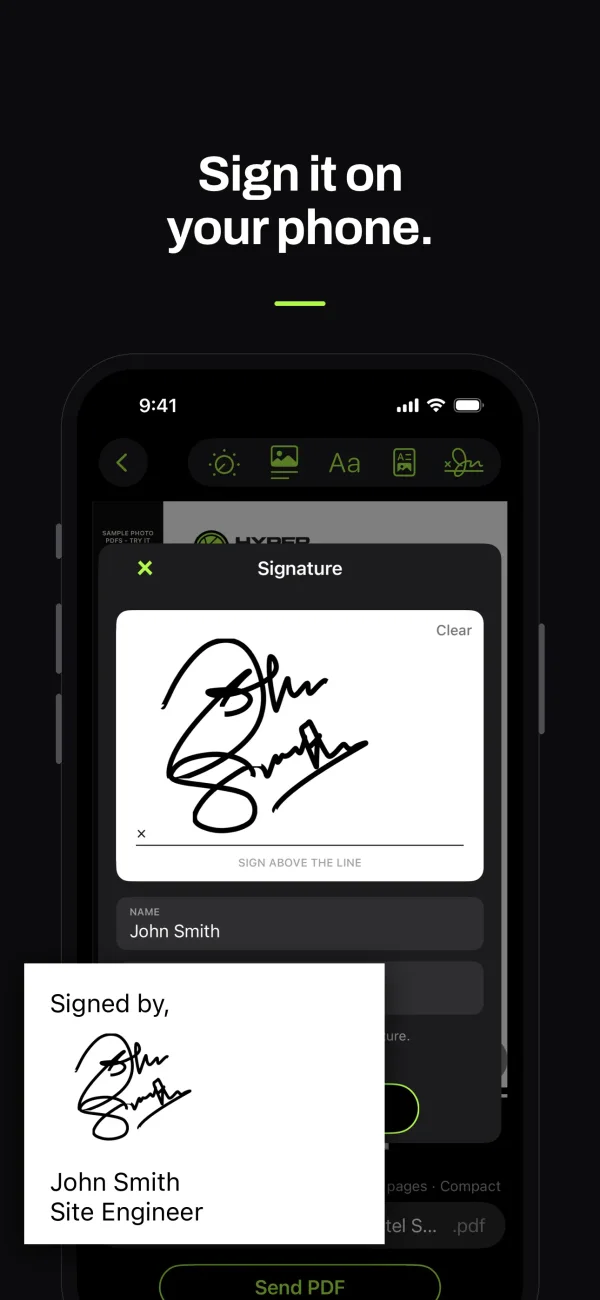
- Draw your signature once and add it to the end of your PDFs.
ORGANIZE
- Keep your PDFs in folders.
- Rename a PDF in a moment.
- Every PDF you send is kept under Sent PDFs, by date and time.
- A sample folder shows what a finished photo PDF looks like.
PRIVATE BY DESIGN
No account, no sign-in and no upload. Your photos, text and PDFs stay on your iPhone or iPad until you share them. The app collects nothing: no analytics, no advertising, no tracking.
Works on iPhone and iPad, in English, German, French, Japanese, Korean and Simplified Chinese.
PREMIUM PRO
Making, previewing and checking PDFs is free, with no limit on photos, text, marks, pins, layouts, covers or your signature. A Premium Pro subscription lets you send your PDFs, as many as you need: by Mail, Messages, WhatsApp or AirDrop, to Files, or to a printer. Subscriptions are weekly, monthly or yearly and renew automatically unless auto-renew is turned off at least 24 hours before the end of the current period. Payment is charged to your Apple Account. Manage or cancel in Settings, under your name, then Subscriptions.
Terms of Use: https://hyperphotopdf.com/terms
Privacy Policy: https://hyperphotopdf.com/privacy
Questions, feedback or a bug? Email us at contactus@vectorsoft.io. We answer every message ourselves.
What’s new
Version 2.0 · Nov 23, 2026
Photo PDF is now HyperPhotoPDF. Your documents, photos, logo, signature, pins and Sent PDFs are all still here.
- A new look, top to bottom.
- Pick many photos at once. They appear right away and fill in as they save.
- Write text on your photos, in color. Pinch it to size it, twist it to turn it.
- Pinch to zoom while you draw.
- Five page layouts and five cover designs.
- Leave a review from the About screen.
App privacy
What Vectorsoft Sdn Bhd declares on the App Store about how this app handles data.
-
Data not collected
The developer does not collect any data from this app.
Privacy practices may vary, for example with the features you use or your age.
Information
- Seller
- Vectorsoft Sdn Bhd
- Category
- Productivity
- Version
- 2.0
- Updated
- Nov 23, 2026
- Released
- Nov 5, 2020
- Size
- 17.8 MB
- Requires
- iOS 17.0 or later
- Age rating
- 4+
- Price
- Free
- In-app purchases
- Yes
- Languages
- English, French, German, Japanese, Korean, Simplified Chinese
- Copyright
- © 2026 Vectorsoft Sdn Bhd
You might also like
-
 PDF Photos CreatorImage Collage to Document
-
 ScannerApp: Photo to PDF & OCRScan Documents,Receipts & More
-
 Site Audit List & ReportsPunch, Inspection & PDF Maker
-
 PDF Work ReportDocument your work in pdf file
-
 PhotoReport — Photo ReportsSites, property & field
-
 Best reportField Management & Punch List
-
 Plaans PocketConstruction documentation
-
 Lydul: Punch List Audit ReportSnag Lists & PDF Issue Tracker
-
 DefectWise: Site DefectsReports, Contractors & Teams
-
 PDF Editor: Edit PDF, Sign PDFEdit, Convert, Secure & More