
Photo Pixelizer
Conver a photo to a pixel art.
Designed for iPhone, iPad, iPod touch
Free
- Age rating4+
- CategoryPhoto & Video
- DeveloperNekomimimi
- LanguagesEnglish+ 1 more
- Size4.1 MB
Links to the official App Store page
Download.org hosts no file of Photo Pixelizer. The button opens its official App Store page, published by Nekomimimi. Listing last checked on Nov 14, 2026.
Screenshots
About
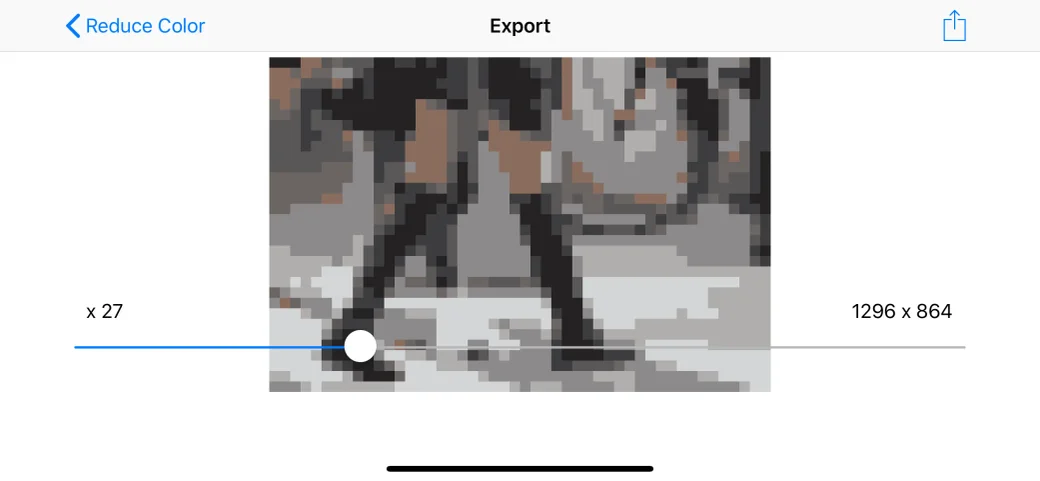
Just 3 easy steps:
Select your photo
Set pixel size
Adjust resolution and colors
No complex editing tools - just pure simplicity. The app automatically reduces your entire photo's resolution and colors, then scales it to your desired size. Perfect for beginners and anyone who wants quick results.
Exports in PNG format to preserve crisp pixels without color bleeding.
What’s new
Version 1.0.3 · Jul 1, 2025
- Improved UI layout
- Fixed element positioning issues
- Enhanced dark mode colors for better visibility
App privacy
What Nekomimimi declares on the App Store about how this app handles data.
-
Data used to track you
May be used to track you across apps and websites owned by other companies.
- Location
- Identifiers
- Usage data
- Diagnostics
-
Data linked to you
May be collected and linked to your identity.
- Location
- Identifiers
- Usage data
- Diagnostics
-
Data not linked to you
May be collected but is not linked to your identity.
- Diagnostics
Privacy practices may vary, for example with the features you use or your age.
Information
- Seller
- Yoshiyuki Hirose
- Category
- Photo & Video
- Version
- 1.0.3
- Updated
- Jul 1, 2025
- Released
- Aug 2, 2019
- Size
- 4.1 MB
- Requires
- iOS 14.0 or later
- Age rating
- 4+
- Price
- Free
- Languages
- English, Japanese
- Copyright
- © Nekomimimi
You might also like
-
 RetrospecsPixelate your pics!
-
 Pixel Art CameraReal-time Filters & Effects
-
 Dot Style - Convert to Pixel!Make a retro photo!
-
 dot ART - Mosaic Effects App8 bit Dot Photo / Video Editor
-
 PHOTO.EXE: Retro PhotoshareDelightful dithered pixel art
-
 PIXEL86: Pixel Art & ColoringRetro photo & video effects
-
 BitCamvintage one-bit photography
-
 Bricks CameraCapture your moments in bricks
-
 Ditherable: Retro & Pixel artFeeling old-school today?
-
 Photo to PixelArtConvert images to pixelart!