
Photo Report Maker
Photo Inspection Report Maker
Designed for iPhone, iPad
Free · In-app purchases
- Age rating4+
- CategoryProductivity
- Developergapsoft
- LanguagesEnglish
- Size41.9 MB
Links to the official App Store page
Download.org hosts no file of Photo Report Maker. The button opens its official App Store page, published by gapsoft. Listing last checked on Nov 21, 2026.
Screenshots




About
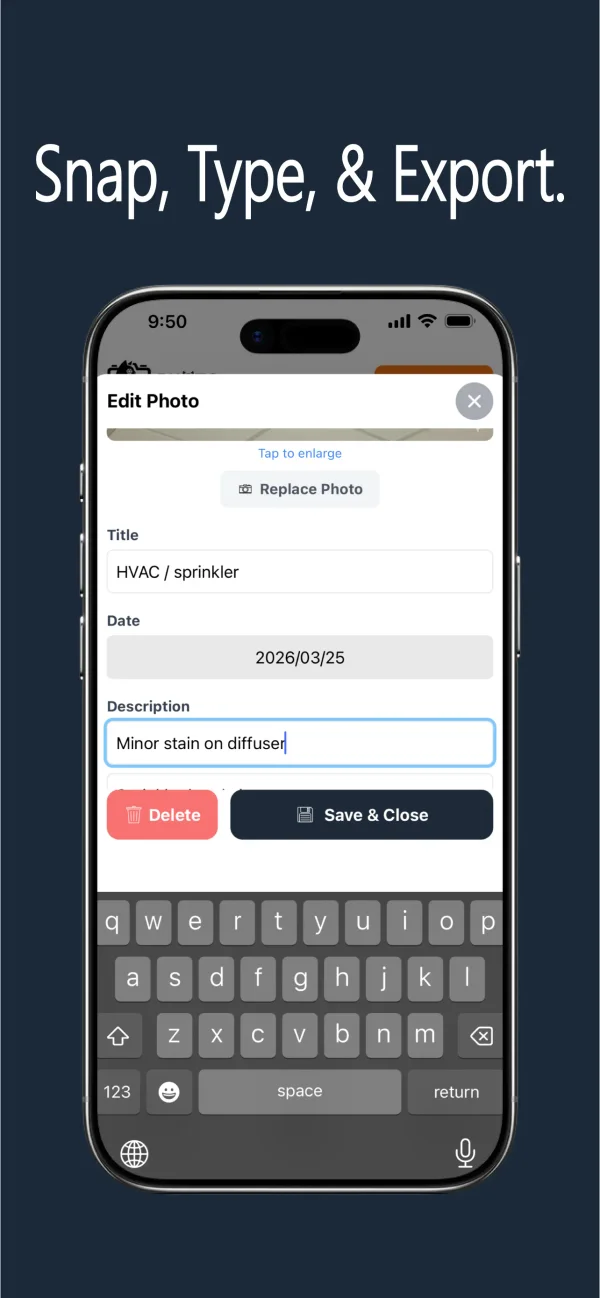
Photo Report Maker turns your phone into a professional reporting tool. Snap photos, add titles and descriptions, and export a clean, formatted PDF — all in minutes.
Perfect for:
• Property inspections and real estate walkthroughs
• Solar panel and equipment maintenance logs
• Marine surveys and engine room checks
• Facility safety audits and compliance reports
• Roof, plumbing, and building inspections
• Any fieldwork that needs photo documentation
Key Features:
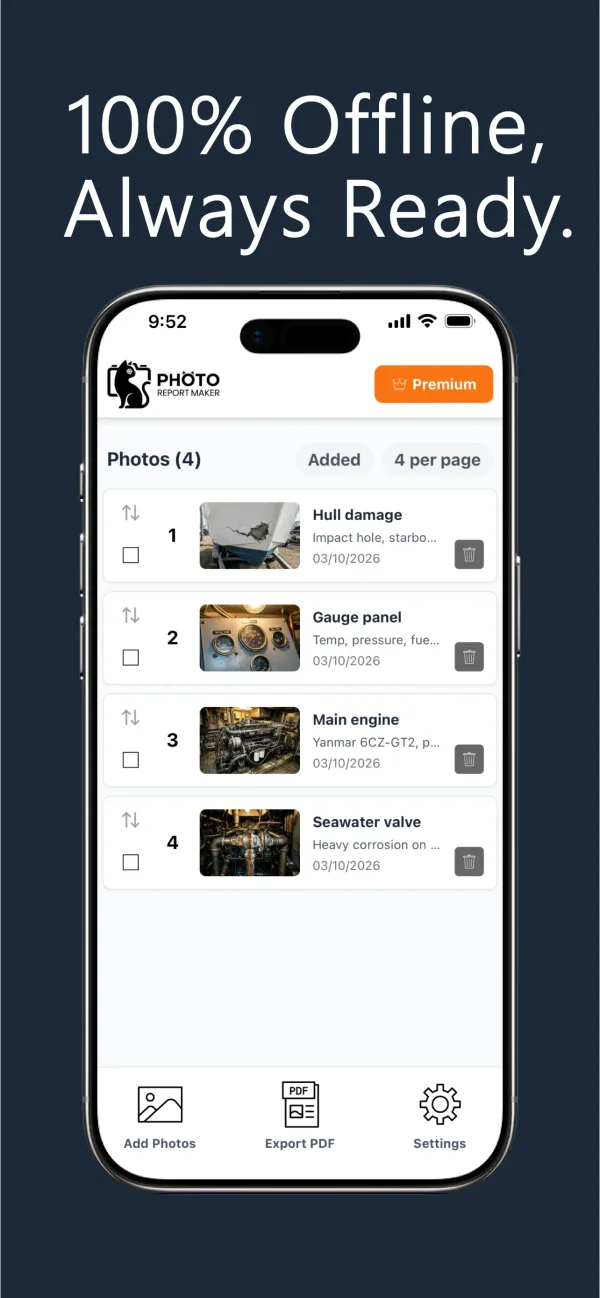
• Add photos with titles, dates, and descriptions
• Auto-generate cover pages with project details
• Export multi-page PDF reports instantly
• Works 100% offline — no internet required
• No account, no cloud, no sign-up
• Drag and drop to reorder photos
• Choose 1–5 photos per page layout
• Customize date formats and binding margins
Your data stays on your device. No lock-in, no subscriptions to access your own files. Export or share anytime via email, AirDrop, or any app.
Try free for 14 days. Then just $2.99/month to remove the watermark and unlock all features.
Privacy Policy: https://photoreportmaker.web.app/support/privacy.html
Terms of Use (EULA): https://www.apple.com/legal/internet-services/itunes/dev/stdeula/
What’s new
Version 4.4.1 · Nov 16, 2026
Ver.4.1.1
Long descriptions now wrap automatically: text that doesn’t fit on one line moves to the next line. You can turn this on or off in Settings > Output > “Description Wrapping”.
Settings that don’t apply to the Grid style are now hidden when Grid is selected.
App privacy
What gapsoft declares on the App Store about how this app handles data.
-
Data not linked to you
May be collected but is not linked to your identity.
- Identifiers
- Usage data
Privacy practices may vary, for example with the features you use or your age.
Information
- Seller
- gapsoft
- Category
- Productivity
- Version
- 4.4.1
- Updated
- Nov 16, 2026
- Released
- Apr 2, 2026
- Size
- 41.9 MB
- Requires
- iOS 16.0 or later
- Age rating
- 4+
- Price
- Free
- In-app purchases
- Yes
- Languages
- English
- Copyright
- © 2026 gapsoft
You might also like
-
 Photo Report Maker – WorkCreekJob Photo Reports in Seconds
-
 Photo Report XProperty Photo Report Maker
-
 SiteReport: Inspection ReportsSimple Photo Report Creator
-
 PhotoReport — Photo ReportsSites, property & field
-
 InspectionSight - Photo ReportHome Inspection Field Camera
-
 PDF Report MakerDocumentation made simple.
-
 WorkProofCam: Photo ReportTimestamp Job Site Photos
-
 Site Daily: Photo ReportsConstruction & Snag Tracking
-
 FieldScribe AI - Survey ReportAI Survey Reports for Insurers
-
 SiteWalk: Smart Field NotesFrom photos & video to reports