
PhotoEditor-Toolbox
Watermark Cam·Cutout·Toolbox
Designed for iPhone, iPod touch
Free
- Age rating4+
- CategoryUtilities
- DeveloperZhumadian Yicheng District Huatuo Internet Information Service Co., Ltd.
- LanguagesEnglish+ 15 more
- Size16.6 MB
Links to the official App Store page
Download.org hosts no file of PhotoEditor-Toolbox. The button opens its official App Store page, published by Zhumadian Yicheng District Huatuo Internet Information Service Co., Ltd. Listing last checked on Nov 15, 2026.
Screenshots

About
Photo Editor is a feature-rich image processing tool combining professional editing and a practical toolbox to meet all your daily photo needs.
[Photo Editor]
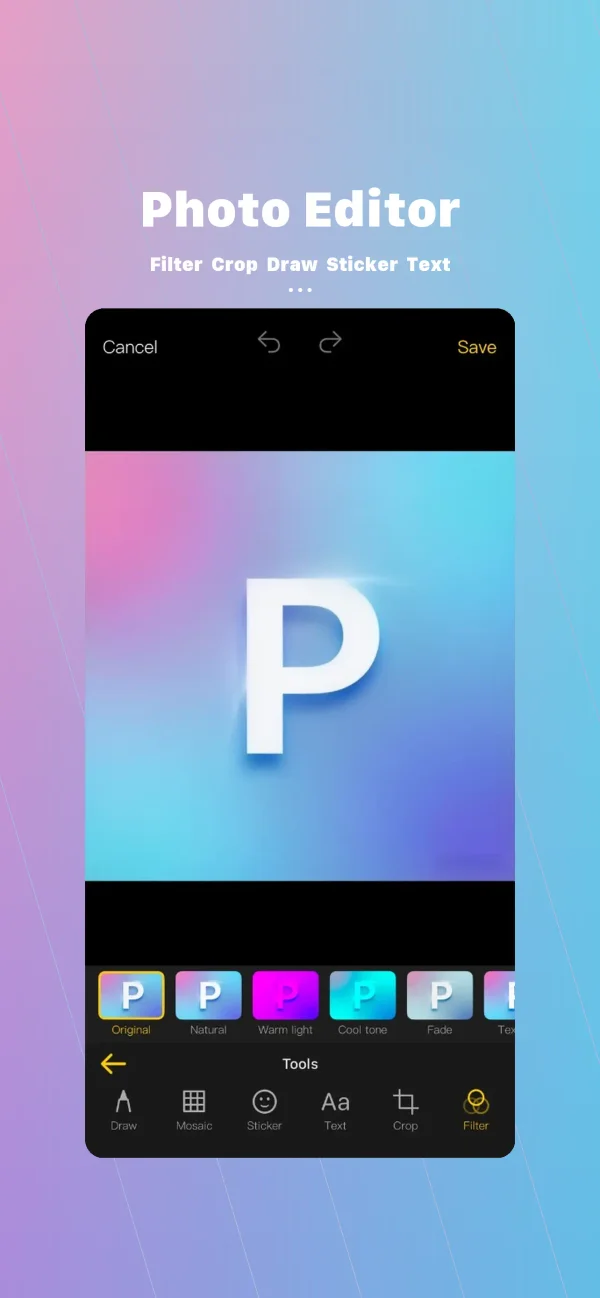
18 curated filters: Natural, Warm, Cool, Japanese, HK Style and more
Drawing brush: Free drawing with adjustable colors and thickness
Mosaic tool: Easy pixelation for privacy protection
Smart erase: Remove unwanted objects by painting over them
Text overlay: Add custom text with adjustable font colors
Stickers: Emoji, animals, food, trendy and more categories
Free crop: Multiple aspect ratios and freeform cropping
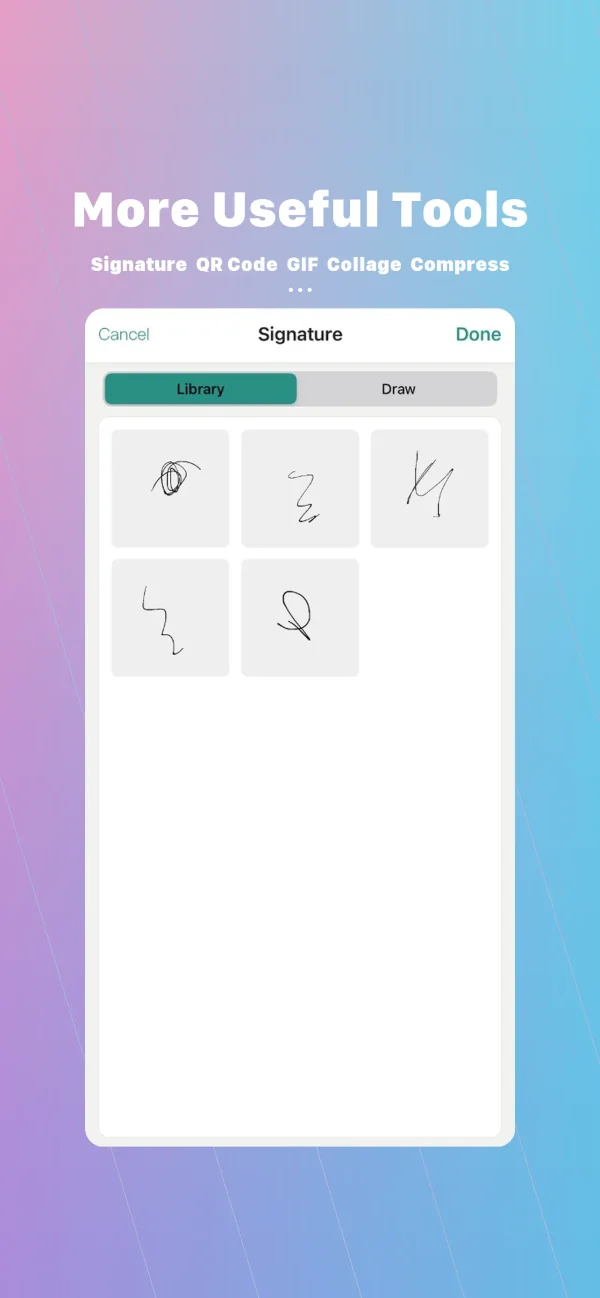
Digital signature: Handwrite and insert signatures with history management
[Watermark Camera]
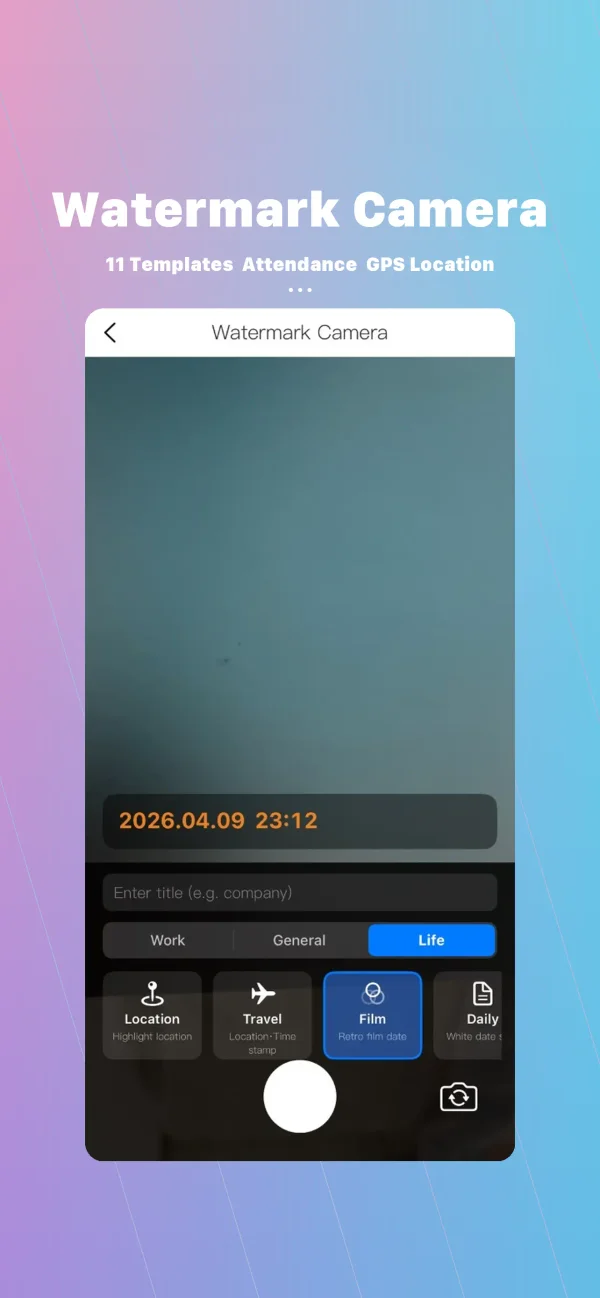
11 professional watermark templates: Attendance, Engineering, Classic Time, Digital Clock, Coordinates, Minimal, Location, Travel, Film, Daily, Mood
3 categories: Work, General, Life for quick template selection
Real-time GPS positioning with automatic address detection
Custom titles for company or project names
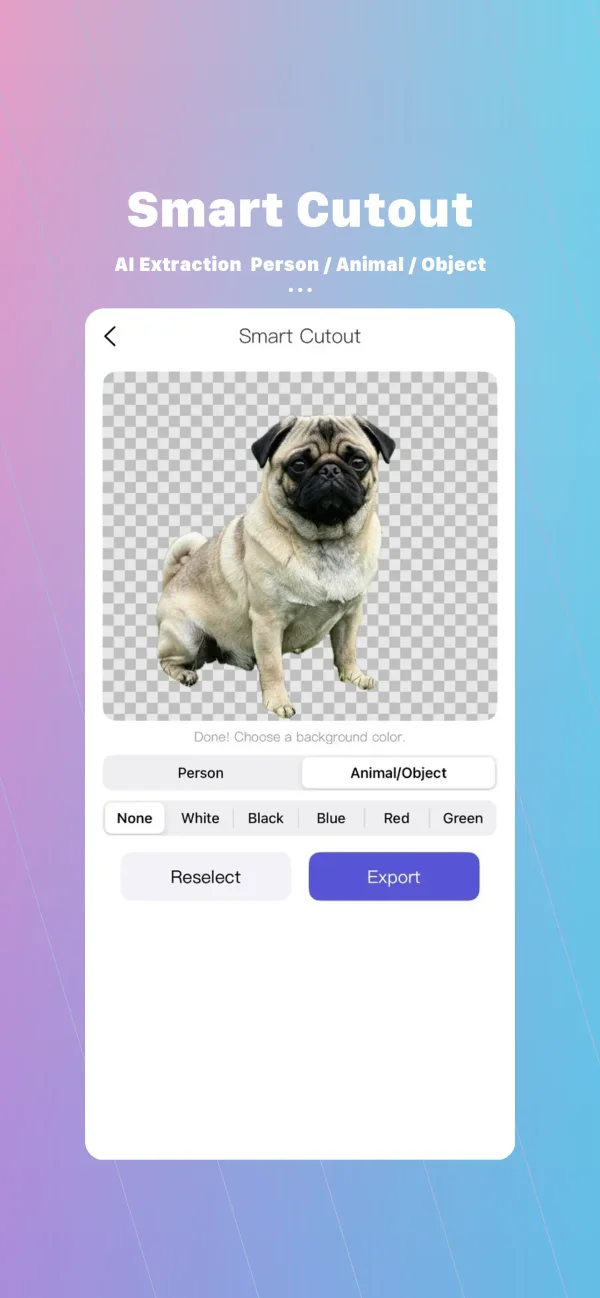
[Smart Cutout]
Person extraction: One-tap portrait cutout with hair-level precision
Animal/object extraction: Intelligent foreground subject detection
Multiple backgrounds: Transparent, white, black, blue, red, green
[OCR Text Extraction]
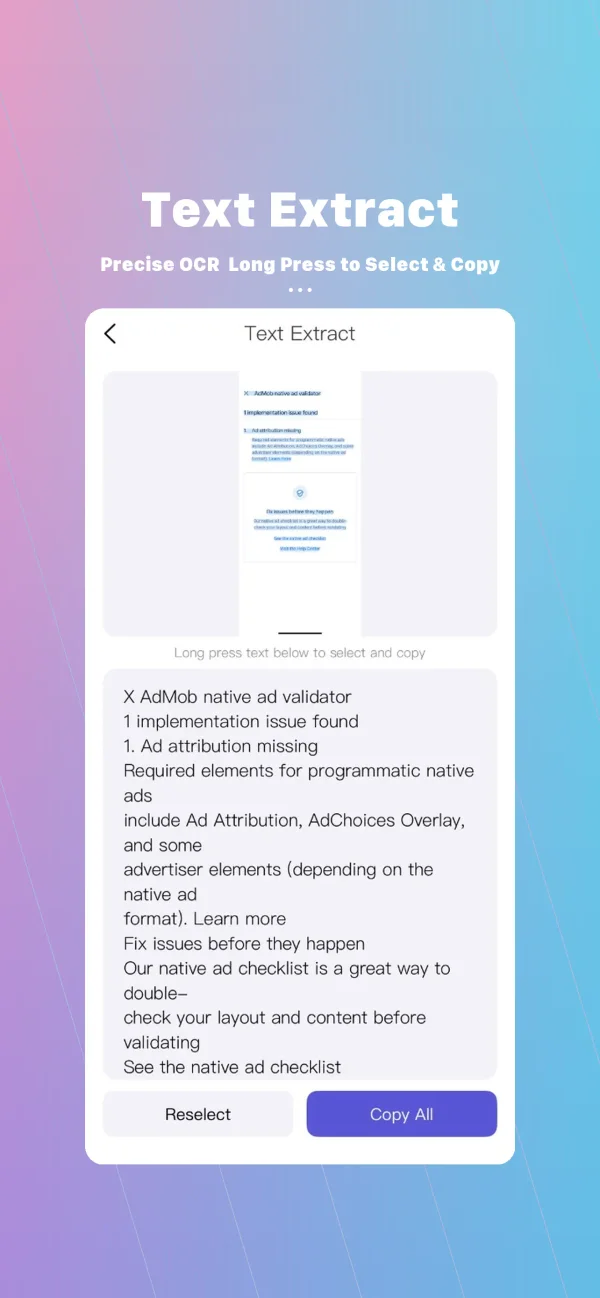
Accurate text recognition from photos
Long-press to select and copy text freely
[More Handy Tools]
Long image stitching with adjustable spacing
Image compression with quality control
Format conversion: JPEG, PNG, HEIC and more
ID photo: Generate 1-inch, 2-inch standard sizes
Text watermark: Center, tile, or corner placement
Color picker: Pick any color value from images
QR code: Generate and scan QR codes
GIF maker: Create animated GIFs with adjustable frame rate
Clean design, smooth experience. Photo Editor helps you create stunning images effortlessly.
What’s new
Version 1.2.0 · May 20, 2026
1. Optimize ID photo and watermark logic
2. Improve user experience and fix crash issues
App privacy
What Zhumadian Yicheng District Huatuo Internet Information Service Co., Ltd. declares on the App Store about how this app handles data.
-
Data used to track you
May be used to track you across apps and websites owned by other companies.
- Location
-
Data not linked to you
May be collected but is not linked to your identity.
- Location
- Browsing history
- Identifiers
- Diagnostics
Privacy practices may vary, for example with the features you use or your age.
Information
- Seller
- Zhumadian Yicheng District Huatuo Internet Information Service Co., Ltd.
- Category
- Utilities
- Version
- 1.2.0
- Updated
- May 20, 2026
- Released
- Apr 28, 2026
- Size
- 16.6 MB
- Requires
- iOS 15.0 or later
- Age rating
- 4+
- Price
- Free
- Languages
- English, Arabic, French, German, Indonesian, Italian, Japanese, Korean, Portuguese, Russian, Simplified Chinese, Spanish + 4 more
- Copyright
- © 2026 2026 Zhumadian Yicheng District Huatuo Internet Information Service Co., Ltd.Zhumadian Yicheng District Huatuo Internet Information Service Co., Ltd.
You might also like
-
 ShortShotTemporary reminder photos
-
 Xtools - AI ToolboxSubtitles·PDF Insight·AI Photo
-
 OneToolsQR Scanner, Compress Photos
-
 QR ThingEasily scan & create QR codes!
-
 Alias ResumeBuild ATS resume in seconds
-
 Prism – AI PlaygroundPrivate local AI chat
-
 Pulse: System Network MonitorLive Graphs, Network & Scan
-
 VoiceScribe: Diary & NotesAudio Transcription, Converter
-
 Snaps in FoldersPhoto folders with time
-
 Beacon: Wi-Fi & LANYour Network, in plain English