PhotoForge 3D Capture
Transform Photos to 3D Models
Designed for iPhone, iPad
Free · In-app purchases
- Age rating4+
- CategoryGraphics & Design
- DeveloperEidria, Inc.
- LanguagesEnglish+ 8 more
- Size211.2 MB
Links to the official App Store page
Download.org hosts no file of PhotoForge 3D Capture. The button opens its official App Store page, published by Eidria, Inc. Listing last checked on Nov 17, 2026.
Screenshots

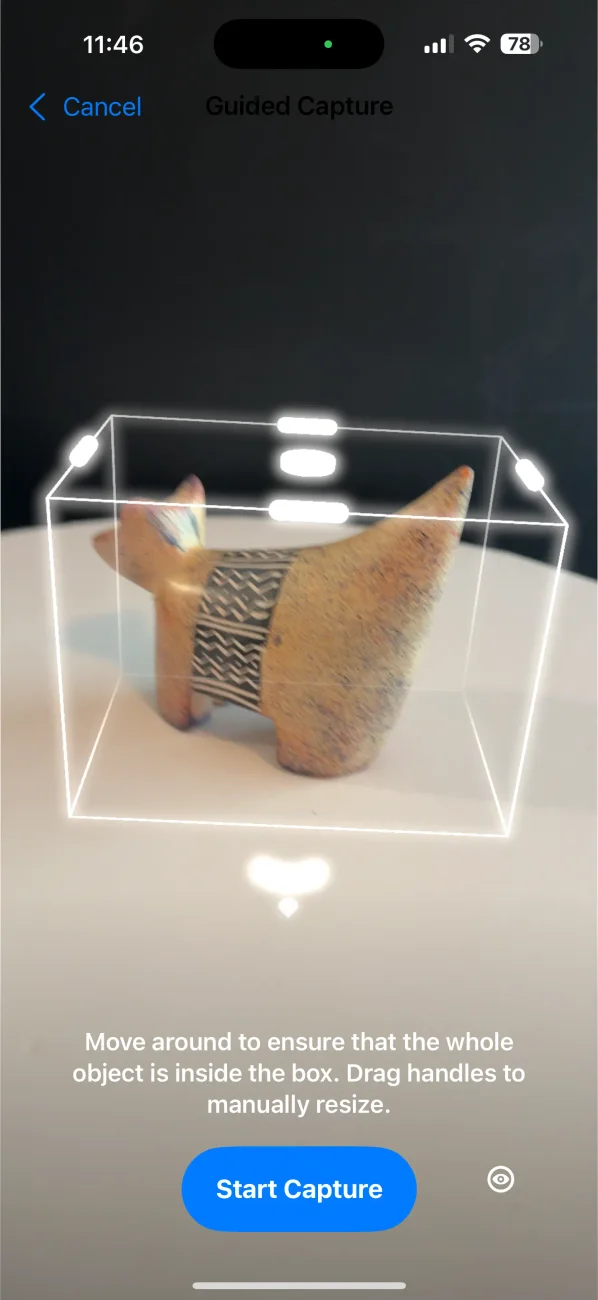
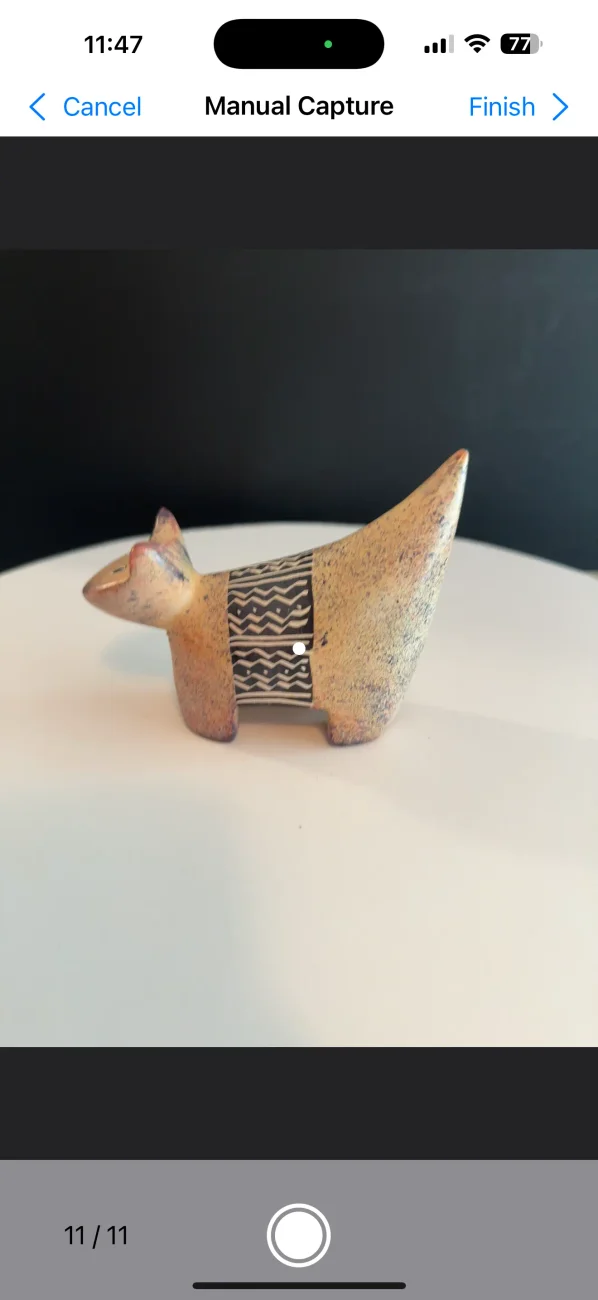
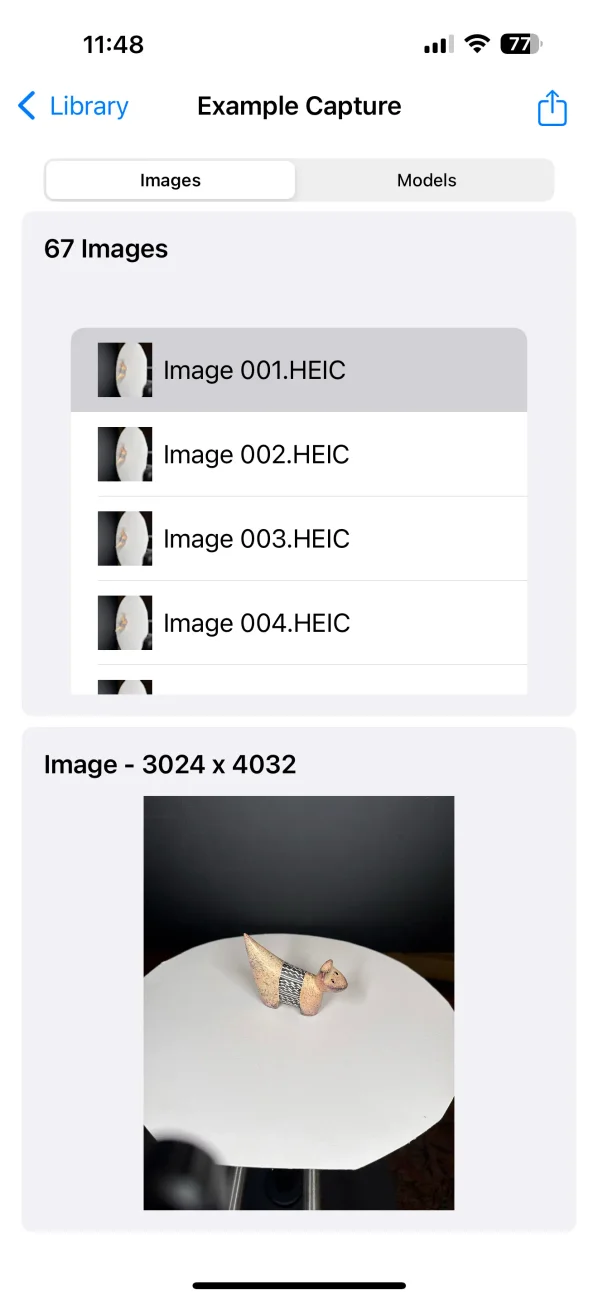
About
14 day free trial!
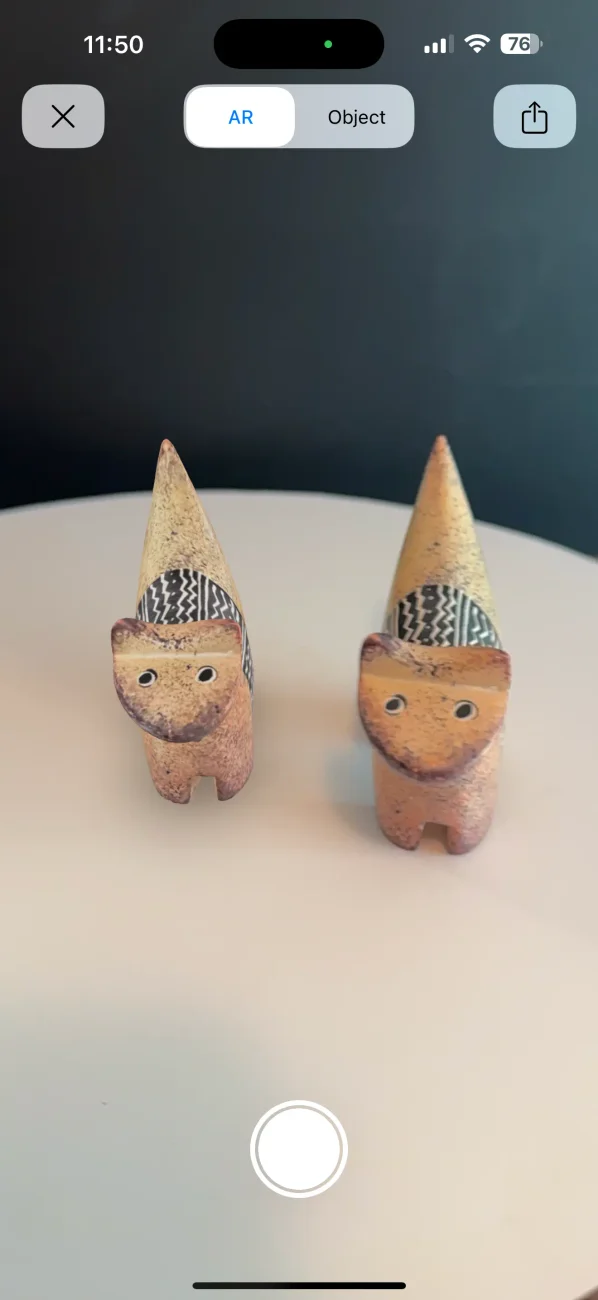
Imagine snapping a few photos and making anything come to life in 3D. With PhotoForge 3D Capture, you can turn ordinary photos into stunningly realistic 3D objects.
The possibilities are limitless: Print a perfect three-dimensional physical replica. Drop an object into the real world via augmented reality. Effortlessly create 3D models for games or illustrations. Enhance graphic designs with realistic 3D elements. Add interactive, rotatable products and content to an online store. No tech expertise or uploads required, just your smartphone, your imagination, and PhotoForge 3D Capture.
Whether you're an artist, game designer, product developer, architect, or hobbyist, PhotoForge 3D Capture adapts to your workflow and empowers you with the magic of photogrammetry.
Practical Uses
• Showcase Your Products in AR - Quickly create lifelike augmented reality experiences so customers can explore your art, furniture, or products right in their own space—no showroom needed.
• Replace Hard-to-Find Parts - Easily scan and 3D-print replacement parts for home repairs or custom projects—saving you time, money, and frustration.
• Bring Reality into Your Games - Capture real-world places and textures to create immersive, realistic environments for game designs.
• Rapid Production & Prototyping - Quickly scan a sample item and generate perfect digital replicas ready for production runs or rapid prototyping, streamlining your entire workflow.
• Make Your VR & XR Creations Realistic - Capture physical objects and seamlessly bring them into your virtual reality worlds or XR experiences, impressing clients and audiences with unmatched authenticity.
• DIY Fun with 3D Printing - Turn anything from quirky decor to a collectable into a personalized 3D-printed creation.
• Preview Items Before Buying
- Out shopping for home decor? Scan an item and instantly preview it in your home or share it with someone else for approval, ensuring it’s the perfect fit before purchase.
Advanced Features
• Easy, On-the-Go Capture - Scan objects anywhere using your iPhone, quickly review them, then refine them using PhotoForge 3D Studio on your Mac, whether at home, in a workshop, or on location.
• Private & Secure Workflow - Your images and scans stay secure, with no cloud uploading. Work confidently, knowing you have complete control over your creations.
• LiDAR Precision - Easily capture detailed, accurate 3D models directly on your LiDAR-enabled iPhone, ensuring precise dimensions and realistic textures.
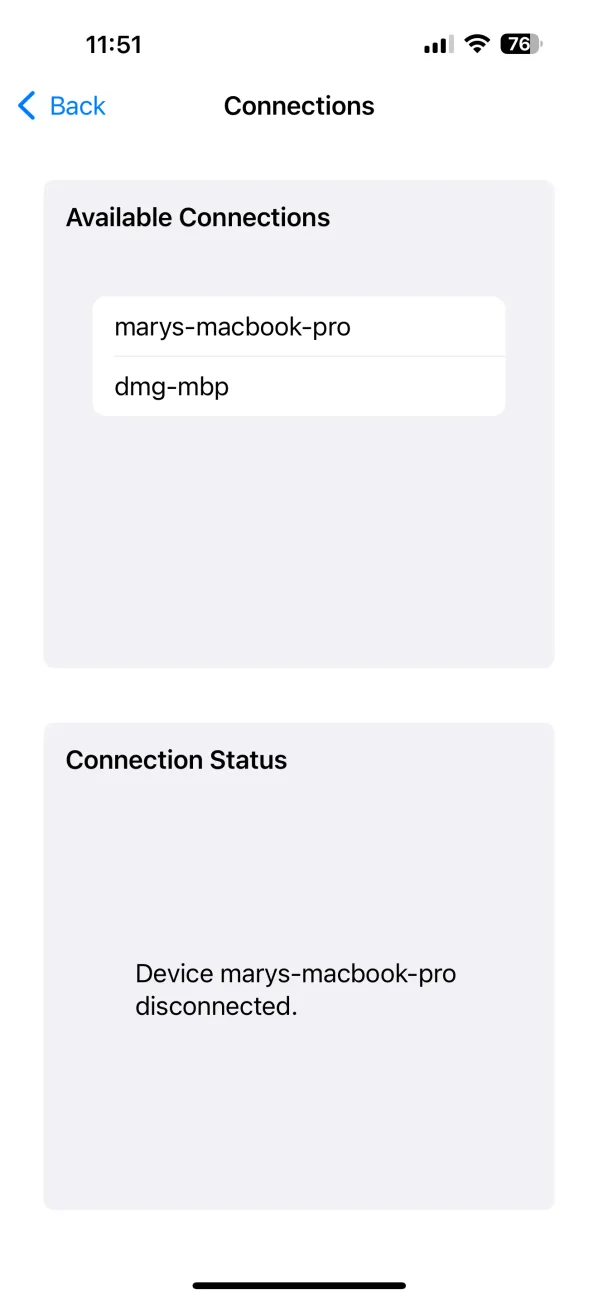
• Seamless Mac Integration - Effortlessly scan directly to your Mac (or upload later) for detailed refinements with PhotoForge 3D Studio. Adjust scale, position, rotation, and remove unwanted artifacts with intuitive desktop tools.
• Multiple Output Formats - Export your creations in the formats you need most (USDZ, STL, OBJ) for AR, 3D printing, virtual reality, gaming, and more.
• Instant Feedback with AR Previews - View your creations instantly in AR on your iPhone, making edits fast and easy, so your projects always look exactly how you want them.
Monthly and yearly subscriptions available.
Contact: https://www.photoforge3d.com/contact
Support: https://www.photoforge3d.com/faqs
Privacy Policy: https://www.photoforge3d.com/capture-privacy-policy
Terms and Conditions: https://www.apple.com/legal/internet-services/itunes/dev/stdeula/
*LiDAR-equipped iPhone strongly recommended for optimum accuracy and realism.
What’s new
Version 2.0.0 · Apr 22, 2026
PhotoForge 3D Capture Version 2.0.0 brings significant reliability improvements to connection, capture, and export:
• Completely reworked networking
- No Wi-Fi network connection required, just need Wi-Fi enabled to tether to PhotoForge 3D Studio!
- Much faster image transfers in tethered mode.
note: tethering requires PhotoForge 3D Studio and Capture both be at revision 2.0+
Bug fixes:
• Portrait orientation: The app stays locked in portrait on all screens for a consistent one-handed experience.
• Improved exports: Fixed a hang at 100% during 3D model creation, and a hang when cancelling and retrying an export.
• Improved uploads: Fixed a hang when cancelling and restarting a file upload to PhotoForge 3D Studio.
• New sample captures: Fresh sample content to help you explore the app's features right out of the box.
App privacy
What Eidria, Inc. declares on the App Store about how this app handles data.
-
Data not collected
The developer does not collect any data from this app.
Privacy practices may vary, for example with the features you use or your age.
Information
- Seller
- Eidria, Inc.
- Category
- Graphics & Design
- Version
- 2.0.0
- Updated
- Apr 22, 2026
- Released
- Aug 6, 2025
- Size
- 211.2 MB
- Requires
- iOS 17.4 or later
- Age rating
- 4+
- Price
- Free
- In-app purchases
- Yes
- Languages
- English, French, German, Italian, Japanese, Korean, Portuguese, Simplified Chinese, Spanish
- Copyright
- Copyright © 2025 Eidria Inc. All rights reserved.
You might also like
-
 2D Image to 3D Model MakerImage,Multiview,Text to 3D
-
 Modelify: AI 3D Model MakerImage to 3D Model Generator
-
 Pic3D Maker - Image to 3D2D to 3D in one tap
-
 AI Image to 3D Model MakerPhoto to Scan, Print & Render
-
 TopMod 3D: Design SoftwareTopology modeler for 3D print
-
 3Dup - Image to 3D ModelGenerate 3D assets from images
-
 3D Print Designer CADCAD Modeling for 3D Printing
-
 ToyCAD: Easy 3D DesignFor Kids, Makers & Schools
-
 Forma3D - 3D Modeling & PrintSTL, 3MF & Mesh Repair
-
 3D Modeling : AI Text to 3DImage to AI 3D Model Generator