
PHP Editor: Code & Run
Best php editor application
Designed for iPhone, iPad, iPod touch
Free · In-app purchases
- Age rating4+
- CategoryDeveloper Tools
- DeveloperMerbin Joe
- LanguagesEnglish
- Size43.6 MB
Links to the official App Store page
Download.org hosts no file of PHP Editor: Code & Run. The button opens its official App Store page, published by Merbin Joe. Listing last checked on Nov 12, 2026.
Screenshots
About
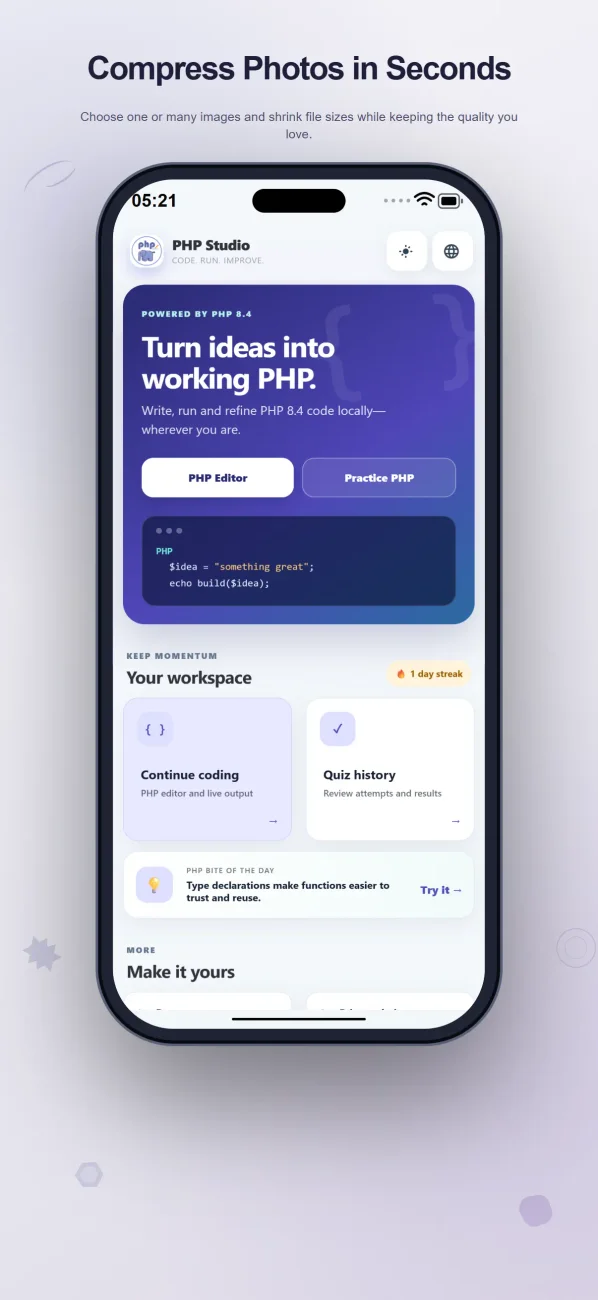
Give a PHP idea a place to take shape. PHP Editor brings writing, local execution and language practice into one workspace, so you can move from a short snippet to its output and back to the code you want to improve.
A practical place to experiment
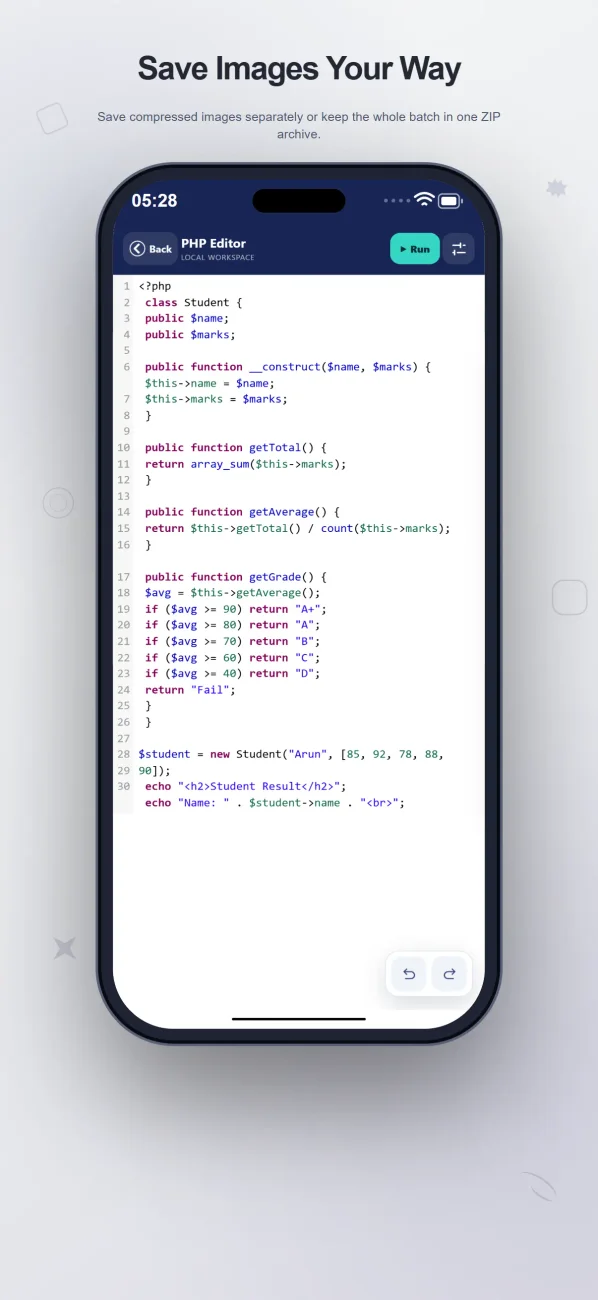
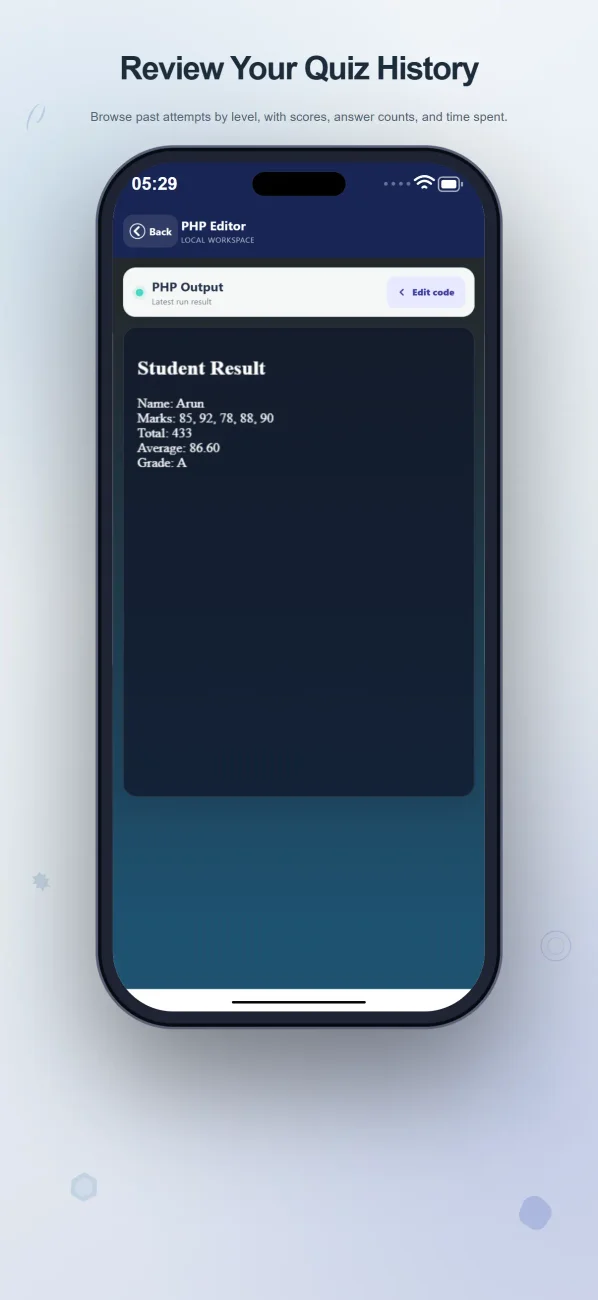
The integrated PHP 8.4 runtime runs code on your device. Open the editor, make a change and tap Run to see PHP Output. Use Edit code to return and continue your experiment. Reported errors are shown with the result, giving you feedback when a statement does not behave as expected. You do not need a separate remote execution service for this local coding workflow.
Tools that support the next edit
Read your source with PHP syntax highlighting, line numbers and word wrapping. Bracket matching and automatic closing of brackets help when entering expressions and functions. Quick Undo and Redo controls let you revisit a change without retyping it. Find helps locate a name or phrase, while Go to line takes you to a specific position in the file.
Start new, or return to an idea
Begin a fresh file when you want a clean starting point. Open PHP files from the app's available document storage workflow, save a named script, or choose Save As to preserve a separate copy. When a draft has been stored locally, Continue coding brings it back from Home. A saved file gives an experiment a name and makes it easier to return to deliberate work later.
Examples you can change
The daily PHP bite opens an editable example related to the Home screen's tip. Try changing the values in a strict comparison, replacing a missing value with null coalescing, or following the choices in a match expression. Other examples cover array transformations, function type declarations, escaping text and reusable functions. Run your variation and inspect the result to connect the syntax with its effect.
A second way to practise
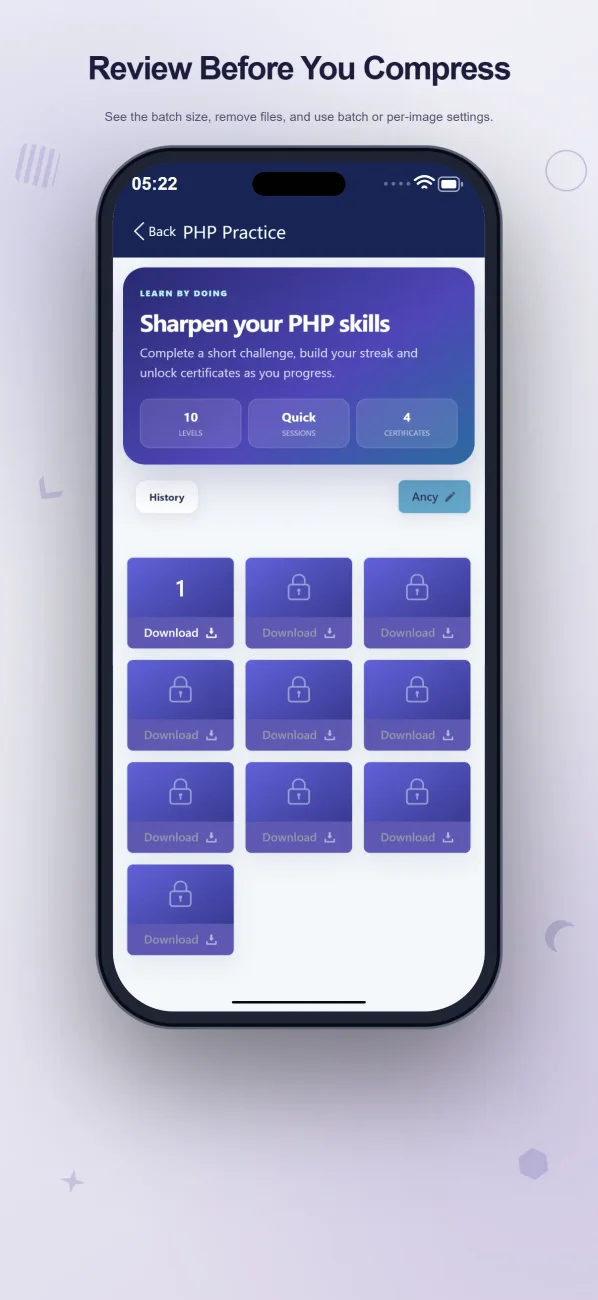
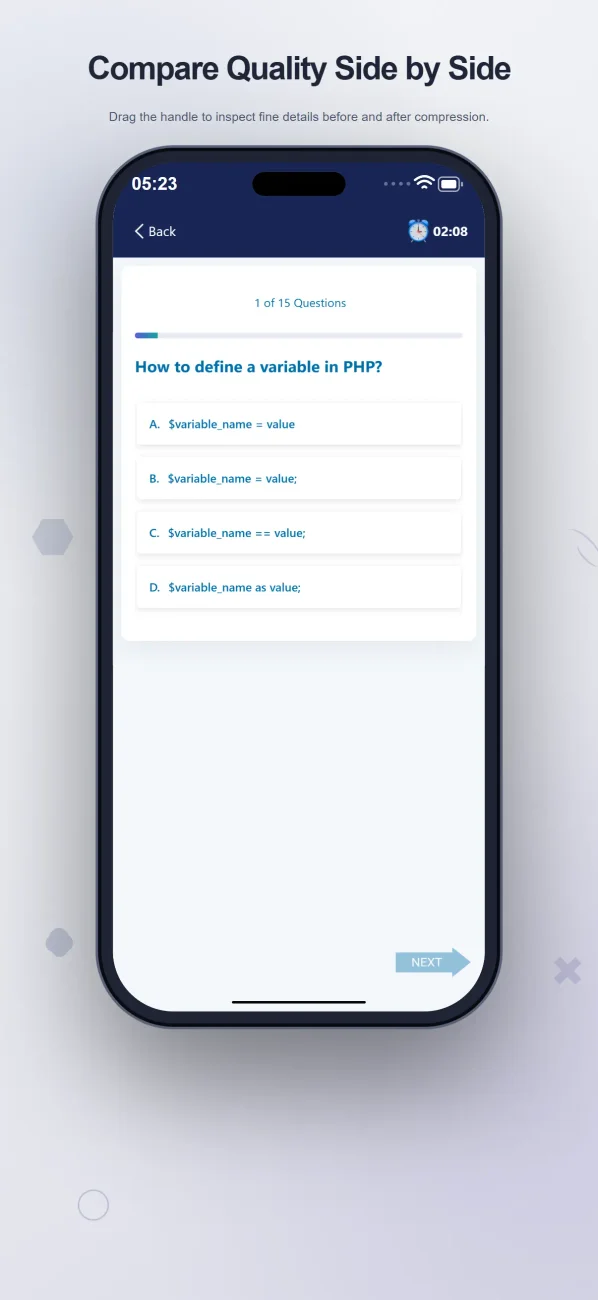
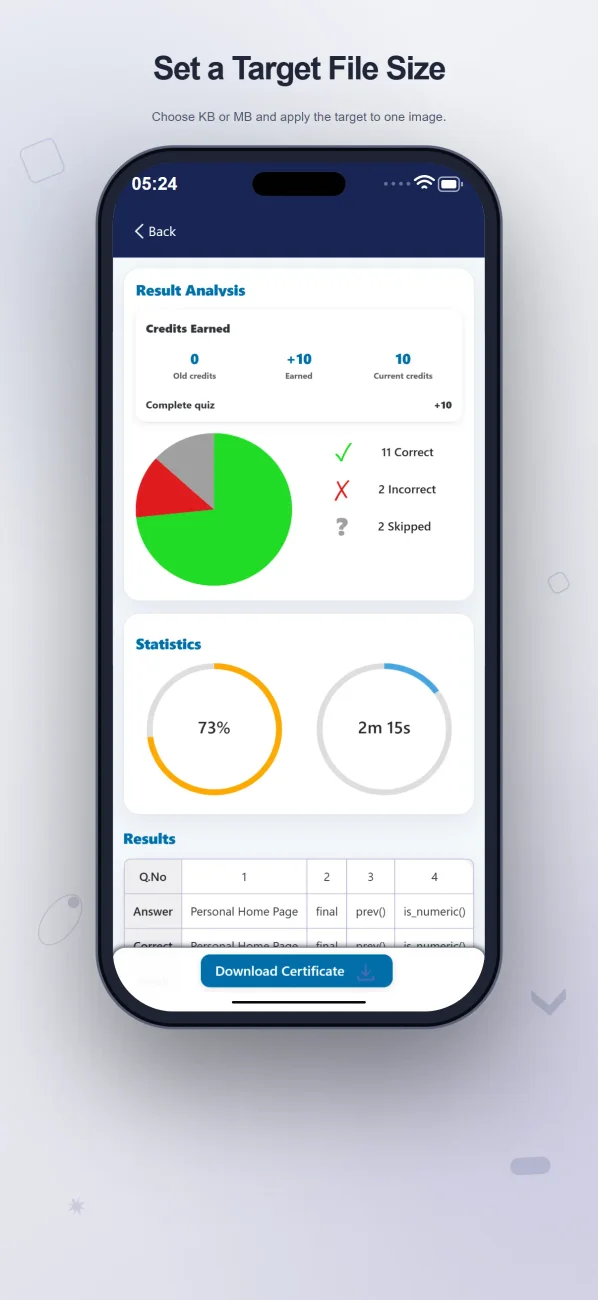
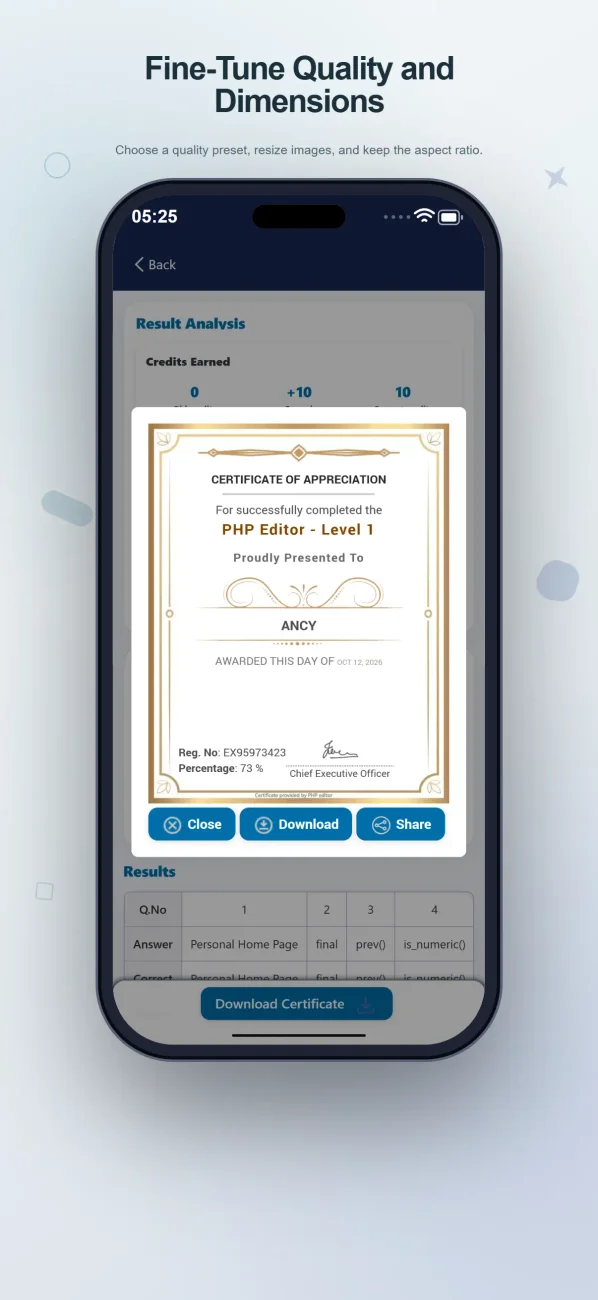
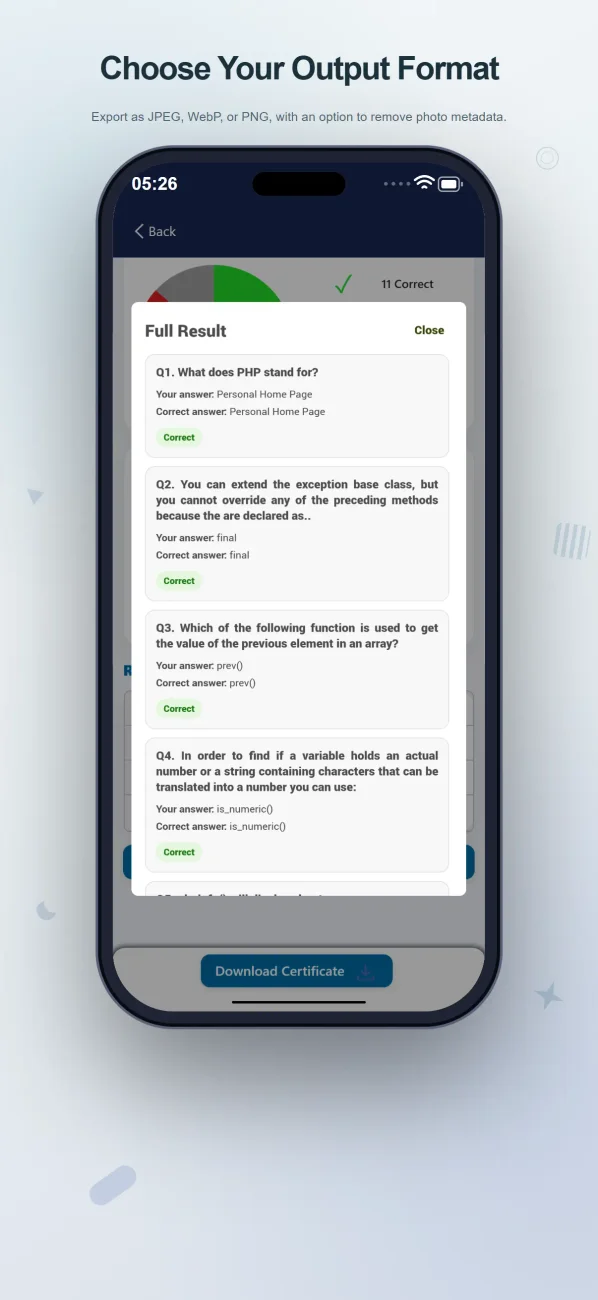
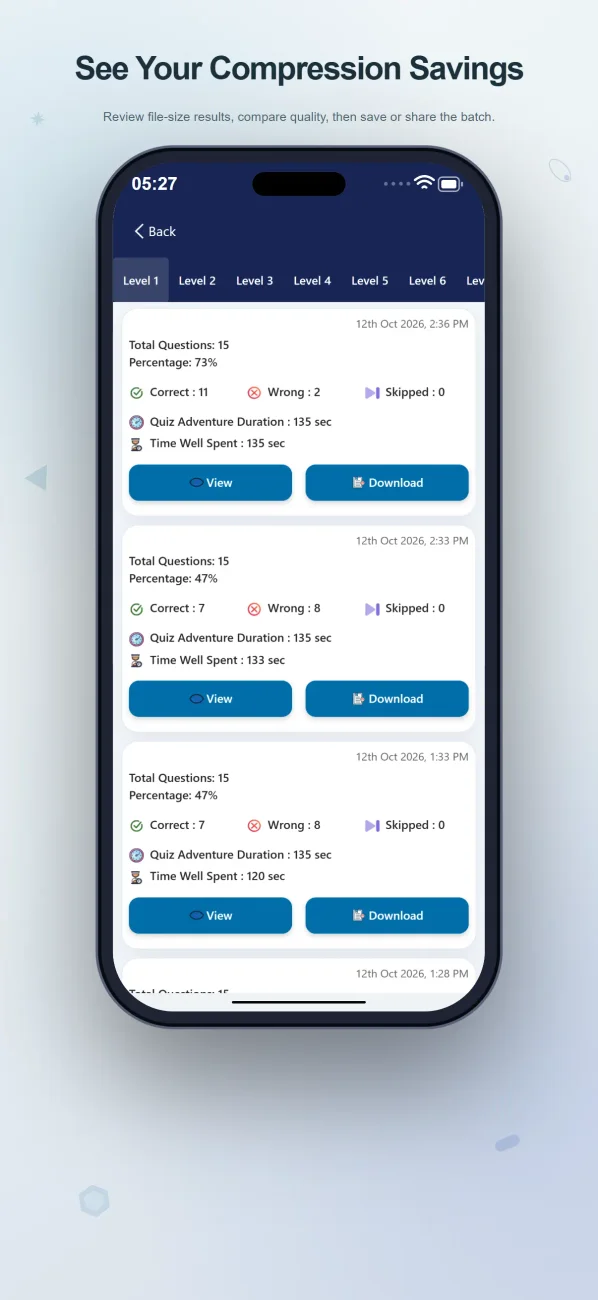
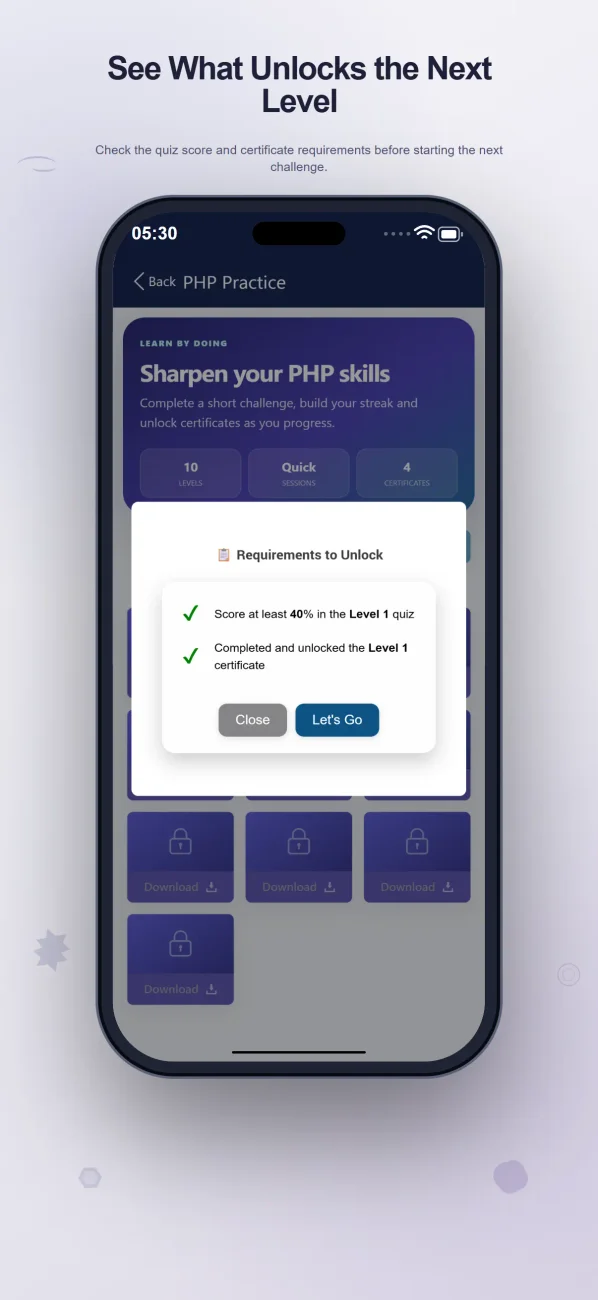
Use Practice PHP for multiple-choice quizzes across levels. Timed sessions encourage focused review, and the results show how an attempt went. Quiz history gives you access to recorded attempts and their results. You can alternate between answering questions and testing a small program, choosing the kind of practice that suits the time you have.
Make the workspace familiar
Choose an app theme, including a light or dark appearance, and select from the available interface languages. The editor follows the active appearance. Home keeps Continue coding, the daily example and quiz history within reach, along with a daily visit streak for your practice routine.
Designed for small, useful sessions
Students can explore language exercises; learners can test an unfamiliar expression; developers can check a compact function or revisit a script. Keep local runs focused: execution time and output limits apply. Code execution is local, while network-dependent services such as advertising and purchases use their own connections.
Write an example you understand, change one part and see what happens. Keep useful scripts as files and use quizzes to revisit the concepts you are learning.
Terms of Use
https://www.apple.com/legal/internet-services/itunes/dev/stdeula/
What’s new
Version 2.5 · Oct 19, 2026
Enjoy a completely refreshed design.
Run PHP offline with a real PHP compiler and a fully redesigned compiler interface.
Explore new features and improved editing tools.
Experience faster performance and smoother navigation.
Includes bug fixes and stability improvements.
App privacy
What Merbin Joe declares on the App Store about how this app handles data.
-
Data used to track you
May be used to track you across apps and websites owned by other companies.
- Usage data
-
Data not linked to you
May be collected but is not linked to your identity.
- Usage data
Privacy practices may vary, for example with the features you use or your age.
Information
- Seller
- Merbin Joe
- Category
- Developer Tools
- Version
- 2.5
- Updated
- Oct 19, 2026
- Released
- Feb 7, 2023
- Size
- 43.6 MB
- Requires
- iOS 15.0 or later
- Age rating
- 4+
- Price
- Free
- In-app purchases
- Yes
- Languages
- English
- Copyright
- © Codeplay
You might also like
-
 Code Editor: HTML, Python, JSWebsites & Scripts on the Go
-
 KeyAuth LLCDeveloper Tools
-
 Portainer & Docker: PourtainerNo SSH!
-
 JDoodle: Code CompilerCompile, Execute Code Anywhere
-
 SMS Verification Number GetSMSGet Temp & Virtual Text Codes
-
 PostgreSQL ClientDeveloper Tools
-
 TablePlus - Database ClientDatabase management made easy
-
 AppsOnAirOver-the-air app distribution.
-
 Hodor - HTTP(s) Packet SnifferFlutter Capture & API Testing
-
 XML Viewer & XML Editor#1 app to Read & Edit XML file