
Phrasal Verbs: Visual Learner
Learn English with Images
Designed for iPhone, iPad
Free · In-app purchases
- Age rating4+
- CategoryEducation
- DeveloperEsteban Lopez
- LanguagesEnglish
- Size113.6 MB
Links to the official App Store page
Download.org hosts no file of Phrasal Verbs: Visual Learner. The button opens its official App Store page, published by Esteban Lopez. Listing last checked on Nov 15, 2026.
Screenshots

About
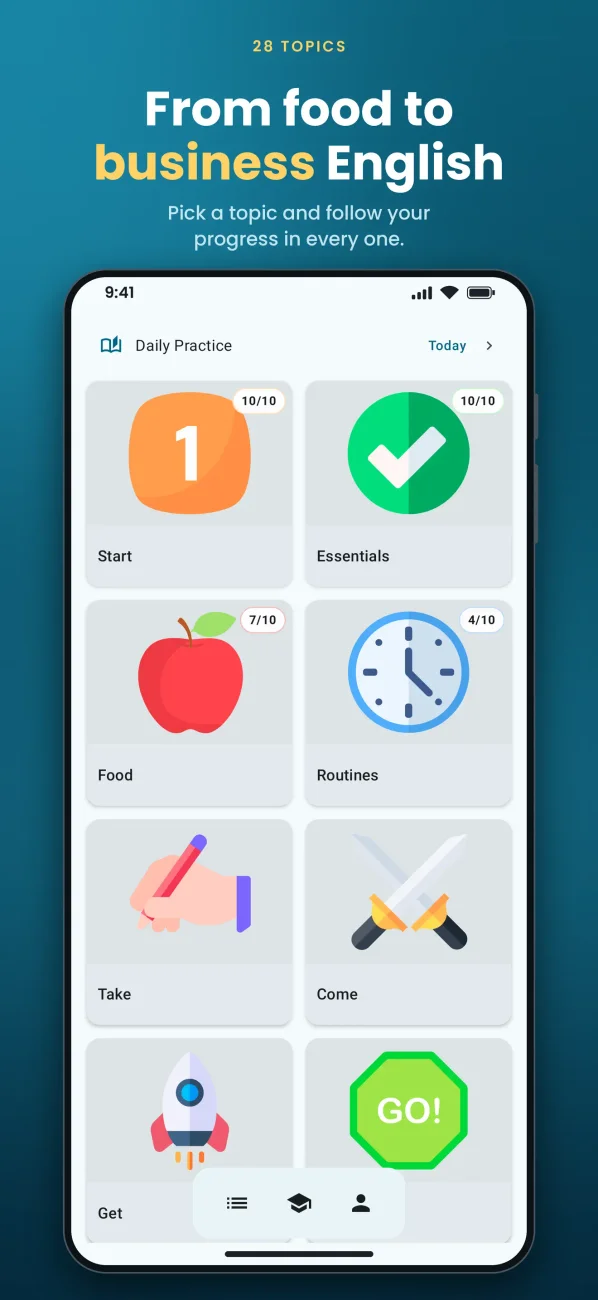
Stop guessing what phrasal verbs mean. Bridge the gap between classroom English and natural conversation. This app helps you understand phrasal verbs in context, remember them faster with visuals, and speak with confidence.
How you'll master phrasal verbs:
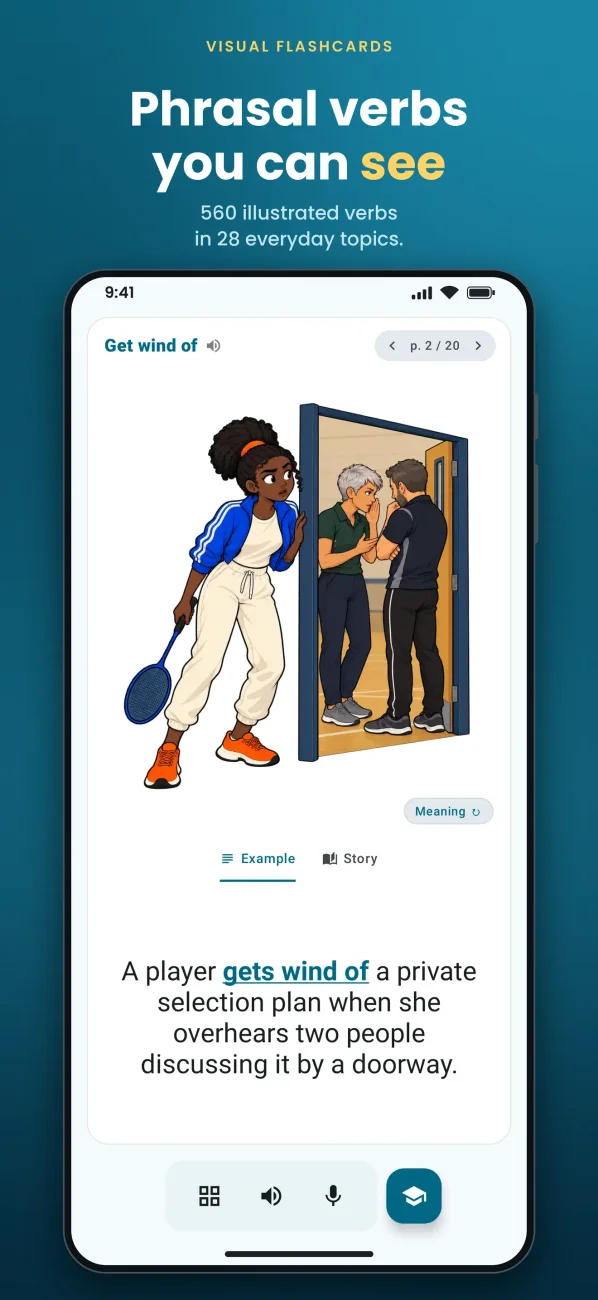
• Remember Faster: Memorable visual illustrations make abstract meanings intuitive and easy to recall.
• Understand Context: Clear definitions and practical notes show you how verbs are used in real situations.
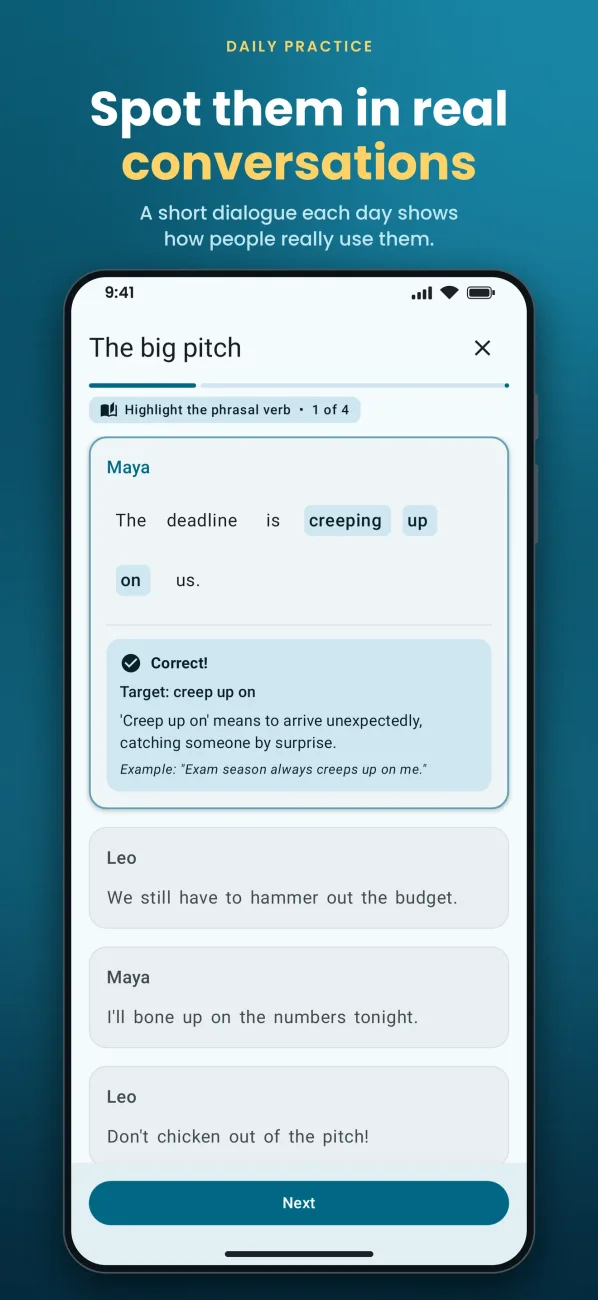
• Real-World Examples: Authentic sentences demonstrate natural usage in meetings, daily routines, and casual conversations.
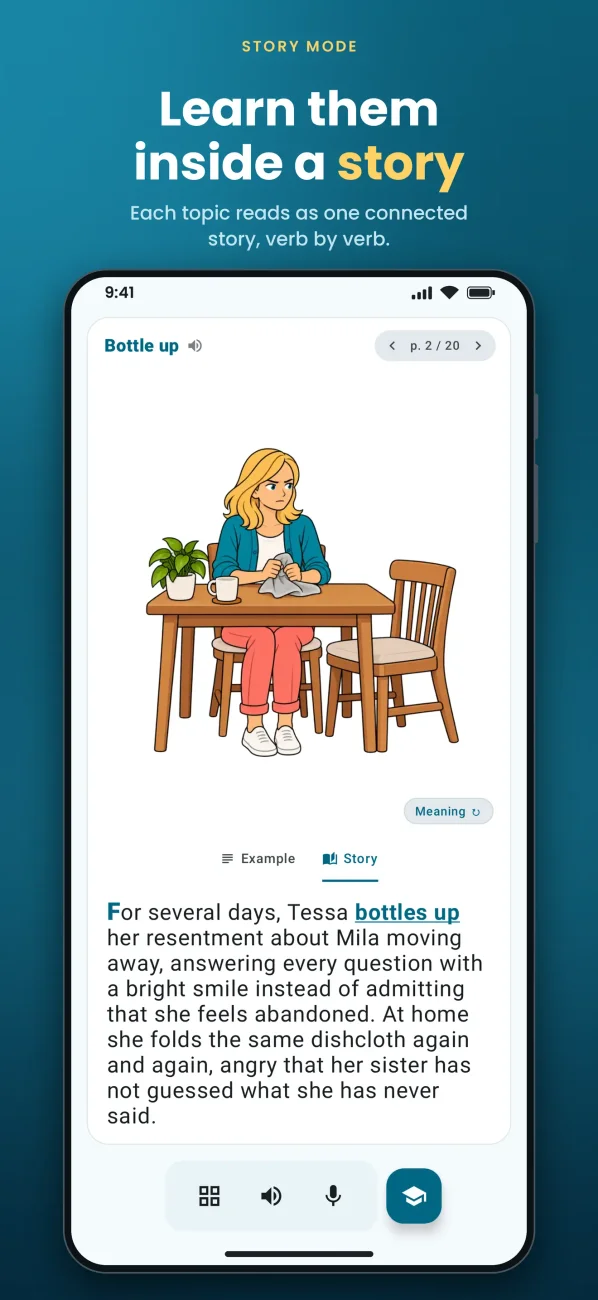
• Read It as a Story: Follow each category as one connected story, or switch to standalone examples.
• Master the Flow: High-quality native audio trains your ear on natural stress, rhythm, and intonation.
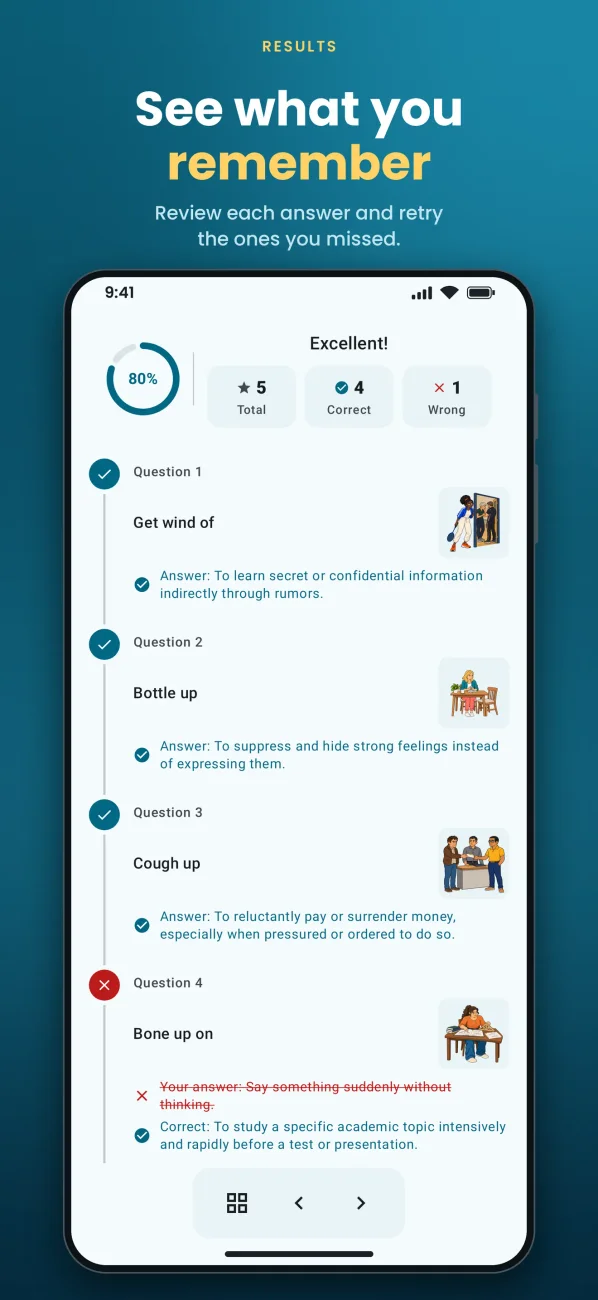
• Turn Knowledge into Instinct: Interactive quizzes test your recall with definition matching, sentence completion, and writing.
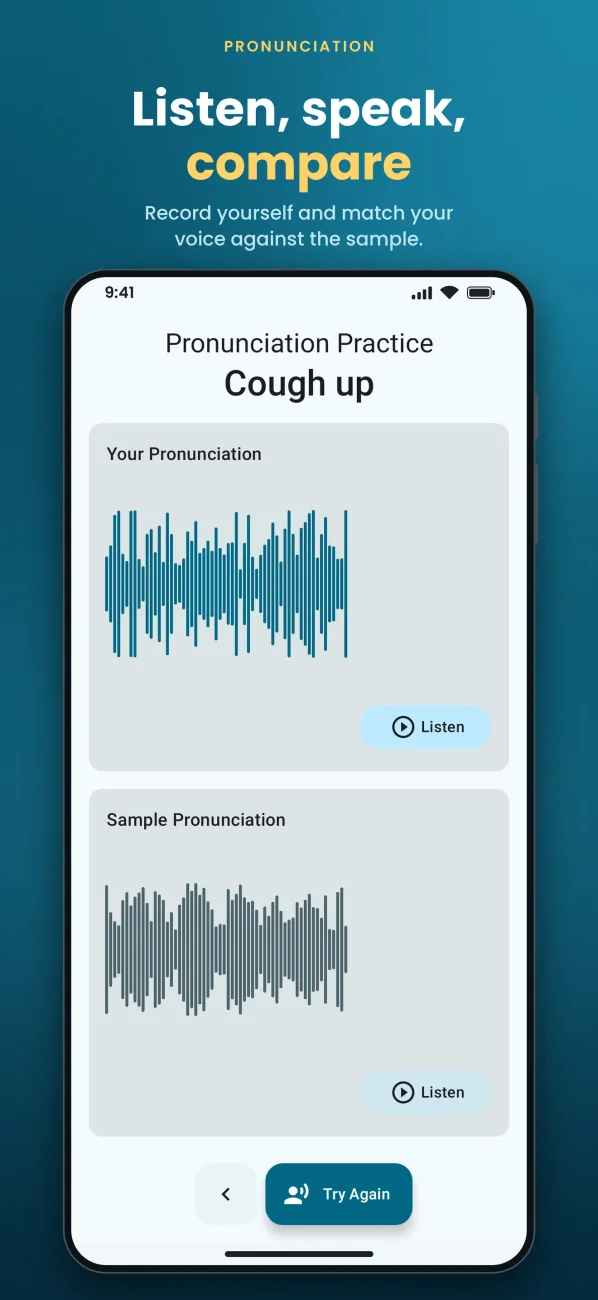
• Speak Confidently: Record your voice and compare your audio waveform to native pronunciation.
100% Offline — Learn Anywhere:
Practice on your commute, while traveling, or anywhere without an internet connection.
Built for advanced learners and professionals who want natural, confident English at work and beyond.
Notes:
• Microphone and Speech Recognition permissions are only used for pronunciation practice.
• Home Screen Widget: Review a phrasal verb in a small or medium widget, then tap it to open that entry in the app. On iOS 17 or later, the medium widget also offers Shuffle.
What’s new
Version 6.92 · Nov 13, 2026
New: Story mode. Read any category as one connected story. Open a category and tap the Story tab, or stay on Example for standalone sentences. Quizzes follow the tab you choose, and switching never affects your progress.
Also new: skip a question in Daily Practice, and clearer feedback on your written answers.
App privacy
What Esteban Lopez declares on the App Store about how this app handles data.
-
Data not linked to you
May be collected but is not linked to your identity.
- Contact info
- Usage data
- Diagnostics
Privacy practices may vary, for example with the features you use or your age.
Information
- Seller
- Esteban Lopez
- Category
- Education
- Version
- 6.92
- Updated
- Nov 13, 2026
- Released
- Apr 14, 2020
- Size
- 113.6 MB
- Requires
- iOS 16.6 or later
- Age rating
- 4+
- Price
- Free
- In-app purchases
- Yes
- Languages
- English
- Copyright
- © 2026 lorolabs
You might also like
-
 Phrasal Verbs - Learn EnglishLessons, practice and tests
-
 Phrasal Verbs: English GrammarLearn and practice language
-
 IVERBS Irregular VerbsLearn English Irregular Verbs
-
 Learn English Phrasal VerbsSpeak like a Native Speaker
-
 English Irregular Verbs BestChoose, Listen, Write, Learn!
-
 English language: Learn & Play№1 Phrases and Idioms App
-
 English Verbs: Learn GrammarIrregular Verbs Trainer & Quiz
-
 English Tenses & Verbs SmashGame: Learn irregular grammar
-
 Verbos en inglésEducation
-
 English Verb Conjugator1900 English verbs · 20 tenses