
Pic Collage: AI Layout Maker
Photo Layout, Collage Maker
Designed for iPhone, iPad, iPod touch
Free
- Age rating12+
- CategoryPhoto & Video
- DeveloperHung Nguyen
- LanguagesEnglish
- Size76.1 MB
Links to the official App Store page
Download.org hosts no file of Pic Collage: AI Layout Maker. The button opens its official App Store page, published by Hung Nguyen. Listing last checked on Nov 14, 2026.
Screenshots

About
Pic Collage - AI Layout Maker for Celebrating Life's Moments!
Transform your memories into stunning photo collage with Pic Collage, the best photo collage maker for creating captivating visual stories. Our intuitive collage maker, coupled with a wide selection of grid and layout options, makes turning your photo and video into beautiful collages effortless.
FEATURES:
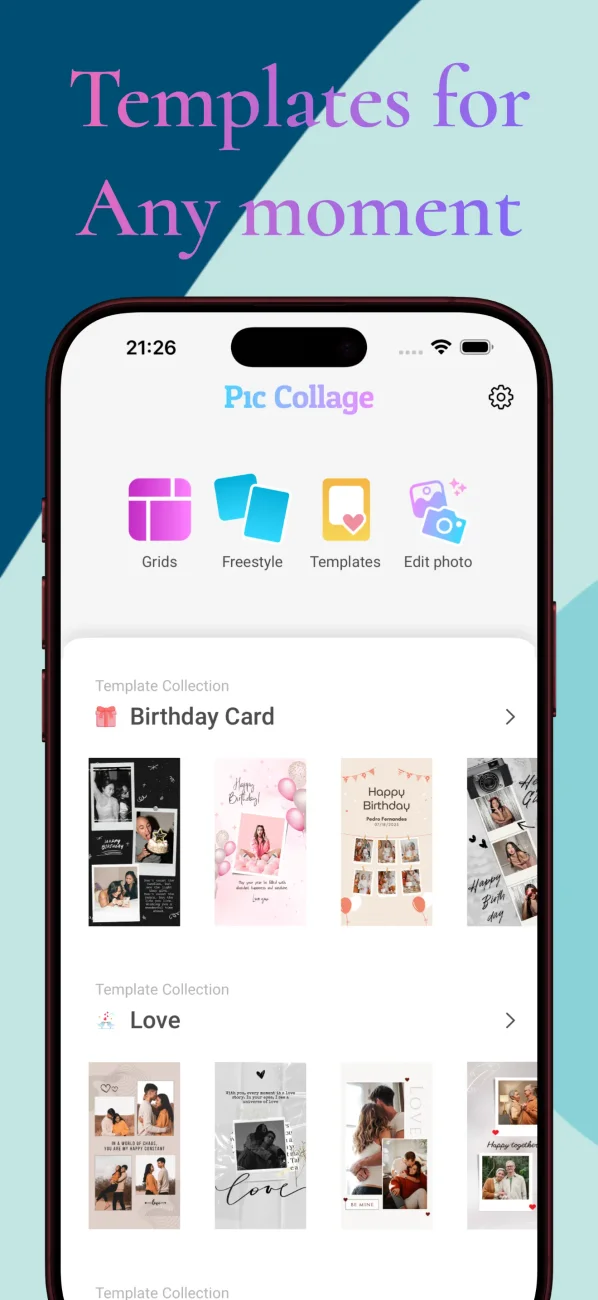
- Create photo collages, video collages, greeting cards, Insta stories & more.
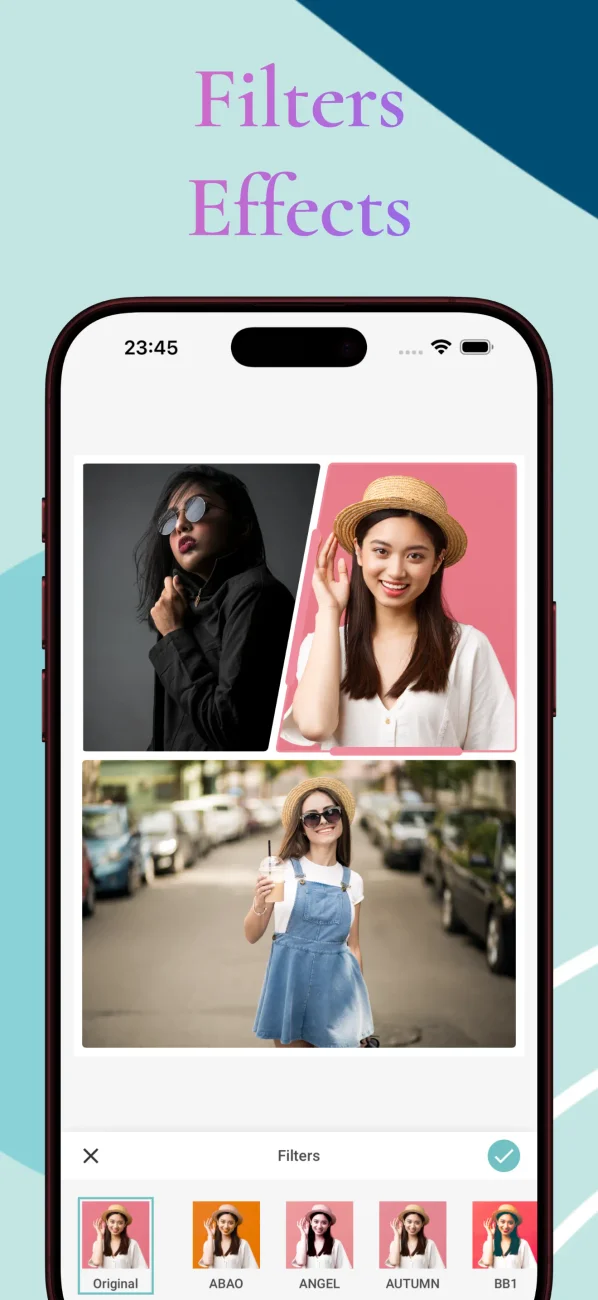
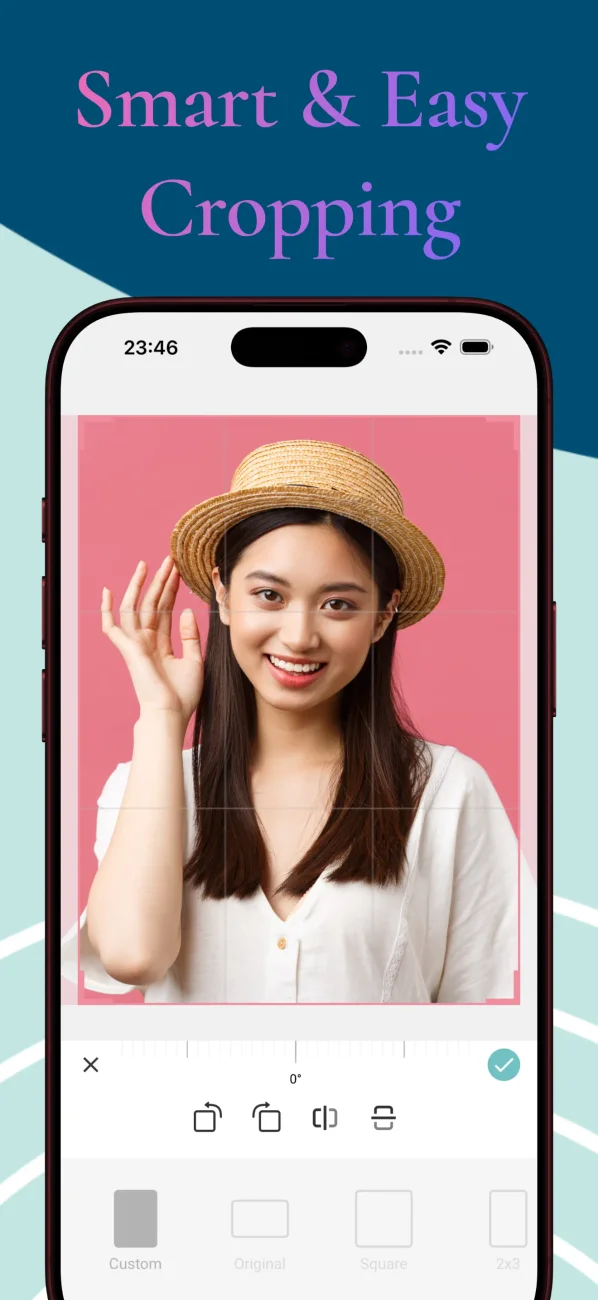
- Edit photos & videos easily with filter, effects, retouch, and crop
- Remove & change backgrounds with AI technology
- Use ready-to-use layouts, grids & animated templates.
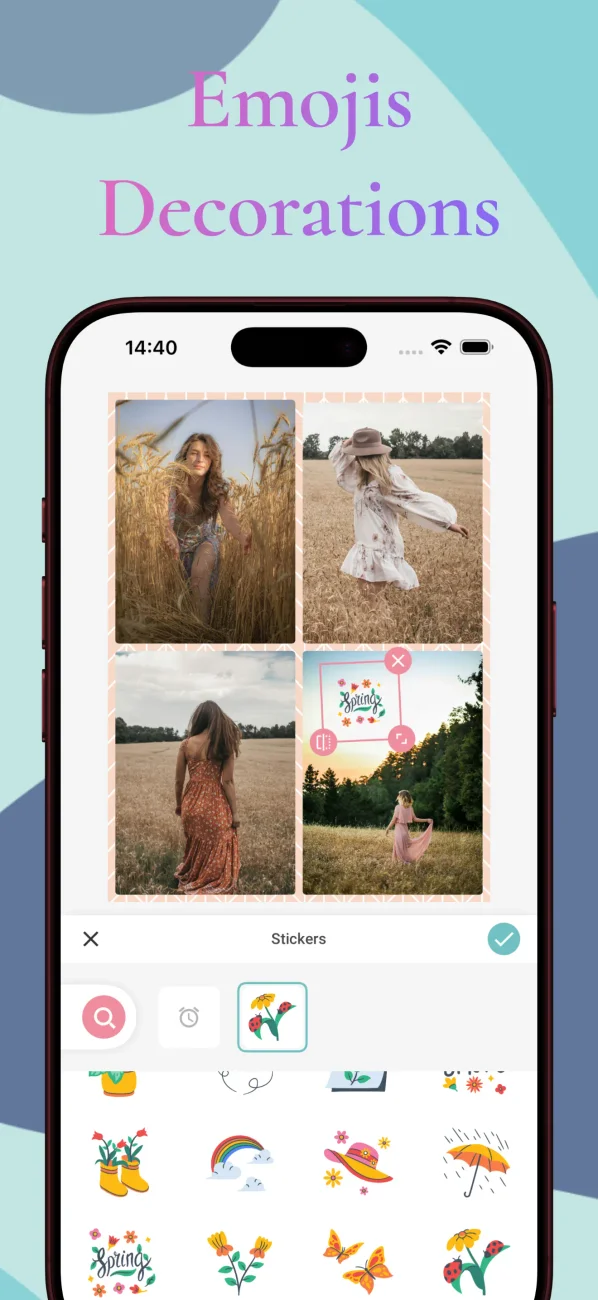
- Decorate with fonts, stickers, and doodles.
PHOTO GRID & LAYOUT
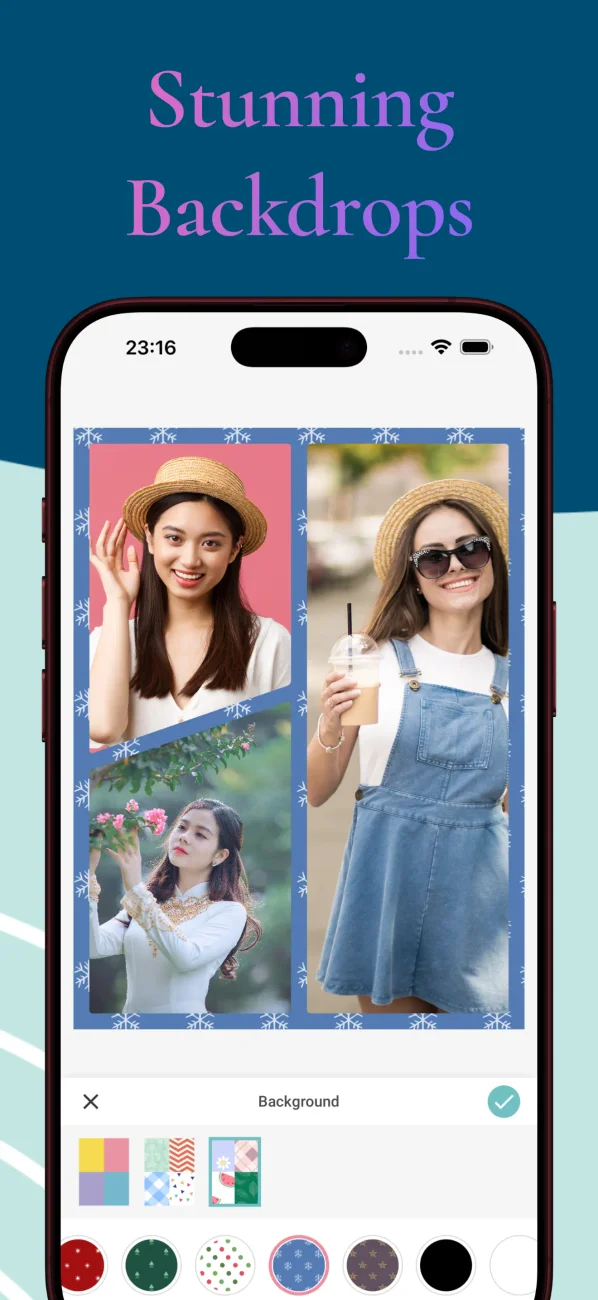
Organize multiple photos into a single, stunning collage with our photo grid feature. Choose from our extensive photo grid library to stitch together your collage masterpiece! Whether it's a simple two-photo layout or a complex multi-photo grid, Pic Collage offers the perfect photo collage layout for every need. Customize your grid sizes and background to create the ideal photo collage.
GRID
Have a plethora of photos? Our grid system allows for endless creativity. From simple two-photo grids to complex multi-photo layouts, PicCollage's grid options cater to all your needs. Customize grid and backgrounds to create the perfect photo collage. Enhance your layout with our diverse grid designs to make your collages truly unique.
CUTOUT & DESIGN
Make your photo collage subjects pop with our cutout tool. Remove backgrounds to isolate subjects, perfect for creating standout collage. Our massive library of template, stickers, and backgrounds is constantly refreshed, allowing you to add unique elements to your grid or layout.
FONTS & DOODLE
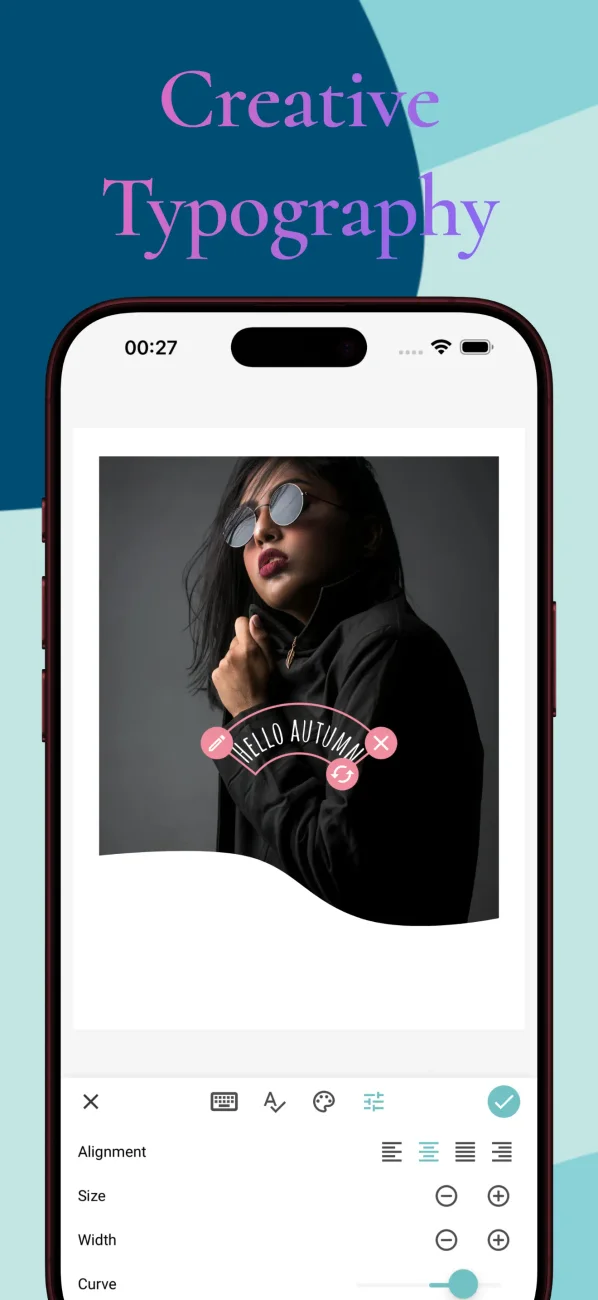
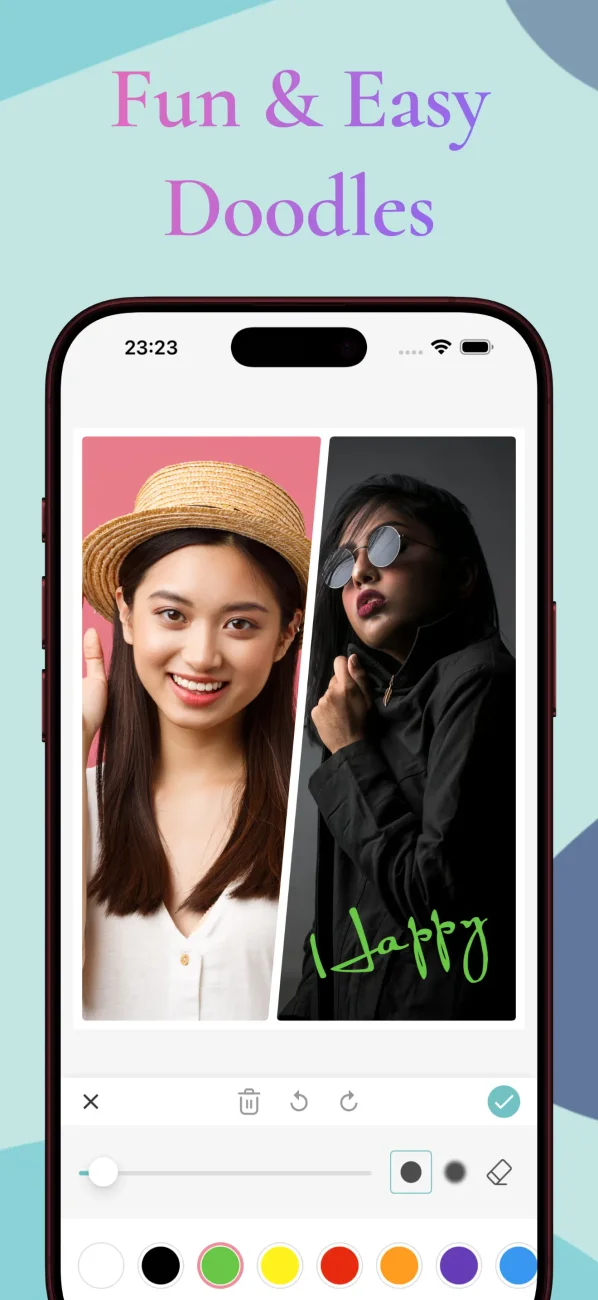
Integrate text into your photo collage effortlessly with our curved text editor and font pairing suggestions. Add a personal touch to your layouts with the doodle feature – a simple doodle can elevate the uniqueness of your grid collage.
Elevate your photo and collage game with Pic Collage – the ultimate photo collage maker that helps you make anything to celebrate everything!
What’s new
Version 1.9.3 · Jun 5, 2025
More stunning collage with template feature
App privacy
What Hung Nguyen declares on the App Store about how this app handles data.
-
Data used to track you
May be used to track you across apps and websites owned by other companies.
- Location
- Identifiers
- Usage data
- Diagnostics
-
Data linked to you
May be collected and linked to your identity.
- Location
- Identifiers
- Usage data
- Diagnostics
Privacy practices may vary, for example with the features you use or your age.
Information
- Seller
- Hung Nguyen
- Category
- Photo & Video
- Version
- 1.9.3
- Updated
- Jun 5, 2025
- Released
- Jan 17, 2025
- Size
- 76.1 MB
- Requires
- iOS 16 or later
- Age rating
- 12+
- Price
- Free
- Languages
- English
- Copyright
- © Lichi Tech
You might also like
-
 My Photo CollagesFast, intuitive & easy
-
 Pix AI Collage MakerPhoto Collage & Photo Editor
-
 Mood – Photo Grid & CollagePhoto grids made easy
-
 Photo Frame - Pic CollageCollage, Template, Layouts
-
 Easy Photo Collage Grid MakerPhoto & Video
-
 Easy Photo GridEasy Photo Grid Maker
-
 OneCollage:Collage MakerCollage Template & Story Maker
-
 Photo Collage (Photogrid)Pic Collage, Collage Maker
-
 CollageVibe Easy Photo CollagePic Grid Maker, Picture Layout
-
 Photo Grid: Collage MakerPicture Layout & Frame Editor