Pic Collage Editor: EasyPic
Photo Grid & Picture Layout
Designed for iPhone, iPad, iPod touch
Free · In-app purchases
- Age rating4+
- CategoryPhoto & Video
- DeveloperAccess Creativity Labs LLC
- LanguagesEnglish+ 19 more
- Size195.6 MB
Links to the official App Store page
Download.org hosts no file of Pic Collage Editor: EasyPic. The button opens its official App Store page, published by Access Creativity Labs LLC. Listing last checked on Nov 26, 2026.
Screenshots


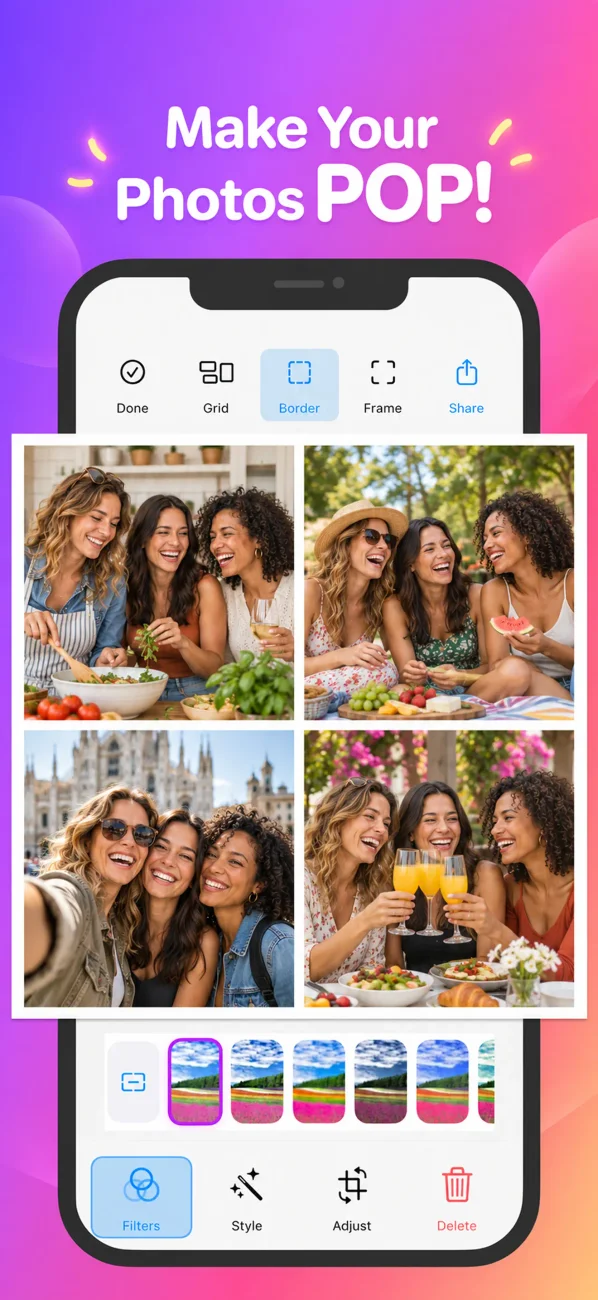
About
Turn moments into stunning stories with Easy Pic, the easy-to-design photo collage app.
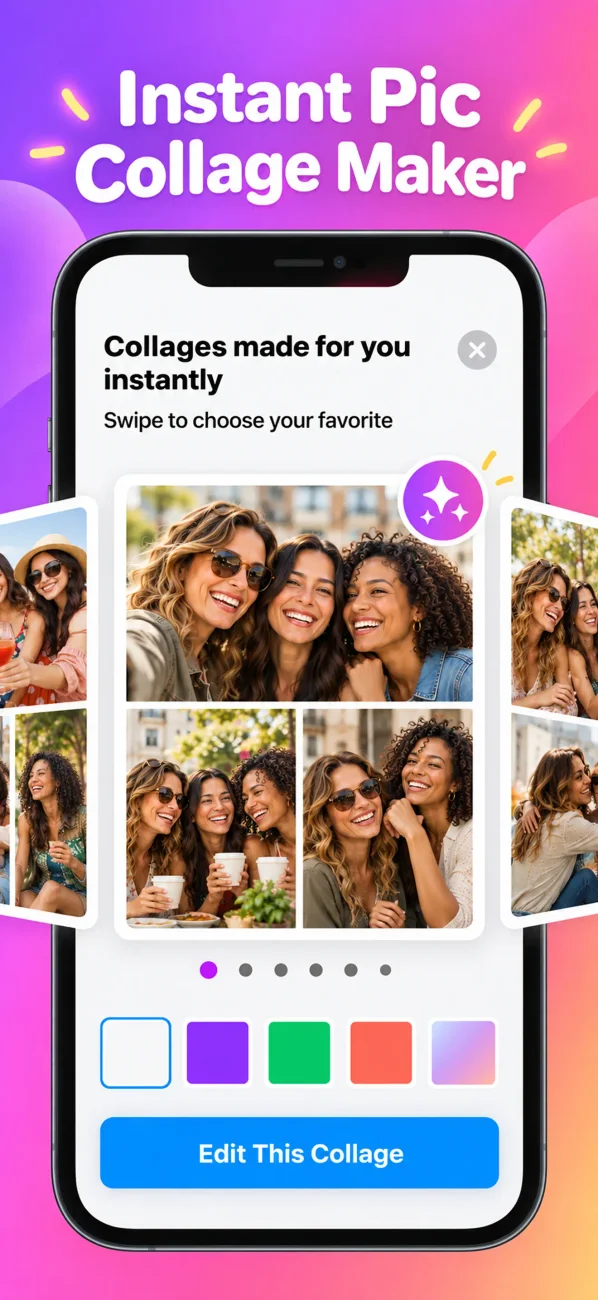
Transform your cherished moments into stunning visual stories with Easy Pic: Photo Collage Maker — the ultimate photo app for creativity! Whether you want a pic collage maker for social media, a photo layout tool for special events, or a simple yet powerful collage app, we’ve got you covered. You can even do before and after photo compare in just a few taps.
Creating a split picture collage has never been easier! As the go-to Instagram collage app, Easy Photo Collage Maker helps you design beautiful collages that stand out. Whether you’re making a foto collage, a quick collage maker project, or a stylish photo collage, the possibilities are endless.
With our innovative auto collage feature, unleash your imagination to create professional-quality collages. From a fun photo maker to a versatile college maker (yes, even for student memories!), this app is designed for everyone who loves collage photos.
Key Features:
• Auto Collage: Let our intuitive photo collage maker do the work for you, intelligently arranging your images into gorgeous designs.
• Easy-to-Use Interface: A true pic collage maker that helps you craft your collage in seconds.
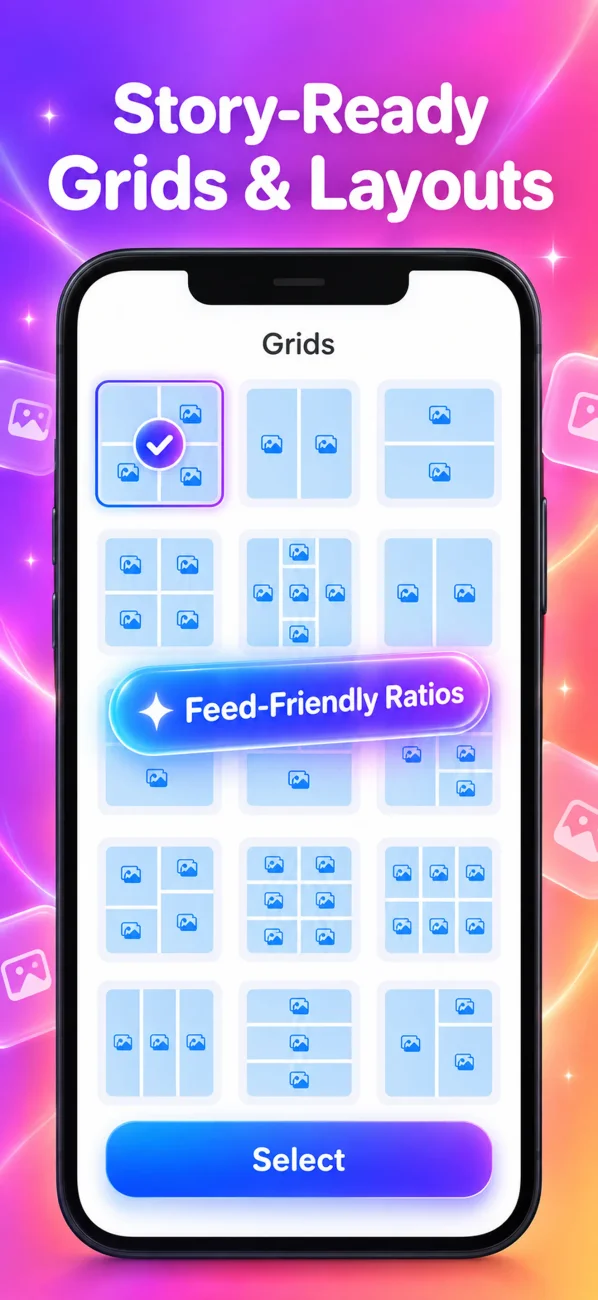
• Versatile Layouts: Choose from dozens of photo layout and collage photos options for every occasion.
• Customization Options: Adjust borders, colors, fonts, stickers, and more to create your dream photo collage.
• Seamless Integration: Import from your gallery or capture fresh memories — your go-to collage app and photo app in one.
Join over 800,000 users worldwide who use Easy Photo Collage Maker as their favorite picture collage and photo collage maker! Download now and unlock endless creative possibilities.
Terms of use: https://accesscreativitylabs.com/terms-of-use
Privacy Policy: https://accesscreativitylabs.com/privacy-policy
Credits
Icons, stickers: Designed by Freepik (freepik.com/free-vector)
Stock Photos: https://www.pexels.com/
Frames and stock vectors: https://pixabay.com/
What’s new
Version 4.4.2 · Nov 25, 2026
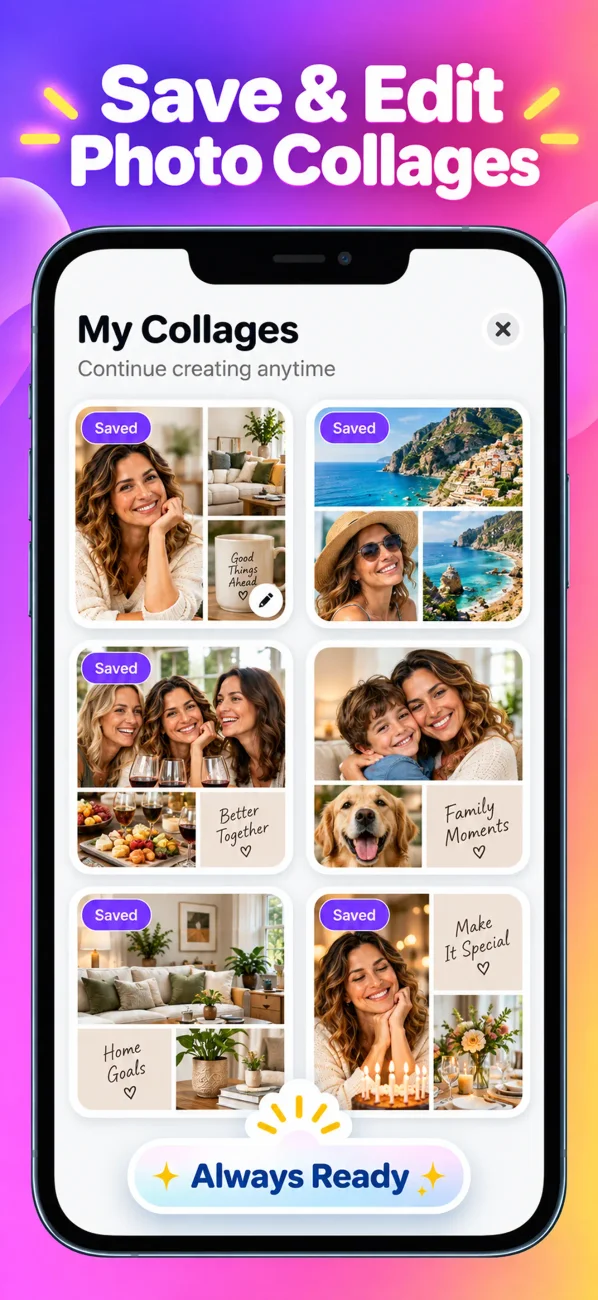
Creating beautiful collages just got even easier! Enjoy a smoother, more intuitive experience, improved editing stability, and a little extra holiday magic with festive new stickers to make your favorite memories shine!
App privacy
What Access Creativity Labs LLC declares on the App Store about how this app handles data.
-
Data not linked to you
May be collected but is not linked to your identity.
- Location
- Usage data
- Diagnostics
Privacy practices may vary, for example with the features you use or your age.
Information
- Seller
- Access Creativity Labs LLC
- Category
- Photo & Video
- Version
- 4.4.2
- Updated
- Nov 25, 2026
- Released
- Feb 12, 2019
- Size
- 195.6 MB
- Requires
- iOS 15.6 or later
- Age rating
- 4+
- Price
- Free
- In-app purchases
- Yes
- Languages
- English, Arabic, Danish, Dutch, Finnish, French, German, Hebrew, Indonesian, Italian, Japanese, Korean + 8 more
- Copyright
- © Access Creativity Labs LLC
You might also like
-
 Photo Collage Maker & CreatorPicture Montage Colage Editor
-
 Pic Stitch - Collage Editor#1 Photo and Video Collage App
-
 Photo Collage Maker,Free of adPicture layout, grid wallpaper
-
 Picture Collage Maker - FramesPhoto editor, Pic Grid Layout
-
 Photo Collage Montage MakerPicture editor layout creator
-
 Side by Side Photo Editor GridPic Collage Maker Split Video
-
 Photo Collage Maker - GridPic Layout & Slideshow Editor
-
 Photo Collage Maker by PicGridPicture Layout Grids Editor
-
 Photo Collage Layout MakerScrapbook grid creator
-
 Layout Photo Collage - MixgramPicture Grid & Post Maker