PicDeDupe: Duplicate Cleaner
Similar Photos, Free Space
Designed for iPhone, iPad
Free · In-app purchases
- Age rating4+
- CategoryUtilities
- DeveloperLe Nguyen
- LanguagesEnglish+ 11 more
- Size6.8 MB
Links to the official App Store page
Download.org hosts no file of PicDeDupe: Duplicate Cleaner. The button opens its official App Store page, published by Le Nguyen. Listing last checked on Nov 23, 2026.
Screenshots

About
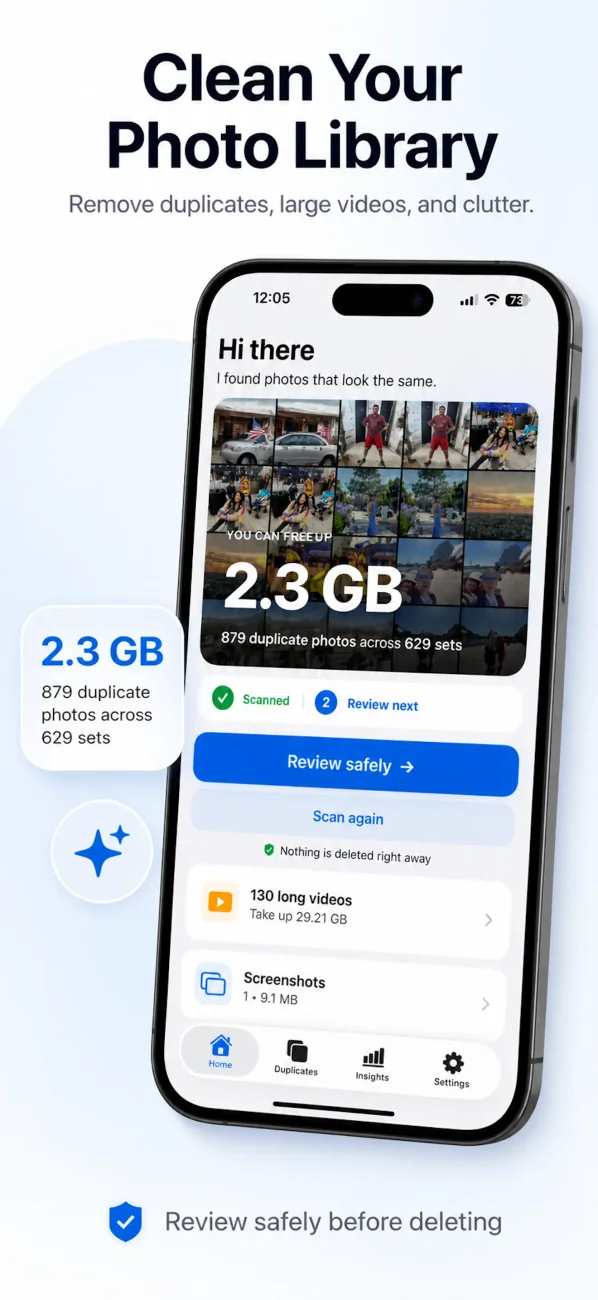
Find duplicate photos, choose the shots to keep, and reclaim storage without uploading your library. PicDeDupe analyzes photos privately on your device and keeps you in control before anything is removed.
SMART DUPLICATE CLEANUP
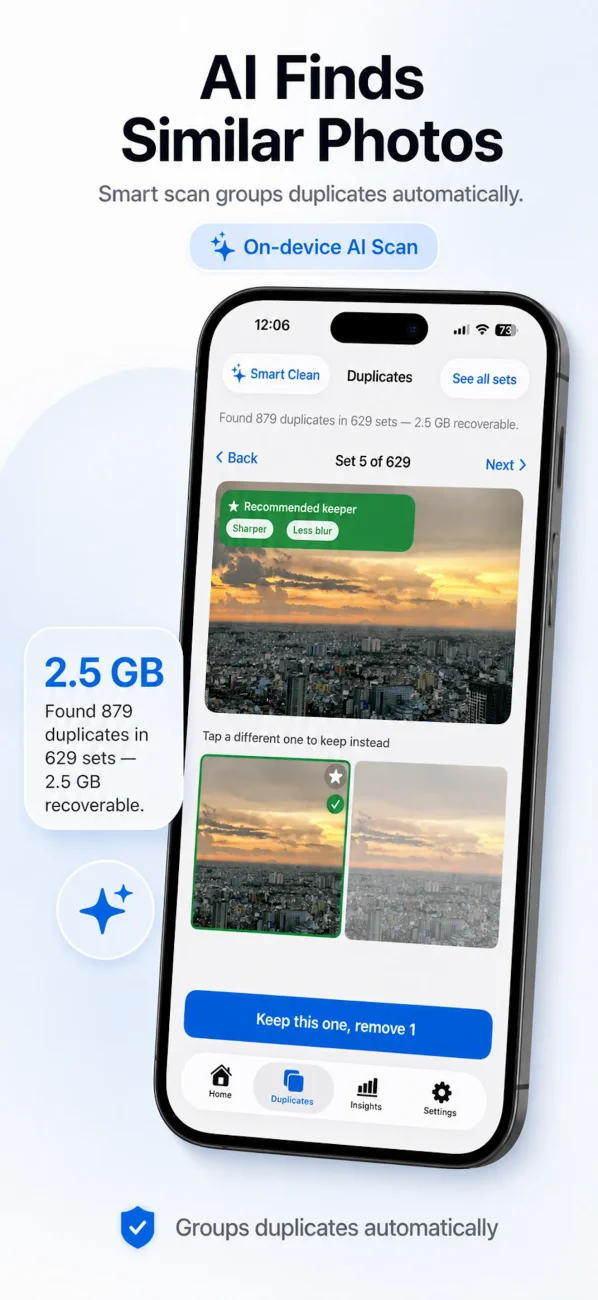
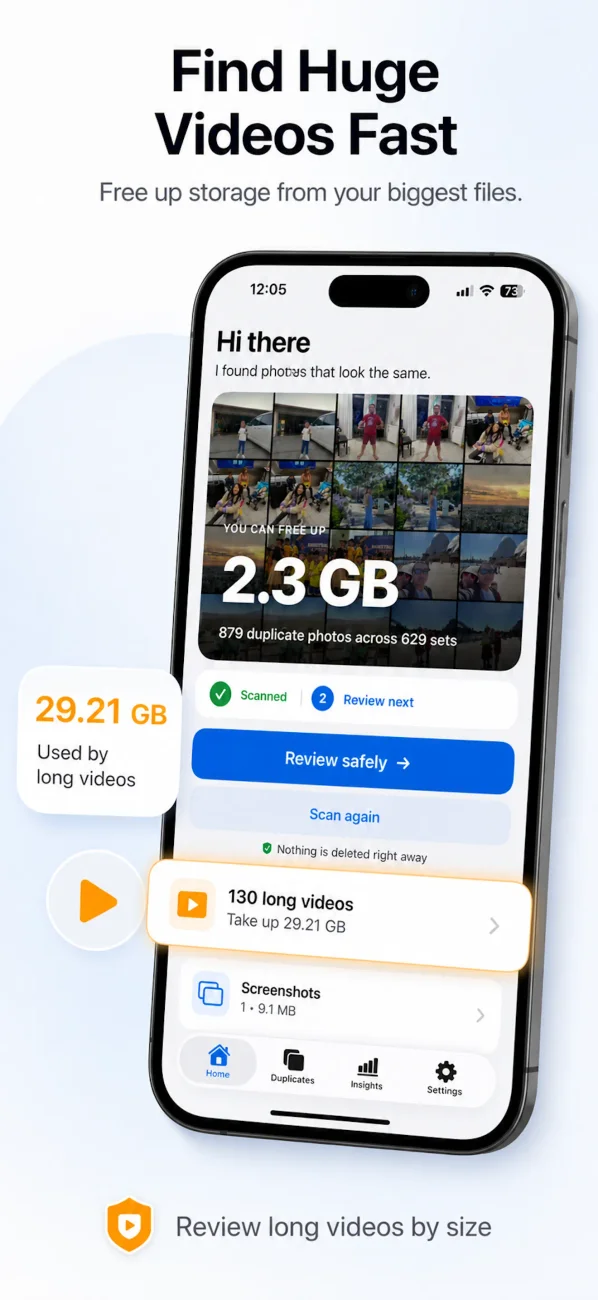
• Find duplicate and visually similar still photos.
• Apple Vision verifies scan results on device for both Free and Pro.
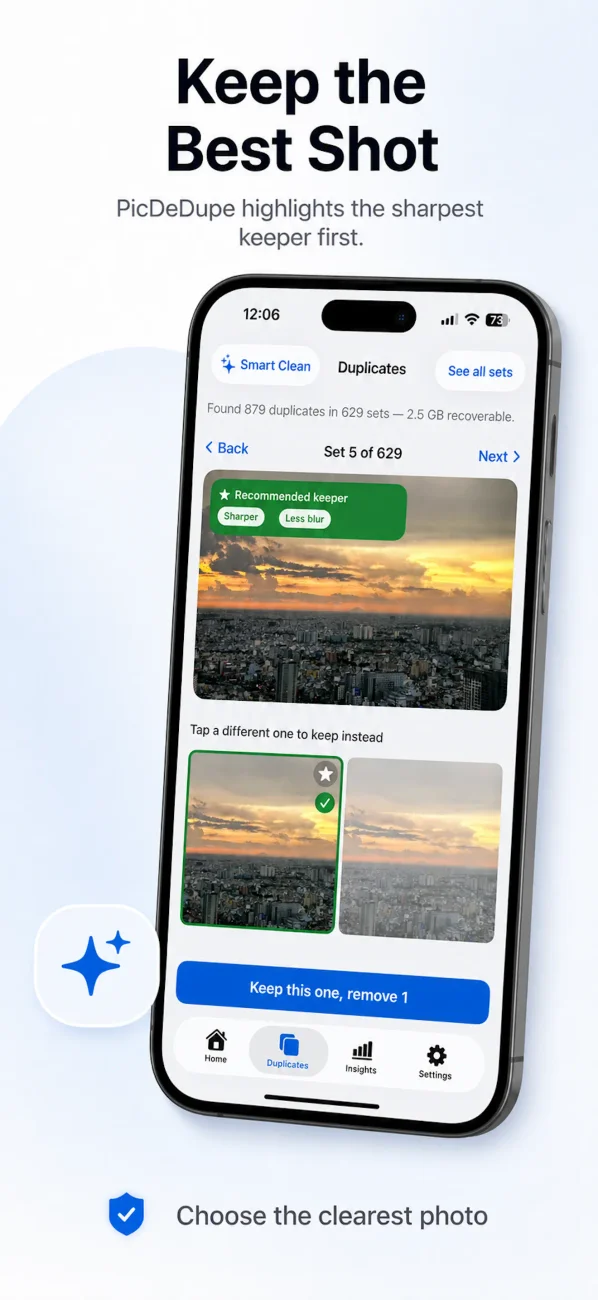
• Review recommended keepers using sharpness, exposure, visual quality, resolution, favorites, and your preferences.
• Change the keeper before cleanup.
• Choose Strict, Normal, or Loose matching sensitivity.
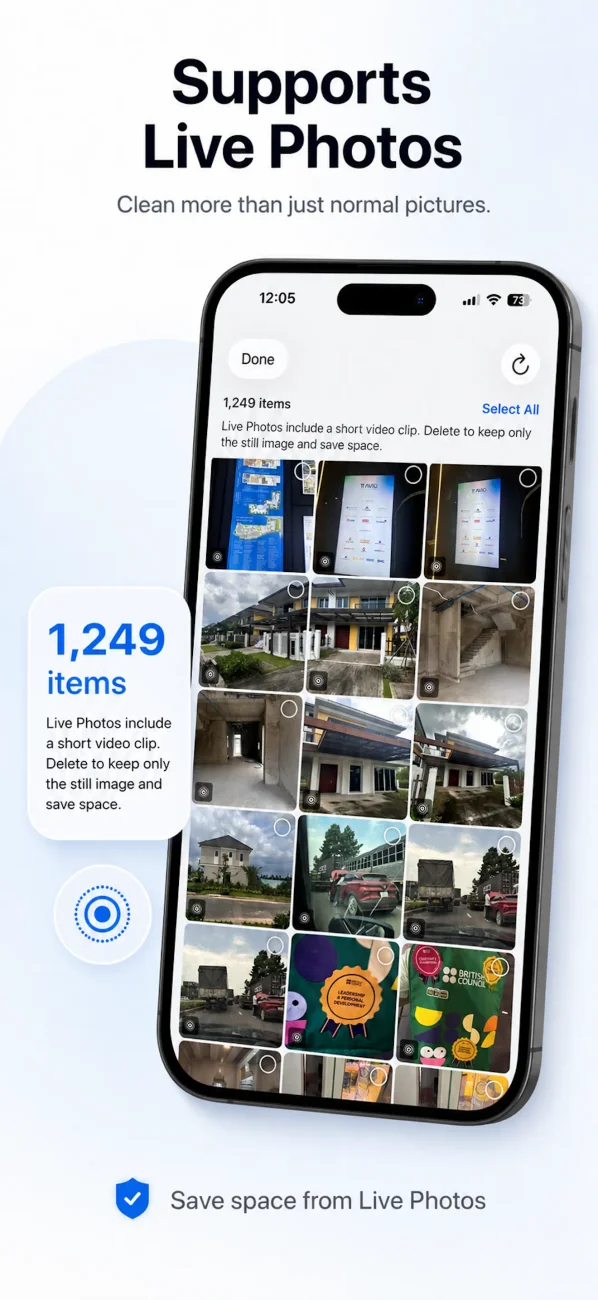
• Videos, bursts, and Live Photos have separate cleanup screens.
MORE WAYS TO RECLAIM SPACE
• Review large videos sorted by size.
• Review screenshots and burst sequences in focused cleanup screens.
• Burst recommendations prioritize your picks and favorites, then assessed image quality.
• Identify likely blurry photos among your most recent 300 photos.
• Review Live Photos, with a clear reminder that deleting one removes both its still image and motion clip.
• Review screen recordings, largest first.
• Select screenshots and screen recordings older than 30 days, 6 months, or 1 year in one tap.
• Shrink large videos without deleting them: Compress Videos re-encodes them on your device to 1080p HEVC and keeps their date, location, favorites, and albums.
• Guided cleanup shows how much you can free and takes you from one cleanup to the next.
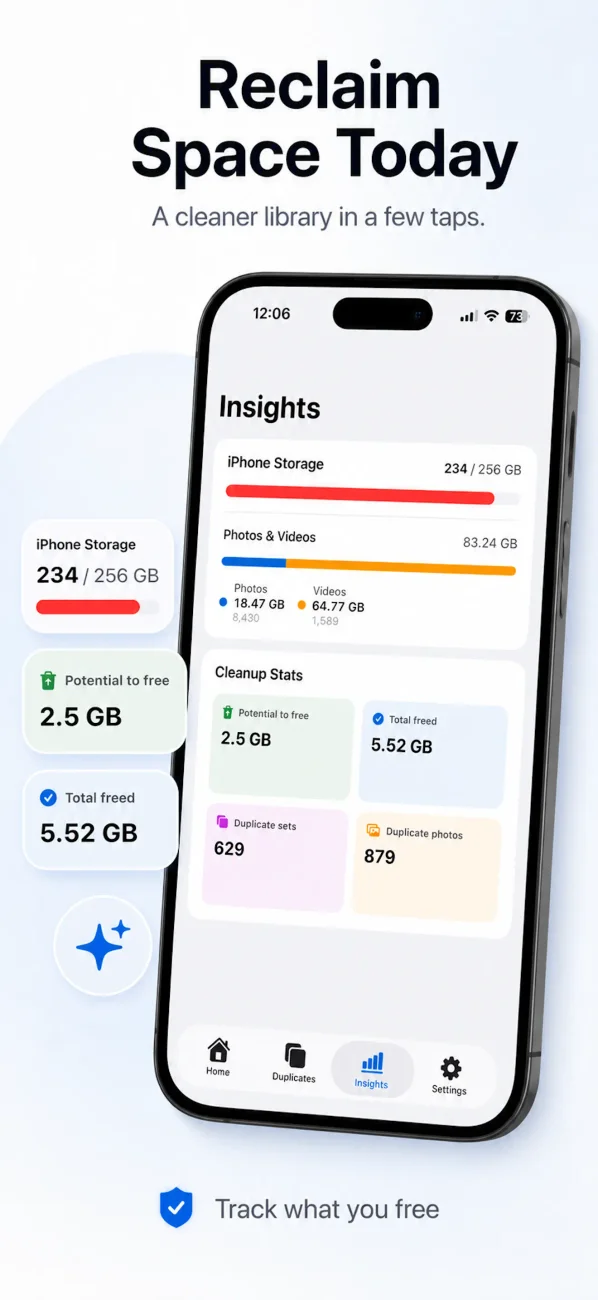
• Track estimated storage savings and cleanup progress in Insights.
EASY TO USE
• A simple 3-step guide on Home: Scan, Review, Free space.
• Text follows your iPhone's Text Size setting, with large touch targets and plain-language confirmations.
• Cancel a scan at any time and see the time left.
• Home Screen quick actions for scanning and common cleanups.
PRIVATE BY DESIGN
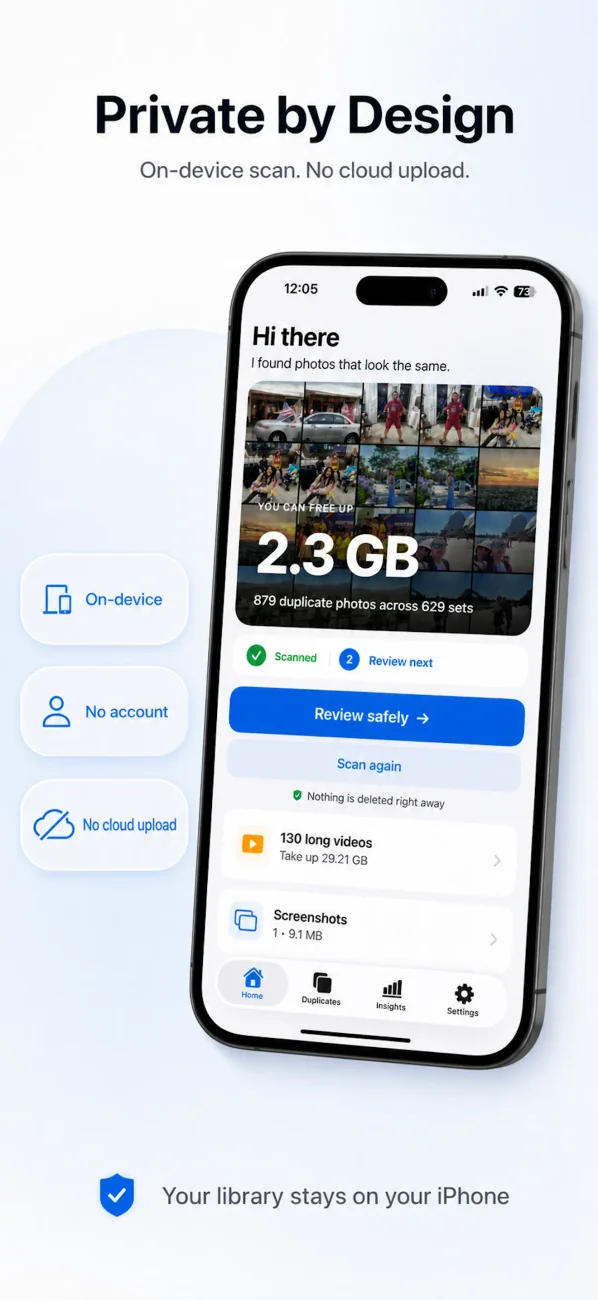
Duplicate comparison, Apple Vision verification, and keeper analysis run on your device. Your photos are not uploaded. No account is required, and the app contains no ads or third-party tracking SDKs. Cleanup summaries report the scan's counts and estimated savings.
REVIEW BEFORE REMOVING
You review the selected items before deletion, and Photos asks for confirmation. Deleted items move to Recently Deleted. With iCloud Photos enabled, deletion also syncs to iCloud and your other devices. Your storage goes down once Recently Deleted is emptied, and PicDeDupe shows you how, step by step. Storage estimates can differ from space immediately available on your device.
FREE AND PRO
Free includes one successful duplicate scan per day with the same Apple Vision verification as Pro, access to the three highest-value duplicate sets, and manual review. A scan with no duplicate groups does not use your daily allowance.
PicDeDupe Pro adds:
• Unlimited scans and every duplicate set
• Smart Clean and bulk review
• Advanced keeper preferences and explanations
• More frequent background checks
• Blurry and Live Photo cleanup
• Video compression
• Keeper recommendation export
Pro is available through Weekly and Yearly auto-renewable subscriptions or a one-time Lifetime purchase. Subscriptions renew automatically unless canceled at least 24 hours before the current period ends. Manage or cancel them in your Apple Account subscription settings.
Privacy Policy:
https://plenguyen.com/picdedupe/privacy-policy
Terms of Use (EULA):
https://www.apple.com/legal/internet-services/itunes/dev/stdeula/
What’s new
Version 1.1.3 · Nov 21, 2026
Easier to use, and more ways to free space.
• Larger text: PicDeDupe now follows your iPhone's Text Size setting
• A simple 3-step guide on Home: Scan, Review, Free space
• Clear help for emptying Recently Deleted, so your storage actually goes down
• New: Screen Recordings cleanup, largest first
• New for Pro: Compress Videos — shrink large videos without deleting them
• Select screenshots older than 30 days, 6 months, or 1 year in one tap
• Cancel a scan at any time and see the time left
• Home Screen quick actions for scanning and common cleanups
App privacy
What Le Nguyen declares on the App Store about how this app handles data.
-
Data not collected
The developer does not collect any data from this app.
Privacy practices may vary, for example with the features you use or your age.
Information
- Seller
- Le Nguyen
- Category
- Utilities
- Version
- 1.1.3
- Updated
- Nov 21, 2026
- Released
- Apr 29, 2026
- Size
- 6.8 MB
- Requires
- iOS 18.0 or later
- Age rating
- 4+
- Price
- Free
- In-app purchases
- Yes
- Languages
- English, Arabic, French, German, Hindi, Japanese, Korean, Portuguese, Russian, Simplified Chinese, Spanish, Vietnamese
- Copyright
- © 2026 PLE Nguyen
You might also like
-
 Photo Gallery Cleaner⁺Clean Up and Delete Photos
-
 MyFeed – Photo CleanerScroll, Swipe & Delete
-
 Declutter: Photo CleanerSimilar Photos, Screenshots
-
 Photo Cleaner AI: Smart CleanAI Photo Cleaner & Storage
-
 StorageCleaner: Safe CleanFree Space Without Guessing
-
 VeloClean: Photo CleanerSmart Photo Cleaner
-
 Clean Up: Clear Storage AppPhoto Cleaner, Find Duplicates
-
 CleanShot: Clean Photos FastUtilities
-
 Phone Storage Cleaner PlusClean, Compress & Free Space.
-
 CLEANR AIAI Photo Cleaner & Free Memory