
- Age rating4+
- CategoryRoleplaying
- DeveloperFuturaApp, Inc.
- LanguagesEnglish
- Size8.1 MB
Links to the official App Store page
Download.org hosts no file of Pick Finger Game. The button opens its official App Store page, published by FuturaApp, Inc. Listing last checked on Nov 12, 2026.
Screenshots

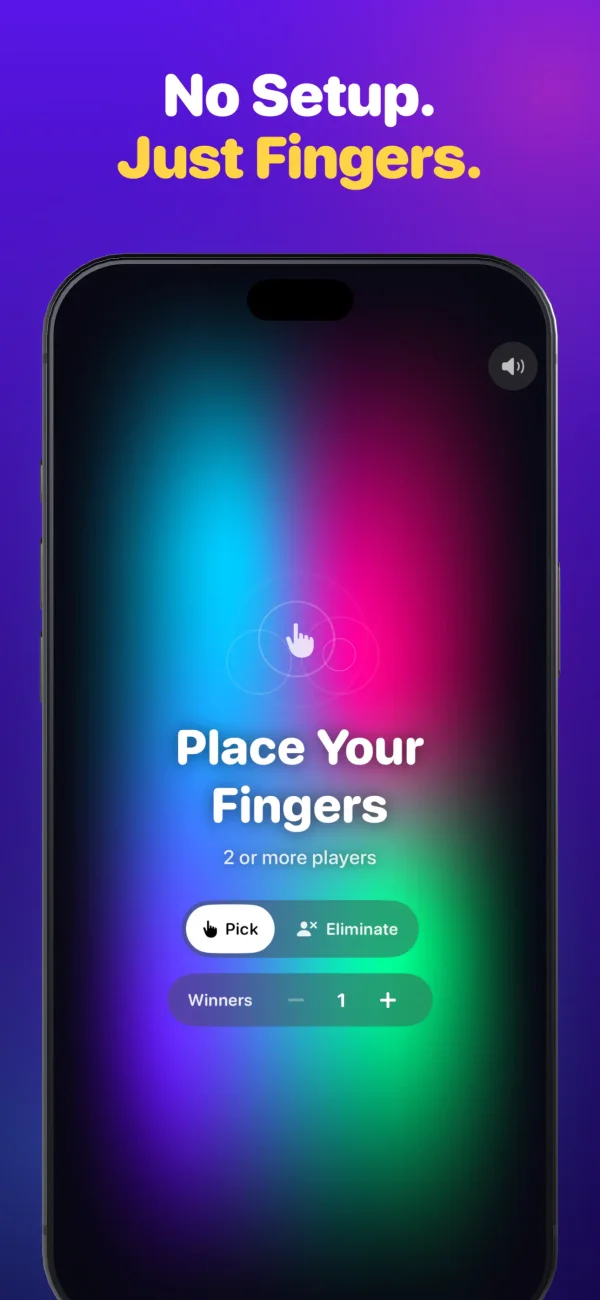
About
WHO PAYS? WHO GOES FIRST? LET THE FINGER DECIDE.
Someone has to pay the bill, go first, or do the dishes. Nobody wants to choose, and nobody wants the blame.
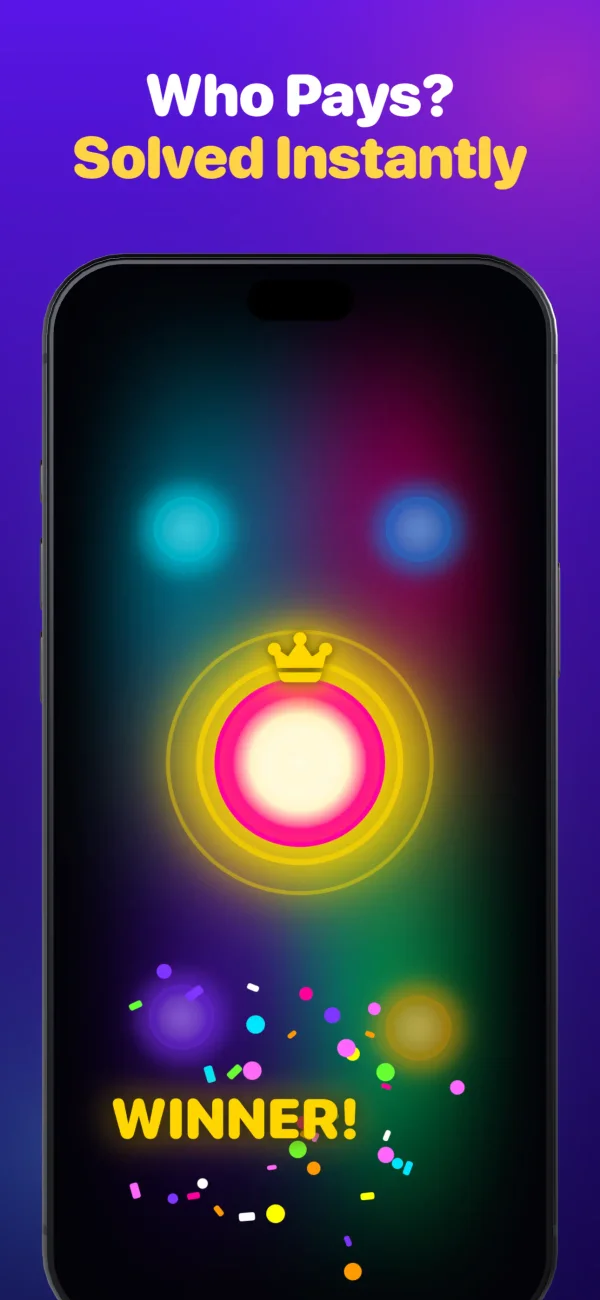
Let the app choose. Everyone puts a finger on the screen, and a few seconds later it picks one person. Everyone sees it happen, so nobody can argue.
No sign-up. No setup. Just fingers.
HOW TO PLAY
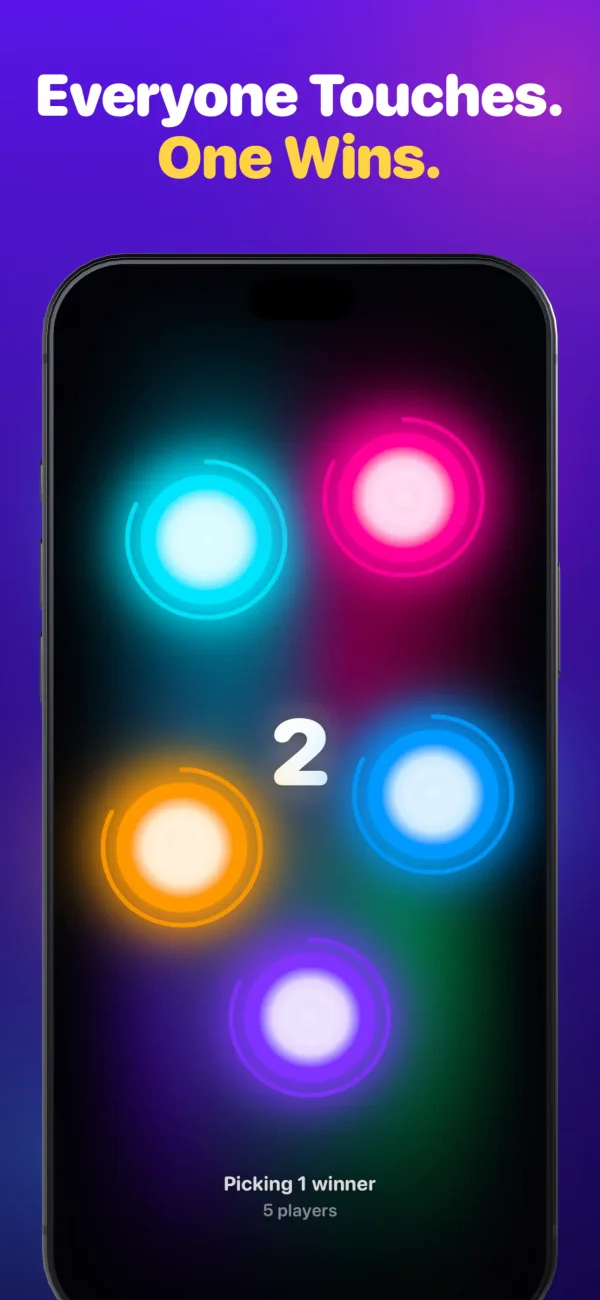
1. Everyone puts one finger on the screen.
2. Keep your fingers there. A short countdown starts.
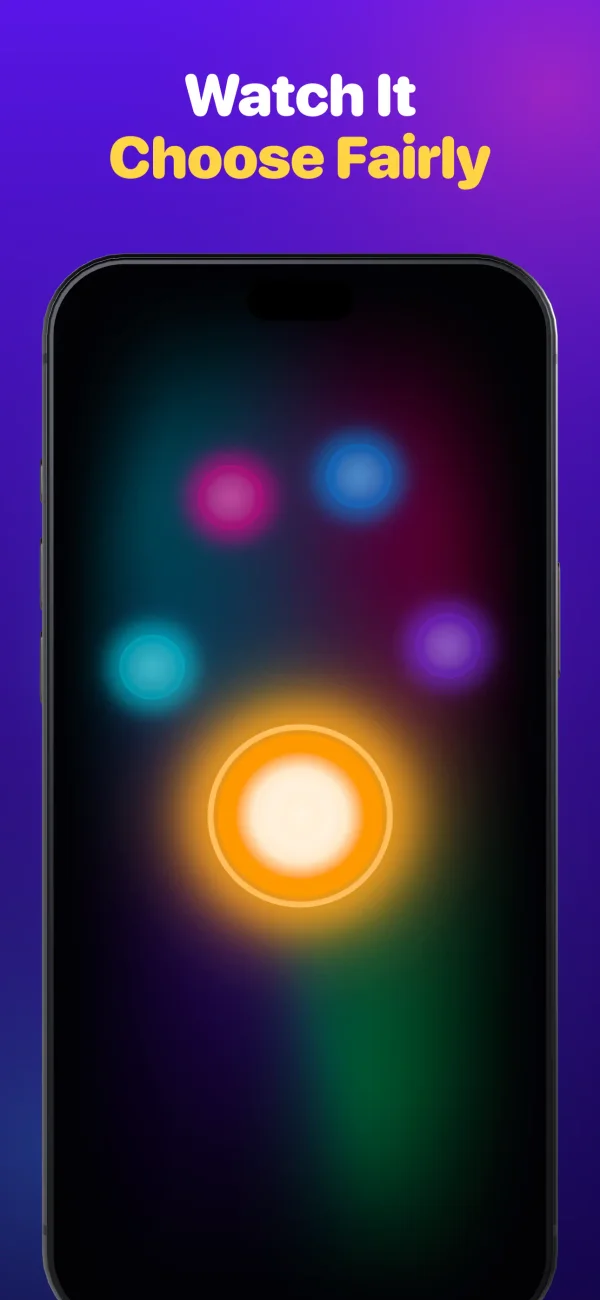
3. A light moves from finger to finger, slows down, and stops.
4. That finger wins the crown. Done!
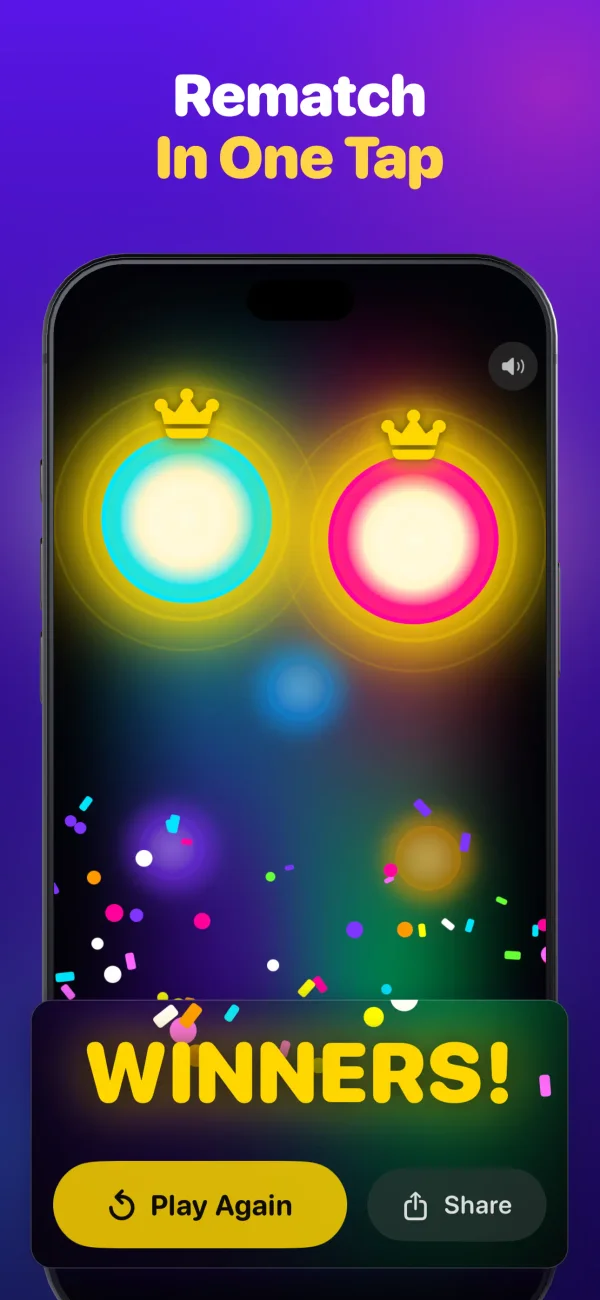
Again? Tap Play Again, or everyone puts a finger back down.
USE IT TO DECIDE
• Who pays the bill
• Who goes first in a game
• Who does the dishes or takes out the trash
• Who gets the front seat, the last slice, or the remote
• Who picks the movie or the restaurant
• Any tie-break, any time
TWO WAYS TO PLAY
PICK — The app picks a winner in a few seconds. Need more than one? Choose up to 4 winners. You always need one more finger than winners, so 2 winners need at least 3 fingers.
ELIMINATE — Fingers are eliminated one at a time. The last finger left wins. It takes longer, so the suspense builds.
WHY NOBODY CAN ARGUE
• Every finger gets its own color.
• Before it picks, the app shows how many players it counted. Nobody is left out by mistake.
• Once the light starts moving, no new fingers can join.
• The light slows down like a roulette wheel, so everyone sees where it stops.
• The winner stays on screen, even after everyone lifts their fingers. No more "wait, who won?"
• If a finger gets lost, or there are too many fingers, the app tells you.
GOOD TO KNOW
• If someone adds or lifts a finger during the countdown, it starts over.
• An iPhone can follow up to 5 fingers at once. Bigger group? Use an iPad: it follows up to 11.
• To change the mode or the number of winners, the screen must be empty: lift all fingers, and after a round, tap Play Again.
• The app remembers your mode and number of winners.
• Silent Mode turns the sound off, and there is a mute button. Your music keeps playing.
• On iPhone, you also feel a buzz with each tick, so it works in a loud room.
• Ask Siri: "Start Pick Finger Game".
PRIVATE
No internet needed. No ads. No account. No in-app purchases. Nothing about you leaves your device.
ACCESSIBILITY
VoiceOver announces who won: the winner's color and roughly where they are on the screen. Reduce Motion is supported. The screen stays on while you play.
Fair. Random. Instant. Let the finger decide.
What’s new
Version 2.8 · Oct 12, 2026
• Every finger counts. Fingers that landed on the words on screen, on a button, or right next to another finger could be missed, especially on iOS 27. Fixed. A finger resting on Mute or Share also no longer mutes the game or opens Share by surprise.
• A clearer finish. The light now stays on the winner a moment longer before the crown lands, and "WINNER!" and Play Again appear away from the winner. Turn your phone to show the room and the crown stays on the winner.
• Calls and Control Center. A round no longer plays on behind Control Center or a call, and a countdown that could get stuck when you came back is fixed.
• Easier to read. Less text, no overlapping words, bigger messages on iPad
• Share is now on the result screen only, next to Play Again.
• Cleaner celebration. We removed the fireworks, which didn't look right, and the confetti now fades away as soon as it lands.
• A sharper app icon that also looks right in the Tinted and Clear home screen styles.
App privacy
What FuturaApp, Inc. declares on the App Store about how this app handles data.
-
Data not collected
The developer does not collect any data from this app.
Privacy practices may vary, for example with the features you use or your age.
Information
- Seller
- FuturaApp, Inc.
- Category
- Roleplaying
- Version
- 2.8
- Updated
- Oct 12, 2026
- Released
- Sep 9, 2019
- Size
- 8.1 MB
- Requires
- iOS 17 or later
- Age rating
- 4+
- Price
- Free
- Languages
- English
- Copyright
- © FuturaApp, Inc.
You might also like
-
 Touch Shock: Friends RouletteChallenges & Thunder Effects!
-
 Who did it most likely exposedGame is group party to friend
-
 POPOFF - The Live Fashion GameStyle, compete & get inspo
-
 Cheer Design by Fly Cheer GearDesign cheerleading uniform
-
 Fantasy TreeA Fantasy Puzzle !
-
 Spin The Wheel - GK RandomRandom Picker, Games, Raffle
-
 Clueprit: Unsolved MysteryBe the Detective. Solve Crimes
-
 Baby AdopterAdopt a cute little baby!
-
 Pregnant MOM Care Baby Sims 3DPregnant Mother Pregnancy Life
-
 Guess The Drawing!Last one standing wins!