- Age rating4+
- CategoryProductivity
- DeveloperPicktime, Inc.
- LanguagesEnglish
- Size29.5 MB
Links to the official App Store page
Download.org hosts no file of Picktime - Rooms Display. The button opens its official App Store page, published by Picktime, Inc. Listing last checked on Nov 20, 2026.
Screenshots



About
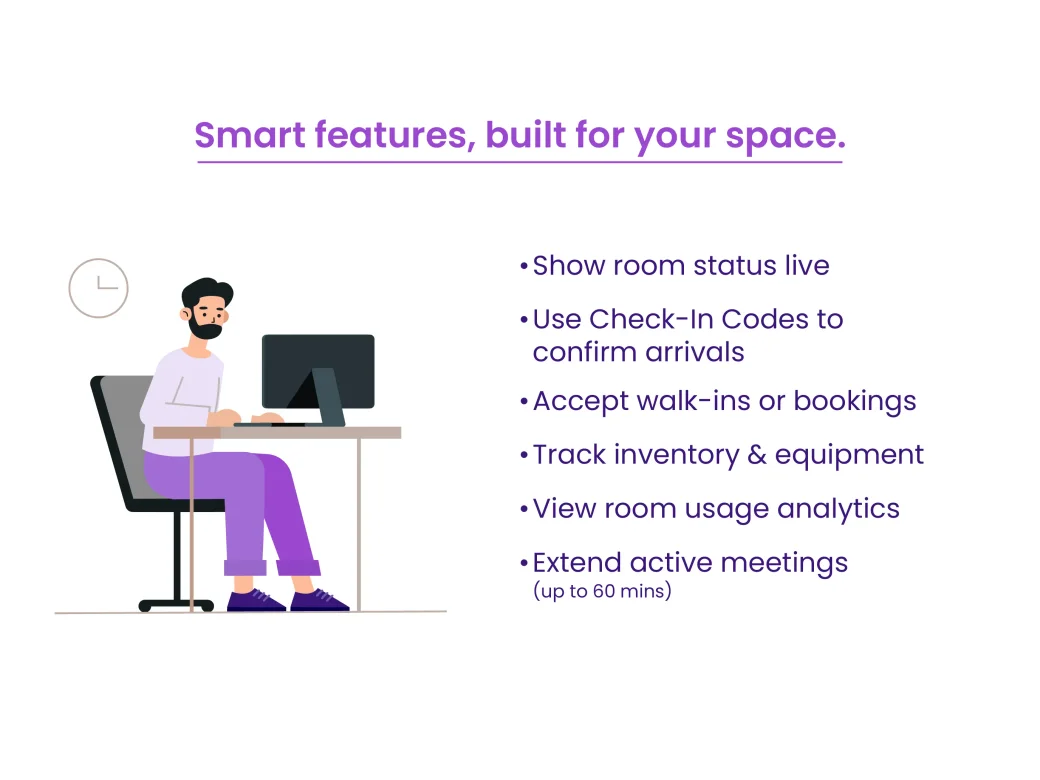
Picktime - Rooms Display App makes meeting room booking simple, fast, and efficient for modern offices, sports facilities, and shared spaces. It is a tablet-friendly meeting and conference room booking system designed to simplify room scheduling and improve space utilization.
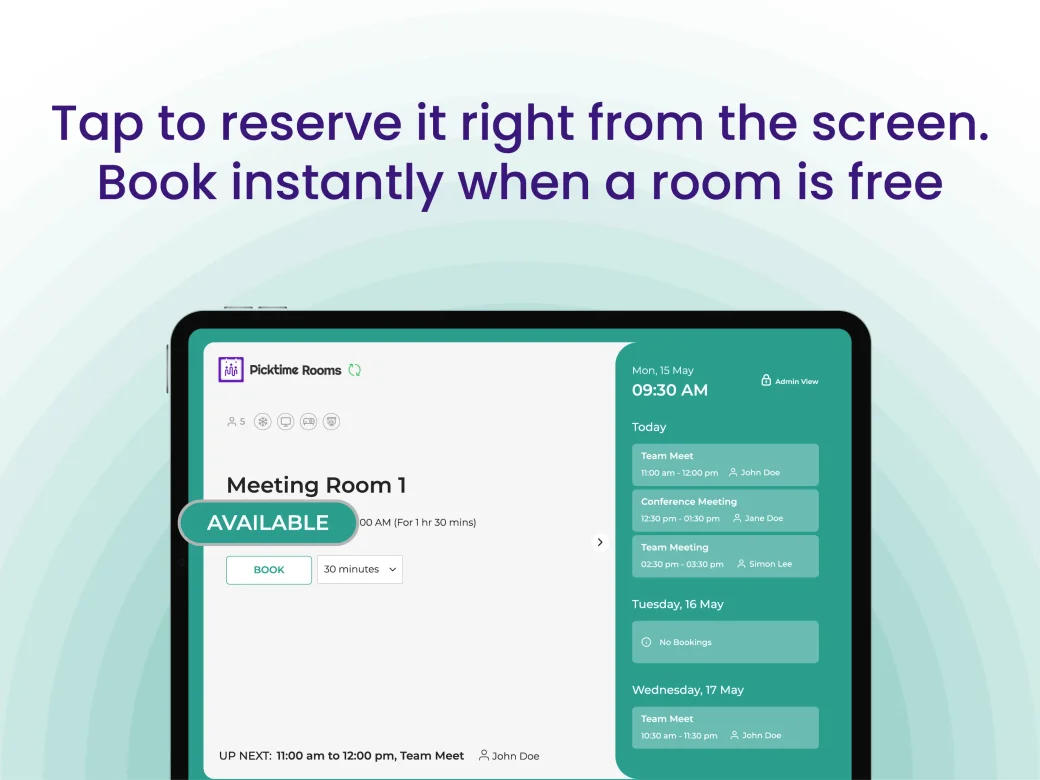
With a real-time room display view, teams can instantly check room availability and book meeting spaces right from the screen. Perfect for professionals who are always on the go and want to avoid long queues to get conference room bookings.
Easy Setup for Admins –
Get seamless admin setup options. Define detailed room details, set availability hours, and add amenities. Enable instant, on-site bookings to ensure real-time visibility and efficient room utilization.
No More Confusion for Booking Meeting Rooms –
The room display features three distinct color-coded indicators. It allows attendees to check room availability at a glance (Green - Available, Yellow - Booked & Starting Soon, Red - In Use). To make things even easier, every room comes with an individual booking link and QR code, allowing around-the-clock reservations.
Check-in Codes -
Let attendees check in with ease. Check-in codes provide access only to scheduled participants, keeping your meetings private and secure.
Built-In Analytics Dashboard -
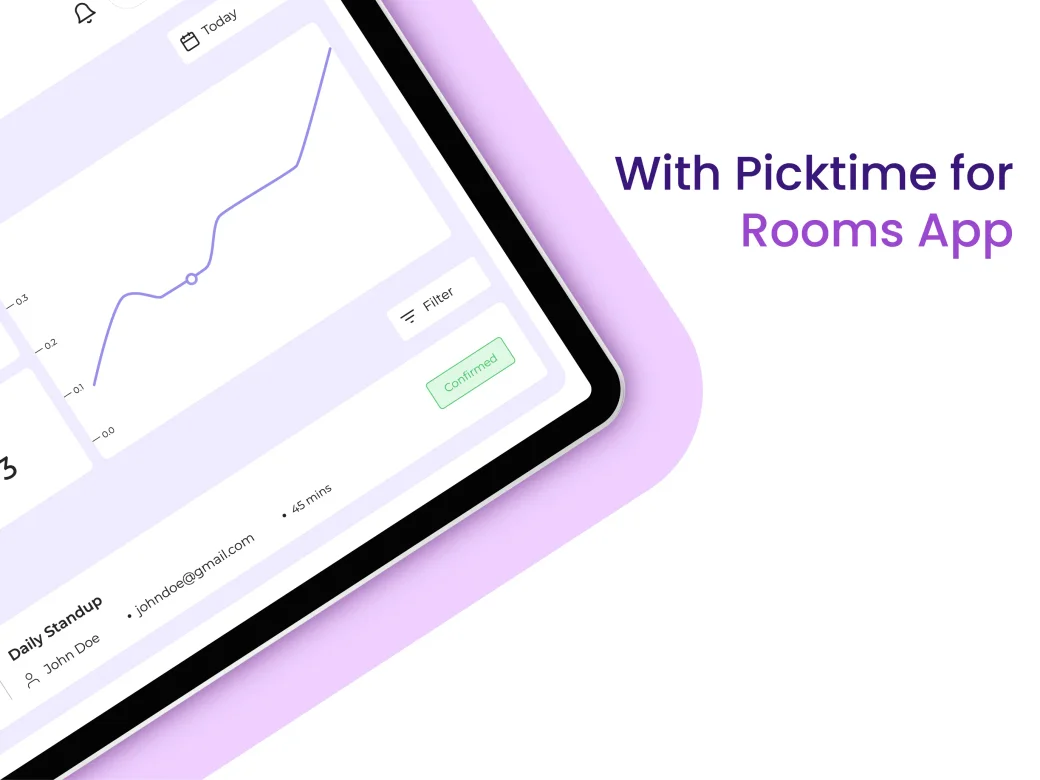
The Picktime Rooms Display App offers analytics for a clear view of room usage. It helps facility managers and admins make smart, data-driven decisions to optimize space and improve efficiency.
Compatibility -
Picktime Room Display runs smoothly on any tablet or iPad. It gives you a quick and clear view of meeting room schedules, so you always know what’s available.
Benefits of Using Picktime Rooms Display App?
Empower attendees to schedule meeting room reservations on the spot
Reduce double bookings and no-shows with Check-In Codes and Timely Reminders
Clear visibility of real-time availability and upcoming room schedules
Increase meeting room utilization by auto-release
Extend the meeting timings directly from the display panel
Maintain a modern, professional appearance with a built-in dark mode for enhanced visibility
Who Should Use This App
The Picktime Rooms Display App is suitable for IT and facility management professionals in offices worldwide. Unlike many alternatives, it integrates effortlessly with co-working spaces and office conference rooms, offering a flexible and reliable solution for managing your workspaces.
Beyond offices, the Picktime Rooms app helps manage sports facilities, courts, gyms, and event halls. It ensures every space is visible, bookable, and used to its fullest potential. If you already have a Picktime account, then the Room Display apps sync automatically. Any updates or new meeting rooms created in the Picktime calendar appear instantly on your Picktime Rooms Display app—no manual or extra setup is needed.
Transform how you manage your workspace with the Picktime Rooms Display App — Download now and streamline your meeting room scheduling.
What’s new
Version 1.0.3 · Jun 1, 2026
- Two-Factor Authentication has been added.
App privacy
What Picktime, Inc. declares on the App Store about how this app handles data.
-
Data not collected
The developer does not collect any data from this app.
Privacy practices may vary, for example with the features you use or your age.
Information
- Seller
- Picktime, Inc.
- Category
- Productivity
- Version
- 1.0.3
- Updated
- Jun 1, 2026
- Released
- Aug 13, 2025
- Size
- 29.5 MB
- Requires
- iOS 15.6 or later
- Age rating
- 4+
- Price
- Free
- Languages
- English
- Copyright
- © Picktime, Inc. 2025
You might also like
-
 MeetingRoomTabProductivity
-
 Zoapi Room SchedulerProductivity
-
 ConferflyConference Room App
-
 Online Meetings ScheduleSimplify meeting scheduling
-
 Zoho Survey - Offline SurveyCollect Feedback On-the-Go
-
 protel AirMobile Hotel Management
-
 InControl - ADHD Daily PlannerRoutines, reminders & focus
-
 Outbuild FieldLookahead Management
-
 RoomPlan Planning for B&BReservations calendar for B&B
-
 Cuddles Pet TechEasy to Use Pet Groomer Tech