
- Age rating4+
- CategoryMedical
- DeveloperScImage, Inc.
- Size78.7 MB
Links to the official App Store page
Download.org hosts no file of PicomCAM. The button opens its official App Store page, published by ScImage, Inc. Listing last checked on Nov 15, 2026.
Screenshots
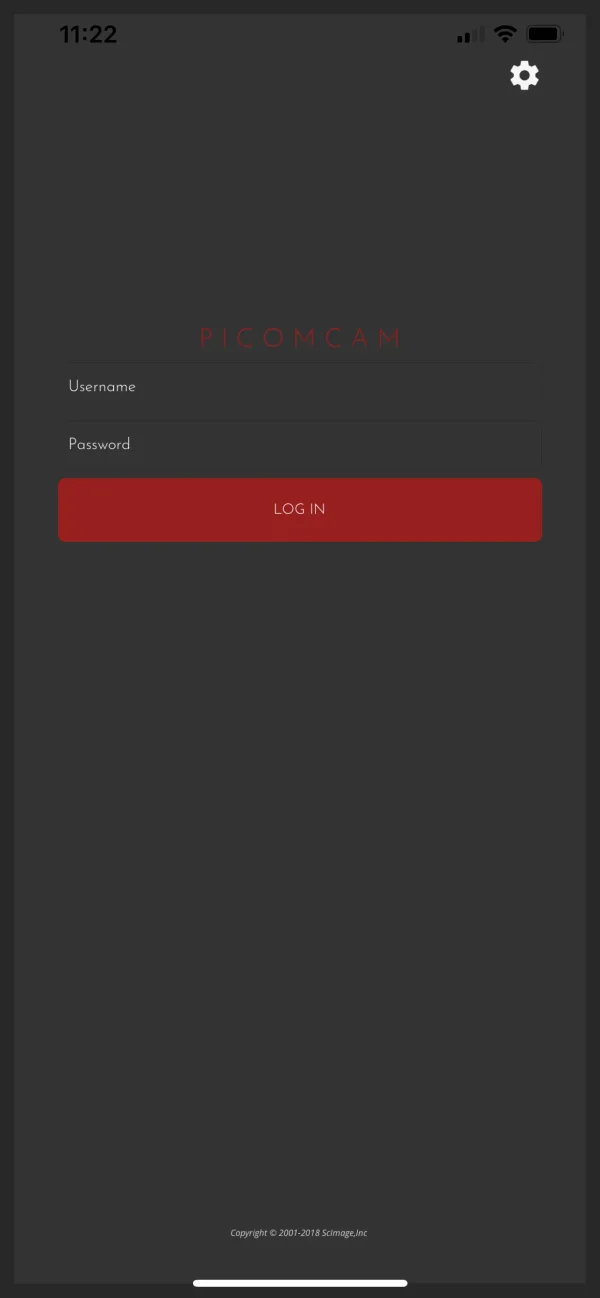

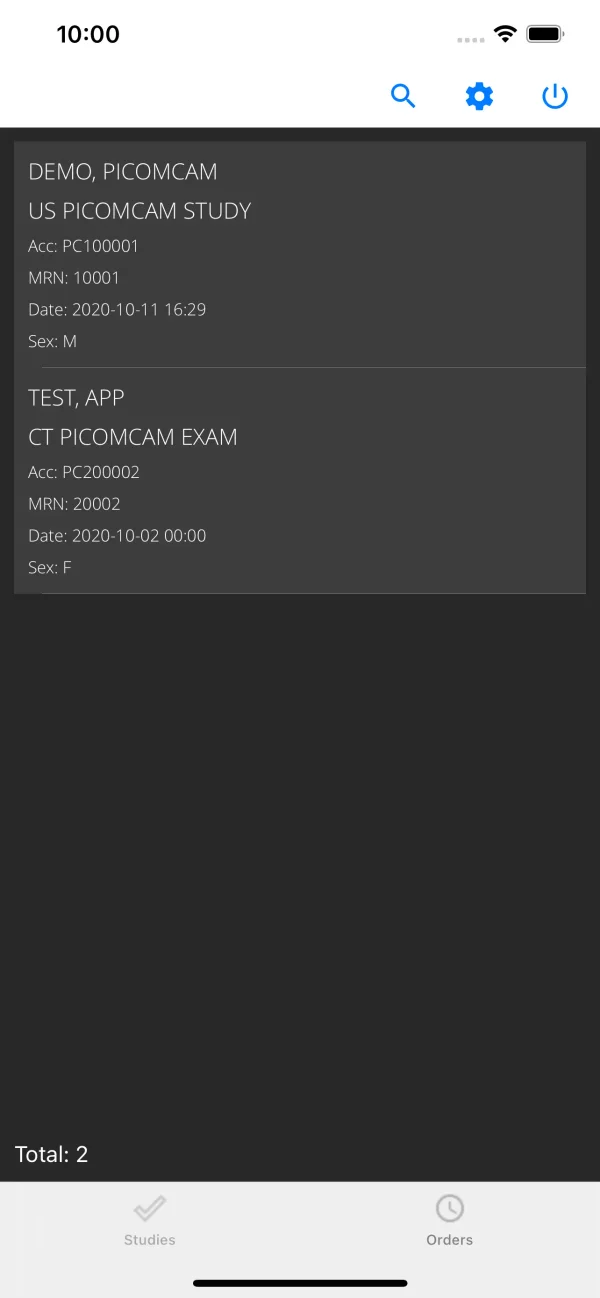
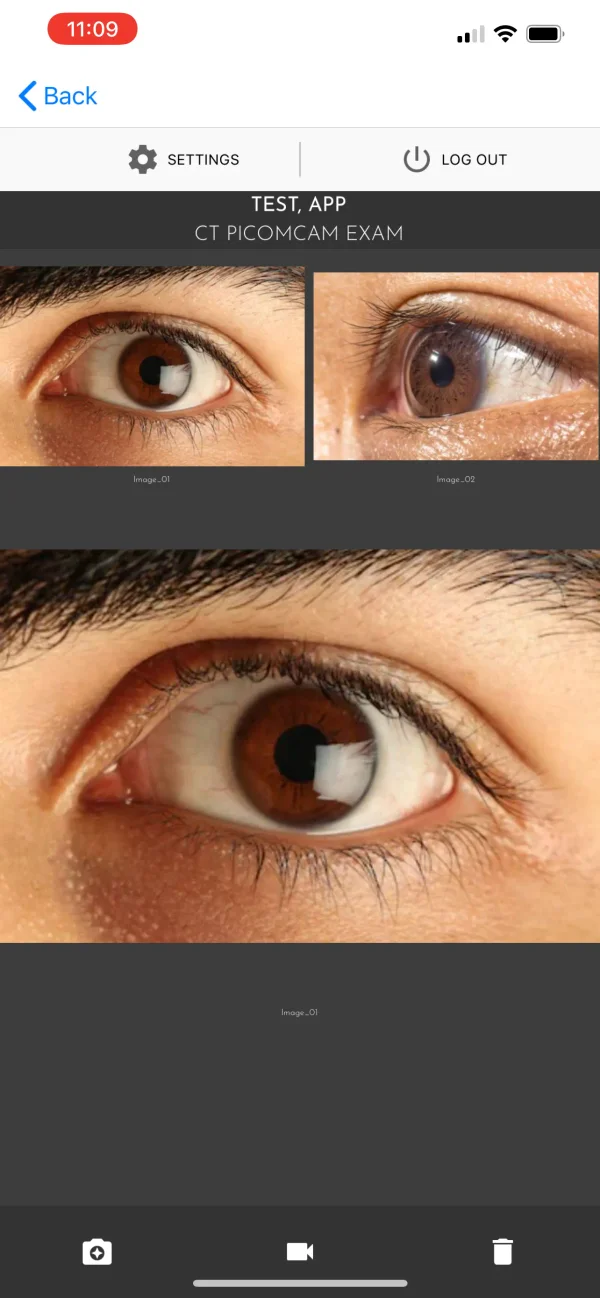
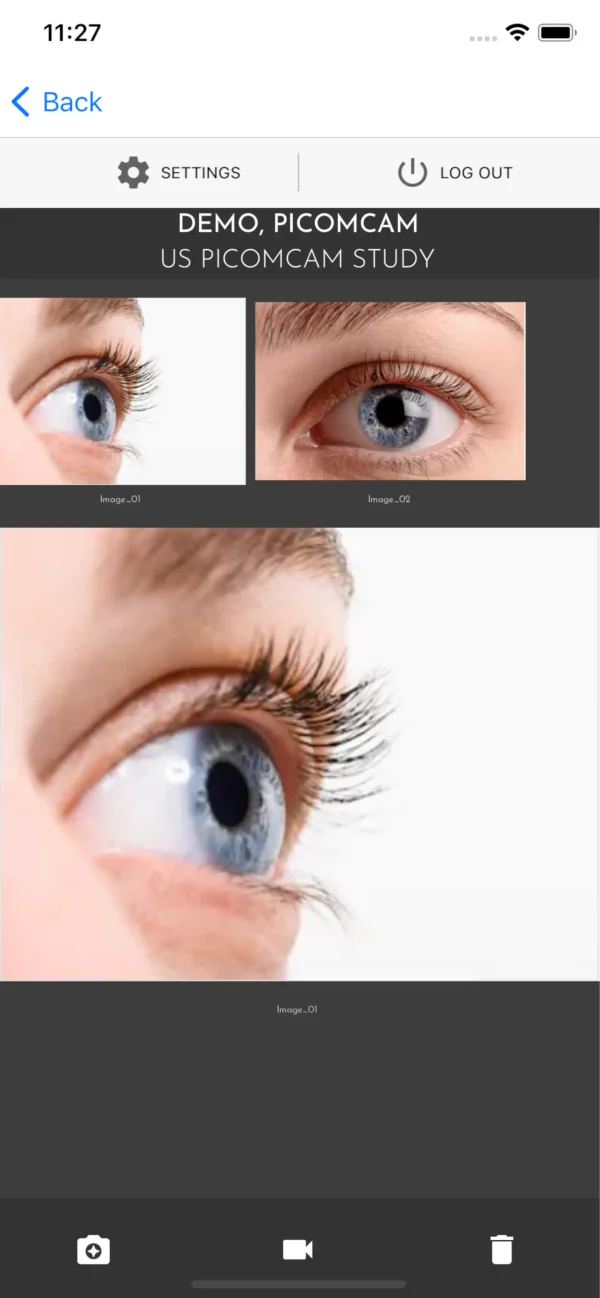
About
PicomCAM allows you to securely capture and upload images to PICOM365.com Medical Imaging workflow infrastructure. Log in using your PICOM365 credentials, choose a Study, capture photos, and upload. Captured photos are automatically purged from your phone upon upload to PICOM365. Applicable to Ophthalmology, Wound Care, Plastics, Dermatology and any point-of-care environment capturing non-DICOM, visible light images. Increase your productivity by making PicomCAM part of Cardiology and Radiology imaging workflow.
What’s new
Version 2.5 · Mar 1, 2024
You can now add labels to your images and videos before uploading once labels have been configured.
App privacy
What ScImage, Inc. declares on the App Store about how this app handles data.
-
Data not collected
The developer does not collect any data from this app.
Privacy practices may vary, for example with the features you use or your age.
Information
- Seller
- ScImage, Inc
- Category
- Medical
- Version
- 2.5
- Updated
- Mar 1, 2024
- Released
- Aug 6, 2018
- Size
- 78.7 MB
- Requires
- iOS 11.0 or later
- Age rating
- 4+
- Price
- Free
- Copyright
- © 2024 ScImage, Inc.
You might also like
-
 MEDHOST MessengerMedical
-
 REDCapCloud - mEDCHealth & Fitness
-
 Loquor AACSymbol & Text Communication
-
 IntelliSpace Image CaptureEncounter Based Image Workflow
-
 PowerScribe RadiologistMedical
-
 Melanin Medical SpecialtiesJoin, Connect, Share
-
 ASPN GoASPNeph
-
 VitalEngineHealth & Fitness
-
 Future Fitness TrainingHealth & Fitness
-
 Boost VO2 - Norwegian 4x4Improve your endurance!