
Pigeon Coach
Word puzzles & board strategy
Designed for iPhone, iPad
Free · In-app purchases
- Age rating12+
- CategoryUtilities
- DeveloperDonald Williams
- LanguagesEnglish
- Size13.3 MB
Links to the official App Store page
Download.org hosts no file of Pigeon Coach. The button opens its official App Store page, published by Donald Williams. Listing last checked on Nov 21, 2026.
Screenshots
About
Sometimes you see the move right away. Sometimes you stare at the board and miss what was right in front of you.
Pigeon Coach gives you another way to look at it. Enter your letters or recreate a board, then explore possible words and suggested moves at your own pace.
FREE TO START
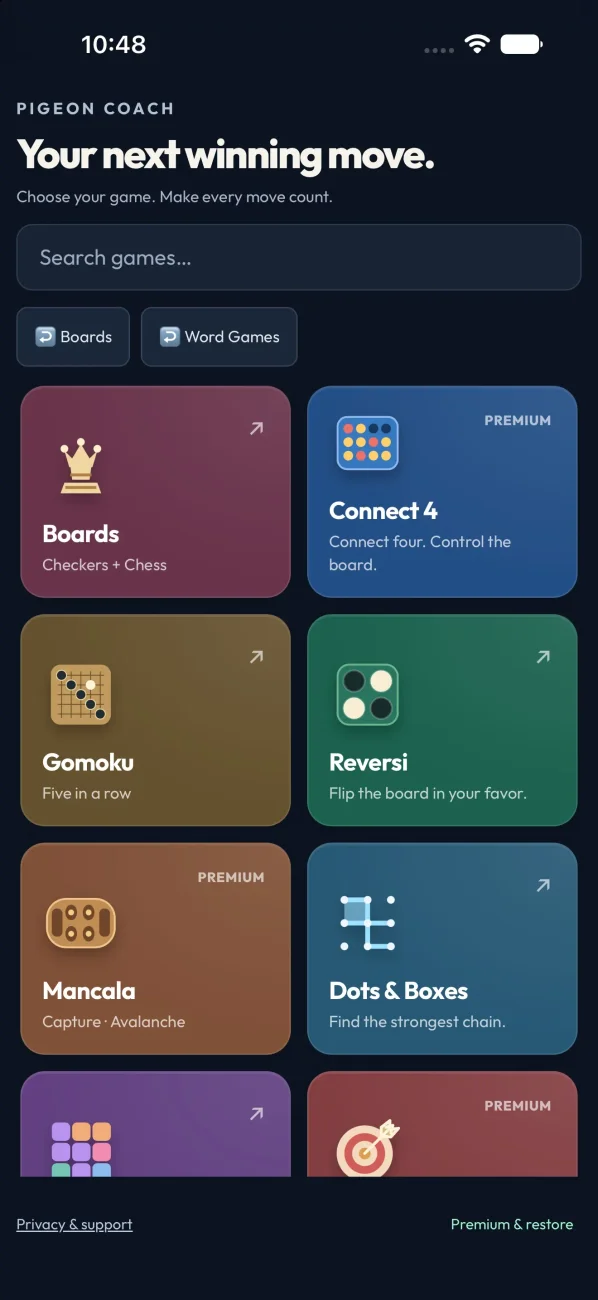
Chess, Checkers, Gomoku, Reversi, Dots and Boxes, and Filler are free to use. A single $2.99 purchase in the U.S. unlocks Word Games, Connect 4, Archery, and Mancala. No subscription. Local prices are shown in the app before purchase.
FIND MORE WORDS — PREMIUM
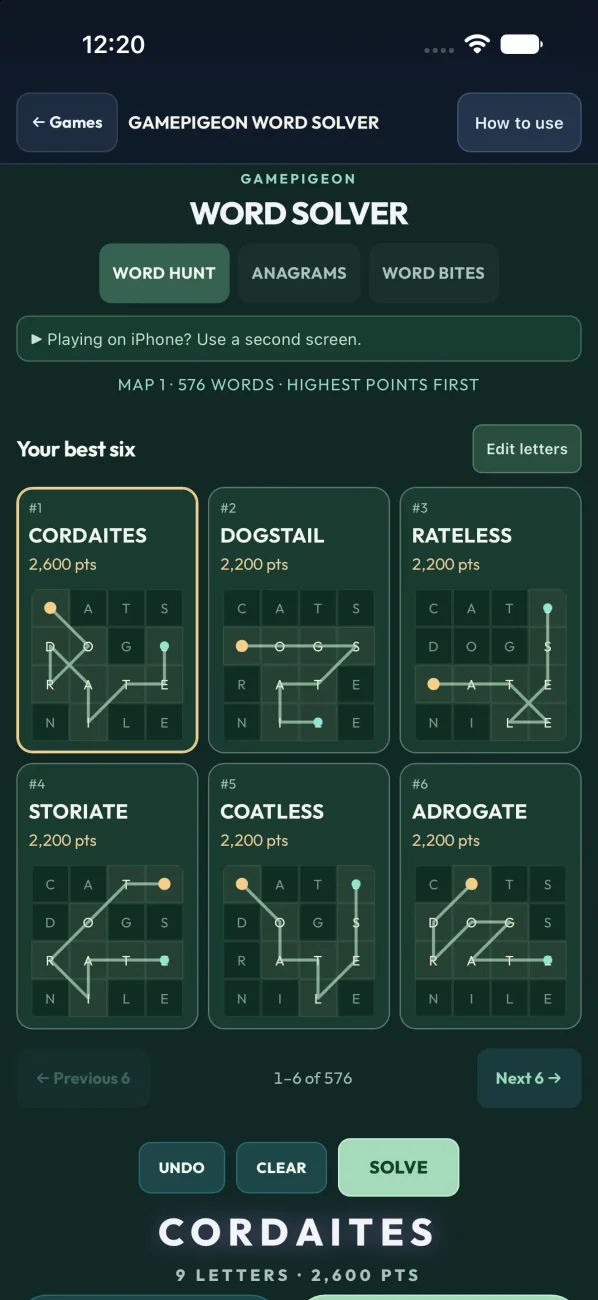
Solve Word Hunt across four board layouts, work with six- or seven-letter Anagrams, and explore Word Bites. Word Hunt puts your six highest-scoring results together, with a path for each word. Import a Word Hunt or Anagrams screenshot, crop the letters, and review them before solving. Follow Word Hunt answers on a larger board with numbered paths and mark words as used.
THINK A MOVE AHEAD
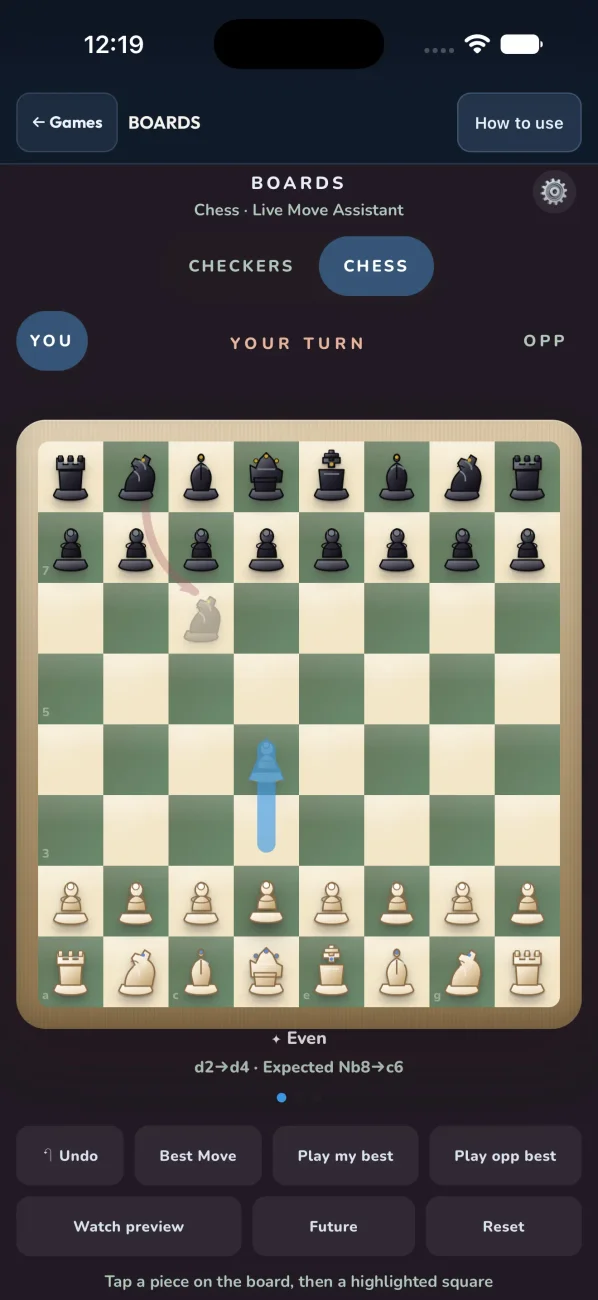
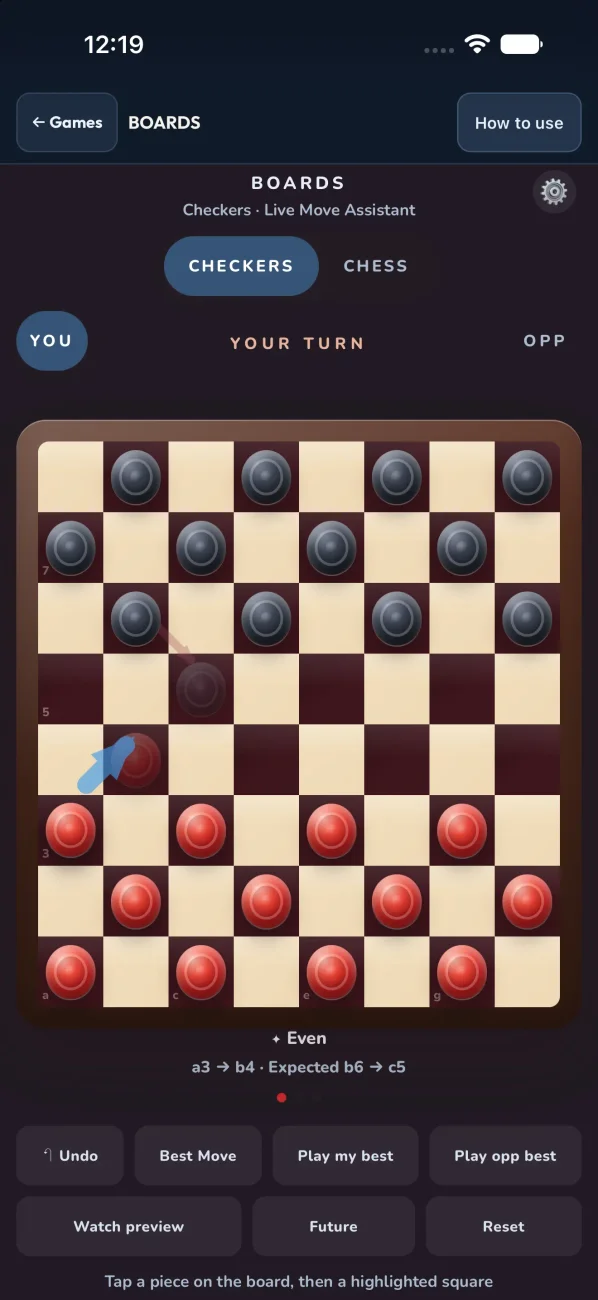
Study chess, checkers, Connect 4, Gomoku, Reversi, Mancala, Dots and Boxes, and Filler. Record both players’ moves, compare suggestions, and use the available previews and undo controls. An archery calculator is included too.
PRACTICE AT YOUR OWN PACE
Play against the coach in Chess, Checkers, Connect 4, Gomoku, and Reversi. Turn hints on or off and read explanations for suggested moves. Practice progress stays separate from your regular matches.
SAVE A MATCH FOR LATER
Name and save positions in Matches to keep them until you delete them. Recent unsaved positions resume after a short break and start fresh after 24 hours of inactivity in that coach. Everything stays on your device.
LEARN THE CONTROLS AS YOU GO
Every coach includes instructions. There’s no account to create or game account to connect. Screenshot letter recognition runs on your device.
Pigeon Coach does not read or control other apps. Enter moves yourself, or import a screenshot in supported word modes and check the letters. To view it alongside a game on iPhone, use a second device. Compatible iPads support multitasking. Word suggestions use an independent dictionary, so another game may not accept every result.
Pigeon Coach is an independent companion and is not affiliated with or endorsed by GamePigeon.
What’s new
Version 2.0.1 · Oct 5, 2026
Bring a Word Hunt or Anagrams screenshot into the coach, crop the board, and check the letters before solving. Follow Word Hunt answers on a larger board with numbered paths, and mark words as used as you go.
Save matches by name and come back to them later. Practice against the coach in Chess, Checkers, Connect 4, Gomoku, and Reversi, with hints you can switch on or off and explanations for suggested moves.
This update also adds black to Filler and makes the How to use window easier to read and close. Premium remains a single purchase, with no subscription or trial.
App privacy
What Donald Williams declares on the App Store about how this app handles data.
-
Data not collected
The developer does not collect any data from this app.
Privacy practices may vary, for example with the features you use or your age.
Information
- Seller
- Donald Williams
- Category
- Utilities
- Version
- 2.0.1
- Updated
- Oct 5, 2026
- Released
- Sep 29, 2026
- Size
- 13.3 MB
- Requires
- iOS 16.0 or later
- Age rating
- 12+
- Price
- Free
- In-app purchases
- Yes
- Languages
- English
- Copyright
- © 2026 Donald Williams
You might also like
-
 ClearWay: Private DNSBlock ads in games, no VPN
-
 TesDisplay - Screen MirrorPlay video for Tesla passenger
-
 TslaMirrorScreen Mirroring for Tesla
-
 SofaBatonSofaBaton Tech
-
 Sudkick MobileUtilities
-
 iAnyGo Virtual LocationExplore and save Location
-
 Meter Feeder AppUtilities
-
 Vipro: Valorant Lineups GuideSmokes, Mollies & Crosshairs
-
 Reading Light GlowowNight Torch & Lava Lamp
-
 Translator Keyboard - LanguageTranslate Text, Message & Chat