
- Age rating4+
- CategoryUtilities
- DeveloperVinayak Raghubir Sharma
- LanguagesEnglish
- Size18.2 MB
Links to the official App Store page
Download.org hosts no file of PilotCalc Pro. The button opens its official App Store page, published by Vinayak Raghubir Sharma. Listing last checked on Nov 12, 2026.
Screenshots
About
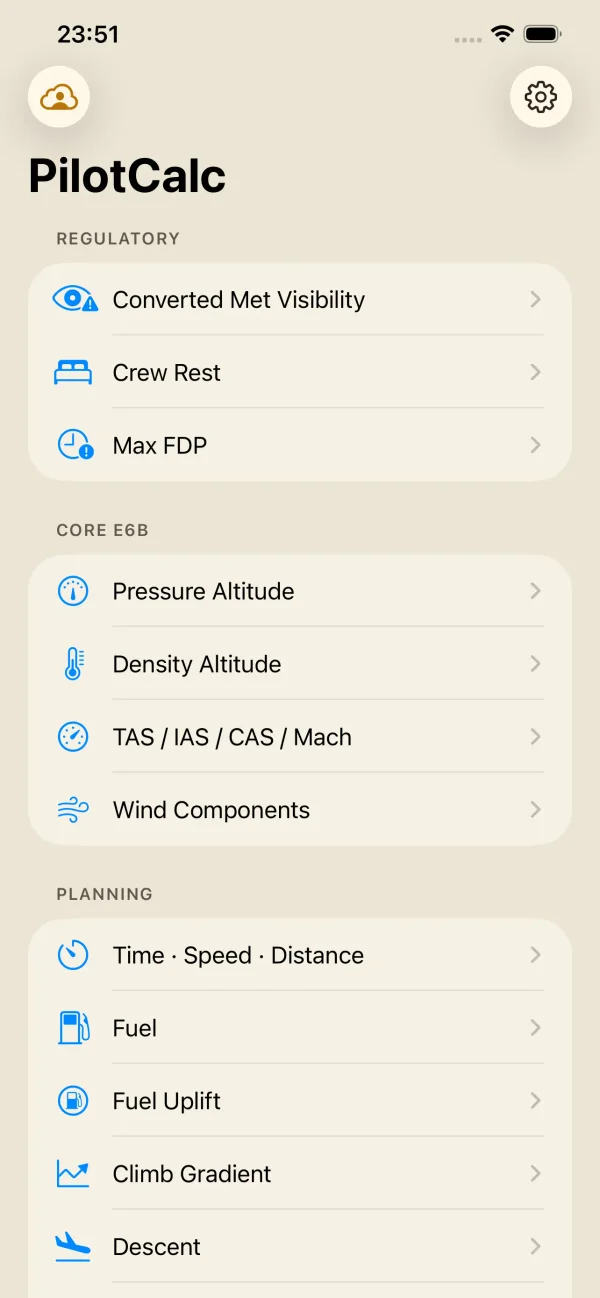
PilotCalc Pro is a fast, offline-first flight calculator built by a pilot, for pilots. 27 focused calculators across regulatory reference, core E6B, planning, and conversions — each designed for the cockpit: large, readable outputs, dual Zulu/local times where it matters, and a keypad that never blocks a decimal point or a minus sign.
Everything works offline. No account, no ads, no tracking.
REGULATORY
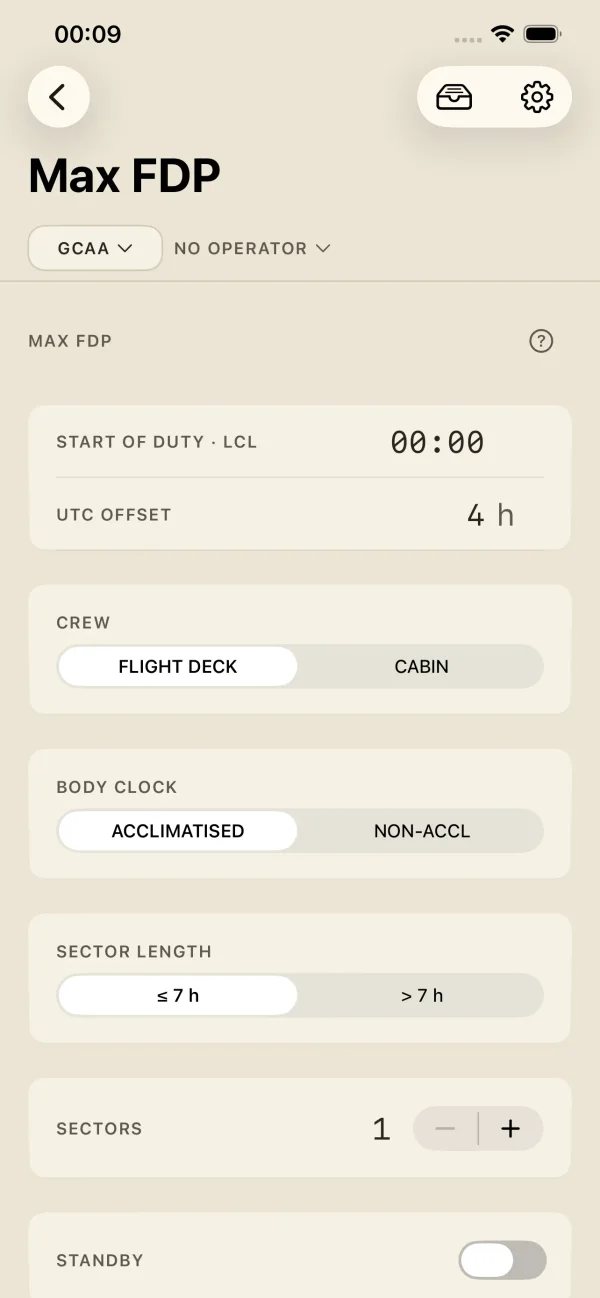
• Max FDP — maximum flight duty period (GCAA; advisory)
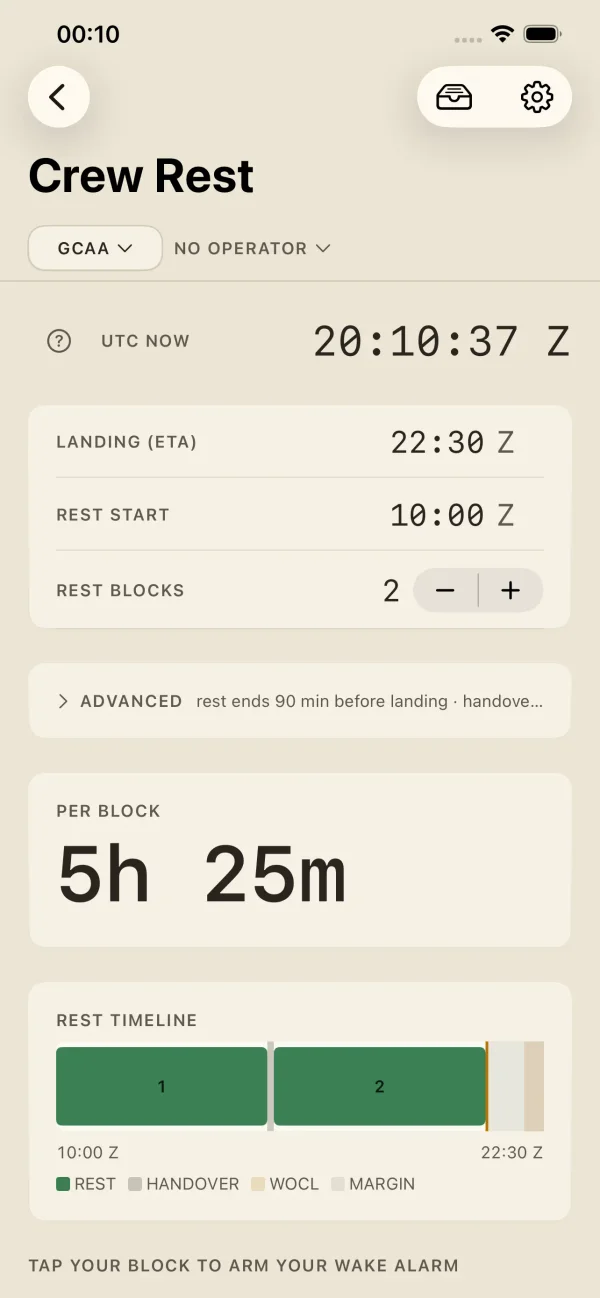
• Crew Rest — in-flight rest timing with an on-device rest timer
• Converted Met Visibility — from reported visibility
CORE
• Pressure Altitude — indicated altitude + QNH → pressure altitude
• Density Altitude — pressure altitude + OAT → density altitude
• TAS / IAS / CAS / Mach — four-way airspeed solver
• Wind Components — crosswind, headwind & drift
PLANNING
• Time · Speed · Distance — solve any of the three
• Fuel — burn, endurance & required fuel
• Fuel Uplift — refuel cross-check; USG ⇄ kg, uplift sum & discrepancy
• Climb Gradient — gradient ⇄ rate of climb ⇄ ground speed
• Descent — top of descent & crossing restrictions
• Glide — engine-out glide range (still air)
• Cloud Base — convective cloud base from temperature/dewpoint
• Holding Pattern — entry, timing & geometry
• Sun Events — sunrise, sunset & twilight
• Sun En Route — sunrise/sunset along a route in flight
• Weight & Balance — weight, CG & envelope
• NEO Crosswind on Ground — A320/A321neo takeoff crosswind + tailwind envelope
• Oceanic Crossing — North Atlantic & Pacific (PACOTS) oceanic tracks
REFERENCE
• Converter — length, speed, temperature, pressure, mass, volume
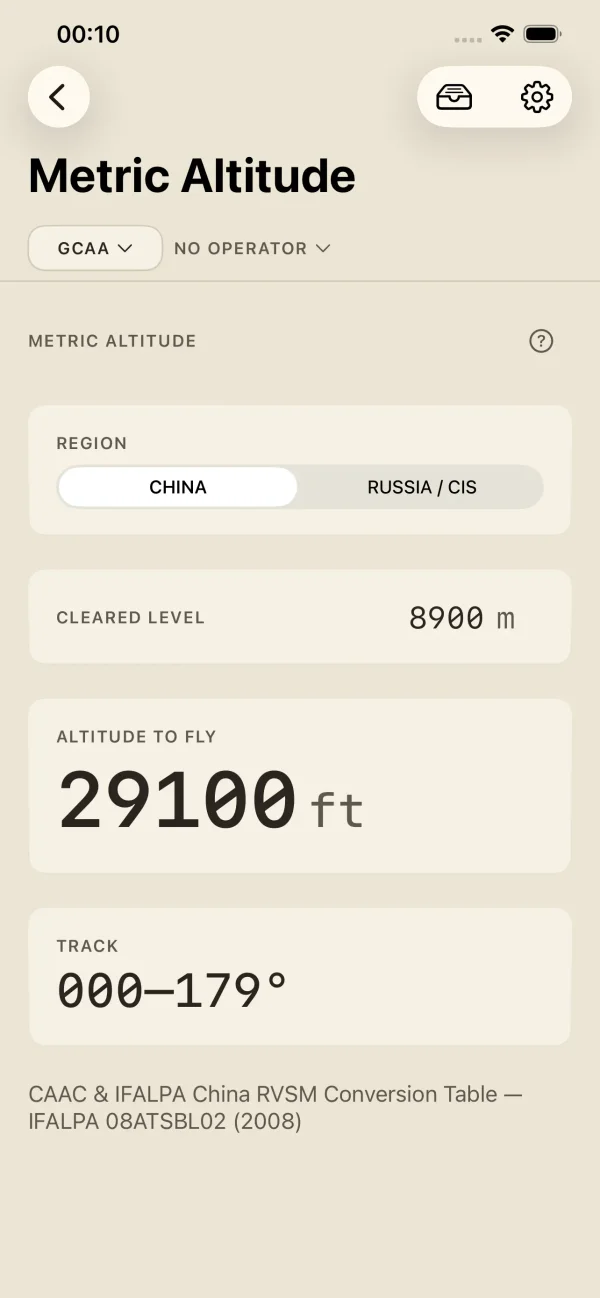
• Metric Altitude — China/Russia metric levels → feet
• RVR / Visibility — RVR & visibility (FAA ft ⇄ m)
• Currency — offline currency converter
• Cold Temp Correction — cold-day altitude correction (ICAO table)
• WX Decode — read a METAR, TAF, D-ATIS or SNOWTAM in plain language
• Dangerous Goods — decode a NOTOC drill code; look up a UN/ID number
FASTER WEATHER INPUT
Paste a raw METAR into the weather calculators — or scan printed weather text with the camera — to auto-fill the inputs. No manual transcription.
PRIVACY
No accounts. No ads. No tracking. No third-party analytics. No network. Your data never leaves your device.
IMPORTANT — ADVISORY USE ONLY
PilotCalc Pro is a planning and educational aid. Its outputs — including all regulatory figures such as flight-duty-time limits — are advisory and are not a substitute for official aeronautical information, approved aircraft documentation, your operator's Operations Manual, or current charts and NOTAMs. Always verify against authoritative sources. The pilot in command is solely responsible for all operational decisions.
What’s new
Version 2.0 · Aug 19, 2026
PilotCalc Pro 2.0 — the trust-and-finish update.
NEW
• WX Decode: paste any METAR, TAF, D-ATIS, or SNOWTAM and read it in plain language. Fully offline.
• Camera scanning: point the camera at printed weather text and decode it. Worldwide D-ATIS support.
• Dangerous Goods: UN number and proper shipping name lookup with ICAO emergency drill-code decoding. Entry is case-insensitive, and two characters are enough to start browsing.
• Crosswind runway picker: choose your runway straight from the airport's real runway list.
• Personalised home: pick your flying profile on first run and see the calculators that fit. Show everything anytime from Settings.
IMPROVED
• Faster cold start — the app paints sooner and the splash no longer overstays.
• Every calculator opens fresh: inputs no longer carry over after you close the app. A running crew-rest timer is always preserved.
• Crew Rest alarm: time-sensitive alerts, alerts while the app is open, and a live permission check so an armed alarm is always honest.
• Light mode: fixed low-contrast labels on filled fields.
FIXED
• Max FDP: in-flight relief now requires a relief crew, not merely a third pilot.
• Holding: corrected entry-sector arcs for non-standard patterns.
• Crosswind: gusts now count toward the limit verdict.
App privacy
What Vinayak Raghubir Sharma declares on the App Store about how this app handles data.
-
Data not collected
The developer does not collect any data from this app.
Privacy practices may vary, for example with the features you use or your age.
Information
- Seller
- Vinayak Raghubir Sharma
- Category
- Utilities
- Version
- 2.0
- Updated
- Aug 19, 2026
- Released
- May 30, 2026
- Size
- 18.2 MB
- Requires
- iOS 18.6 or later
- Age rating
- 4+
- Languages
- English
- Copyright
- © Vinayak Raghubir Sharma
You might also like
-
 A380 ClipboardUtilities
-
 Whiz: Aviation CalculatorE6B flight computer & W&B
-
 GRF SnowtamGlobal Reporting Format
-
 Pilot EFB: Briefing & LogbookMETAR, NOTAM & FAA/EASA FTL
-
 E145 Virtual PanelEmbraer 145 Virtual Panel
-
 Aviation Calculator AvCalcPilot flight computer tools
-
 VFR Wise METAR & TAF DecoderDecode METARs and TAFs Fast
-
 Aviation Weather DecoderMETAR / TAF / ATIS / SPECI
-
 Descent Calculator: TOD & FPMRate, glide path & approach
-
 A350 ClipboardUtilities