Pilt: Renovation Tracker
Budget, calendar & teamwork
Designed for iPhone, iPad
Free · In-app purchases
- Age rating4+
- CategoryProductivity
- DeveloperReno AS
- LanguagesEnglish+ 3 more
- Size82.8 MB
Links to the official App Store page
Download.org hosts no file of Pilt: Renovation Tracker. The button opens its official App Store page, published by Reno AS. Listing last checked on Nov 21, 2026.
Screenshots



About
Your renovation, under control. From first idea to final walkthrough.
Pilt keeps your entire project in one place. Track spending, organize tasks, share updates with your contractor, and ask the AI when you're unsure. Whether it's a bathroom refresh or a full rebuild, you have full oversight every step of the way.
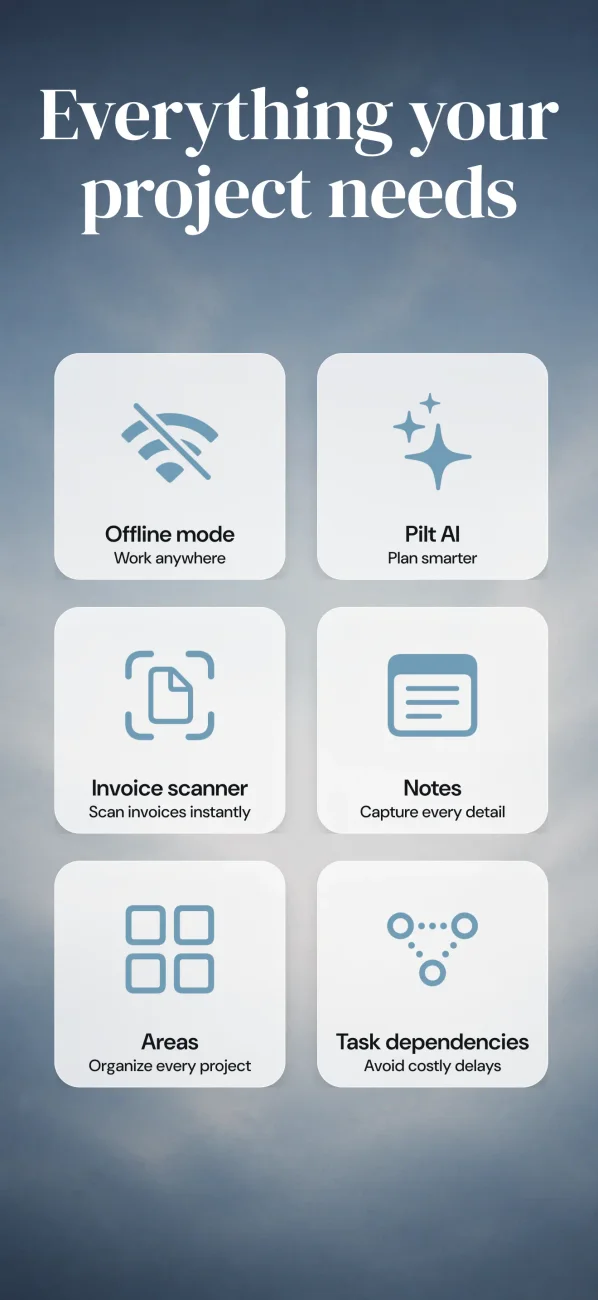
Pilt AI: your renovation assistant Ask anything about your project and let Pilt AI handle the busywork. "Am I over budget?" "What's overdue?" "Create a task for the plumber Friday." It answers questions about your spending and tasks, and can create tasks, assign people, and invite team members on your behalf.
Feed: your project diary Every update, photo, finance entry, and task in one timeline. See exactly what happened and when. No more digging through messages.
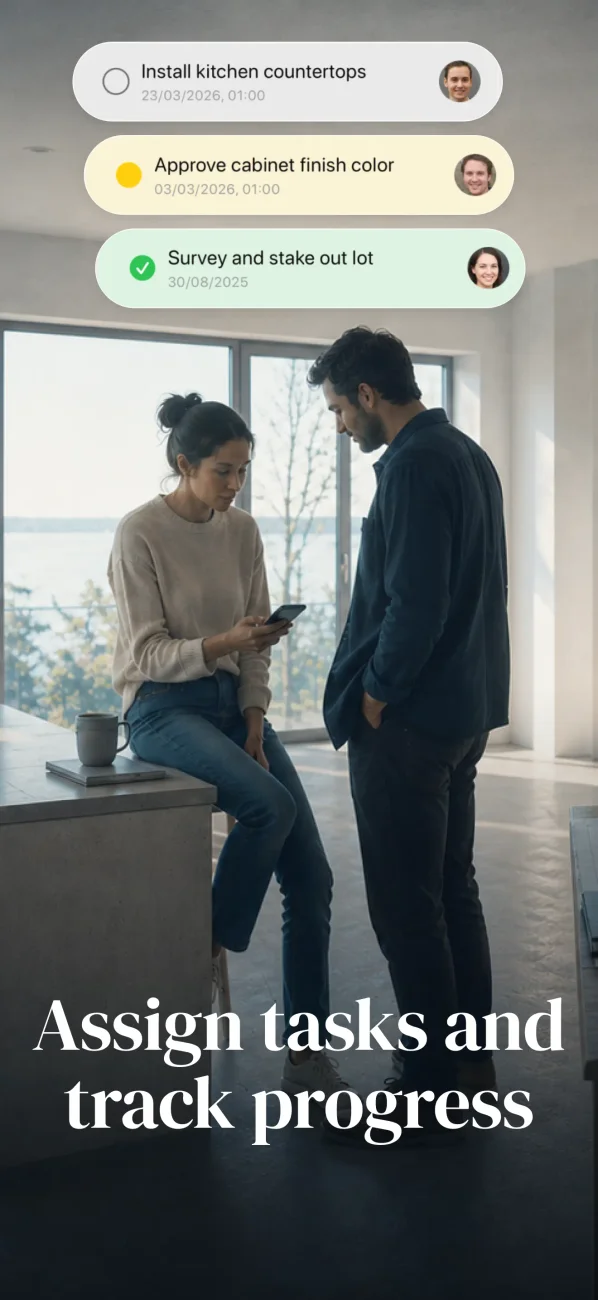
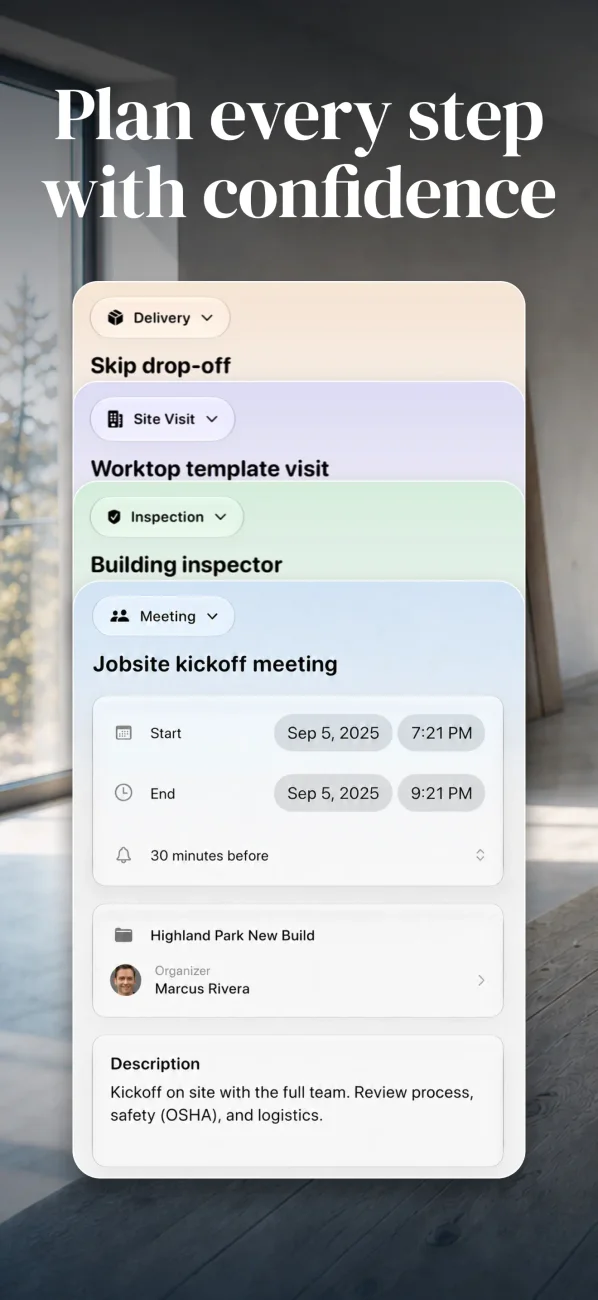
Plan: know what's next Organize work into tasks and phases. Set deadlines, assign people, and see progress at a glance.
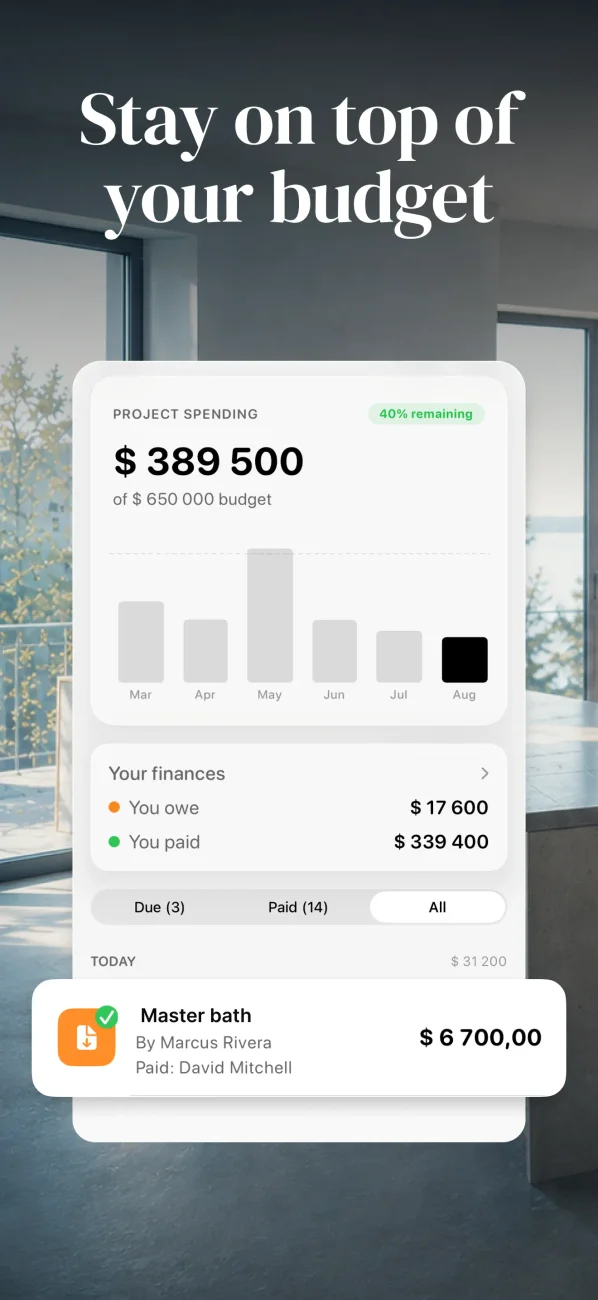
Finance: see where the money goes Set a budget, log expenses, and track spending in real time. Pilt warns you when you're approaching your budget. Generate project reports whenever you need to share an overview.
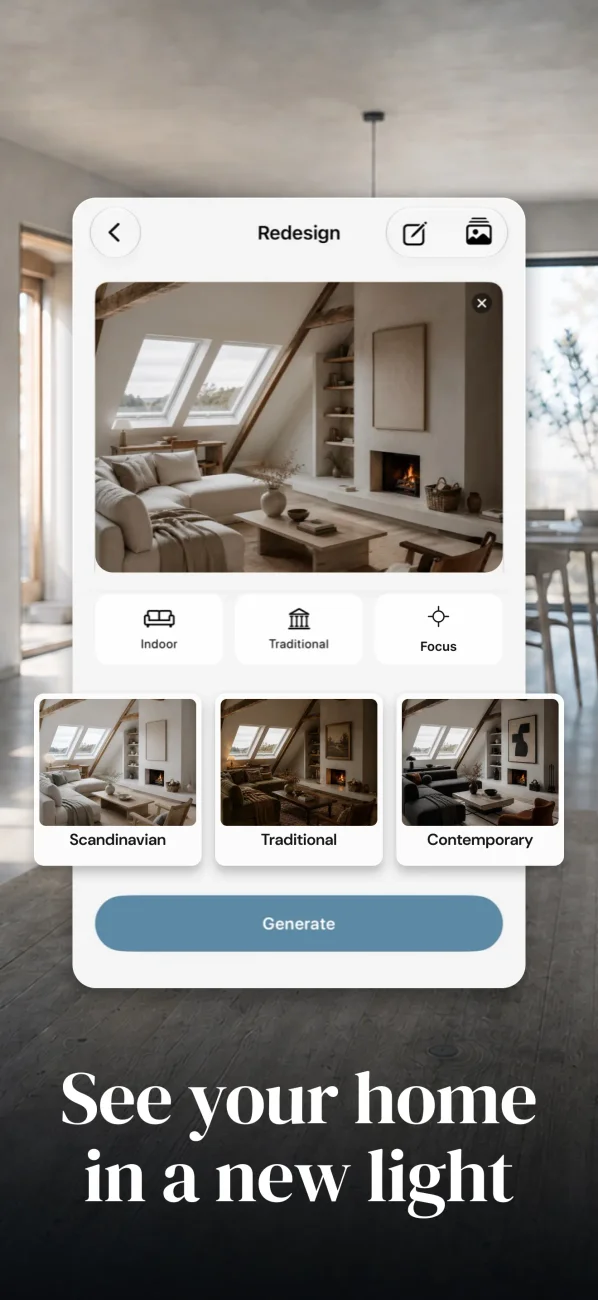
Inspiration: save your vision Collect photos and inspiration links in albums. Keep them close so your project stays true to the plan.
Chat: talk to your team Message your contractor, architect, or designer without leaving the app.
Files: everything in one place Keep documents, receipts, contracts, and photos organized in folders. Scan paper documents straight from your camera.
Team: invite the right people Bring in contractors, architects, electricians, and designers. Assign roles to control who can view, edit, or manage the project.
Areas: organize by room Tag anything by room or zone, like Kitchen, Bathroom, or Exterior, and filter your entire project by location.
Terms of Use: https://pilt.app/terms
Privacy Policy: https://pilt.app/privacy
What’s new
Version 2.15 · Nov 17, 2026
Meet Pilt Plus. Manage one active project with tasks, photos, files, and collaborators. Plus and Pro are available monthly or annually, with a 7-day free trial for eligible new subscribers.
Existing users keep their access, and invited collaborators can join a project without their own subscription. You can also manage your plan, restore purchases, and see your project usage in Pilt.
App privacy
What Reno AS declares on the App Store about how this app handles data.
-
Data linked to you
May be collected and linked to your identity.
- Purchases
- Location
- Contact info
- User content
- Identifiers
- Usage data
-
Data not linked to you
May be collected but is not linked to your identity.
- Diagnostics
Privacy practices may vary, for example with the features you use or your age.
Information
- Seller
- Reno AS
- Category
- Productivity
- Version
- 2.15
- Updated
- Nov 17, 2026
- Released
- Apr 7, 2026
- Size
- 82.8 MB
- Requires
- iOS 26.0 or later
- Age rating
- 4+
- Price
- Free
- In-app purchases
- Yes
- Languages
- English, Danish, German, Norwegian Bokmål
- Copyright
- © 2026 Reno AS
You might also like
-
 Reno TrackerHome Renovation Projects
-
 Buildry: Home RenovationProjects, warranties, repairs
-
 Reno Pro: Remodel & BudgetPlan work, materials & costs
-
 Home Stories: House RenovationRemodel Budget & Cost Tracker
-
 Poengtavla ScorekeeperKeep score for any game
-
 MBGWProductivity
-
 Tickr - Home Project TrackerDIY Renovation, Before & After
-
 Bauordner: Hausbau & SanierungProductivity
-
 Active DemosSales Demos & Project Tools