
Pinpin - Bookmarks & Notes
Save images, links and notes
Designed for iPhone, iPad
Free
- Age rating4+
- CategoryUtilities
- DeveloperPatrice Cassard
- LanguagesEnglish
- Size5.5 MB
Links to the official App Store page
Download.org hosts no file of Pinpin - Bookmarks & Notes. The button opens its official App Store page, published by Patrice Cassard. Listing last checked on Nov 20, 2026.
Screenshots


About
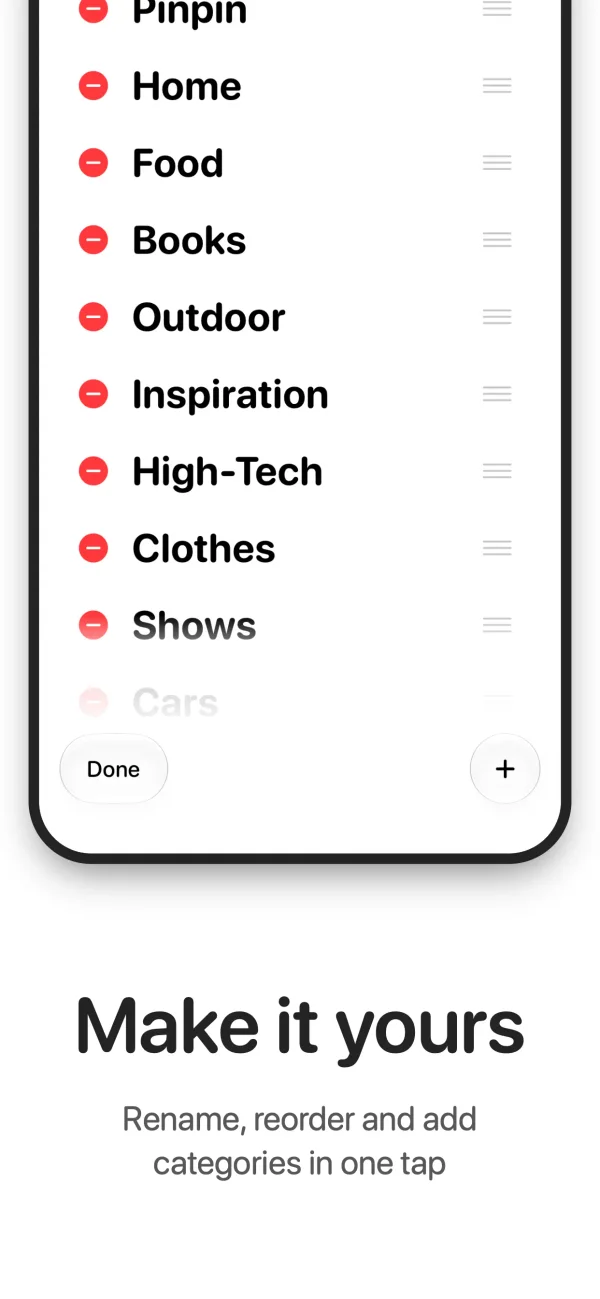
Pinpin is a quiet place for the things you want to keep. Images, links, photos and notes, saved from any app, sorted into your own categories, and found again in a second. No account, no ads, no tracking.
SAVE FROM ANYWHERE
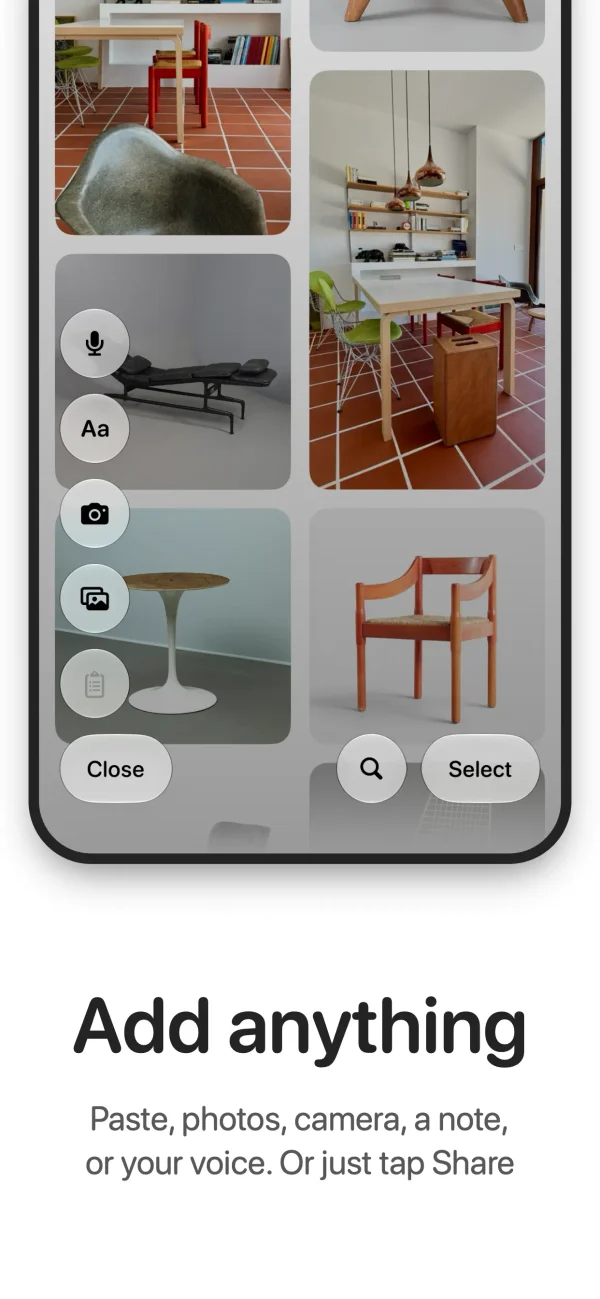
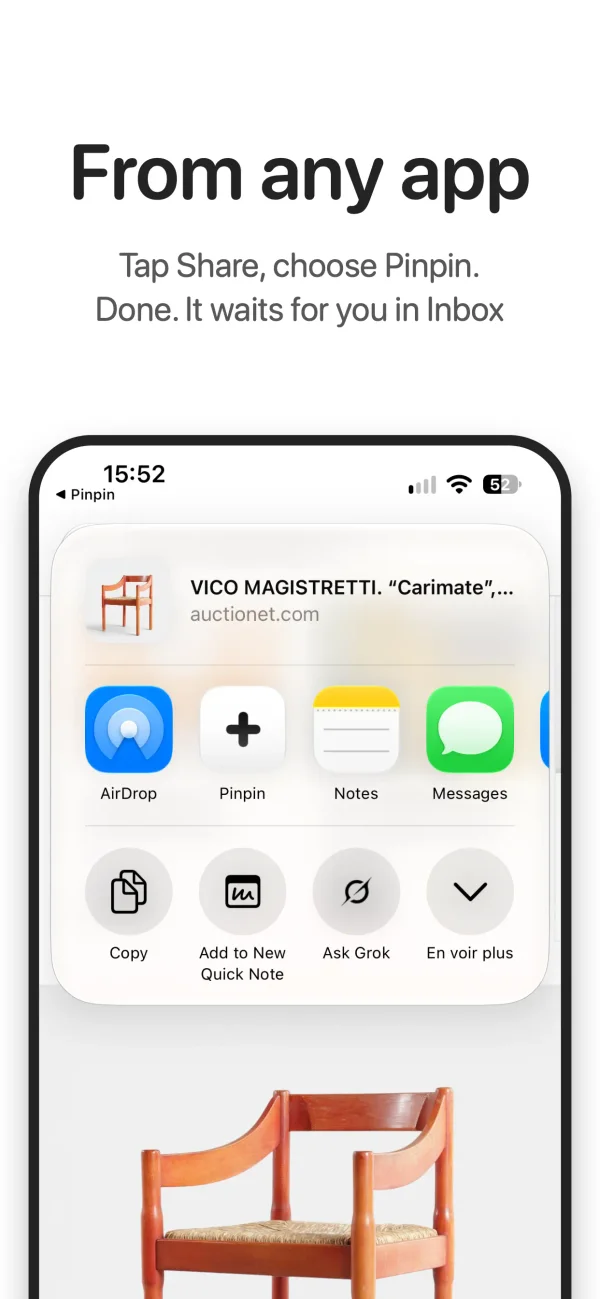
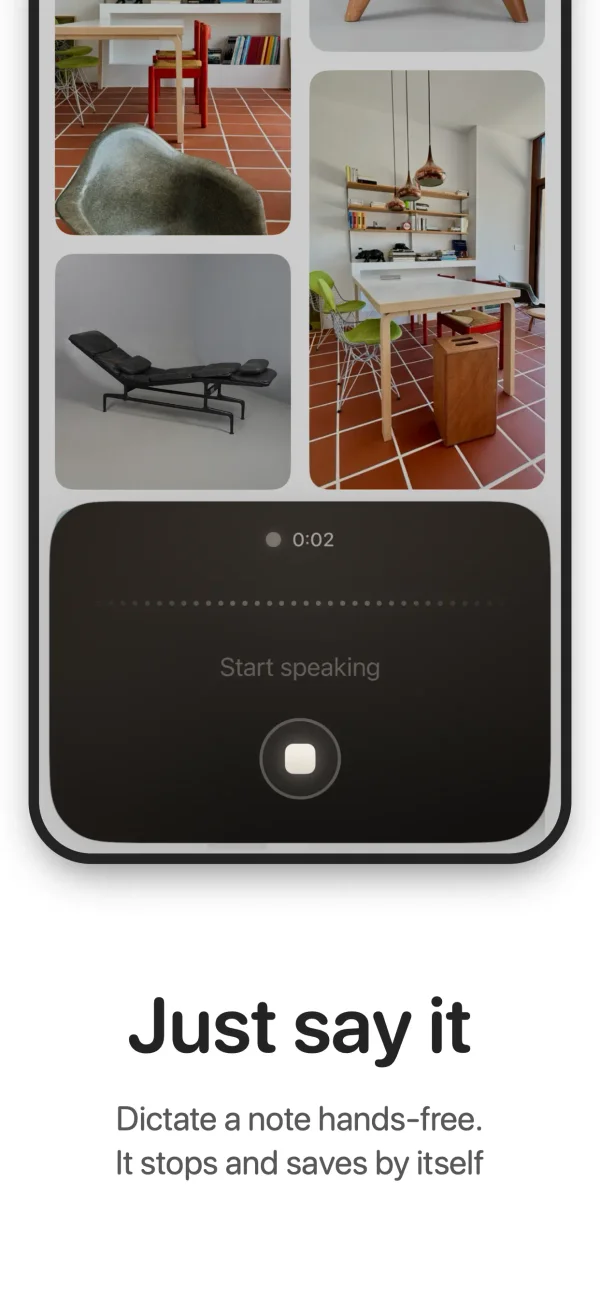
Tap Share in Safari, Photos, TikTok, Music or any other app and choose Pinpin. Links arrive with their picture, photos are kept as they are, text becomes a note. Paste from the clipboard, take a photo, pick from your library, or dictate a note hands-free.
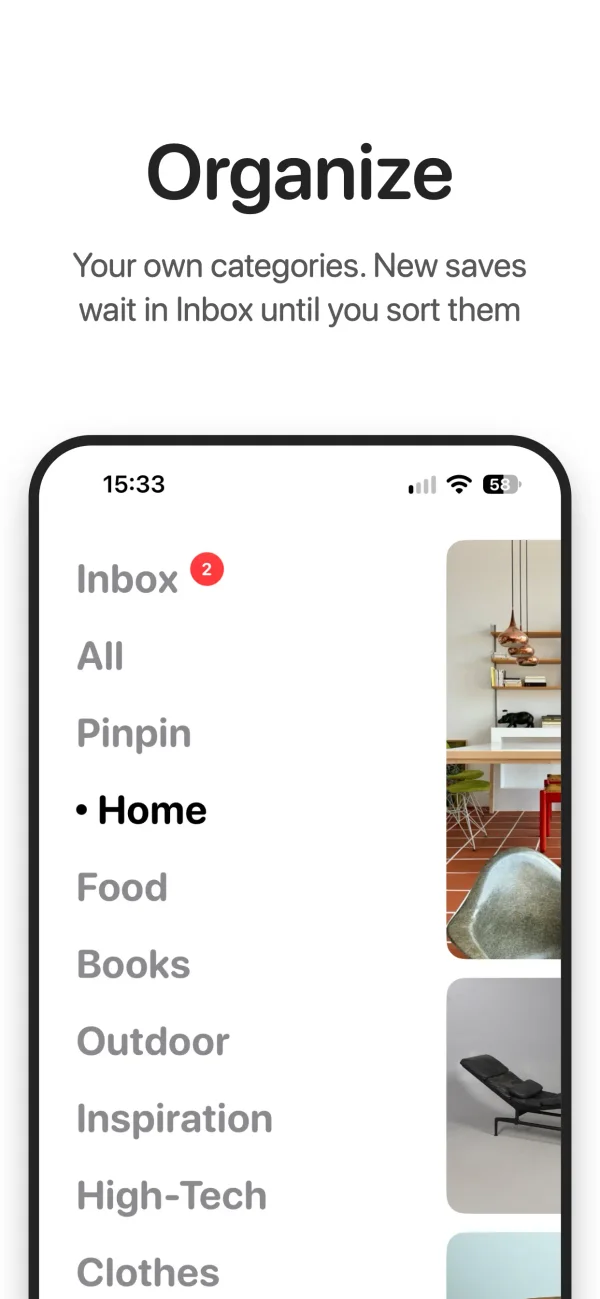
EVERYTHING LANDS IN INBOX
New saves wait in Inbox until you sort them, so nothing gets lost. Move one card or many at once, and undo if you change your mind.
A GRID THAT FITS YOU
Pinch to show two to five columns on iPhone, up to ten on iPad and Mac. Tap a link to open it, a photo to see it full screen, a note to edit it.
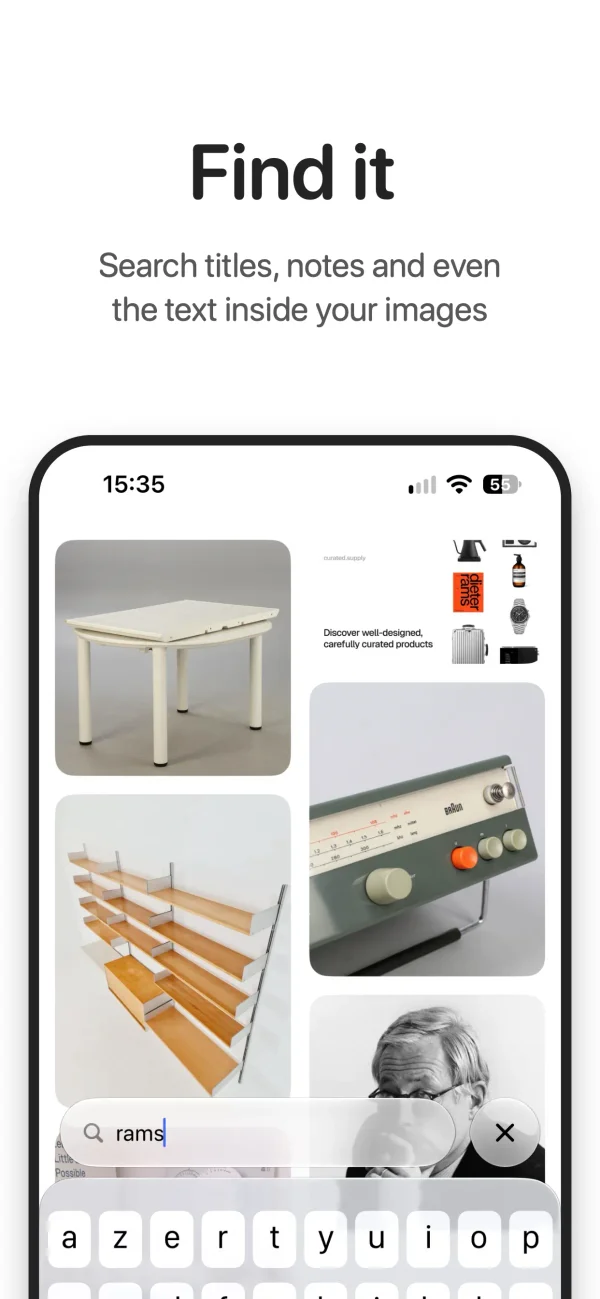
FIND IT INSTANTLY
Search titles, notes, descriptions, URLs, and even the text inside your images. A screenshot of a recipe, a poster, a receipt: Pinpin reads it on your device and makes it searchable.
NOTES ON PAPER
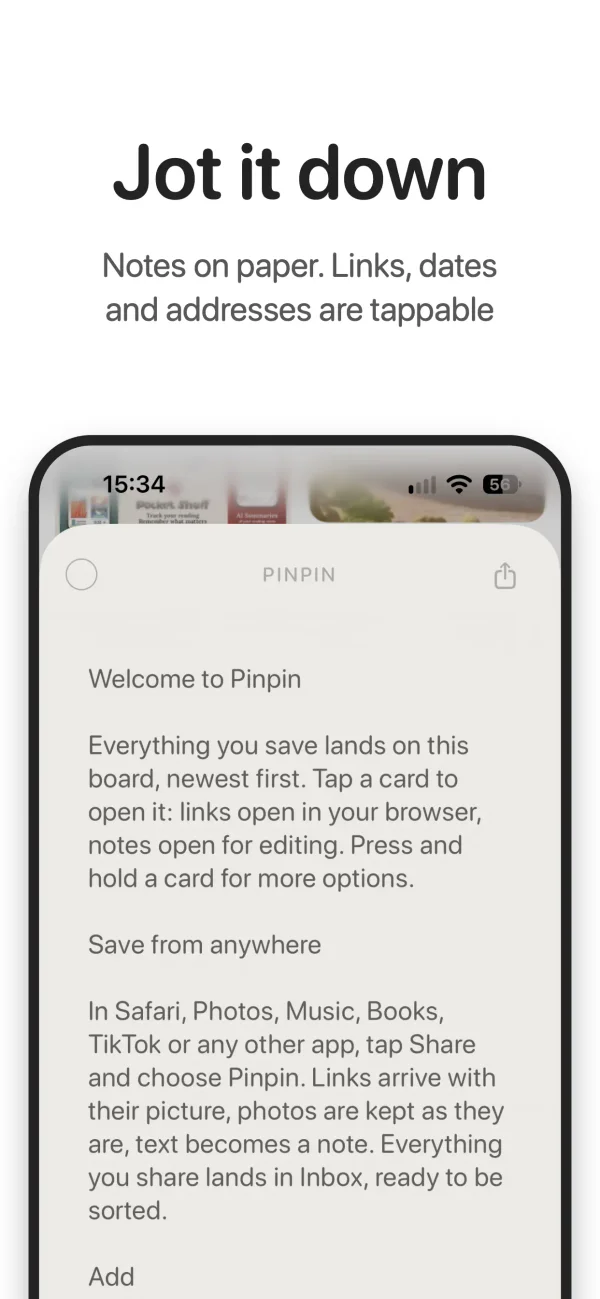
Quick notes on six paper tints. Links, phone numbers, addresses and dates inside a note are tappable: call, open in Maps, or add to your calendar.
CAPTURE WITHOUT OPENING THE APP
Home Screen and Lock Screen widgets, a Control Center button, the Action button and Shortcuts let you dictate, shoot or paste straight into Pinpin.
YOUR PINS ON THE HOME SCREEN
The Recent Pins widget shows your latest saves laid out like the app, from every category or just one. The Note widget keeps a note in view on its paper color: your latest one, or any note you pick.
SEE IT? FIND IT.
Search similar products on Amazon, eBay, Etsy and more from any saved image.
YOURS ONLY
Everything is stored on your device and synced through your private iCloud across iPhone, iPad and Mac. Works fully offline. Export your whole collection as a zip and import it back any time.
ON MAC
Keyboard shortcuts, drag and drop, and an optional local AI access that lets assistants like Claude browse your collection and look at your saved images. Off by default, nothing leaves your Mac.
Perfect for:
• Designers curating visual references
• Shoppers saving products to compare
• Travelers collecting places and itineraries
• Creatives building vision boards and mood boards
• Note-takers who want ideas next to their inspiration
• Anyone looking for a private, ad-free bookmarking app
Your inspiration. Your collection. No tracking.
What’s new
Version 3.5 · Nov 13, 2026
Updated the support and privacy policy links. No other changes.
App privacy
What Patrice Cassard declares on the App Store about how this app handles data.
-
Data not collected
The developer does not collect any data from this app.
Privacy practices may vary, for example with the features you use or your age.
Information
- Seller
- Patrice Cassard
- Category
- Utilities
- Version
- 3.5
- Updated
- Nov 13, 2026
- Released
- Dec 30, 2025
- Size
- 5.5 MB
- Requires
- iOS 26.0 or later
- Age rating
- 4+
- Price
- Free
- Languages
- English
- Copyright
- © Patrice Cassard 2026
You might also like
-
 Copy All: TextSelect All for web pages
-
 OneShot Note - Notepad & MemoQuick notes and checklists
-
 Lock it - Hide Photos, FilesHide & Lock Photos, Hide Files
-
 Secret Codes: IMEI & CarrierDial codes, SIM & network test
-
 Exit — ExtensionX Redirection Extension
-
 Veyo: AI Voice NoteTranscribe, Summary & Tasks
-
 Image Translator - SnapTextOffline Photo & Screenshot OCR
-
 Recollect - Save & CurateLife happens, save it.
-
 Cove: Private Document VaultSnap. Recognize. Never expire.
-
 xDeskOne app instead of five