
- Age rating17+
- CategoryUtilities
- DeveloperVALERY PITON
- LanguagesEnglish
- Size37.8 MB
Links to the official App Store page
Download.org hosts no file of Piton AI. The button opens its official App Store page, published by VALERY PITON. Listing last checked on Nov 18, 2026.
Screenshots

About
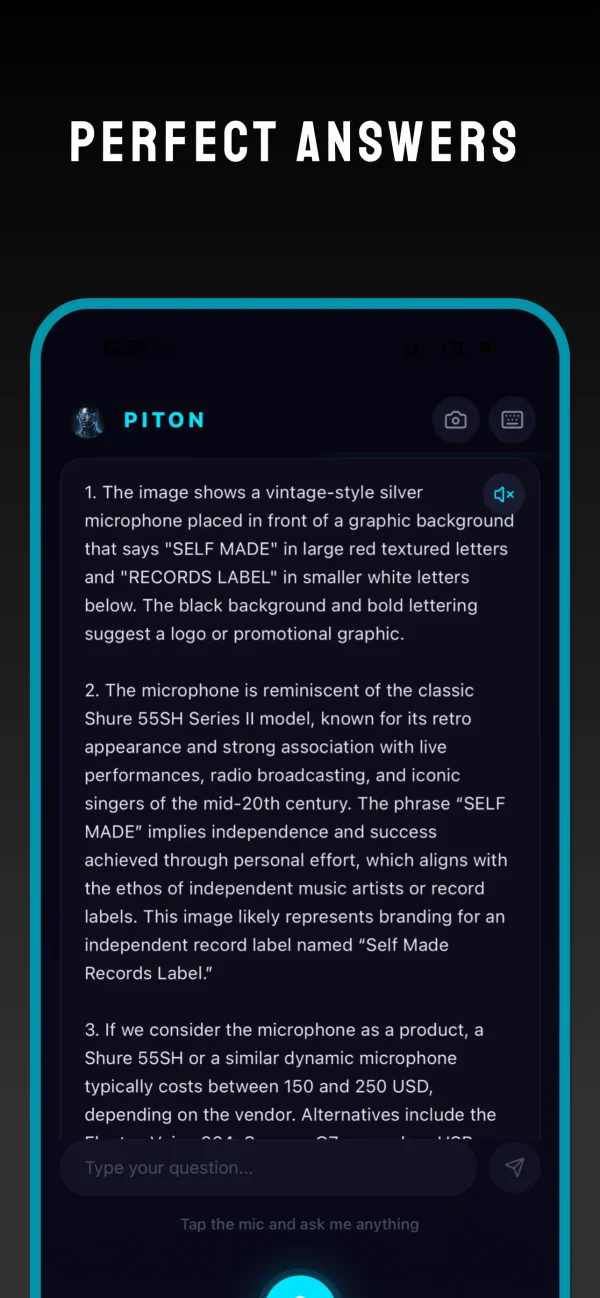
Piton AI is an AI-powered search engine and knowledge assistant app. It provides a conversational, voice-first interface where users can ask any question and get comprehensive, spoken answers — similar to a personal AI assistant like the others, but with richer, more detailed responses.
Key Features :
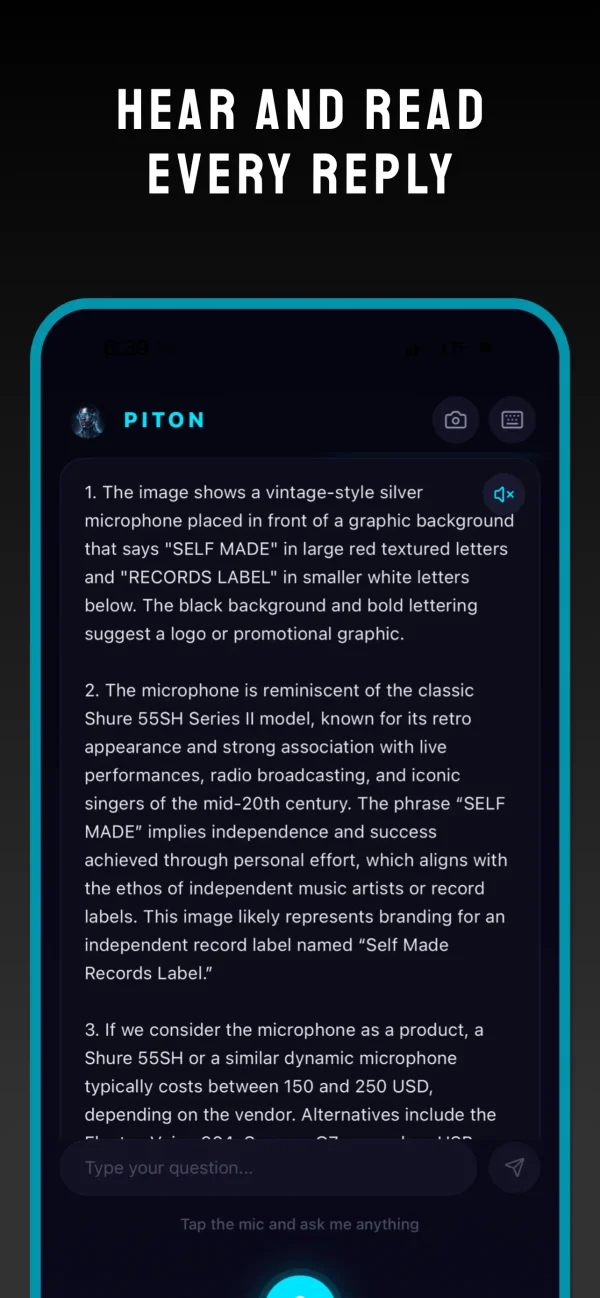
Voice Search — Tap the mic to ask questions by voice. The app records, transcribes, and sends your query to the AI, then reads the answer back aloud using text-to-speech.
Text Search — Toggle a keyboard input to type questions directly.
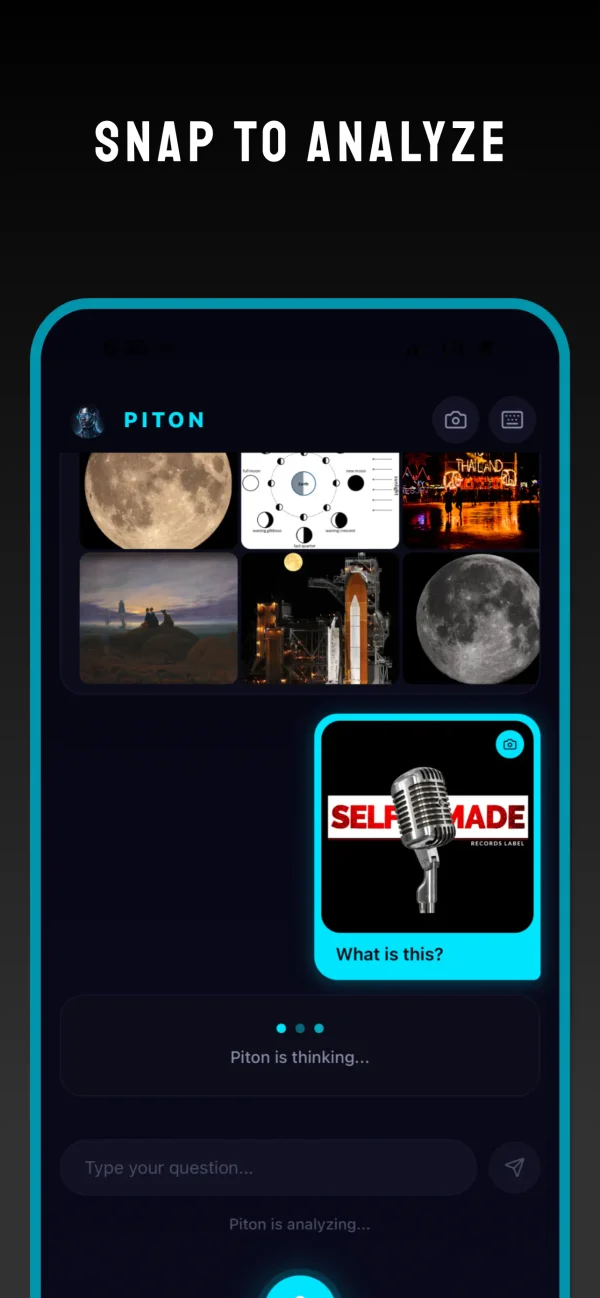
Camera / Image Analysis — Take a photo or pick one from your gallery, and Piton will analyze it — identifying objects, food, places, text, math problems, plants, animals, products, and more.
A fast copy and paste
AI-Powered Answers — Powered by an AI backend, Piton handles a wide range of topics: math, translations, recipes, health, coding, travel, finance, history, science, pop culture, and more. Answers are conversational with full context.
Conversation Memory — Follow-up questions use the full conversation history, so the AI understands context across multiple queries.
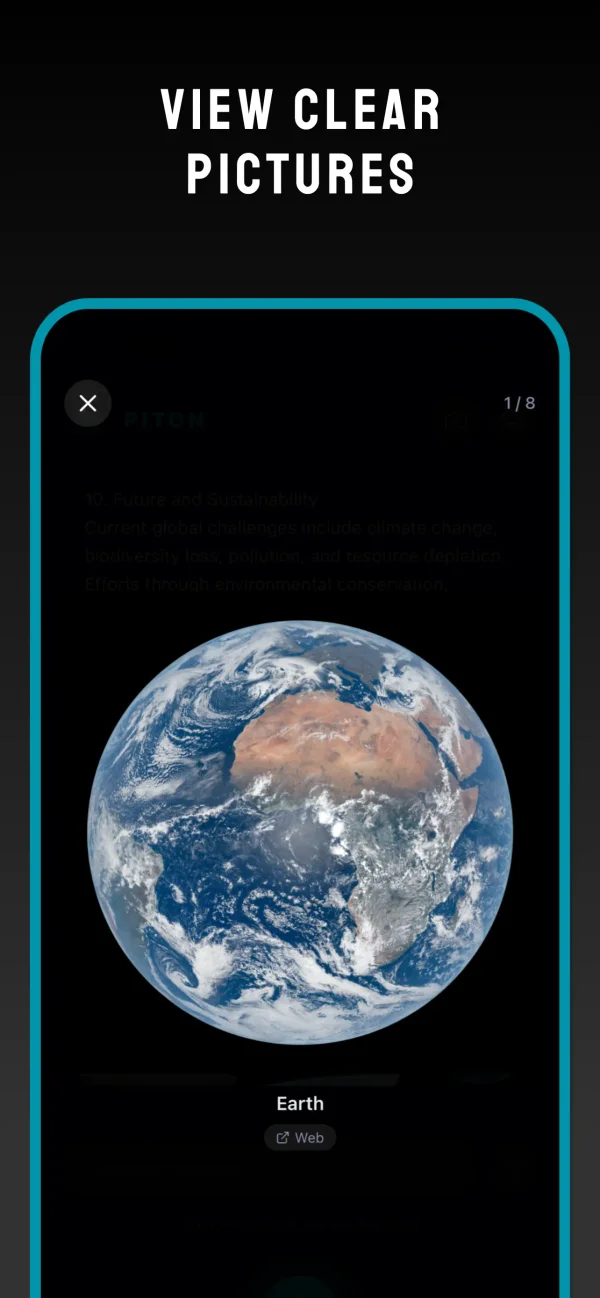
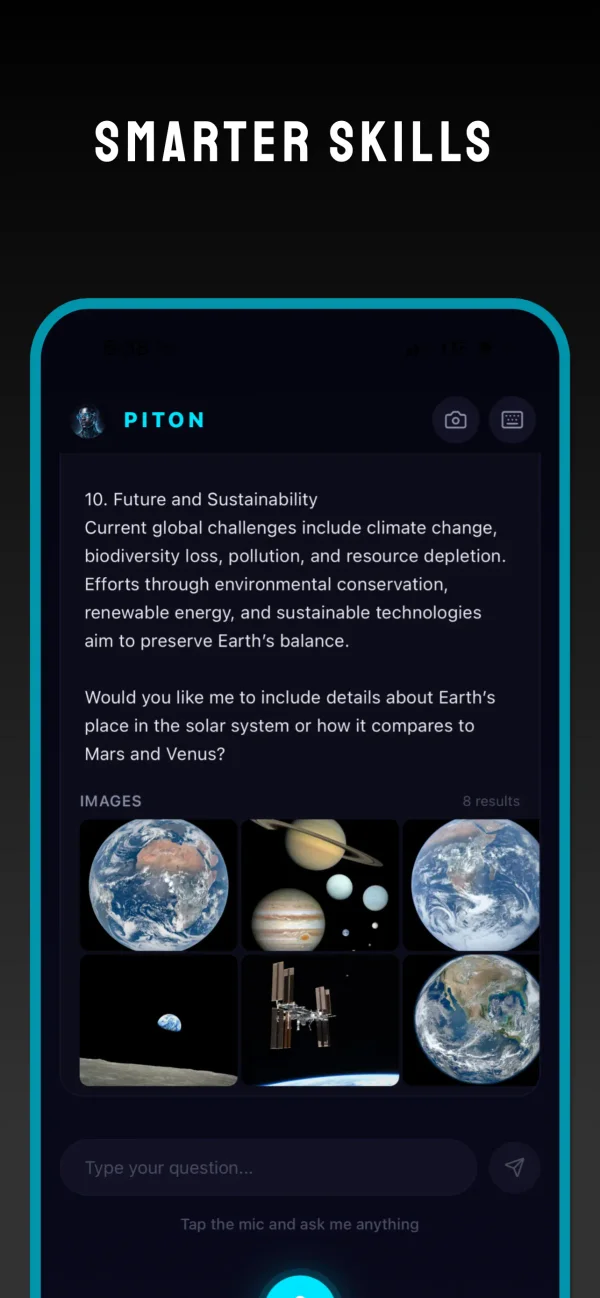
Web Image Search — For each answer, Piton fetches relevant real-world images from the web and displays them alongside the response.
Text-to-Speech — Answers are automatically spoken aloud, with the ability to toggle speech on/off per response.
Smart Suggestions — The home screen shows randomized suggestion chips (e.g. "Capital of Japan", "Solve 245 × 38", "Recipe for pasta") to help users get started quickly.
Story View — The Piton avatar in the top-left corner is tappable, opening an Instagram-style story viewer with a progress bar and auto-close.
Offline Detection — The app detects network status and shows an offline indicator when there's no internet connection.
Haptic Feedback — Micro-interactions with haptic feedback on button presses for a polished native feel.
What’s new
Version 1.0.4 · Jul 18, 2026
Better Performance
App privacy
What VALERY PITON declares on the App Store about how this app handles data.
-
Data linked to you
May be collected and linked to your identity.
- Health and fitness
- Search history
- Browsing history
- Usage data
- Sensitive info
-
Data not linked to you
May be collected but is not linked to your identity.
- User content
- Search history
- Usage data
- Diagnostics
- Body
Privacy practices may vary, for example with the features you use or your age.
Information
- Seller
- VALERY PITON
- Category
- Utilities
- Version
- 1.0.4
- Updated
- Jul 18, 2026
- Released
- May 2, 2026
- Size
- 37.8 MB
- Requires
- iOS 15.1 or later
- Age rating
- 17+
- Price
- Free
- Languages
- English
- Copyright
- © @piton AI
You might also like
-
 CoreScope: System MonitorLive device monitor & toolkit
-
 Vivid EyesLiving eyes watching you
-
 Fetch - AI Search EngineLoyal Free Speech AI Search
-
 Cyber Threat SensorThe SOC in your pocket
-
 Chatboard – Use AI EverywherePowerful AI Keyboard
-
 Jazz Private BrowserPrivate tabs, ad block, VPN
-
 BaseStats: Phone & Device InfoBattery, storage, UUID & specs
-
 App-ifyThe ONLY PC-less app maker
-
 sound meter for everyonemeasure sound
-
 PROG_CALCprogrammable calculator