- Age rating17+
- CategoryMedical
- DeveloperPixacare
- LanguagesEnglish+ 2 more
- Size125.8 MB
Links to the official App Store page
Download.org hosts no file of Pixacare. The button opens its official App Store page, published by Pixacare. Listing last checked on Nov 13, 2026.
Screenshots
About
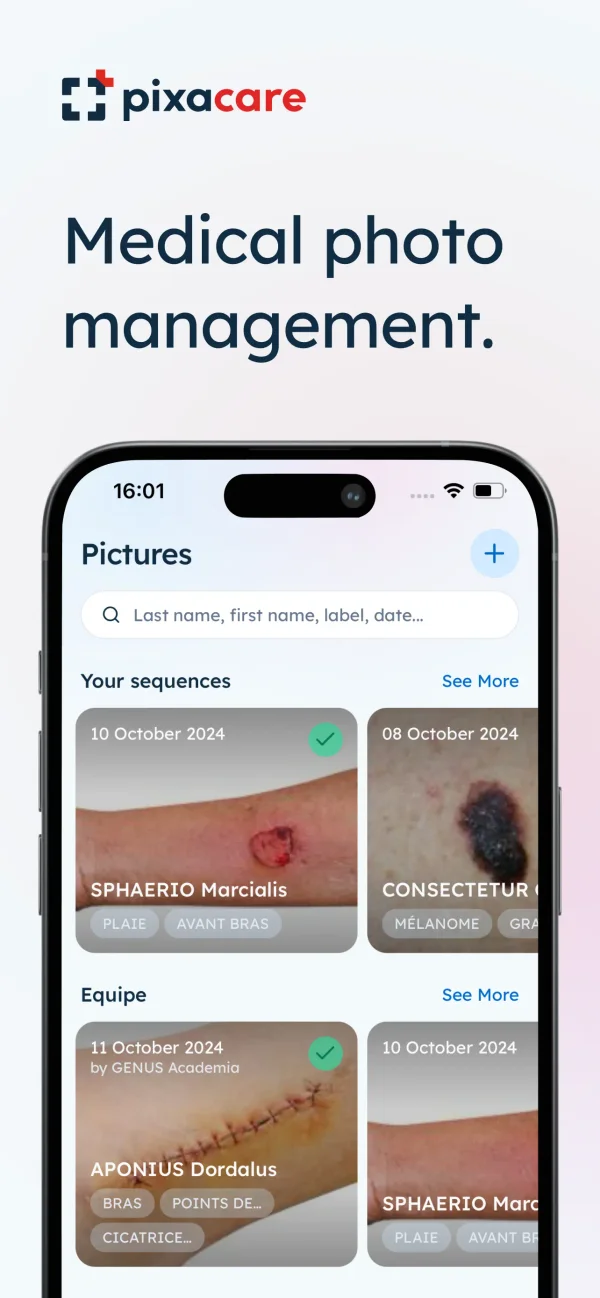
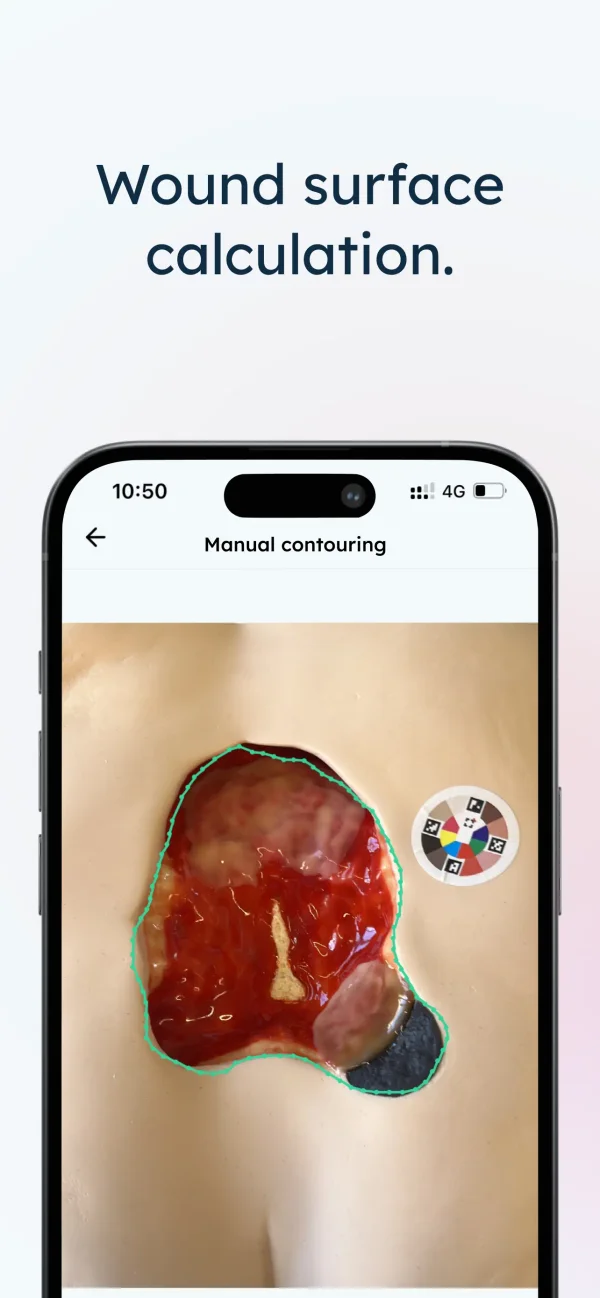
The Pixacare mobile app was designed to efficiently and easily manage all the needs associated with medical photography by providing a secure and collaborative framework.
◘ Medical Photography:
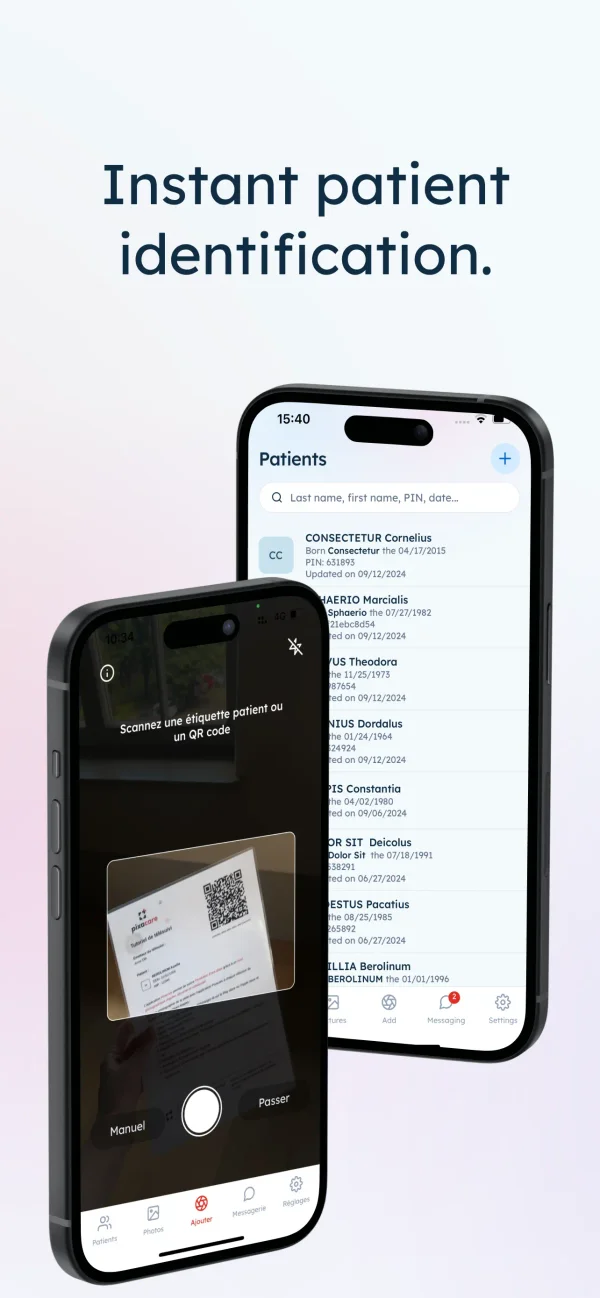
- Scan patient information with the smartphone camera.
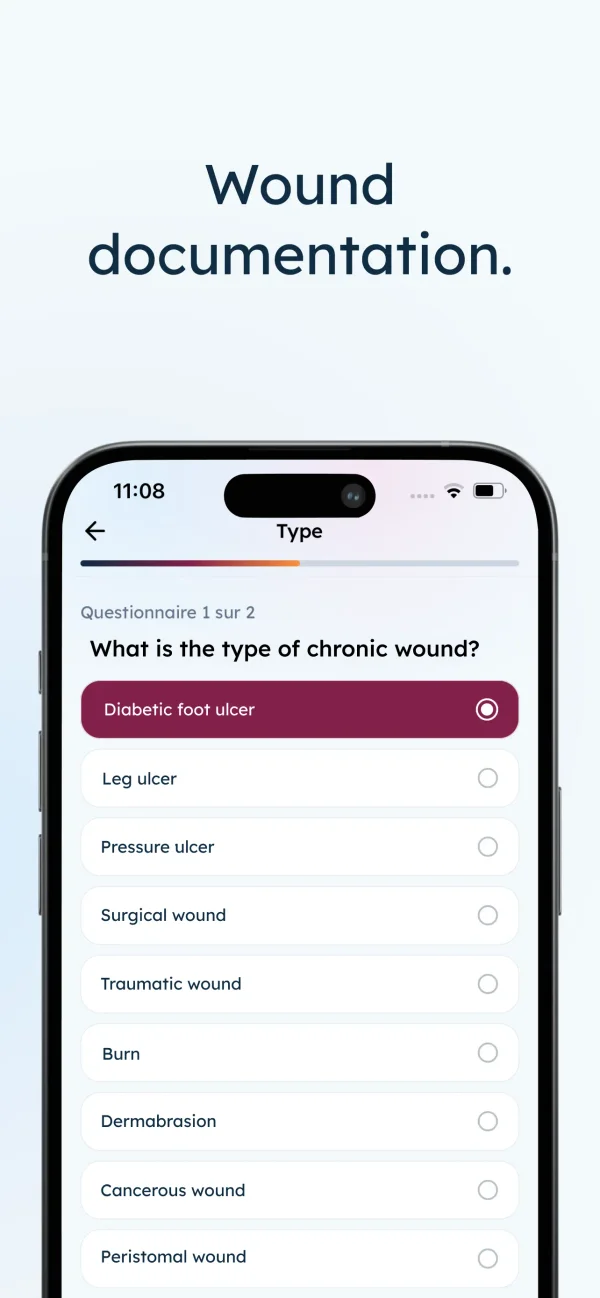
- Add customizable and standardized medical keywords.
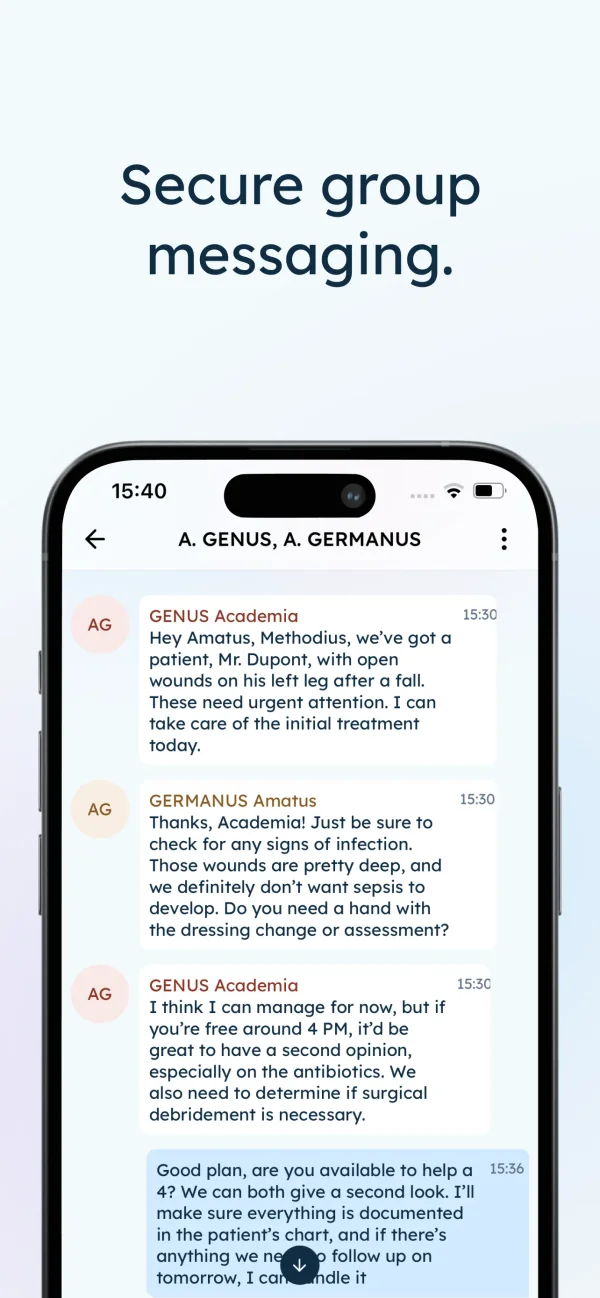
- Share your photos in a secure and ergonomic messaging system.
- Isolate your medical photos from your personal gallery.
- Comply with the GDPR regulation.
Your data is also accessible from your computer on the Pixacare online platform:
- View, compare and annotate your medical photos.
- Generate patient follow-up reports.
- Create collaborative groups.
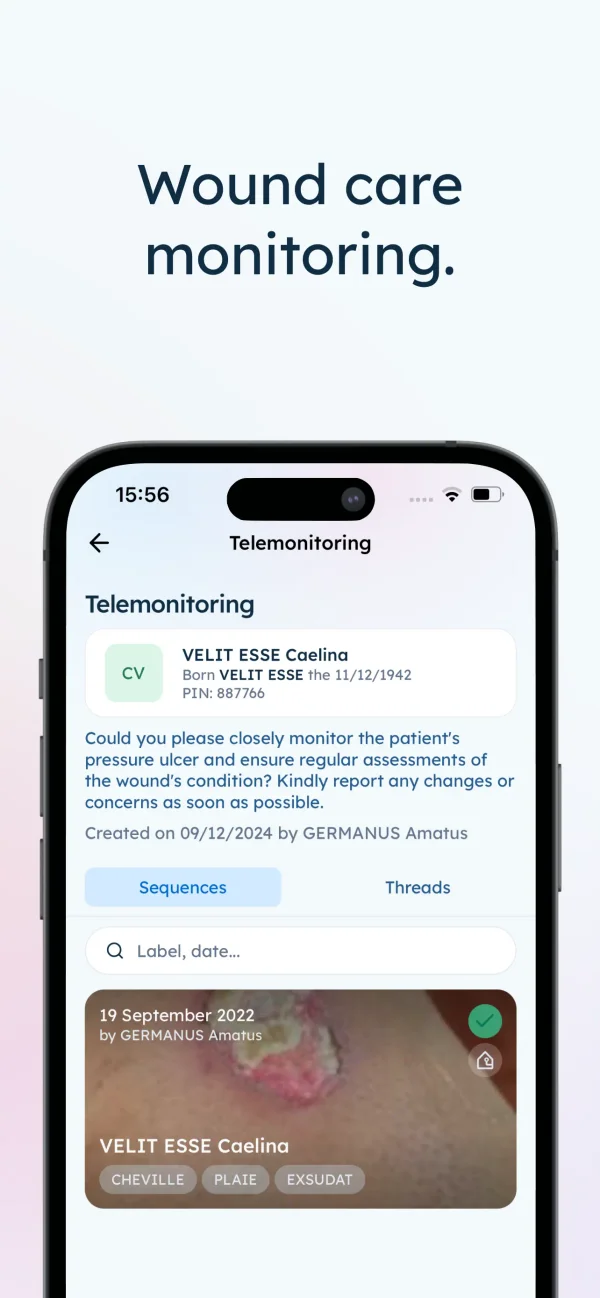
◘ Telemonitoring of skin lesions:
- Follow the evolution of a lesion.
- Exchange between caregivers on a dedicated messaging system.
- View, during a follow-up, all the photos taken by the collaborators.
◘ Data
Your data is encrypted and stored on HDS and HIPAA compliant servers, located respectively in France and Frankfurt.
Our detailed terms of use can be found here: https://pixacare.com/cgvu
For more information you can visit our website https://pixacare.com or contact us via our email address contact@pixacare.com
What’s new
Version 7.6.0 · Nov 1, 2026
What's new in version 7.6.0
• New sign-in experience: sign in through your secure Pixacare account, with verification code autofill and password manager support.
• Two-factor authentication (2FA) by SMS: add a phone number to receive your verification codes by text message. On a trusted device, you won't be asked for a code every time you sign in.
• Easier return: your account is shown as soon as you open the app, so just tap "Continue" or use Face ID. "Use another account" lets you switch users on a shared device.
• New "Profile" area in Settings: manage your details, password, verification methods and trusted devices.
• Fixes: adding a wound while editing a sequence, date of sequences created from a draft, and harmonised German translations.
App privacy
What Pixacare declares on the App Store about how this app handles data.
-
Data linked to you
May be collected and linked to your identity.
- Contact info
- Identifiers
-
Data not linked to you
May be collected but is not linked to your identity.
- Usage data
- Diagnostics
Privacy practices may vary, for example with the features you use or your age.
Information
- Seller
- Pixacare
- Category
- Medical
- Version
- 7.6.0
- Updated
- Nov 1, 2026
- Released
- Jan 27, 2025
- Size
- 125.8 MB
- Requires
- iOS 15.5 or later
- Age rating
- 17+
- Price
- Free
- Languages
- English, French, Spanish
- Copyright
- © 2020 Pixacare SAS