PixBatch: Batch Resize Photos
Watermark, Compress, Convert
Designed for iPhone
Free · In-app purchases
- Age rating4+
- CategoryPhoto & Video
- DeveloperSompal Arya
- LanguagesEnglish
- Size58.8 MB
Links to the official App Store page
Download.org hosts no file of PixBatch: Batch Resize Photos. The button opens its official App Store page, published by Sompal Arya. Listing last checked on Nov 18, 2026.
Screenshots

About
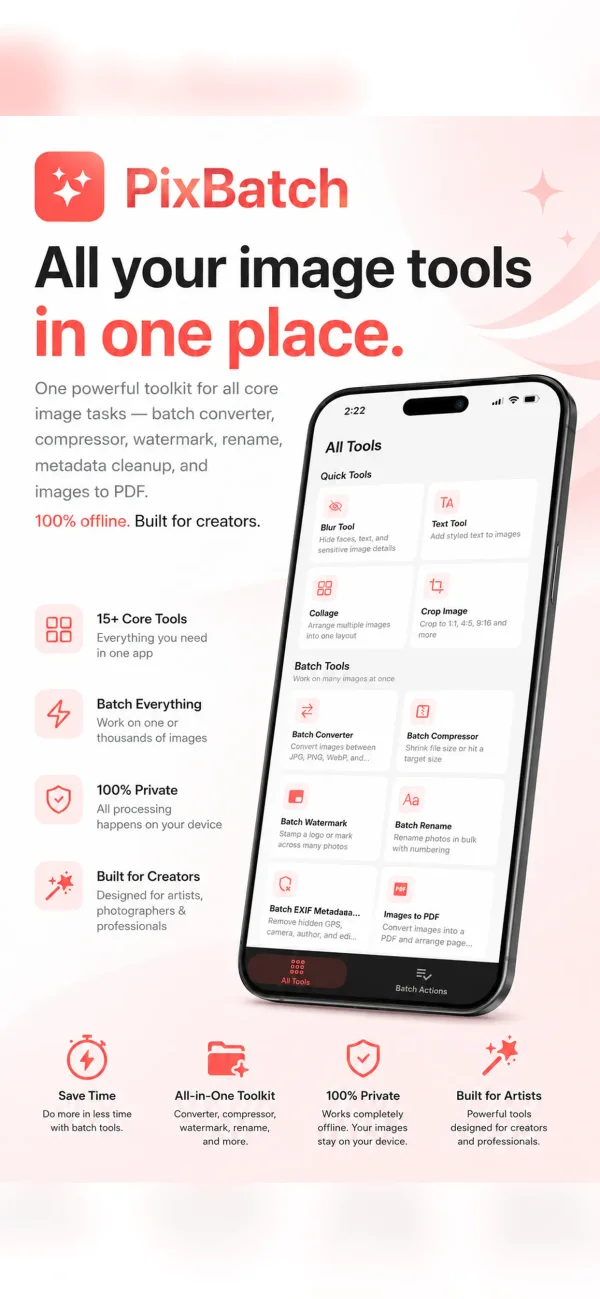
PixBatch is an all-in-one image toolkit for artists, creators, photographers, designers, and anyone who works with lots of images.
Resize, compress, convert, watermark, and rename whole batches of photos at once, then export clean, ready-to-share copies. Crop and resize for social media, blur private details, remove metadata, turn images into PDFs, and build comic pages, all in one simple app.
Key features:
Batch Resize
Resize many photos to exact dimensions in one go. Choose fit or fill, and add padding when you need a fixed canvas.
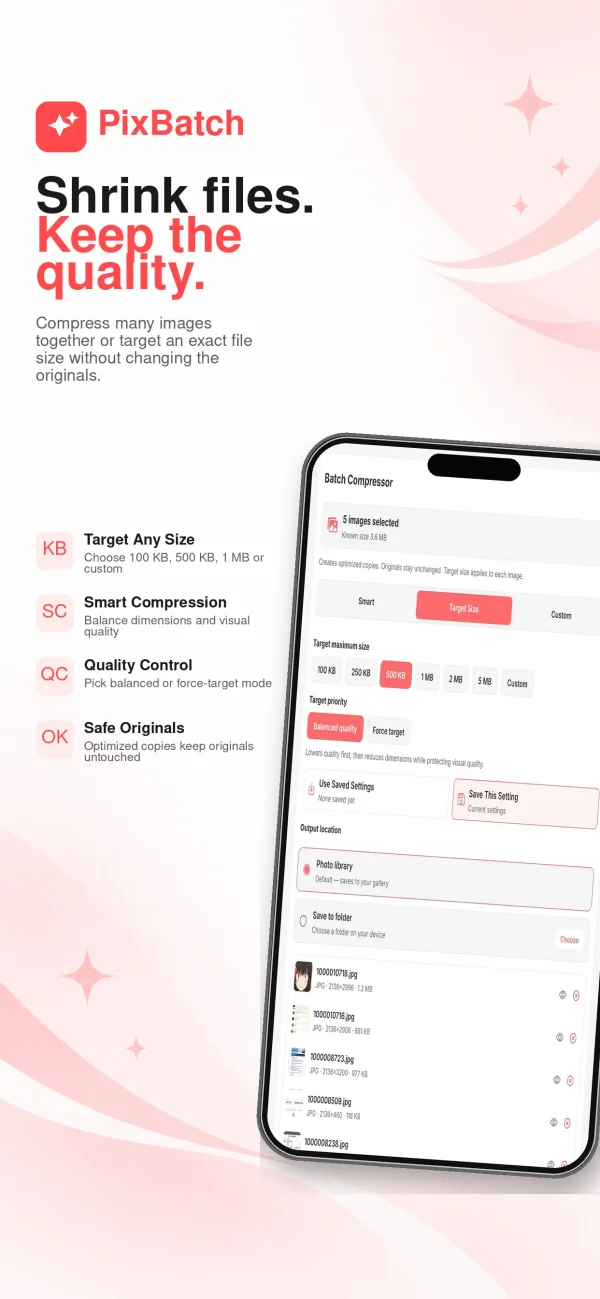
Batch Compressor
Reduce photo size for sharing, storage, uploads, and portfolio delivery. Use Smart compression, set a target file size, or pick your own quality.
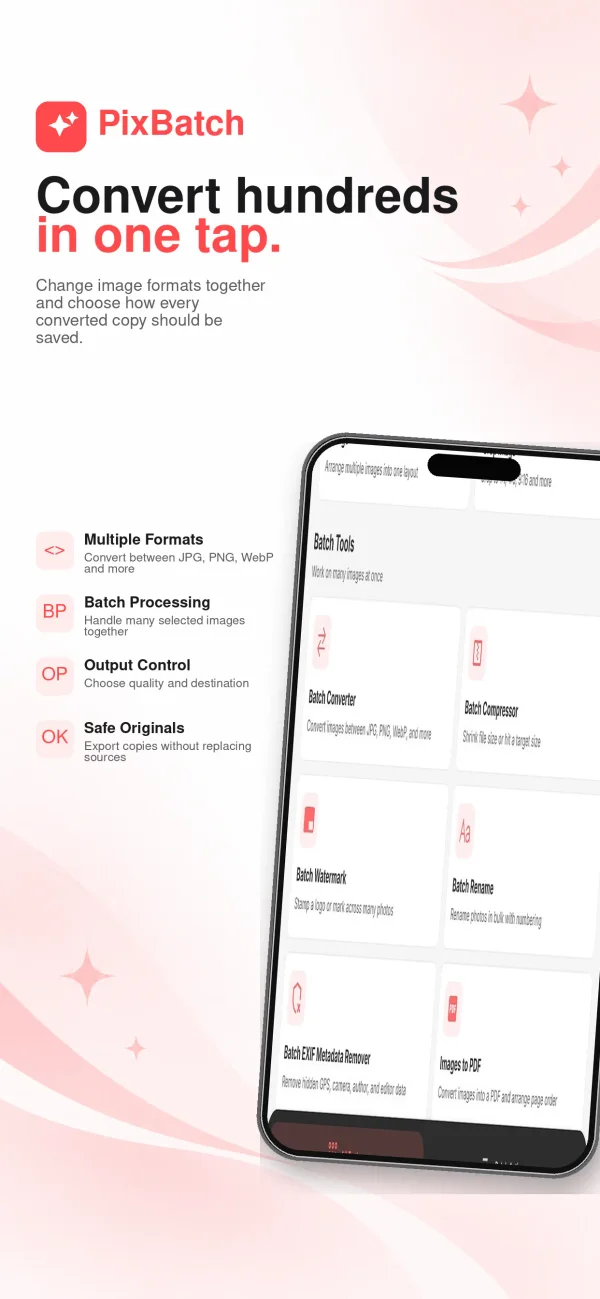
Batch Converter
Convert images between JPG, PNG, WebP, and more. Convert HEIC to JPG so your iPhone photos open everywhere.
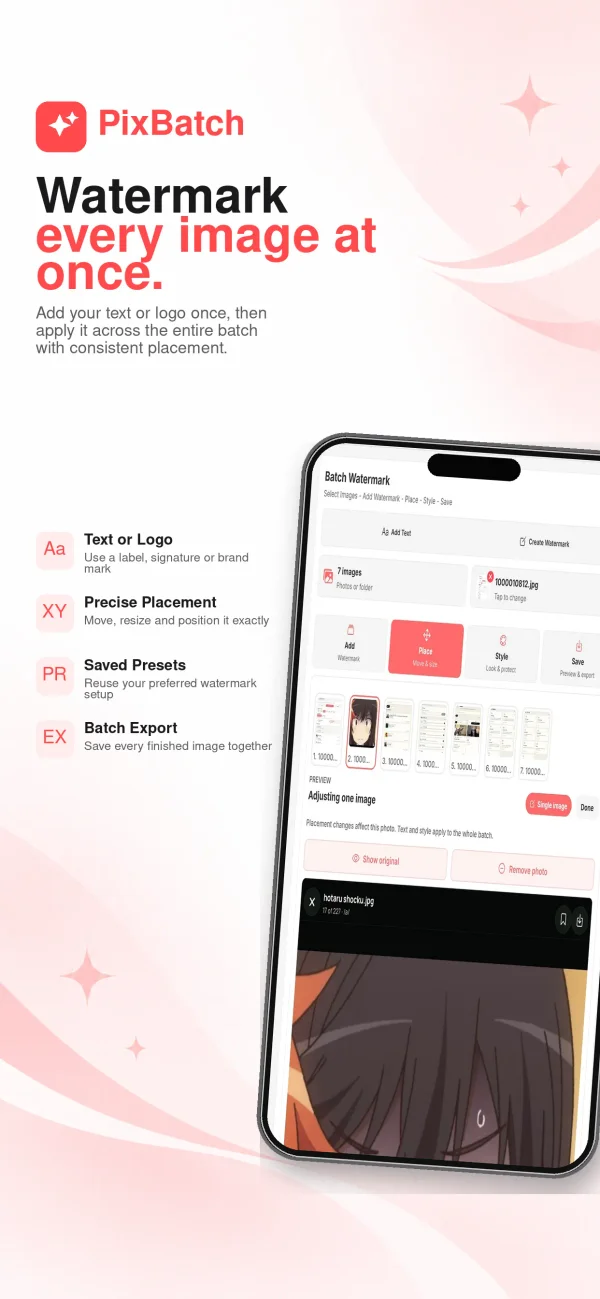
Batch Watermark
Add text or logo watermarks across many photos. Tile a watermark over the whole image for extra protection, and save your designs to reuse.
Batch Rename
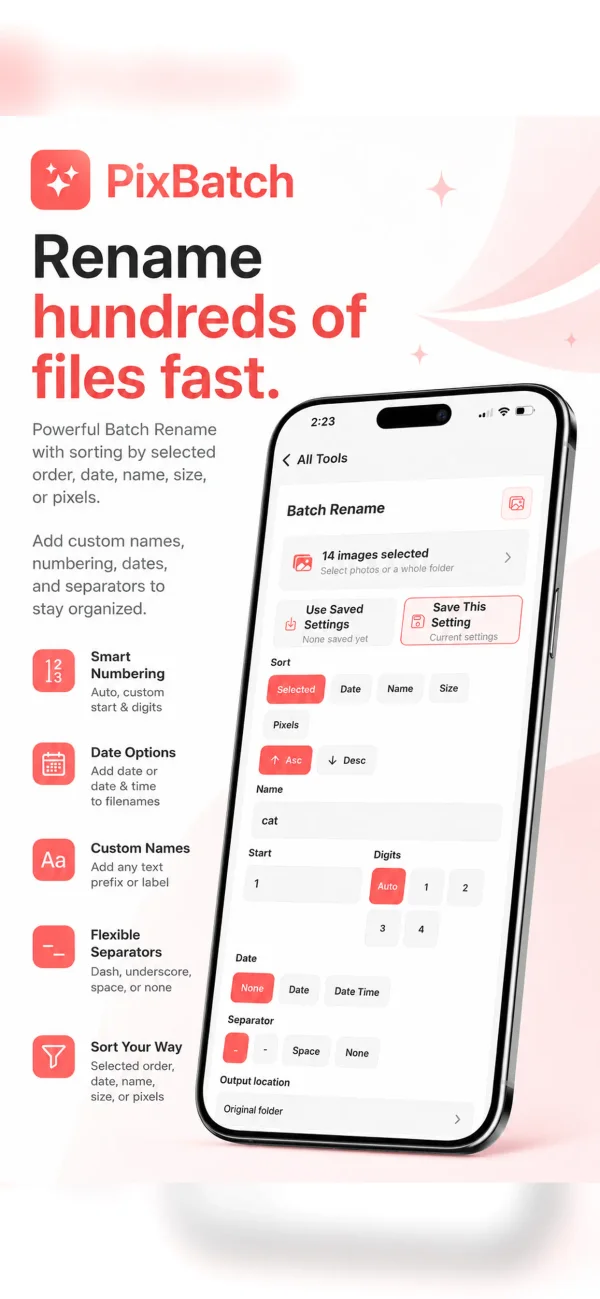
Rename many images with custom names, numbering, dates, separators, and sorting. Add more photos and drag them into the order you want.
Batch Actions
Create reusable workflows and run several steps in one go. Combine resize, rename, convert, compress, watermark, and metadata cleanup.
Social Media Resize
Turn one photo into every size you need: square, portrait, and tall posts, stories and reel covers, video thumbnails, and profile pictures.
Crop Image
Crop to 1:1, 4:5, 3:4, 2:3, 9:16, 16:9, and more, or crop freely.
Comic Page Builder
Create comic pages with panel layouts, your own artwork, speech balloons, captions, and lettering. Choose whether to add page numbers, then export a single page or the whole comic as images or a PDF, a CBZ file for comic reader apps, a vertical scrolling strip, carousel or story slides, or lettering only on a transparent background.
Images to PDF
Turn image sets, artwork, comics, portfolios, or reference pages into clean PDF files in the page order you choose.
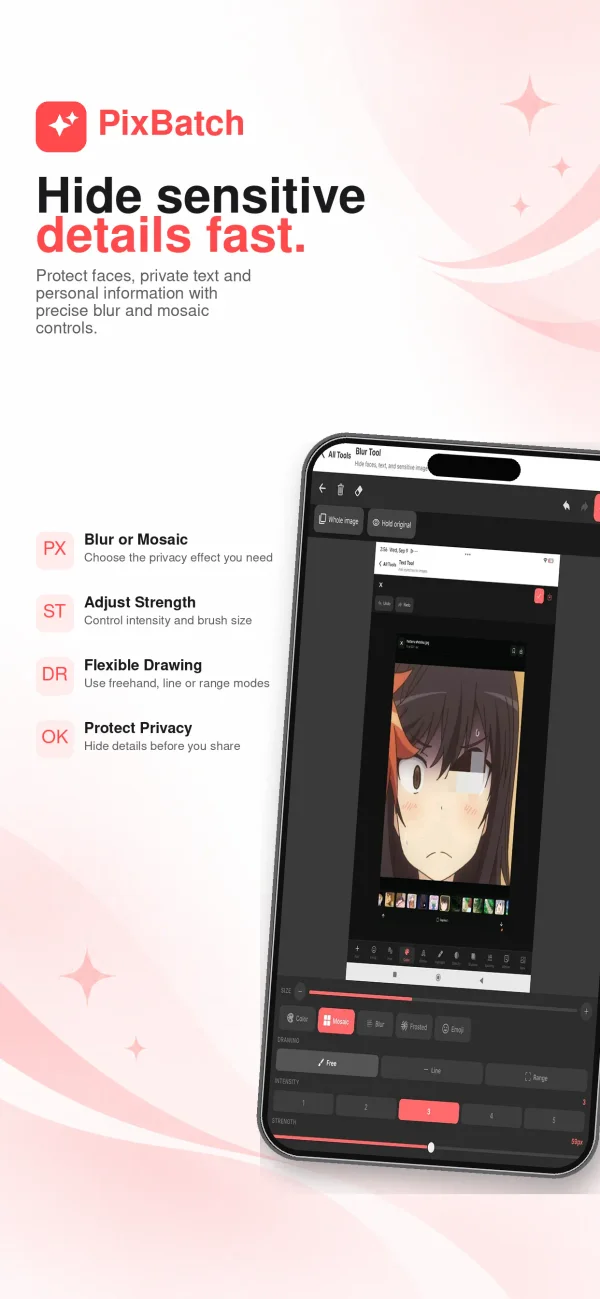
Blur Tool
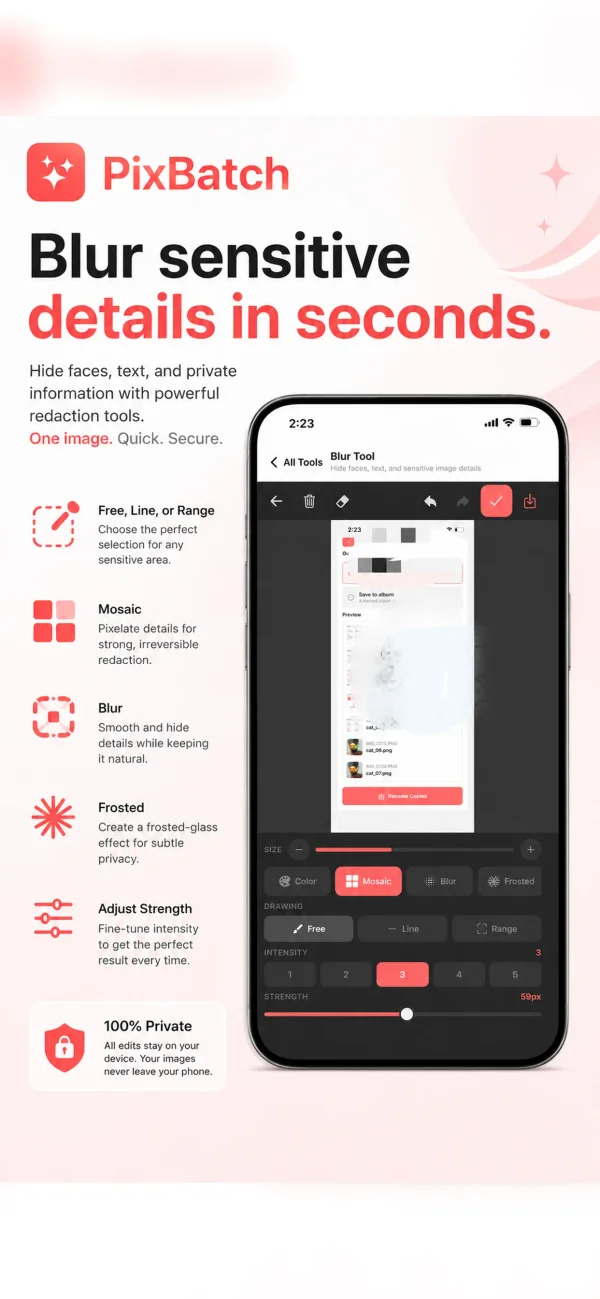
Hide faces, text, license plates, and private information with blur, mosaic, frosted effects, or emoji overlays. Zoom in for detail and work across several photos.
Metadata Cleanup
Remove hidden metadata such as camera, GPS location, and author information before you share.
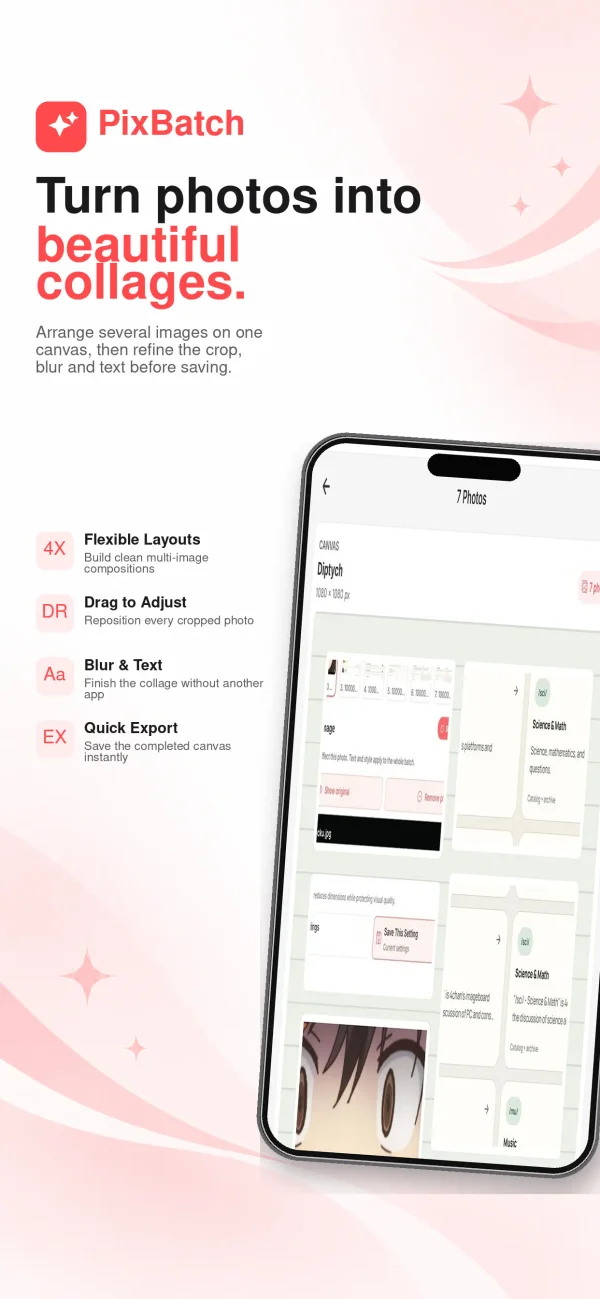
Collage Maker
Arrange photos with customizable layouts, frames, backgrounds, and styles. Adjust and reframe each image inside its cell.
Text and Design Tools
Add styled text, speech bubbles, stickers, emojis, and other visual elements to images.
Private by design
Image processing happens on your device. Your photos are not uploaded to a server for editing.
PixBatch helps you prepare finished, export-ready image copies faster while keeping your original images safe.
Terms of Use (EULA): https://www.apple.com/legal/internet-services/itunes/dev/stdeula/
What’s new
Version 1.0.2 · Nov 7, 2026
• New Comic Page Builder: panel layouts, your artwork, speech balloons and lettering, with export to PDF, CBZ, a scrolling strip or social slides, and optional page numbers
• New Batch Resize: exact sizes, fit or fill, padding
• New Social Media Resize: posts, stories, thumbnails and profile pictures from one photo
• Blur several photos at once, with zoom
• Collage: reframe photos inside their cells
• Batch Actions redesigned, with a Resize step
• Batch Rename: add more photos and drag to reorder
• Pro: no limit on batch size
• Polish and fixes across every tool
App privacy
What Sompal Arya declares on the App Store about how this app handles data.
-
Data linked to you
May be collected and linked to your identity.
- Purchases
- Identifiers
Privacy practices may vary, for example with the features you use or your age.
Information
- Seller
- Sompal Arya
- Category
- Photo & Video
- Version
- 1.0.2
- Updated
- Nov 7, 2026
- Released
- Jul 22, 2026
- Size
- 58.8 MB
- Requires
- iOS 16.4 or later
- Age rating
- 4+
- Price
- Free
- In-app purchases
- Yes
- Languages
- English
- Copyright
- © 2026 Sompal Arya. All rights reserved.
You might also like
-
 Charmosaic - ASCII Art MakerTurn photos into ASCII art
-
 Pixora: ID Photo & UpscalePassport, Cutout & EXIF
-
 Image Converter - convertXHEIC to JPG, WebP, AVID & PDF
-
 UltraScalePhoto & Video
-
 Renamely: Batch RenameRename many photos & files
-
 AI Image Upscaler - OfflineOffline AI Photo Enhancer
-
 Pixmim: camera,editor,galleryCapture, Edit & Organize
-
 Image Rotator – Batch PhotosQuickly fix photo orientation
-
 Image Upscaler: Bulk EnhancerUnblur photos offline
-
 SharpUpscale:AI Photo Upscaler4K/8K/16K AI Enhance & Restore