
PixDim: Resize & Compress
Photo Formats & Pixel Size
Designed for iPhone, iPad
Free · In-app purchases
- Age rating4+
- CategoryUtilities
- Developerzhentao zhang
- LanguagesEnglish+ 39 more
- Size4.9 MB
Links to the official App Store page
Download.org hosts no file of PixDim: Resize & Compress. The button opens its official App Store page, published by zhentao zhang. Listing last checked on Nov 23, 2026.
Screenshots

About
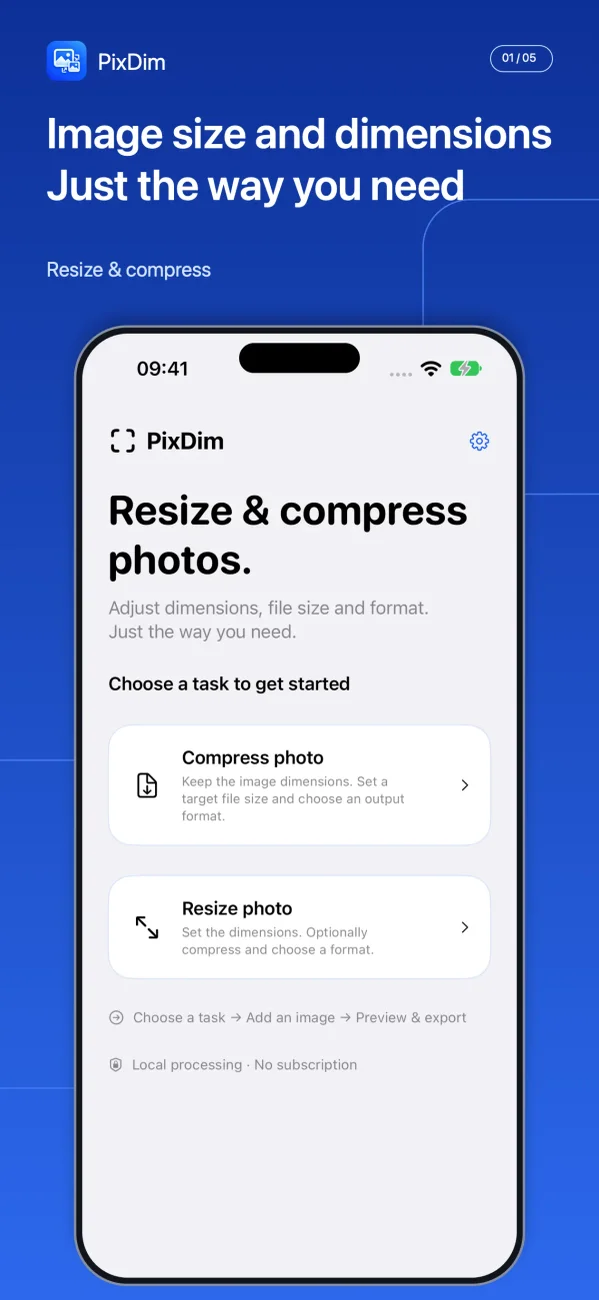
PixDim is a focused photo utility for the times when a picture must fit an exact pixel size or file limit.
Choose Resize or Compress, pick a photo, and set the output you need:
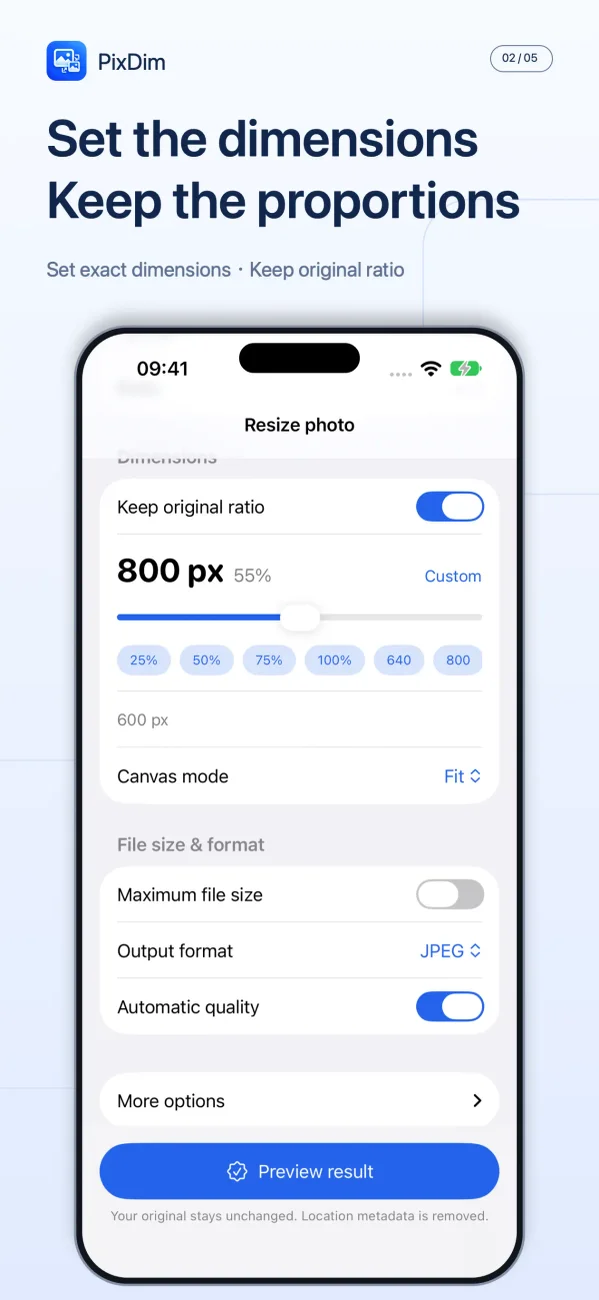
• Exact width and height, with an optional locked aspect ratio
• Fit, Fill or Stretch canvas, with a draggable crop position
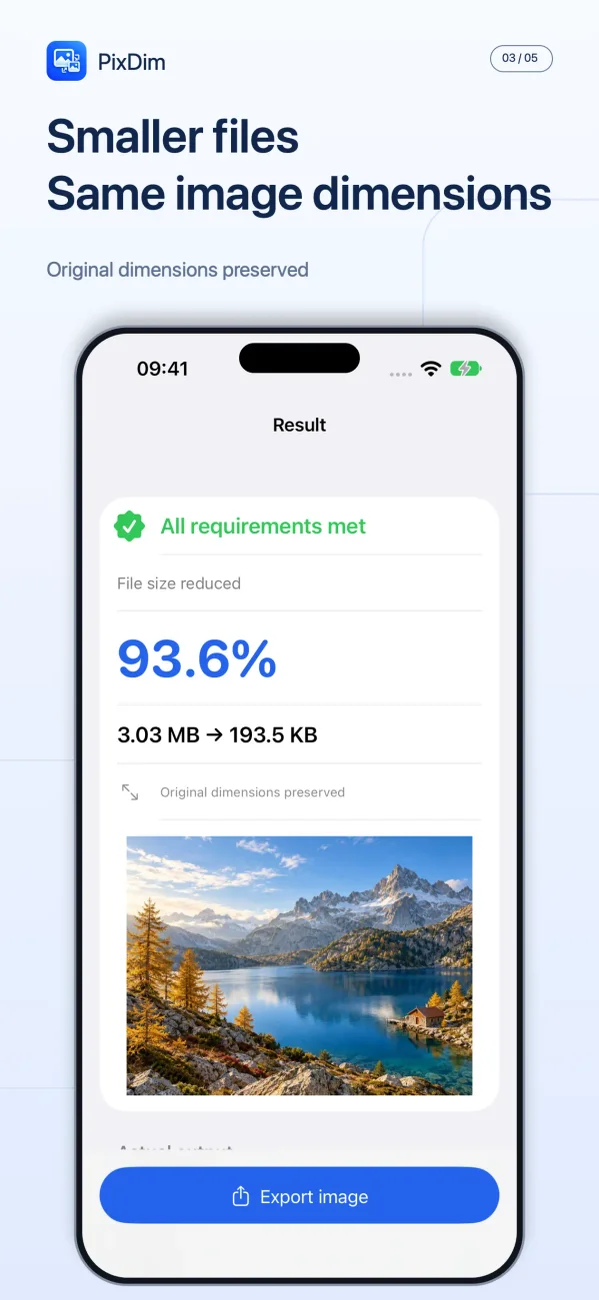
• A target file size in KB or MB, using a real encoding search
• JPEG, PNG or HEIC output where supported
• Solid or transparent backgrounds
• Manual or automatic quality
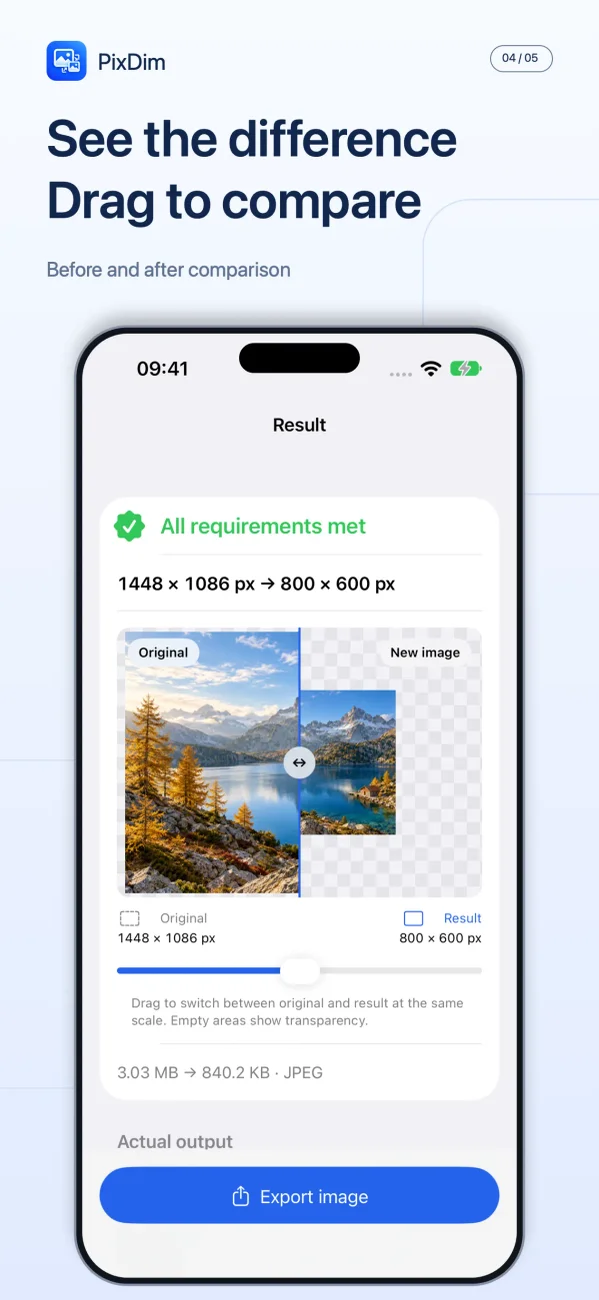
Before exporting, compare the original and result, inspect the actual dimensions, format and file size, and zoom in to check details. PixDim verifies the encoded file instead of estimating the result. If a requested limit cannot be met, it tells you instead of silently changing your dimensions.
Your image is processed on your device, and the output is written without the original EXIF or GPS metadata. PixDim does not upload your photos. Limited product-interaction and purchase analytics help improve the app; see the privacy policy for details.
Processing and preview are free. Export requires a purchase: unlock the current processed result, or buy lifetime access for unlimited single-image exports. No subscription. Lifetime access can be restored with your Apple Account.
PixDim handles one image at a time. It is built for quick, precise exports rather than batch processing. Requires iOS 17 or later.
What’s new
Version 1.02 · Nov 22, 2026
Added photo processing history.
App privacy
What zhentao zhang declares on the App Store about how this app handles data.
-
Data not linked to you
May be collected but is not linked to your identity.
- Usage data
Privacy practices may vary, for example with the features you use or your age.
Information
- Seller
- zhentao zhang
- Category
- Utilities
- Version
- 1.02
- Updated
- Nov 22, 2026
- Released
- Oct 20, 2026
- Size
- 4.9 MB
- Requires
- iOS 17.0 or later
- Age rating
- 4+
- Price
- Free
- In-app purchases
- Yes
- Languages
- English, Arabic, Bengali, Catalan, Croatian, Czech, Danish, Dutch, Filipino, Finnish, French, German + 28 more
- Copyright
- © 2026 SmallToolWorks
You might also like
-
 Image Compressor - CompressKITEasily reduce photo file sizes
-
 Live Wallpaper 4K - HD ThemeLive Wallpapers & Lock Screen
-
 WigglyPaint : Draw Cute PixelDrawing Anim Wiggly Pixel Art
-
 Resize Photo : Compress ImageMake picture file size smaller
-
 Image Converter: JPG PDF PNGHEIC, JPG, PNG, PDF Converter
-
 Brusher・Brushes & Stamps3000+ Tools for Digital Art
-
 Font Generator: FontsyFonts for Instagram & Twitter
-
 Add text on photosImage editing app
-
 Grid Post Pic Collage MakerPhoto Video Collage In Profile