
Pixel Art Animator & Editor
Draw Sprites, Export GIF & MP4
Designed for iPhone, iPad
Free · In-app purchases
- Age rating4+
- CategoryEntertainment
- DeveloperCan Bi
- LanguagesEnglish+ 8 more
- Size35.8 MB
Links to the official App Store page
Download.org hosts no file of Pixel Art Animator & Editor. The button opens its official App Store page, published by Can Bi. Listing last checked on Nov 20, 2026.
Screenshots

About
Create pixel-perfect animations on iPhone, iPad and iPhone Duo. Pixel Art Animator is a frame-by-frame pixel editor with onion skinning, reference images, and exports — fully offline, no account needed.
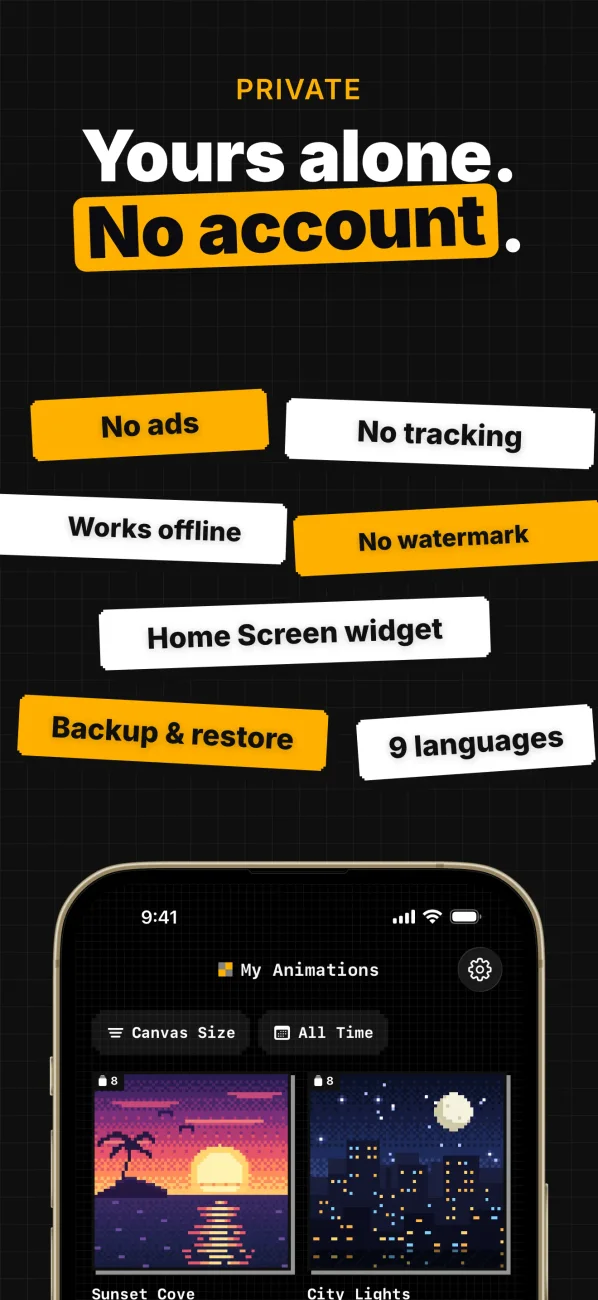
Free to download. No ads. No tracking — ever.
▸ PIXEL-PERFECT DRAWING
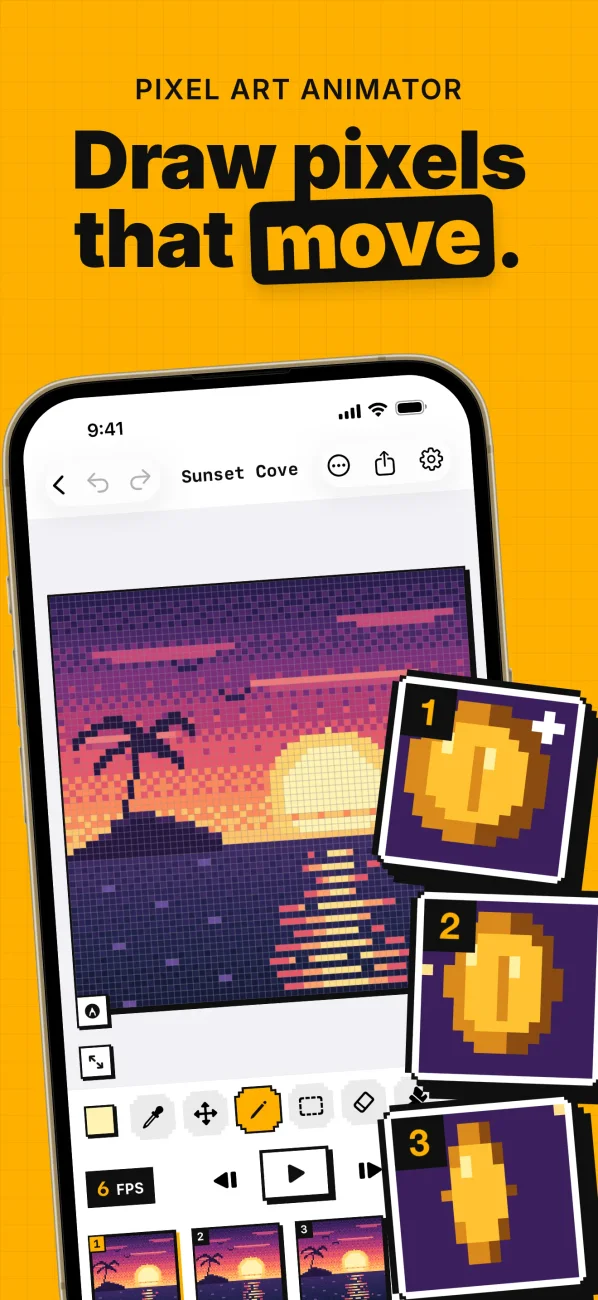
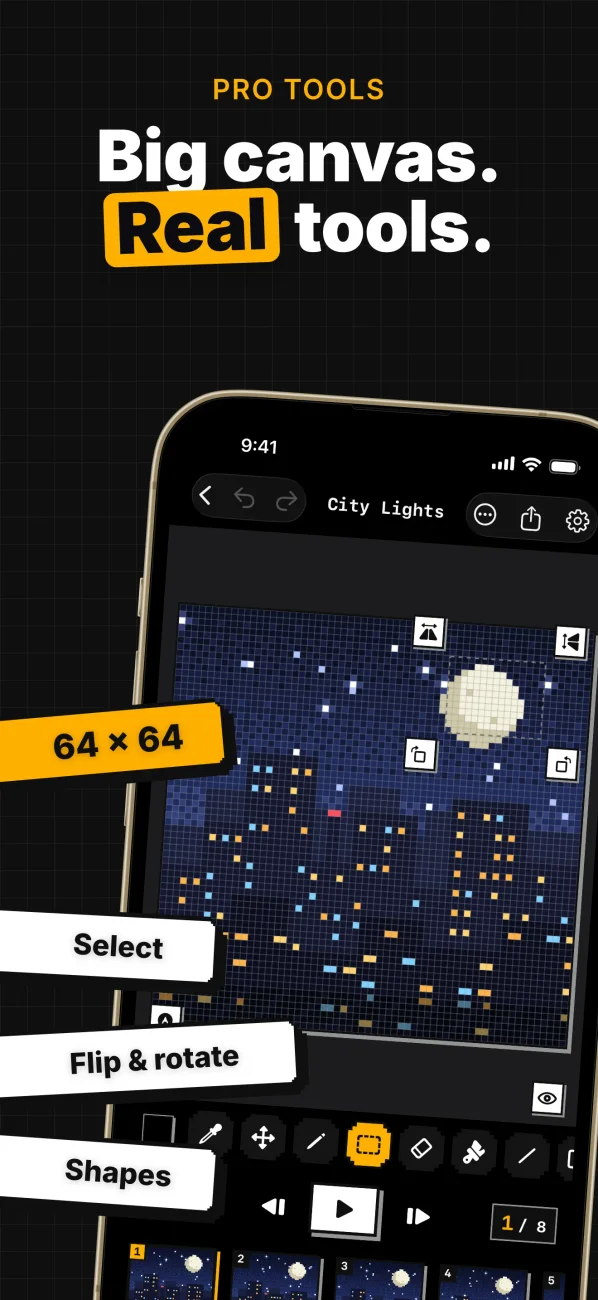
Draw on a pixel grid with Pencil, Eraser, Fill, and Eyedropper (Free). Pro adds Line, Rectangle, Circle, Selection, Move, and Replace Color. Canvas sizes 16×16 and 32×32 (Free); Pro adds 64×64, and 128×128 on iPad.
▸ BIG SCREENS & IPHONE DUO
On iPad and iPhone Duo, your animation list sits beside the canvas. Open the Duo like a book or prop it up on a table; closed, the outer screen works one-handed.
▸ ONION SKINNING
See the previous frame as a translucent overlay while you draw. Free includes onion skin at the default opacity; Pro adjusts opacity from 5% to 50%.
▸ REFERENCE IMAGES (Pro)
Import a reference image, pan, zoom, rotate, and adjust opacity — ideal for tracing and rotoscoping.
▸ FRAME MANAGEMENT
Add, duplicate, reorder, and clear frames. Free projects support up to 6 frames; Pro unlocks up to 256 frames and per-frame background colors.
▸ SMOOTH PLAYBACK
Play at 1–30 FPS with loop preview.
▸ EXPORTS
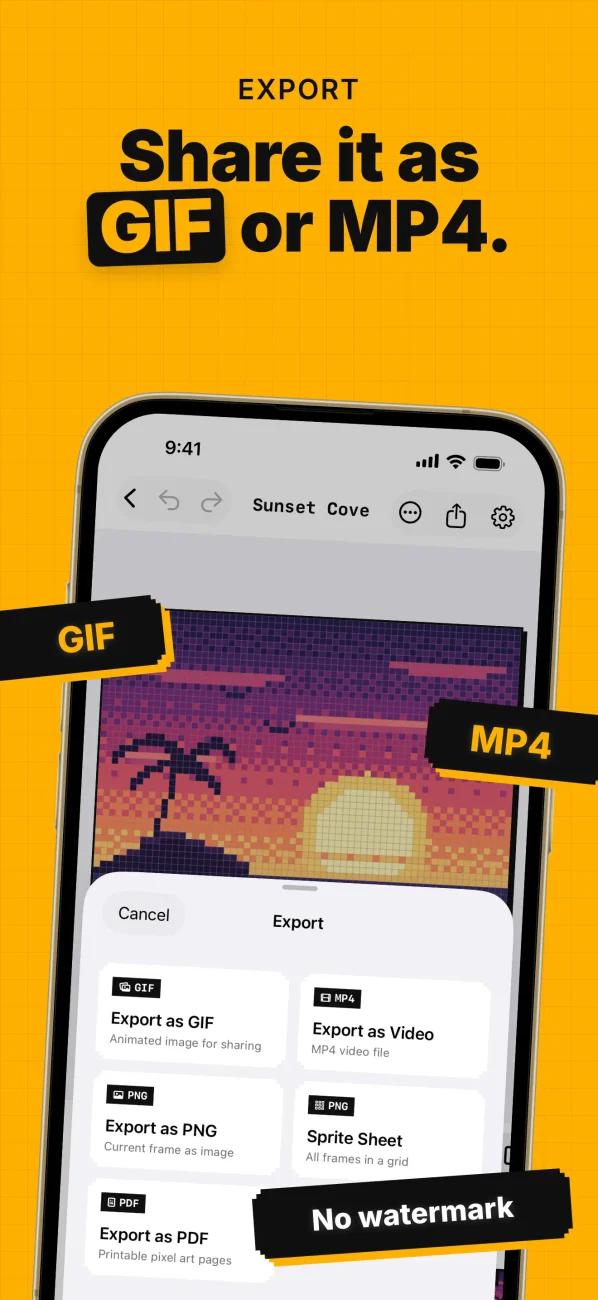
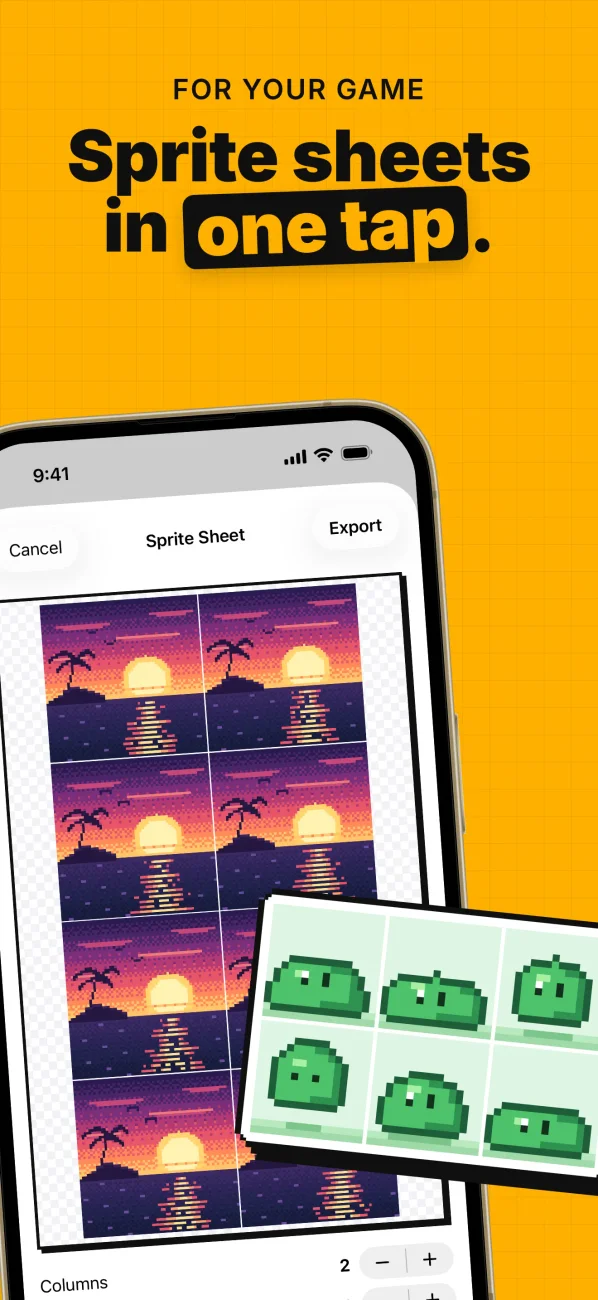
Free: animated GIF and single-frame PNG at 320 px with a small watermark. Pro adds full-quality exports without it, plus MP4 video, sprite sheet, and multi-page PDF.
▸ PROJECTS
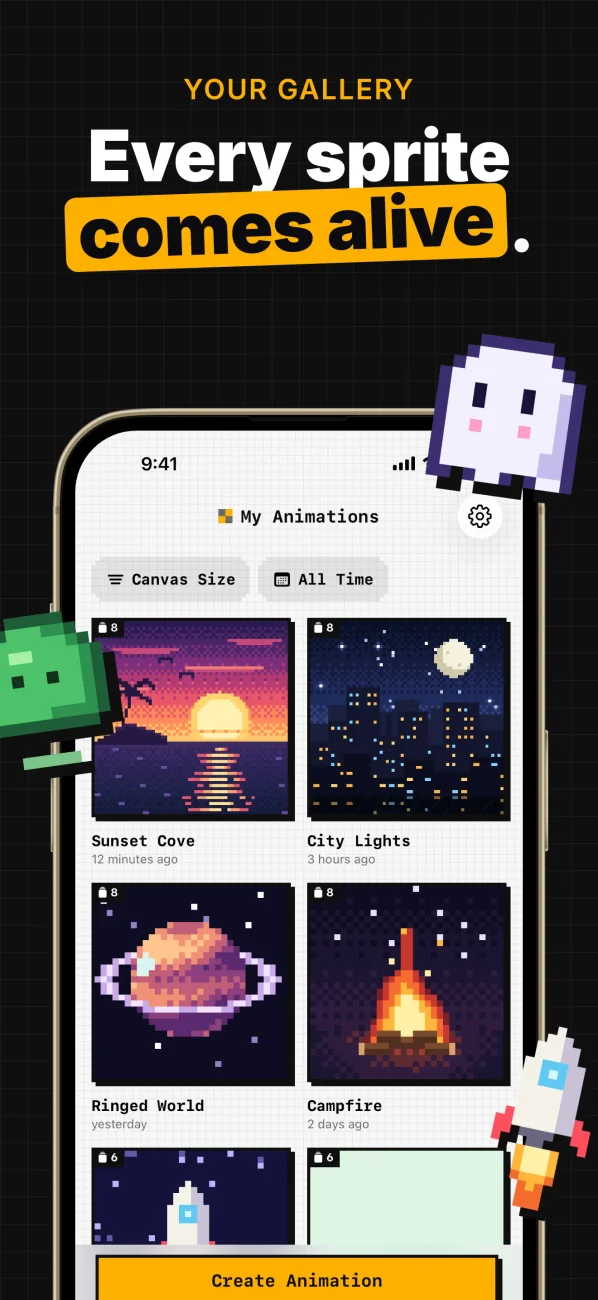
Free: 1 animation project. Pro removes the project cap with search and filter.
▸ HOME SCREEN WIDGET (Pro)
Show your latest pixel animation on your Home Screen.
▸ BACKUP & RESTORE (Pro)
Export and restore your full .pixelart archive.
▸ FULLY OFFLINE & PRIVATE
No account. No cloud. No ads. Your animations stay on your device only.
▸ TRY FREE
Complete a real animation job on Free — draw, preview with onion skin, and export a GIF or PNG.
▸ PRO UNLOCKS THE STUDIO
Larger canvas, pro tools, all exports, no project or frame caps, reference images, backup, and Home Screen widget. Monthly, annual, or lifetime.
Pixel Art Animator is built for pixel artists who value simplicity and privacy. Download now and start animating.
Have feedback? Reach us at support@can.bi
Privacy Policy: https://can.bi/pixelart/privacy
Terms of Use (EULA): https://can.bi/pixelart/terms
What’s new
Version 2.2.0 · Nov 18, 2026
New
• Siri and Shortcuts can now see the drawing on your screen, and Export Drawing works on it.
Improved
• Long exports are safer: Cancel now really stops one, and exports in your other windows are left alone.
• Pixel Art opens faster.
Fixed
• Saving your drawing is more reliable, in the background and when you delete a frame.
• A photo you share to Pixel Art is never imported twice.
Have feedback? Write to support@can.bi
App privacy
What Can Bi declares on the App Store about how this app handles data.
-
Data not collected
The developer does not collect any data from this app.
Privacy practices may vary, for example with the features you use or your age.
Information
- Seller
- Can Bi
- Category
- Entertainment
- Version
- 2.2.0
- Updated
- Nov 18, 2026
- Released
- Mar 24, 2026
- Size
- 35.8 MB
- Requires
- iOS 18.0 or later
- Age rating
- 4+
- Price
- Free
- In-app purchases
- Yes
- Languages
- English, French, German, Japanese, Korean, Portuguese, Simplified Chinese, Spanish, Turkish
- Copyright
- © 2026 Can Bi
You might also like
-
 EcoJar: Fish Tank SimulatorAquarium games, fish simulator
-
 WatchG30Entertainment
-
 THE WORLD SCREENEntertainment
-
 Yes or No: Ask & DecideGentle Guidance
-
 ReefPocket: Aquarium GameFish Tank Widget, Calm & Idle
-
 Widget TankAquarium for your Home Screen
-
 アイカギEntertainment
-
 Color By Number Art: Pixel CatRelaxing Pixel Coloring Book
-
 VideoBookcasePlusEntertainment
-
 Tsugi AnimeStop scrolling, Start watching