Pixel Art Maker - 8 Bit Pixels
Draw sprites, stickers & PNG
Designed for iPhone, iPad
Free · In-app purchases
- Age rating4+
- CategoryEntertainment
- DeveloperSandeep Bhandari
- LanguagesEnglish+ 15 more
- Size13.6 MB
Links to the official App Store page
Download.org hosts no file of Pixel Art Maker - 8 Bit Pixels. The button opens its official App Store page, published by Sandeep Bhandari. Listing last checked on Nov 18, 2026.
Screenshots


About
Make cute pixel art fast without fighting cluttered menus or skipped pixels. Draw a tiny sprite, turn it into a sticker, and share a clean PNG in minutes. Pixel Art Maker - 8 Bit Pixels helps you create pixel art, stickers, and sprite images right on your phone.
FEATURES
Start drawing the moment you open the app with a full-screen canvas and simple floating controls.
Use Pencil, Eraser, Fill, Eyedropper, Line, and Rectangle tools for quick pixel drawing and clean shapes.
Draw fast drag strokes that still fill every pixel so your sprite stays solid and readable.
Mirror your work with Horizontal, Vertical, or Both symmetry for faces, icons, and balanced designs.
Pinch to zoom, pan around the canvas, and tap the zoom pill to jump back to the full view.
Toggle grid lines, then use undo, redo, or optional shake to undo when you want to fix a stroke.
Trace over a reference photo with a light overlay, then clear it with one tap when you are done.
Tap the daily prompt chip to begin a fresh themed canvas when you want an easy idea.
Pick from curated retro palettes like GB-Style 4 Greens, 8-Bit Console 54, C-G-A 16, Home Computer 16, PICO-8, and Sweetie 16.
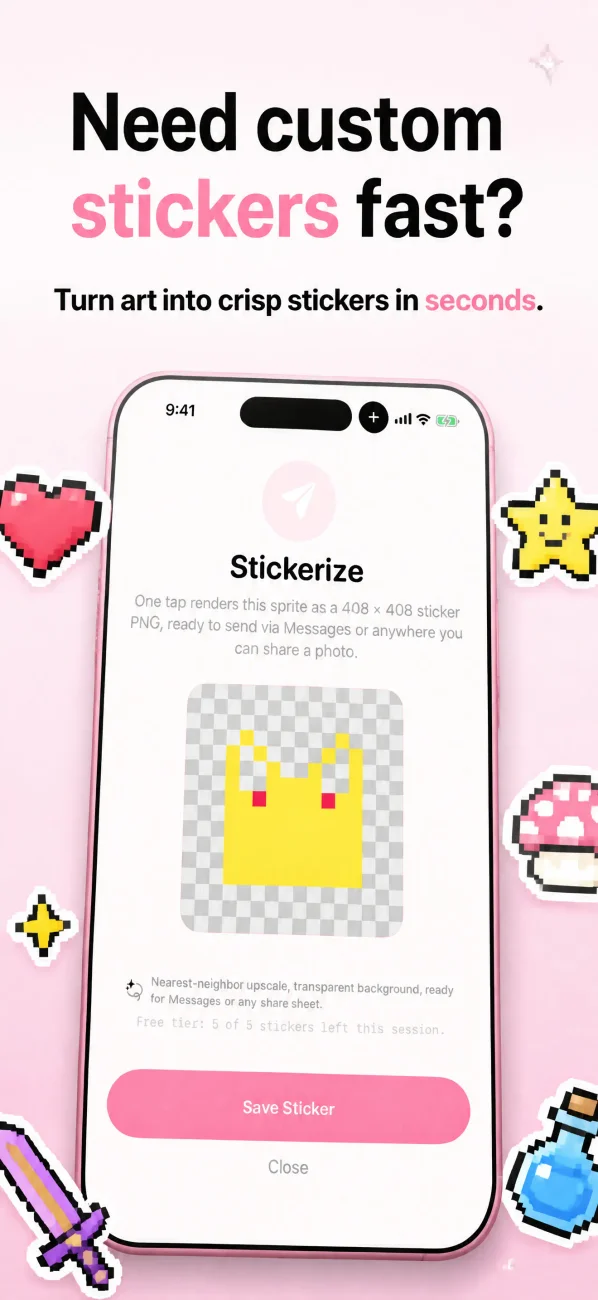
Turn any sprite into a sticker with Stickerize, preview it, save it, and send it with the share sheet.
Export a transparent PNG at several sizes for stickers, thumbnails, mockups, or game art.
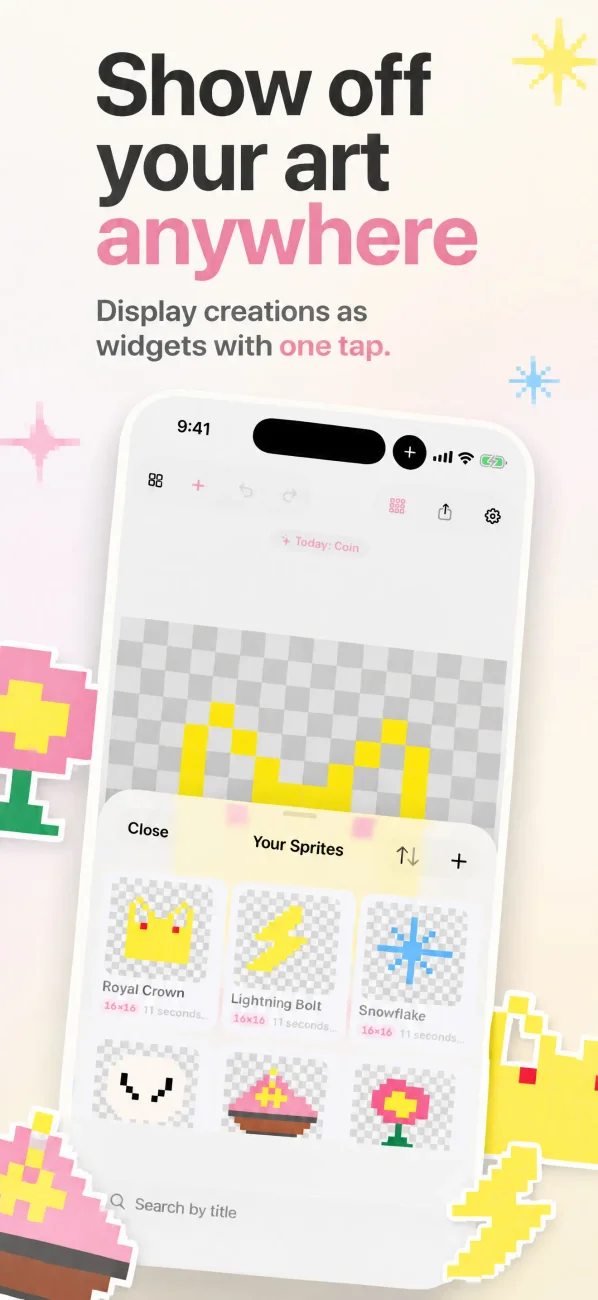
Browse a local gallery with search, sort, rename, duplicate, and delete controls.
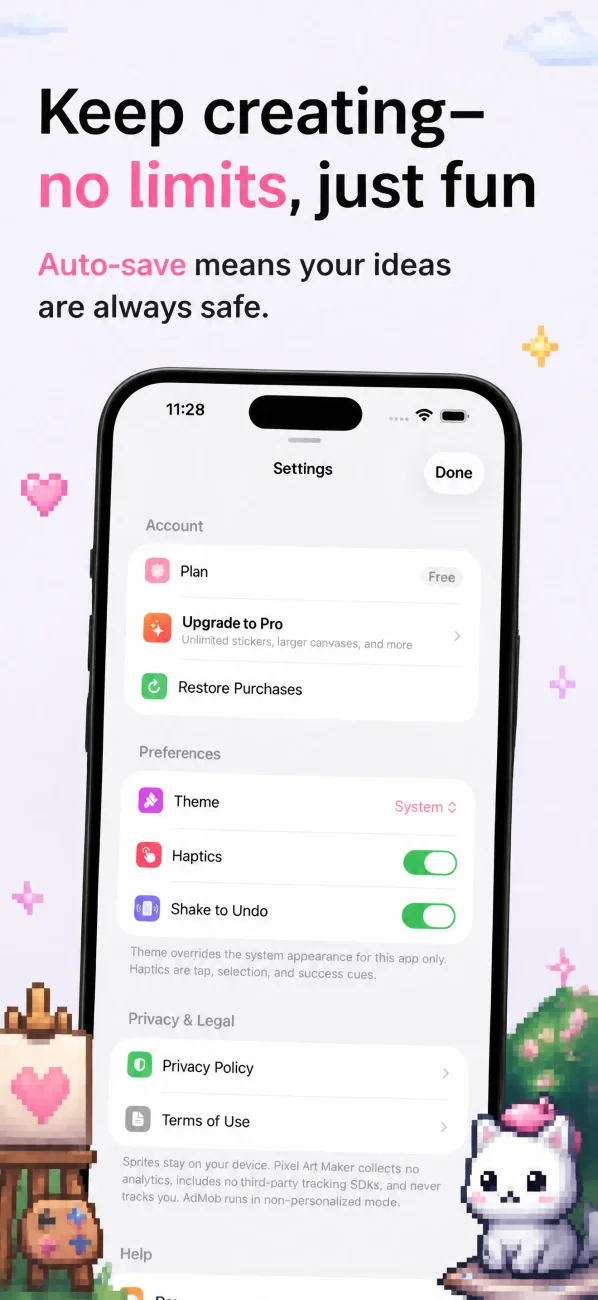
Keep your work automatically saved so your last sprite is waiting when you come back.
Add your latest sticker to your Home Screen or Lock Screen with the Sprite Showcase widget.
Start a fresh 8×8, 16×16, or 32×32 canvas from the Quick Sprite widget.
THE DIFFERENCE
This app stays focused on the canvas, not on setup screens. The tools, palette dock, Stickerize action, export options, and gallery are all built around making a small piece of pixel art quickly and keeping the pixels crisp.
It is especially handy when you want to make a pumpkin sticker before school, sketch a cat sprite on the couch, or rough out a tiny game sprite during lunch. The starter sticker pack also gives you ready-made art to remix, share, and learn from right away.
PERFECT FOR
Making a ghost, heart, star, or other small sticker to send in Messages.
Creating a tiny 8-bit sprite for a mockup or prototype, then exporting a transparent PNG.
Keeping a recent sticker visible on your Home Screen or Lock Screen with the widget.
Opening the most recent sprite to finish last night’s half-done pixel art.
Paid features
Pro adds larger canvas sizes, unlimited Stickerize saves per session, and Vibe Palette, which builds an on-device color set from your prompt or gives you curated palette picks when that option is unavailable.
Photos access is only needed if you choose Save to Photos. Your sprites stay on your device.
Draw your next pixel art, make it a sticker, and share it today.
Terms of Use (EULA) - http://www.apple.com/legal/itunes/appstore/dev/stdeula
What’s new
Version 1.3 · Aug 14, 2026
Bug fixes and enhancements
App privacy
What Sandeep Bhandari declares on the App Store about how this app handles data.
-
Data used to track you
May be used to track you across apps and websites owned by other companies.
- Identifiers
- Usage data
-
Data linked to you
May be collected and linked to your identity.
- Identifiers
- Usage data
-
Data not linked to you
May be collected but is not linked to your identity.
- Diagnostics
Privacy practices may vary, for example with the features you use or your age.
Information
- Seller
- Sandeep Bhandari
- Category
- Entertainment
- Version
- 1.3
- Updated
- Aug 14, 2026
- Released
- Sep 11, 2016
- Size
- 13.6 MB
- Requires
- iOS 26.0 or later
- Age rating
- 4+
- Price
- Free
- In-app purchases
- Yes
- Languages
- English, Arabic, Dutch, French, German, Hindi, Italian, Japanese, Korean, Polish, Portuguese, Russian + 4 more
- Copyright
- © Indrani Solutions
You might also like
-
 8bit Painter - Pixel ArtCreate Fun & Easy Pixel Art
-
 Pixelable - Pixel Art EditorPixel art editor
-
 PixilartCreate pixel art on the go
-
 Countryballs StickersDesign & Share
-
 Divoom: Pixel art communityNo 3rd-party ads pixel editor
-
 Custom Skin CreatorCreate skins for Minecraft
-
 Craft Addons for MCPEAdd-ons & Skins Creator
-
 Animation Creator: Flipbook 2DDraw & Animate Cartoons
-
 Maps AddOns Shaders & SeedsWorlds Textures Skins Creator
-
 Building Mod for Minecraft MapModern house add ons for MCPE