Pixel Art Maker PixelCanvas
Intuitive Pixel Art Creation
Designed for iPhone, iPad
Free · In-app purchases
- Age rating4+
- CategoryGraphics & Design
- DeveloperNotake Shoji
- LanguagesEnglish+ 32 more
- Size8.0 MB
Links to the official App Store page
Download.org hosts no file of Pixel Art Maker PixelCanvas. The button opens its official App Store page, published by Notake Shoji. Listing last checked on Nov 20, 2026.
Screenshots

About
Create pixel art with ease.
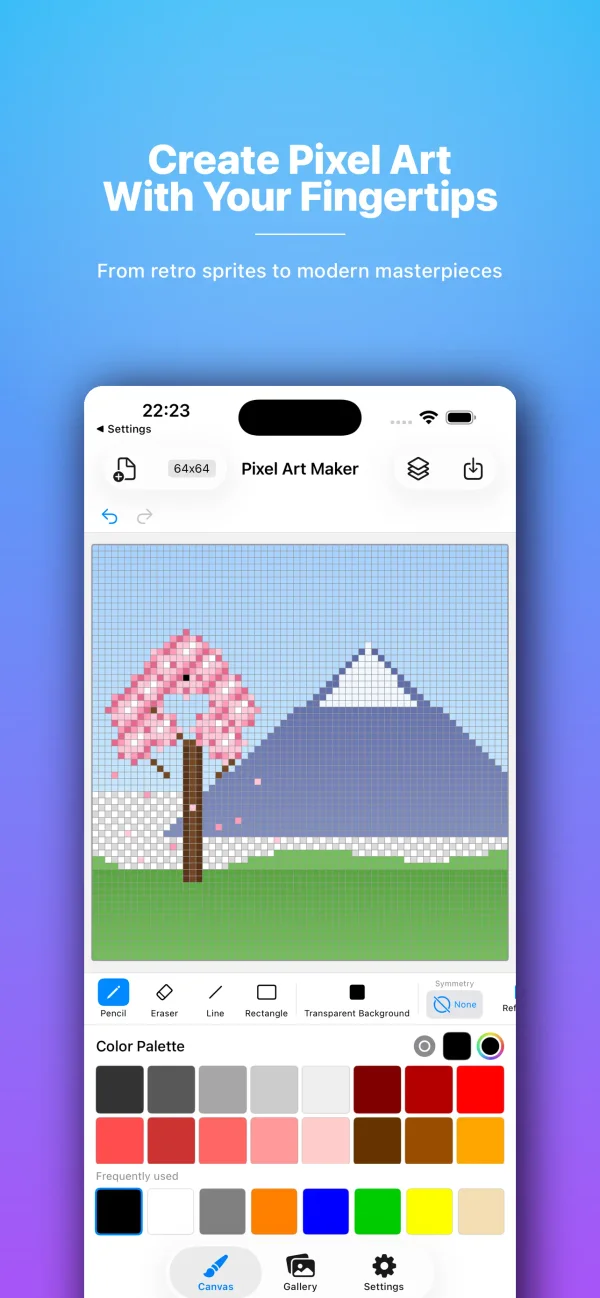
Pixel Art Maker PixelCanvas is a pixel art editor that lets you draw on grids from 8x8 to 128x128. With 5 drawing tools, a 64-color palette, and up to 3 layers, you can create everything from retro game sprites to modern pixel art.
FLEXIBLE CANVAS SIZES
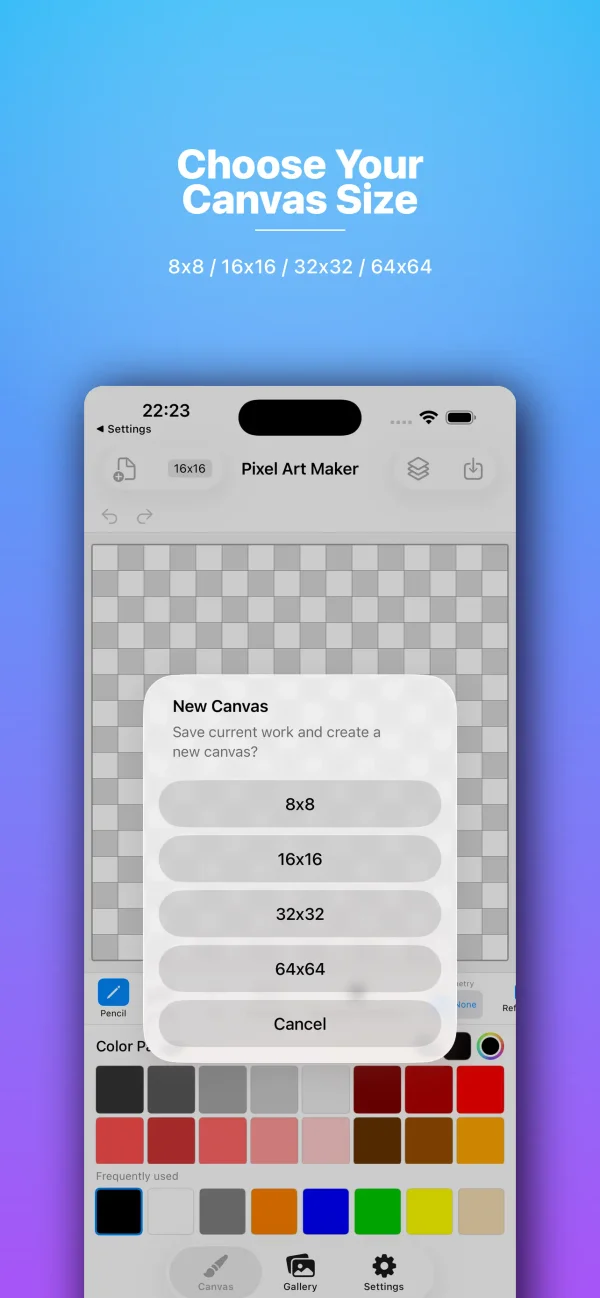
Choose from 8x8, 16x16, 32x32, 64x64, or 128x128 grids (128x128 is unlockable). Pick the right size for tiny icons or detailed pixel art.
5 DRAWING TOOLS
Pencil, eraser, flood fill, line, and rectangle tools. Intuitive controls let you draw exactly what you envision.
COLOR PALETTE
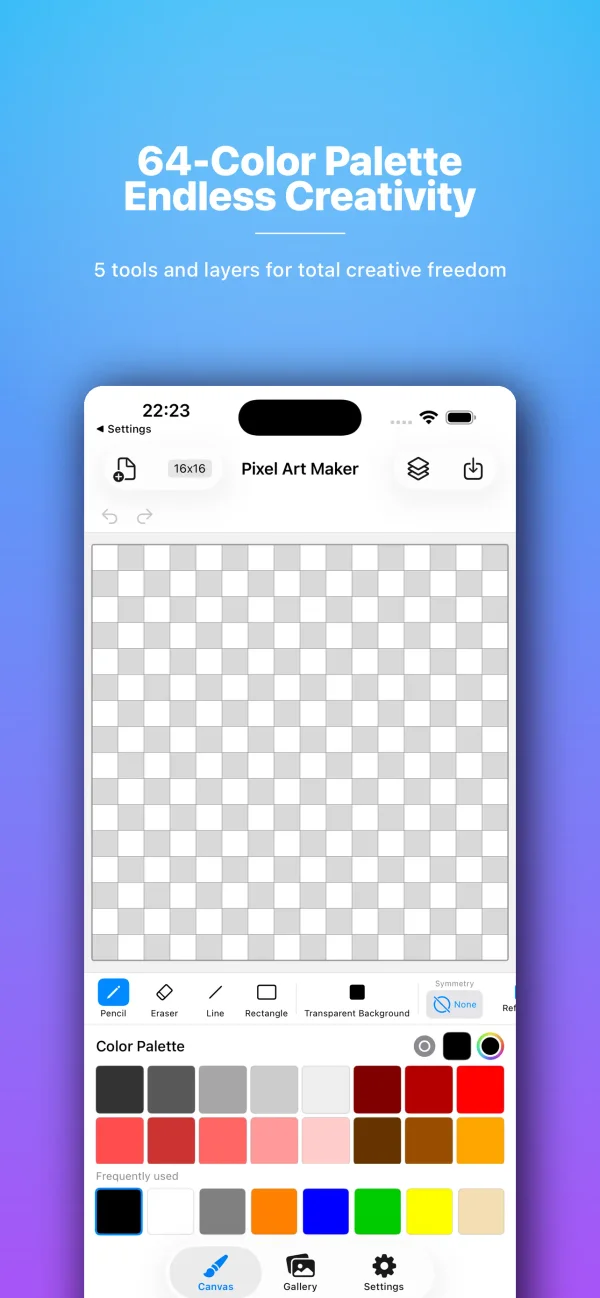
64 built-in colors plus custom color support. Find the perfect shade for your creations.
LAYER SUPPORT
Up to 3 layers for separating elements like backgrounds and characters. Enables professional pixel art workflows.
SYMMETRY MODES
Horizontal and vertical mirror modes for efficient symmetric designs. Perfect for characters and patterns.
TRANSPARENT PNG EXPORT
Export finished art as transparent PNG files with adjustable scale. Use them as stickers, icons, social media avatars, and more.
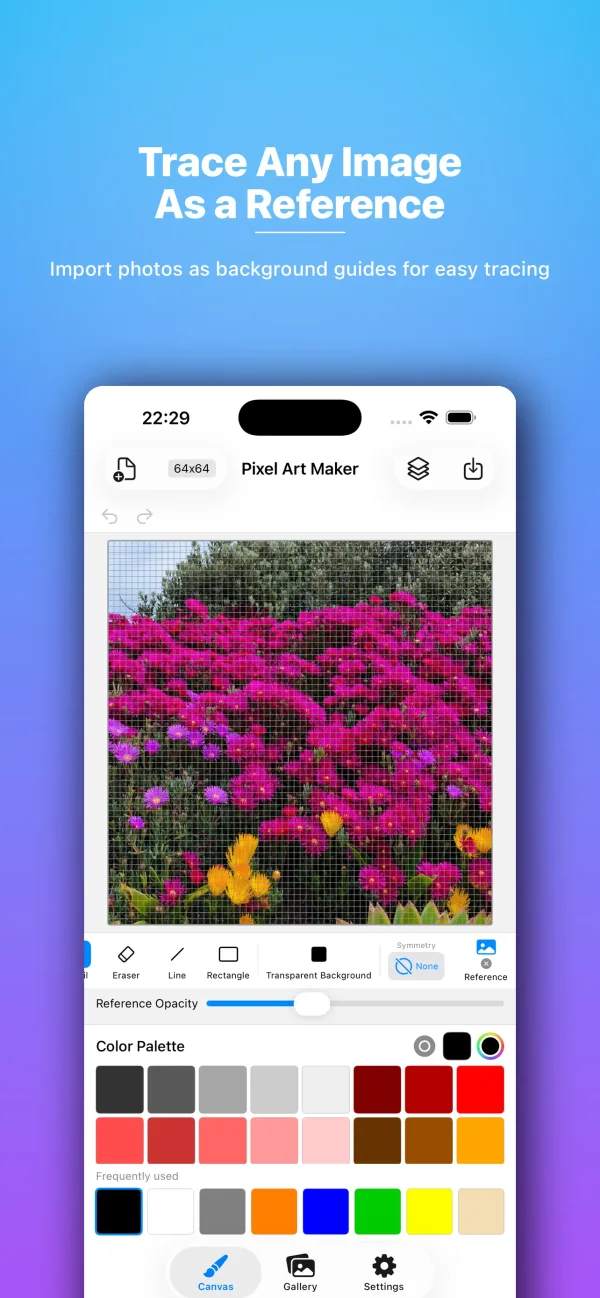
REFERENCE IMAGE IMPORT
Import images as underlays for tracing. Easily convert your favorite illustrations into pixel art.
GALLERY MANAGEMENT
Save your artwork to the gallery for easy access, editing, and sharing.
PINCH ZOOM & PAN
Two-finger zoom and pan for precise dot placement on any canvas size.
What’s new
Version 1.3.1 · Oct 22, 2026
• Improved privacy consent checks before showing ads to honor your consent settings even when connection errors occur.
• Features, saved artwork and data, and purchases remain unchanged.
App privacy
What Notake Shoji declares on the App Store about how this app handles data.
-
Data used to track you
May be used to track you across apps and websites owned by other companies.
- Identifiers
- Usage data
-
Data not linked to you
May be collected but is not linked to your identity.
- Identifiers
- Usage data
Privacy practices may vary, for example with the features you use or your age.
Information
- Seller
- Notake Shoji
- Category
- Graphics & Design
- Version
- 1.3.1
- Updated
- Oct 22, 2026
- Released
- Feb 24, 2026
- Size
- 8.0 MB
- Requires
- iOS 16.0 or later
- Age rating
- 4+
- Price
- Free
- In-app purchases
- Yes
- Languages
- English, Arabic, Catalan, Croatian, Czech, Danish, Dutch, Finnish, French, German, Greek, Hebrew + 21 more
- Copyright
- © 2026 Sorairo App Works
You might also like
-
 PxPad: Pixel Art Maker StudioDrawing Pad & Sprite Editor
-
 Pixelome: Draw It. Animate It.Create Pixel Art That Moves
-
 Pixel Art & GIF MakerDraw dots and animate GIFs
-
 Pixel Art DevSmall canvas size pixel art
-
 Pixel Art Creator PixeeCreate & Edit Pixel Art
-
 Dot Canvas - Pixel Art MakerTrace, draw, and export pixels
-
 Picotap: Pixel Art & AnimationLearn, Draw & Animate Sprites
-
 Pixel Art Maker - AnywhereGraphics & Design
-
 Simple Pixel Art MakerDraw pixel art with layers
-
 Draw Pixel: Pixel Art CanvasCreate your pixel art now!