
- Age rating4+
- CategoryUtilities
- DeveloperDimitry van den Berg
- LanguagesEnglish
- Size1.4 MB
Links to the official App Store page
Download.org hosts no file of Pixel Clock Pixel. The button opens its official App Store page, published by Dimitry van den Berg. Listing last checked on Nov 17, 2026.
Screenshots
About
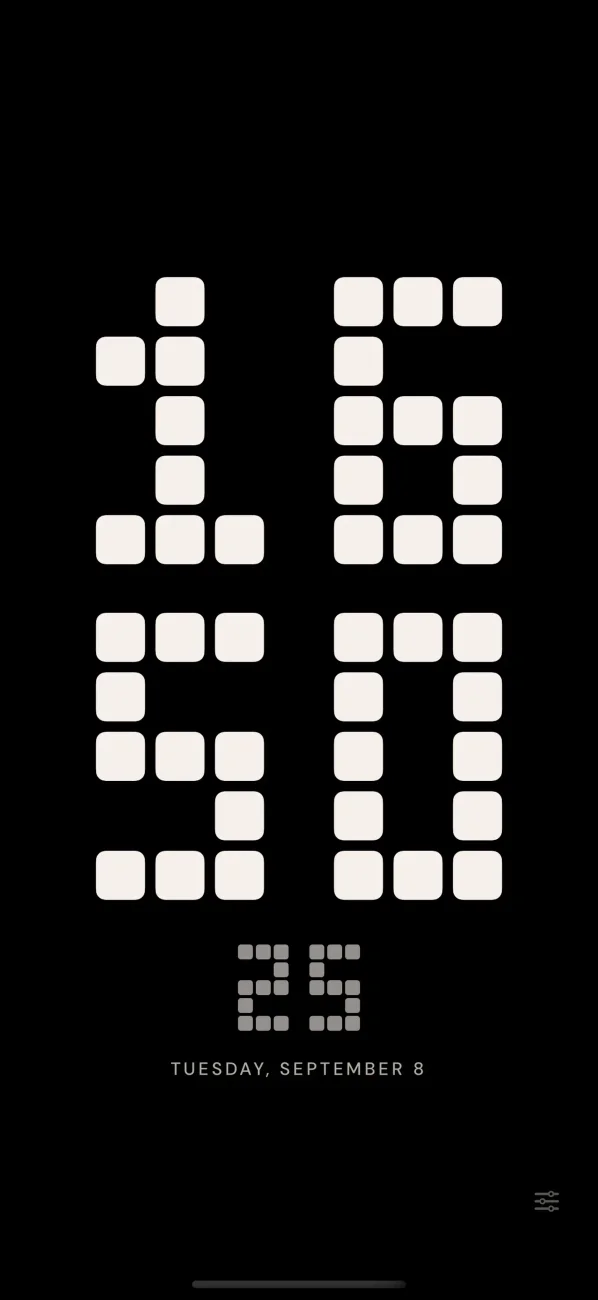
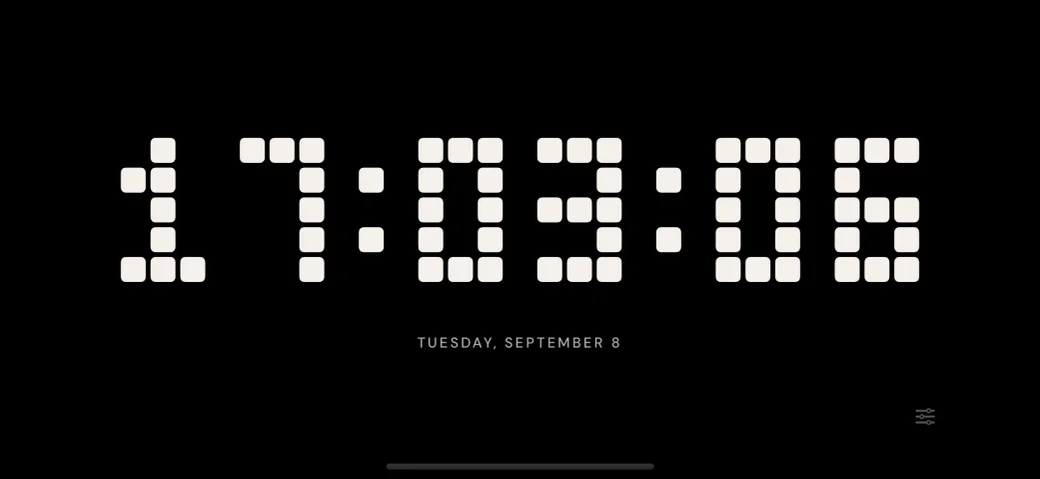
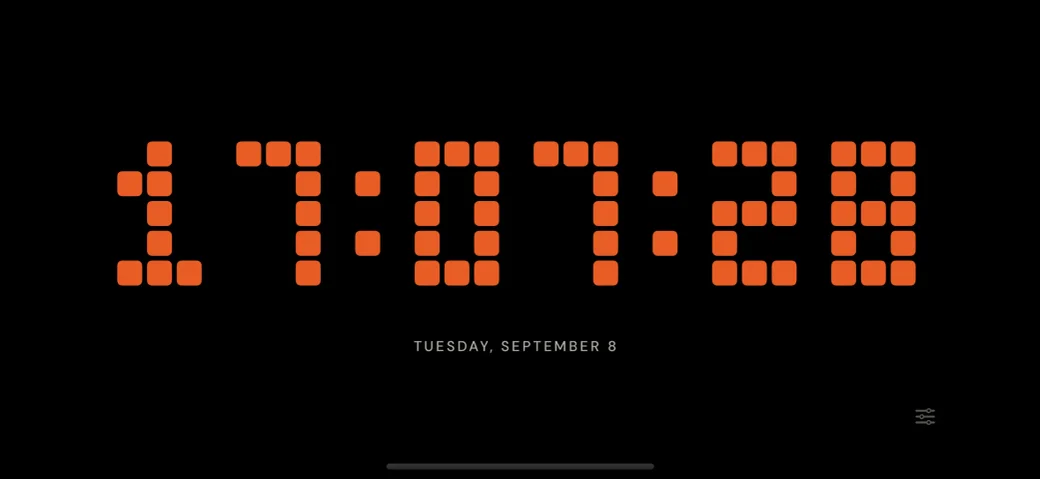
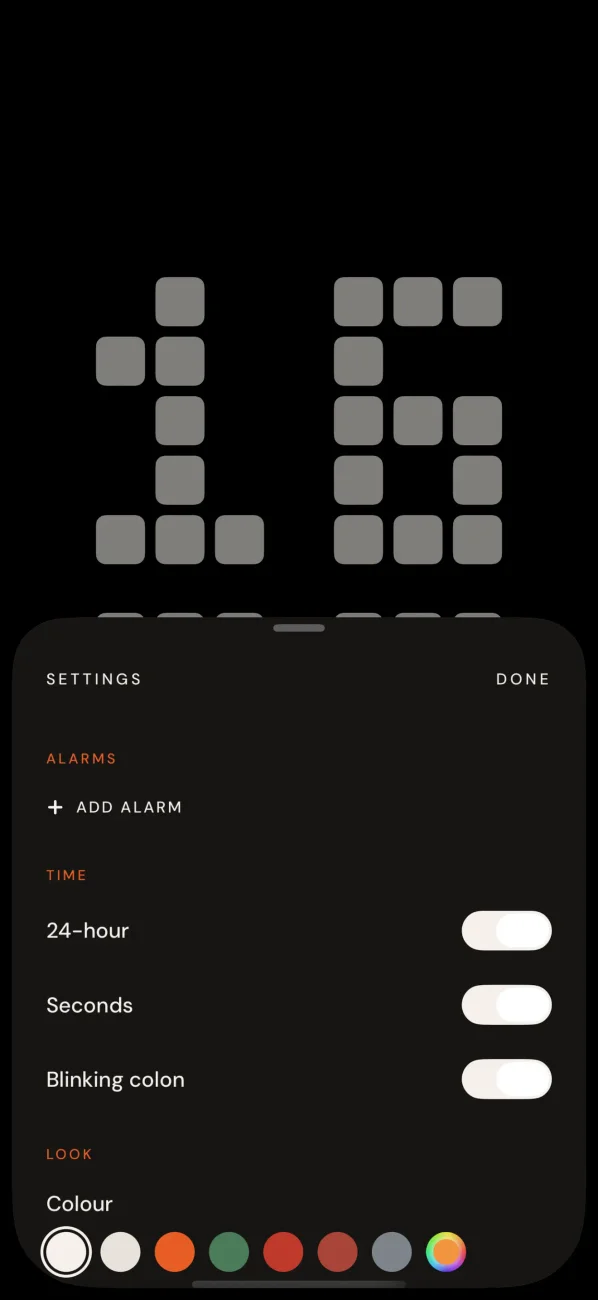
Pixel Clock is a nightstand clock drawn pixel by pixel. Big digits, a black background that stays black on OLED, and dimming that goes far lower than the screen itself.
FEATURES
• Pixel digits that fill the screen, on iPhone and iPad, upright or on its side
• Swipe up or down to dim, all the way down to a faint glow
• Double tap for ember mode: only the digits, as dark as it gets
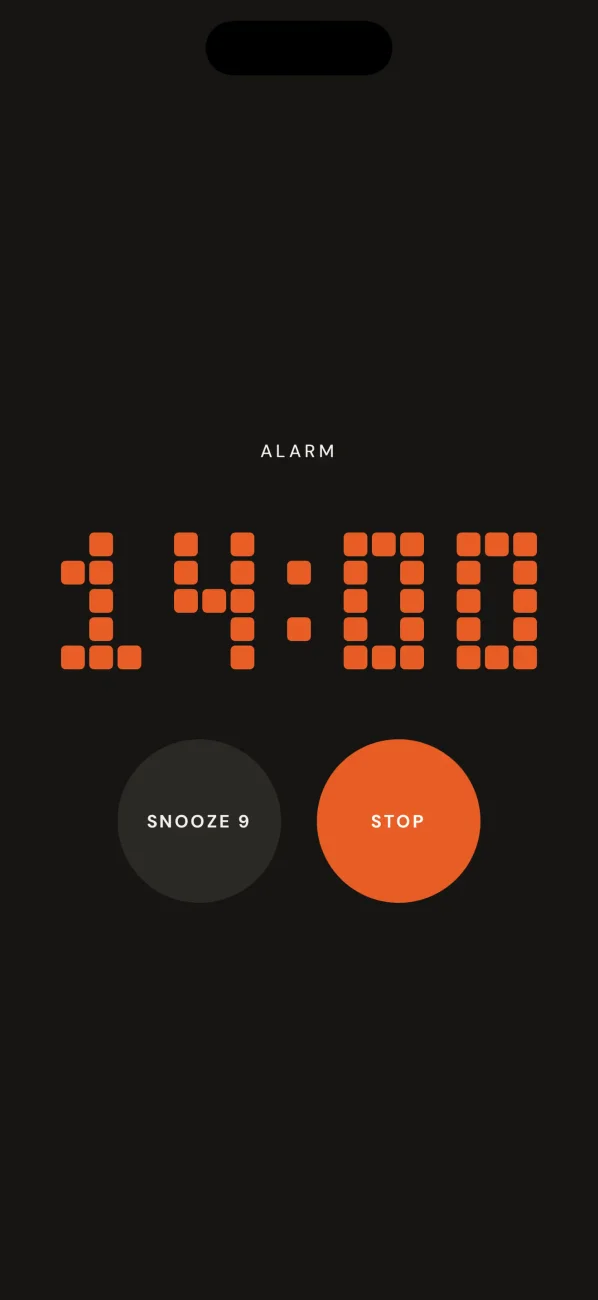
• Alarms with weekdays, a slow sunrise before they ring, and snooze
• Seven colours plus any colour you like; light, dark or pure black background
• Tap for the date, the next alarm and the battery
• A few pixels fall from the digits on the hour
• A StandBy widget for when your phone charges on its side
• No account, no ads, no tracking
ALARMS
The alarm rings with a soft chime while Pixel Clock is on screen. A notification is scheduled as a backup for when it is not.
App privacy
What Dimitry van den Berg declares on the App Store about how this app handles data.
-
Data not collected
The developer does not collect any data from this app.
Privacy practices may vary, for example with the features you use or your age.
Information
- Seller
- Dimitry van den Berg
- Category
- Utilities
- Version
- 1.0
- Updated
- Sep 10, 2026
- Released
- Sep 10, 2026
- Size
- 1.4 MB
- Requires
- iOS 17.0 or later
- Age rating
- 4+
- Price
- Free
- Languages
- English
- Copyright
- © 2026 Dimitry van den Berg
You might also like
-
 Scheme: Themes & WidgetsMinimal home screen wallpapers
-
 Just Nice ClockUtilities
-
 Tiqlo: Pixel Flip ClockDesk Display for Focus & Night
-
 The ArtclockUtilities
-
 Blaupunkt GTD 1406AUtilities
-
 Hourglass: 3D Sand TimerTilt. Flip. Take a moment.
-
 Bathyal: Spiral Water ClockLiving widget & watch face
-
 DecimaTime keeper app
-
 AllyClockFullscreen clock, world time
-
 Lumitron: Fullscreen ClockNo Status Bar. No System UI