Pixel Painter
with Various Pixel Styles
Designed for iPhone, iPad, iPod touch
Free · In-app purchases
- Age rating4+
- CategoryGraphics & Design
- Developer光建 张
- LanguagesEnglish+ 1 more
- Size2.6 MB
Links to the official App Store page
Download.org hosts no file of Pixel Painter. The button opens its official App Store page, published by 光建 张. Listing last checked on Nov 12, 2026.
Screenshots
About
Create pixel art with various pixel styles.
Pixel Painter is an easy to use pixel art editor, with these main features:
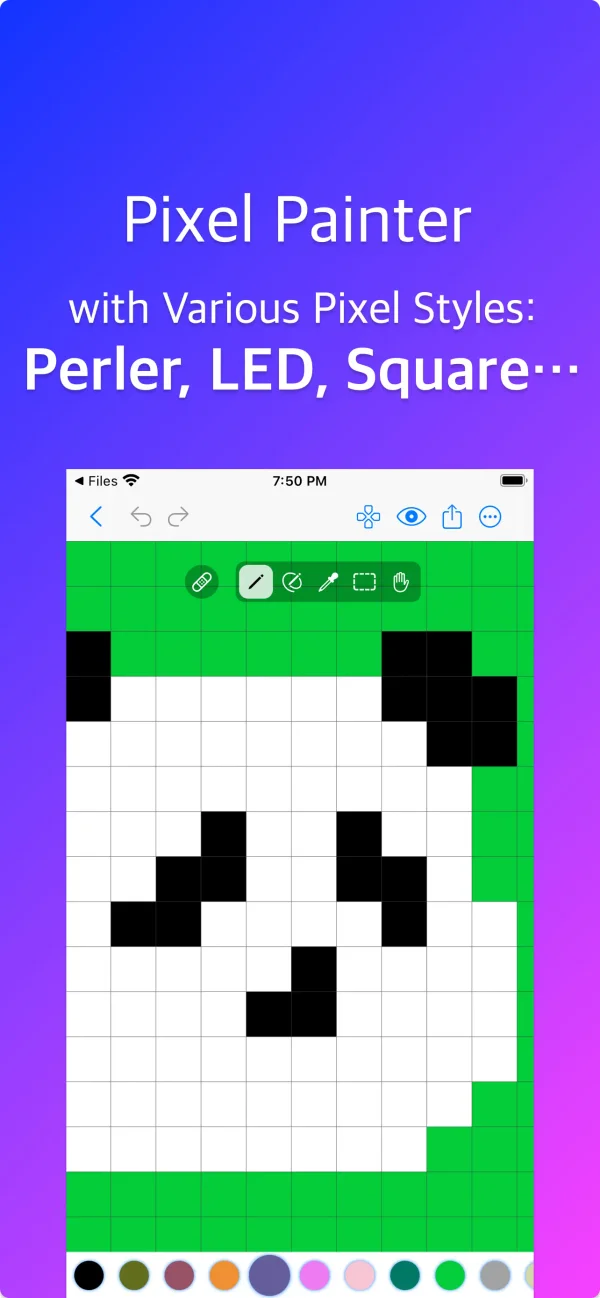
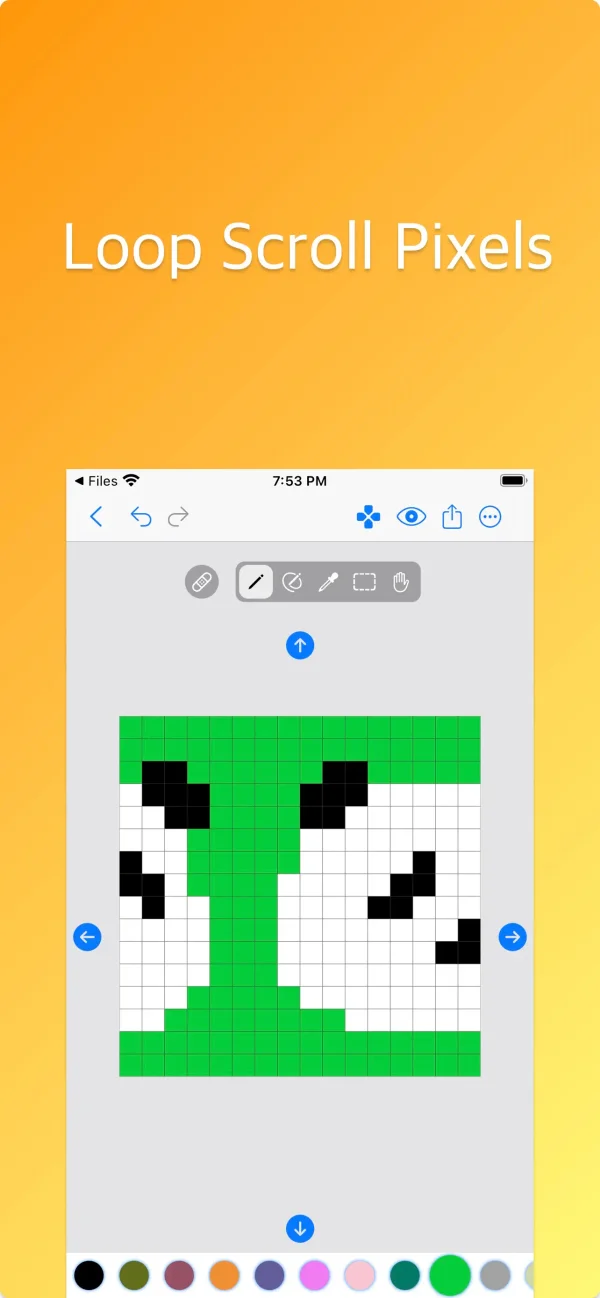
• Basic Tools: pencil tool, block tool, color bucket tool, selection tool, eyedropper tool, scroll tool.
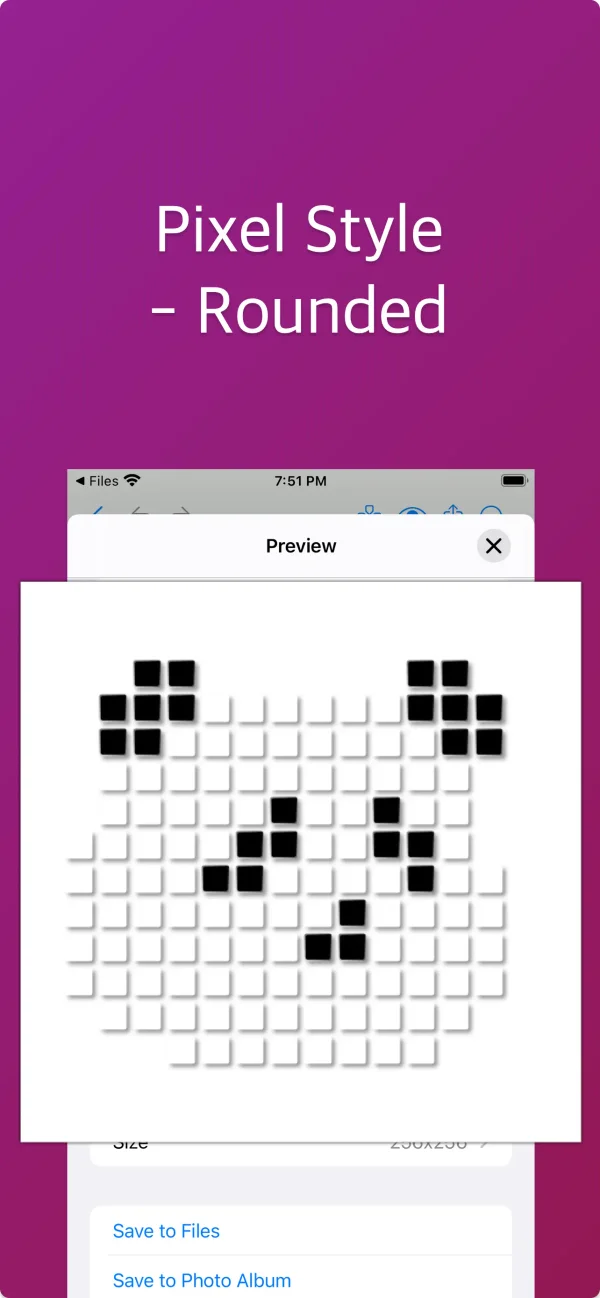
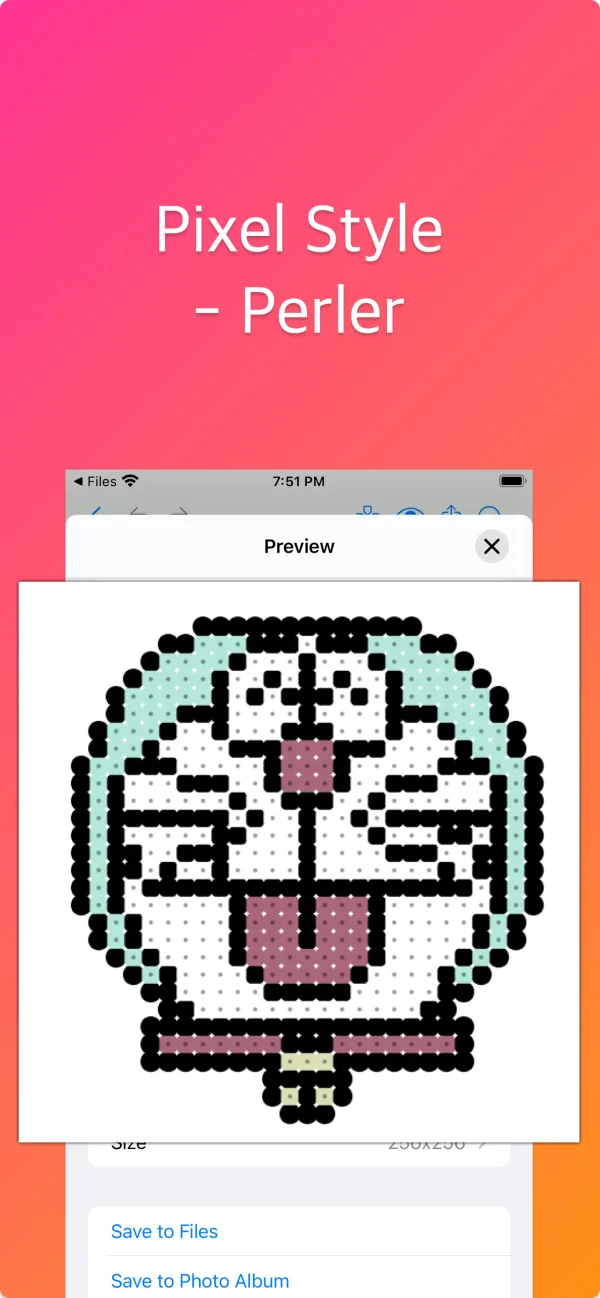
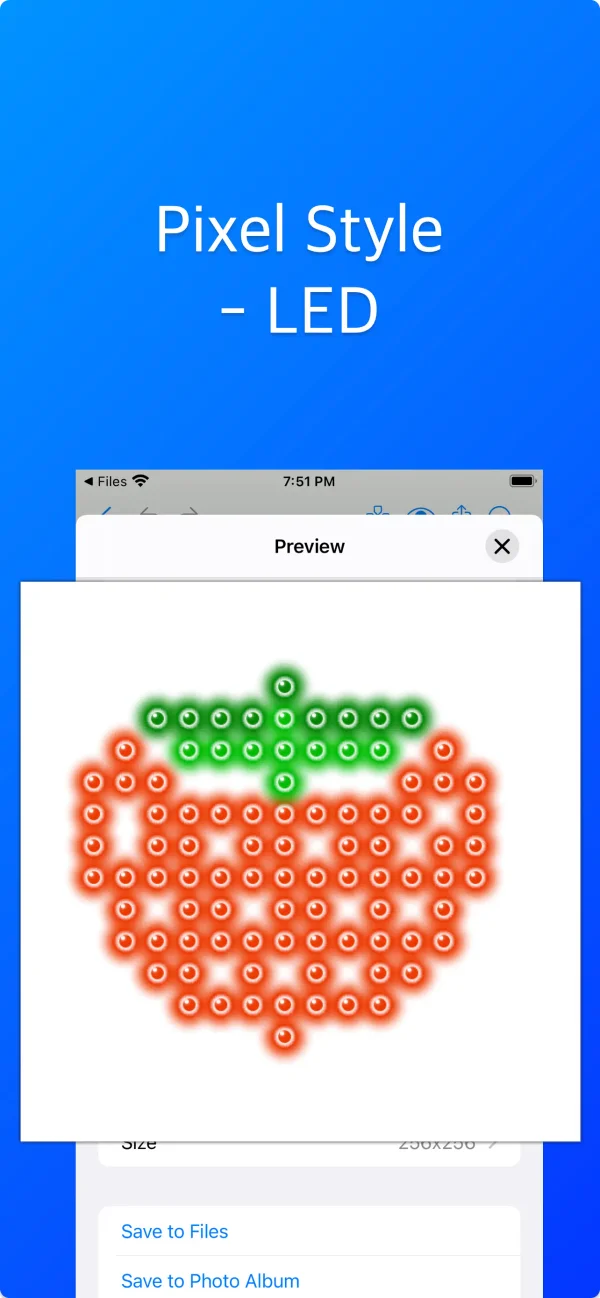
• Pixel Styles: apply a style to pixels when export, such as perler, circle, square.
• Erase Mode: in this mode, pencil, block tool and color bucket tool are used to clear colors.
• Selection: crop to selection, duplicate selected pixels, or remove selected pixels.
• Scrollable Canvas: the canvas is scrollable, which allow you create repeatedly patterns more easier.
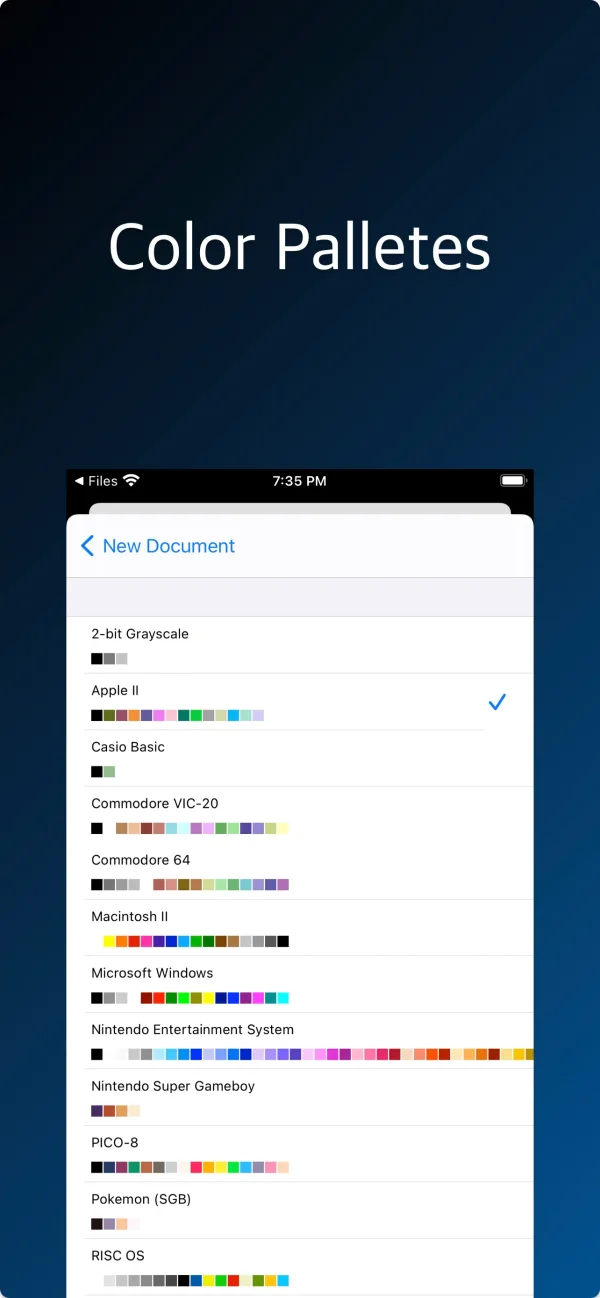
• Color Palette: select a builtin color palette, then customize it if you like.
• Downsample/Upsample pixels to get less/more pixels.
If you have any questions, please contact me at email: arrowgraphics@icloud.com
What’s new
Version 1.4 · Jun 10, 2025
Bug fixes.
App privacy
What 光建 张 declares on the App Store about how this app handles data.
-
Data not collected
The developer does not collect any data from this app.
Privacy practices may vary, for example with the features you use or your age.
Information
- Seller
- 光建 张
- Category
- Graphics & Design
- Version
- 1.4
- Updated
- Jun 10, 2025
- Released
- Aug 8, 2021
- Size
- 2.6 MB
- Requires
- iOS 14.1 or later
- Age rating
- 4+
- Price
- Free
- In-app purchases
- Yes
- Languages
- English, Simplified Chinese
- Copyright
- © 2021 Guangjian Zhang
You might also like
-
 Pixel Paint (Ape Apps)Graphics & Design
-
 Pixel Painter : Pixel ArtSo easy pixel editor
-
 Pixelverse: Pixel Art MakerPhoto Pixelizer & Multi-size
-
 Pixel Art KitRetro low-res Sprite Drawing
-
 Pixator: Pixel Art & VideoPhoto to 8-bit, GIF & Sprites
-
 Pixel art maker - InkticaSprite and texture maker
-
 Pixel Art Studio for drawingCreator, Editor, Canvas
-
 PixelPencil - Pixel art editorGraphics & Design
-
 Pixen - pixel art editorHandcrafted pixel art editor
-
 Stitcher Pixel ArtCross-stitch pattern canvas