
- Age rating4+
- CategoryGraphics & Design
- DeveloperSoyoun Kim
- LanguagesEnglish
- Size22.4 MB
Links to the official App Store page
Download.org hosts no file of Pixel Pow. The button opens its official App Store page, published by Soyoun Kim. Listing last checked on Nov 22, 2026.
Screenshots
About
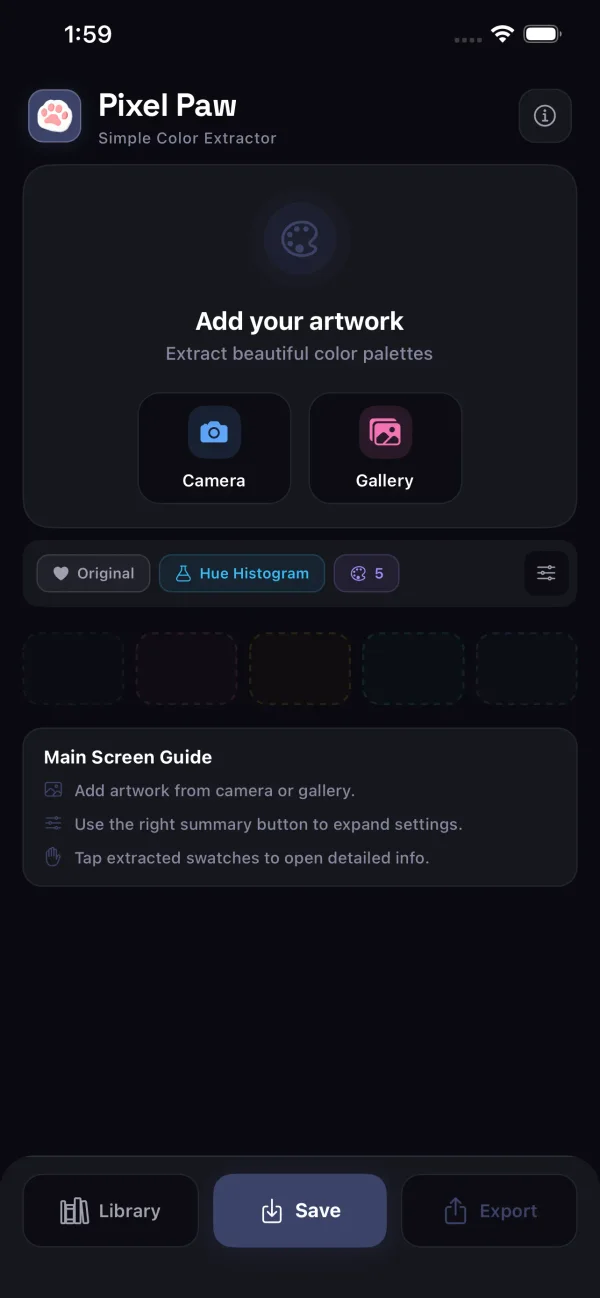
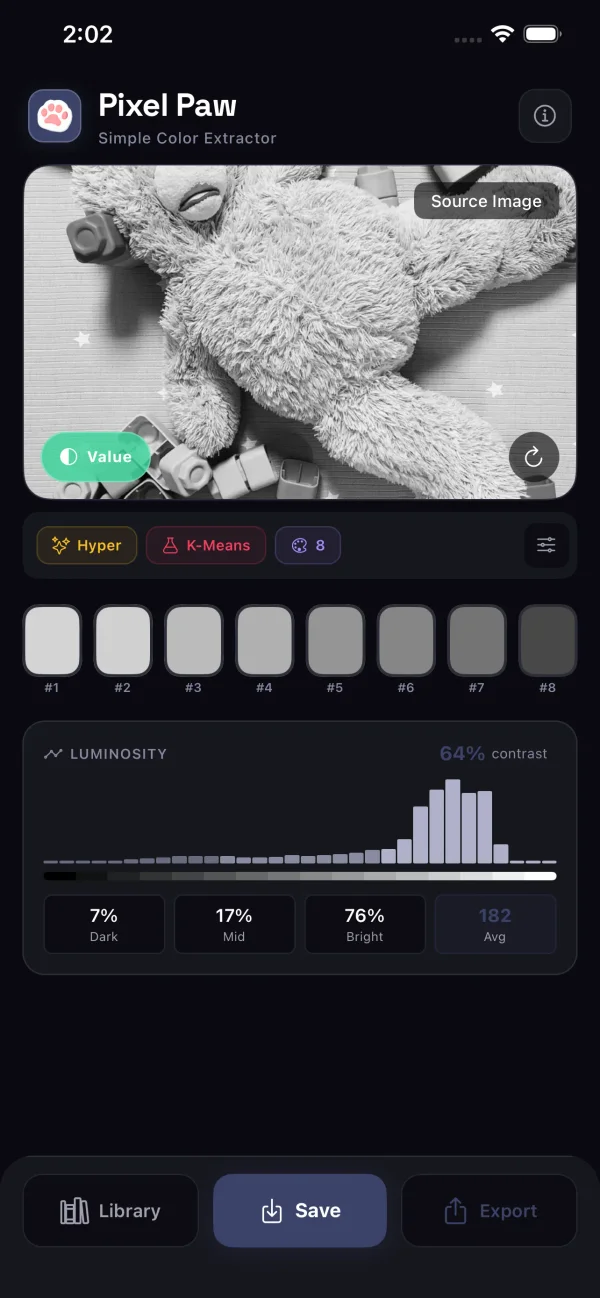
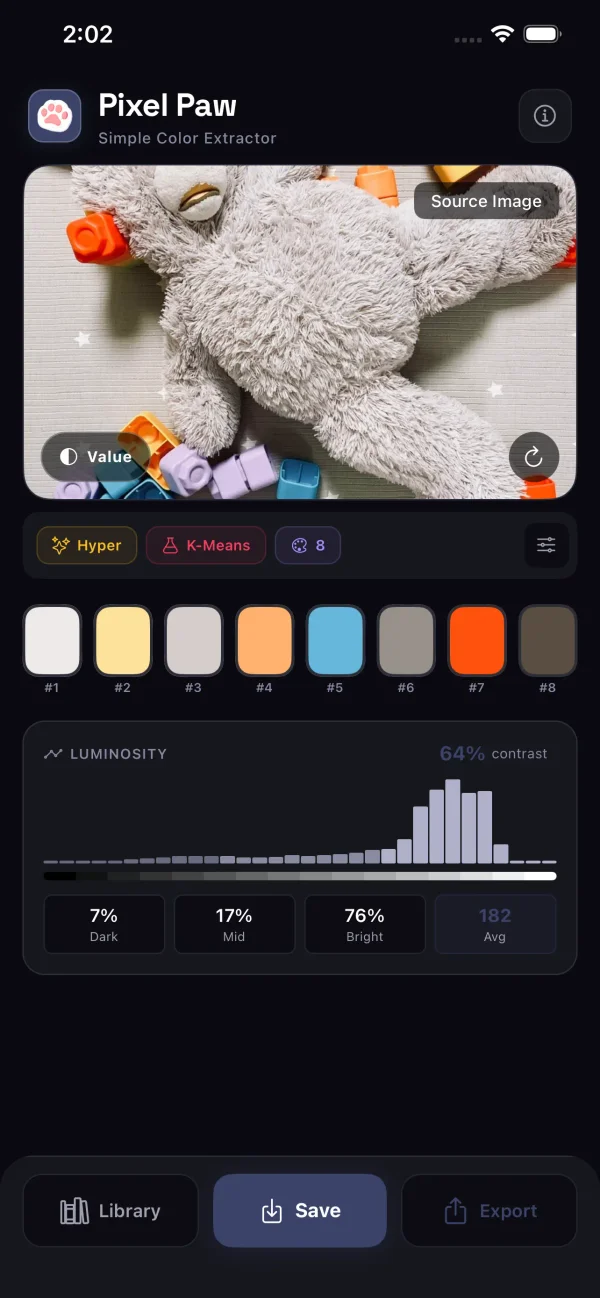
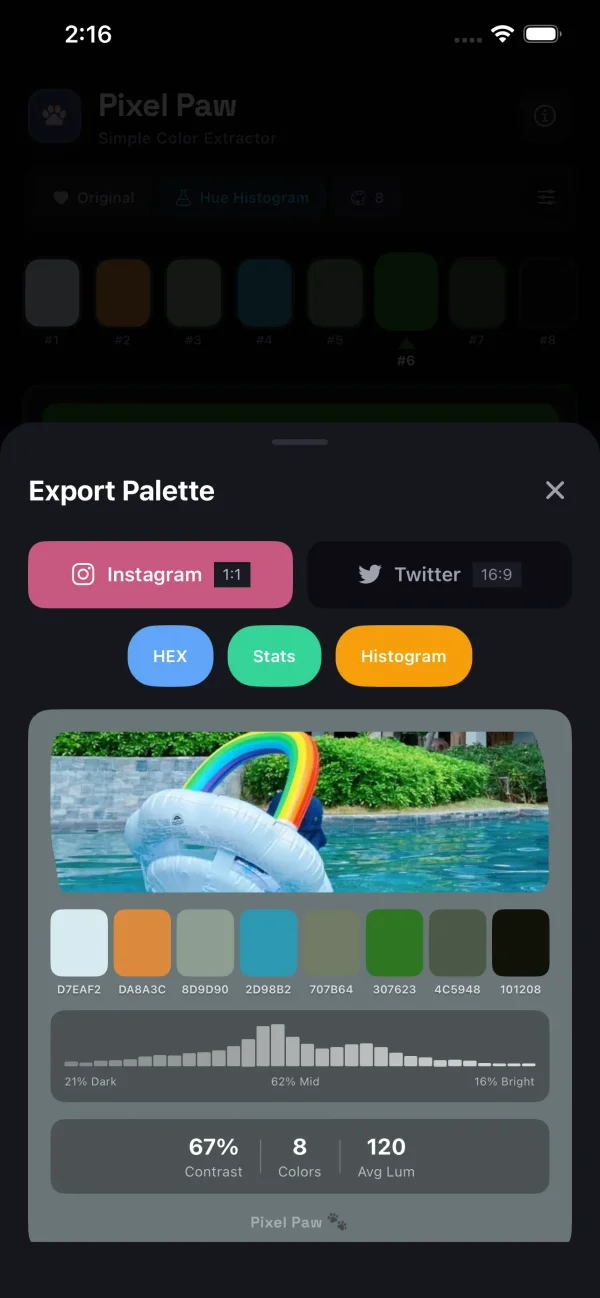
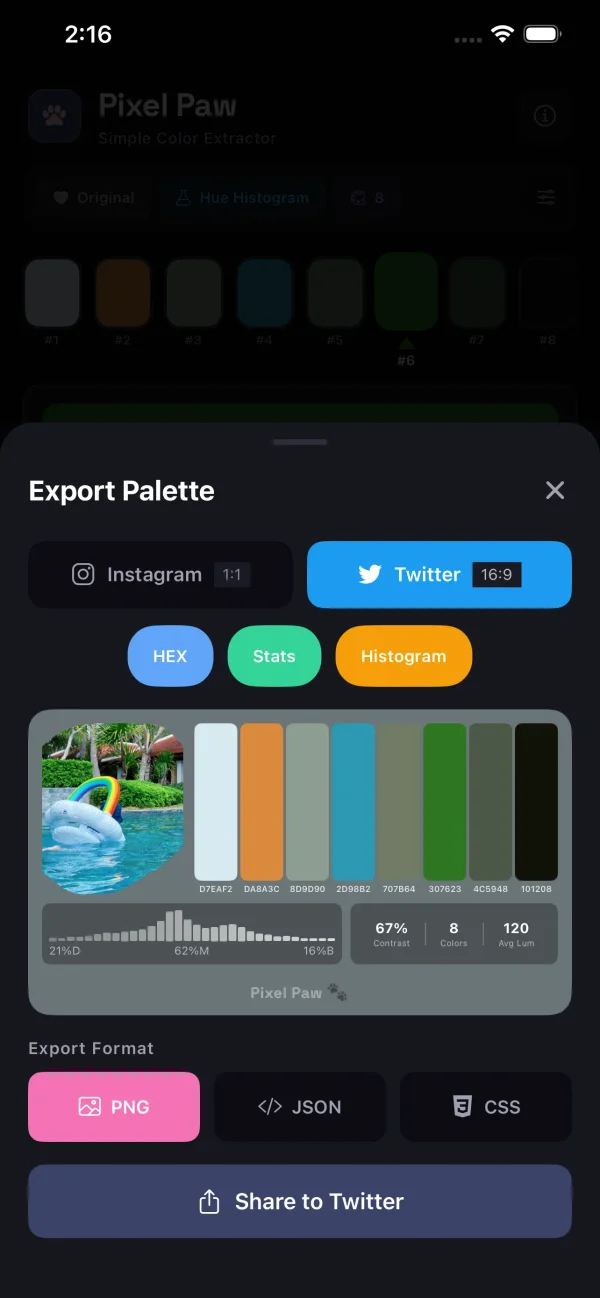
Pixel Paw helps you quickly extract colors from photos, illustrations, and screenshots, then organize them into practical palettes.
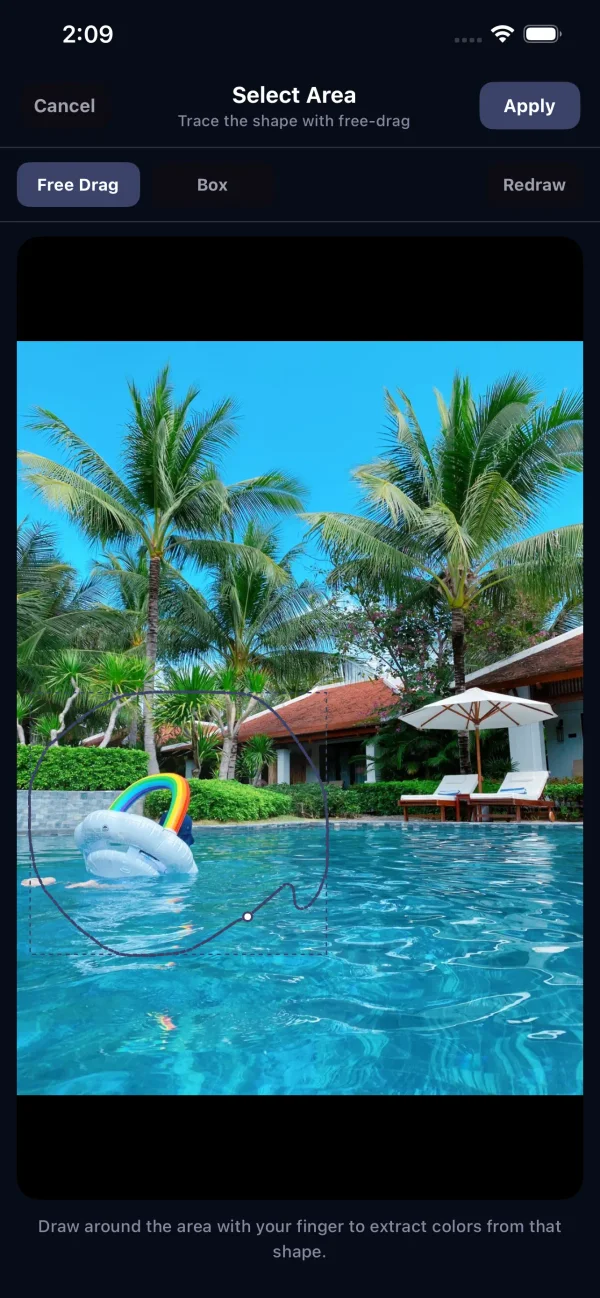
After importing an image, you can focus on a specific area using either box crop or free-drag lasso selection.
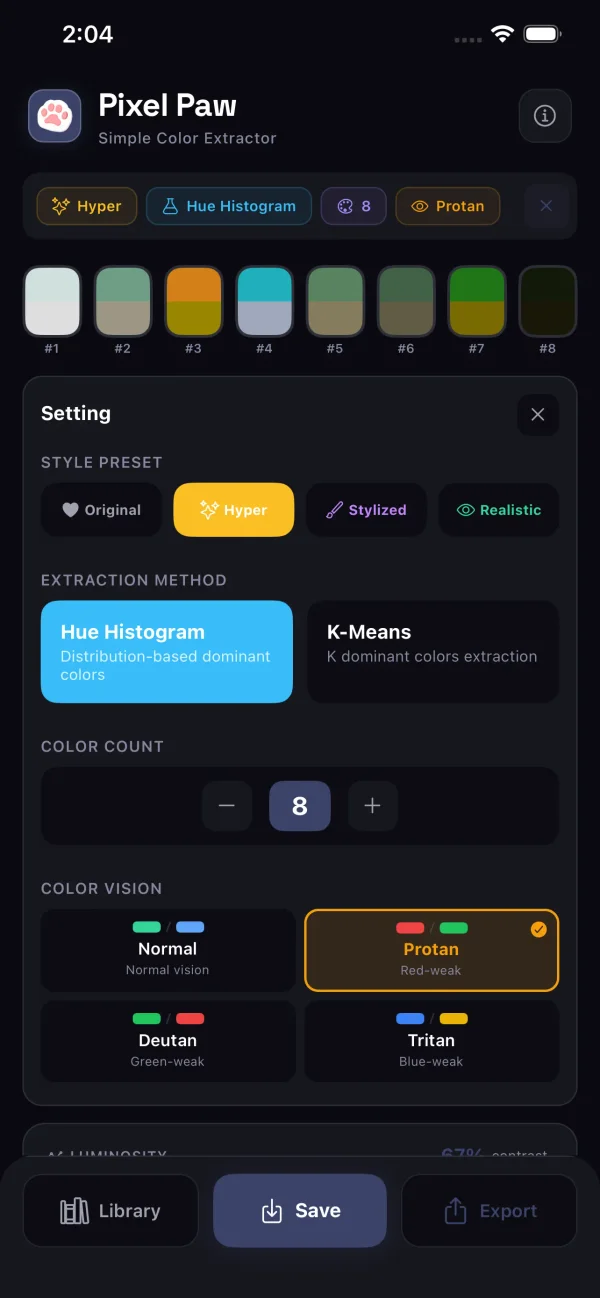
Choose between two extraction methods, Hue Histogram and K-Means, and instantly compare results by adjusting palette size (3–8 colors).
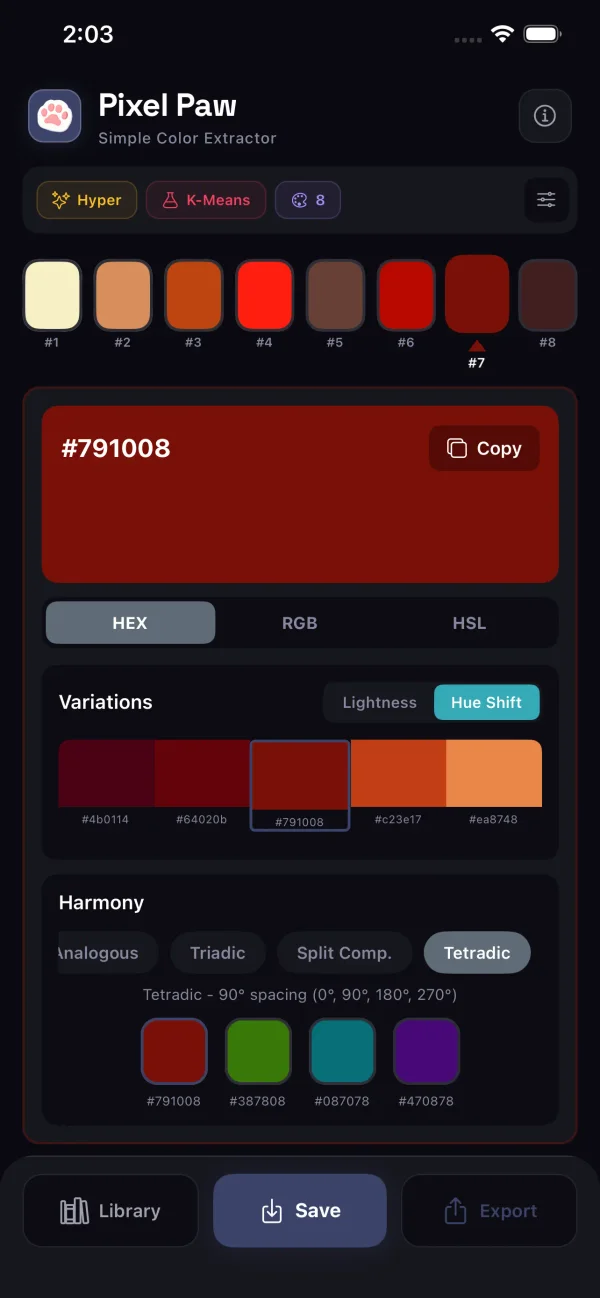
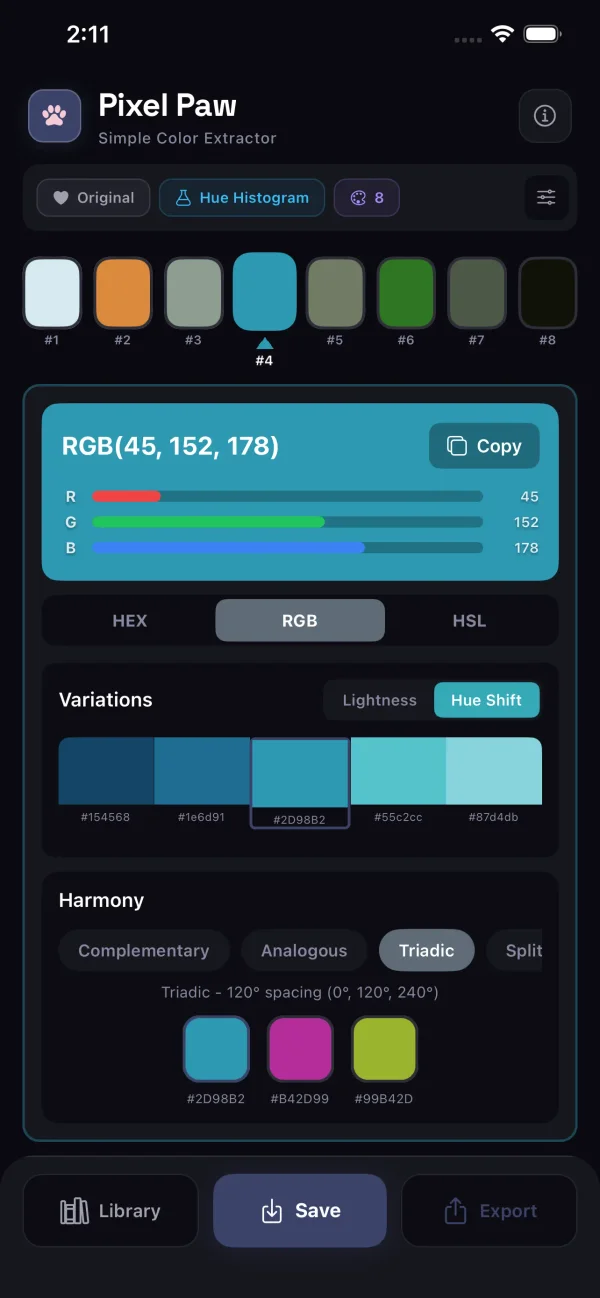
Tap any swatch to view and copy HEX/RGB/HSL values, explore Lightness/Hue Shift variations, and preview harmony palettes for faster color decisions.
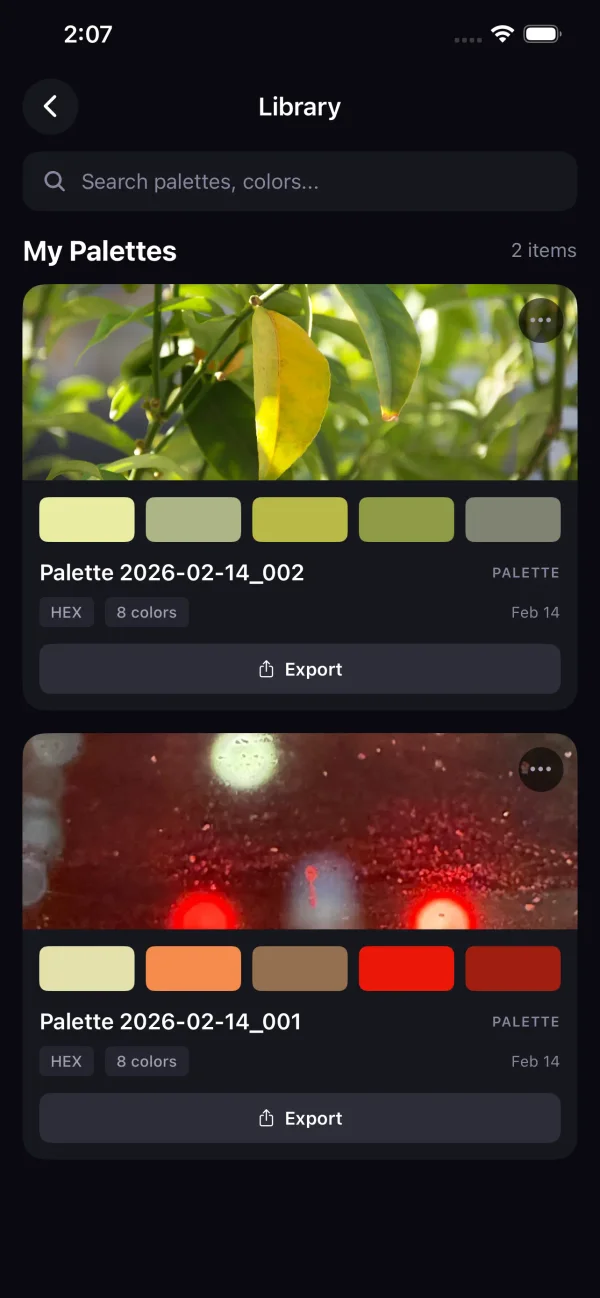
Save your palettes for later, or export them as PNG/JSON/CSS for direct use in design, game art, and UI workflows.
App privacy
What Soyoun Kim declares on the App Store about how this app handles data.
-
Data not collected
The developer does not collect any data from this app.
Privacy practices may vary, for example with the features you use or your age.
Information
- Seller
- Soyoun Kim
- Category
- Graphics & Design
- Version
- 1.1.1
- Updated
- Feb 23, 2026
- Released
- Feb 23, 2026
- Size
- 22.4 MB
- Requires
- iOS 15.1 or later
- Age rating
- 4+
- Price
- $2.99
- Languages
- English
- Copyright
- © Studio Aryeon
You might also like
-
 Coloer: Color Palette StudioCapture, Create & Share
-
 ColorithDetect, create, convert colors
-
 AI Color Picker, Palette & HexSmart Color Tools & Palettes
-
 HexCam: Color PickerGrab HEX, RGB & HSL instantly
-
 AtelierKitTools for Traditional Artist
-
 Color Identifier: Palette ToolPicker, Eyedropper, HEX RGB
-
 Image Color ExtractorExtract & Find Image Colors
-
 Colix: Palette from ImagesFind HEX, RGB & more
-
 Color Identifier: Smart PickerDetect any color in seconds
-
 ColorPickerTells you the color