
- Age rating4+
- CategoryPhoto & Video
- DeveloperMatthias Frey
- LanguagesEnglish
- Size5.6 MB
Links to the official App Store page
Download.org hosts no file of Pixel Prose. The button opens its official App Store page, published by Matthias Frey. Listing last checked on Nov 12, 2026.
Screenshots

About
A picture is worth a thousand words. Now it can be made of them.
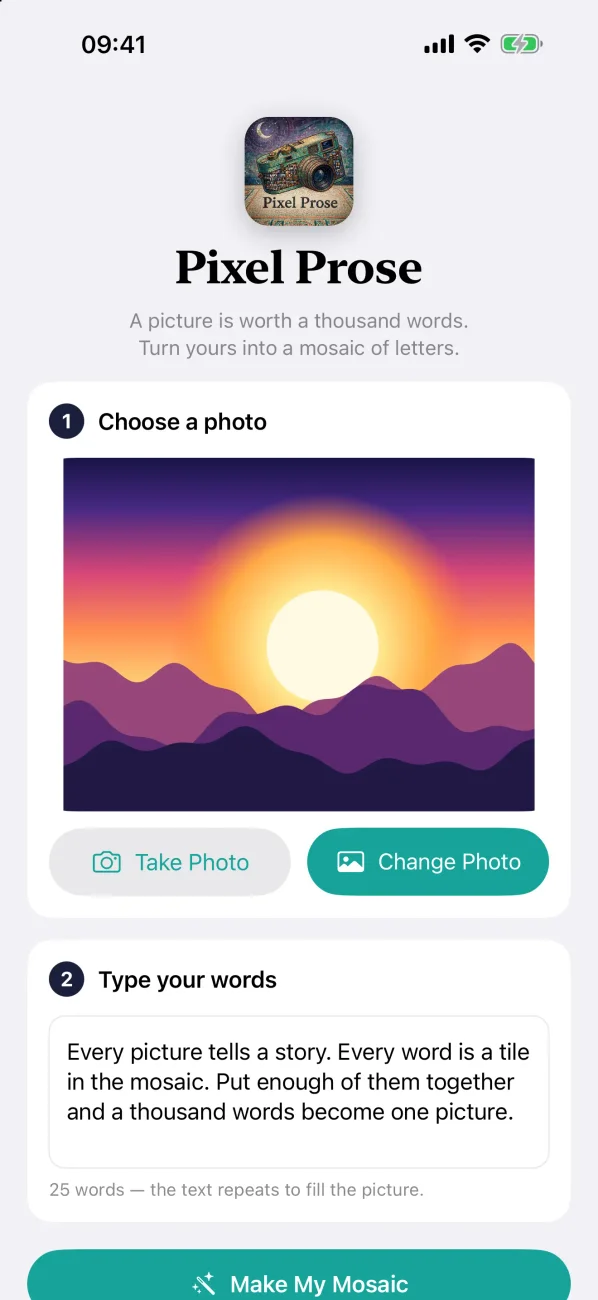
Pixel Prose rebuilds any photo out of letters. Choose a picture, type or paste your words — a poem, a message, song lyrics, a name — and the app tiles them across the image, colouring every letter to match the photo underneath. Up close it's text; from a distance it's a picture.
HOW IT WORKS
1. Choose a photo from your library, or take one with the camera.
2. Type or paste your words. The text repeats to fill the whole picture.
3. Tap Make My Mosaic.
SHAPE IT LIVE
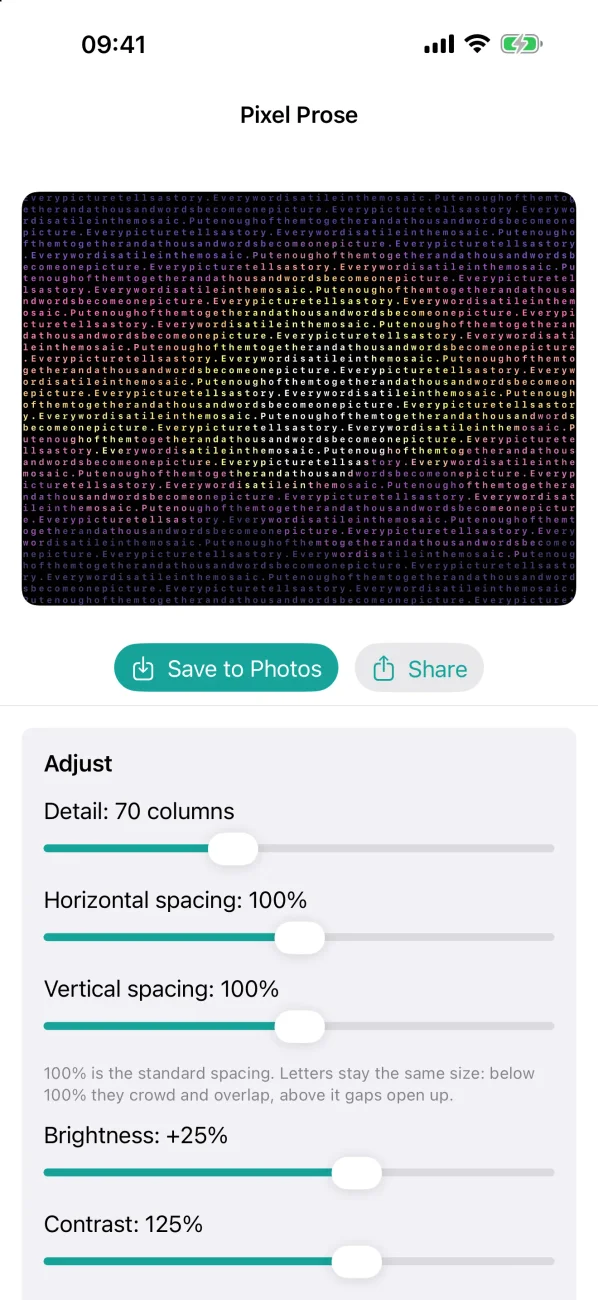
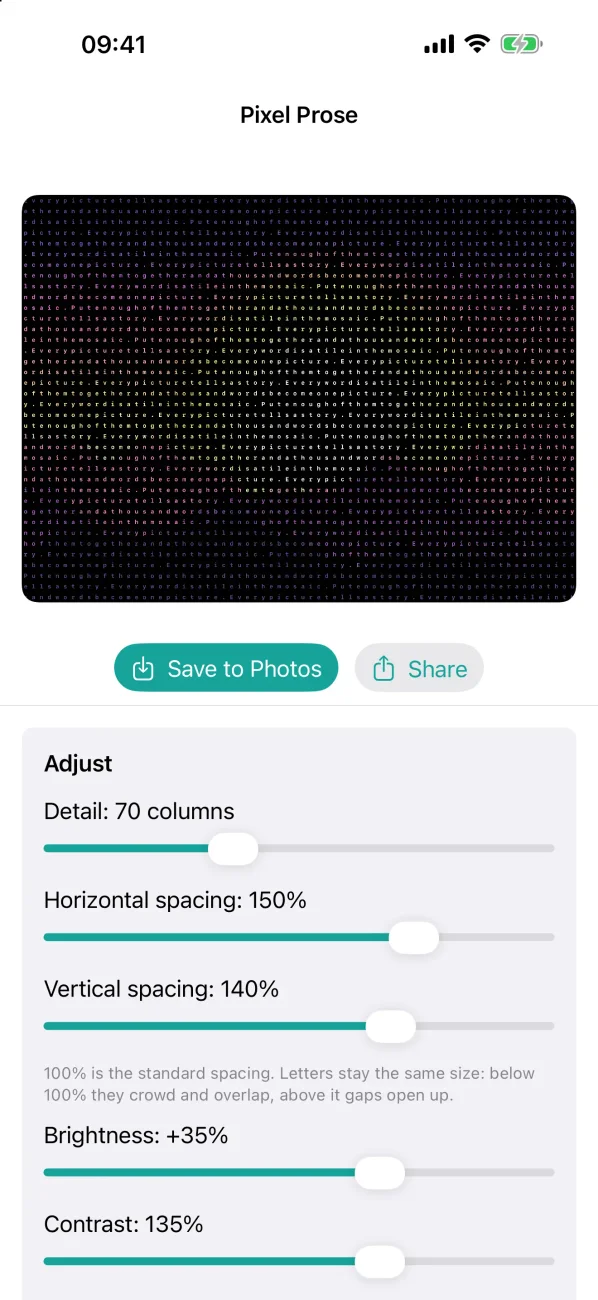
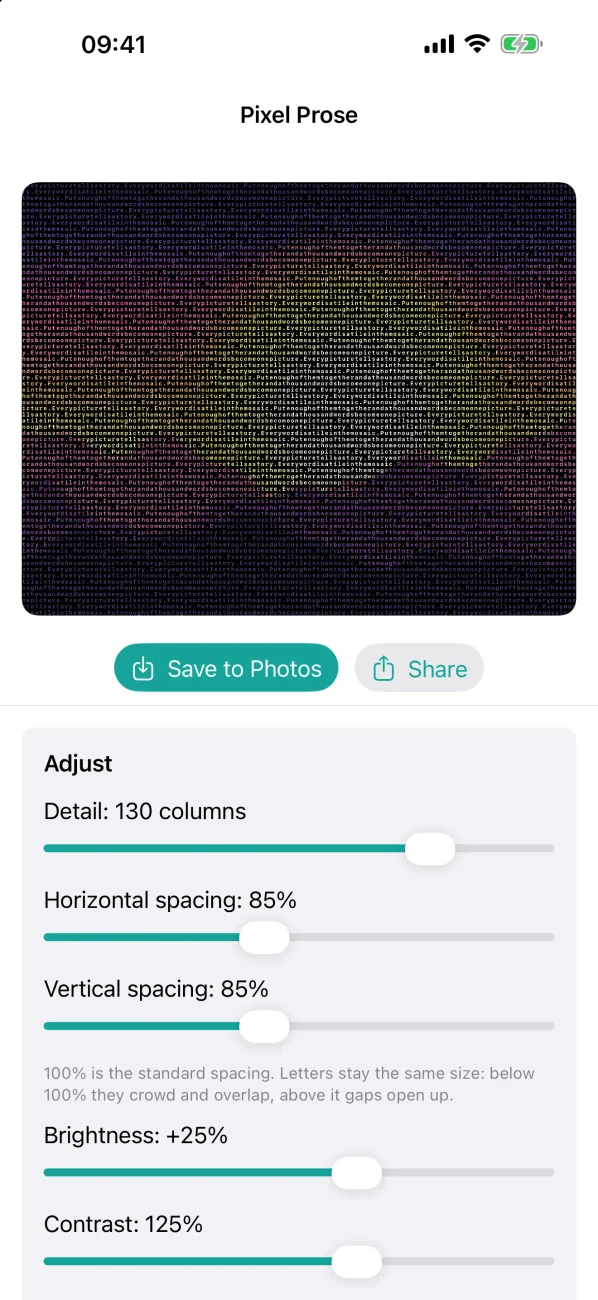
Once your mosaic appears, it stays at the top of the screen while you adjust it, and it redraws as you move each slider:
• Detail — from a bold, chunky mosaic to a fine, photographic one (20 to 160 columns).
• Horizontal and vertical spacing — pull the letters tight until they overlap, or spread them out with air between (0 to 200%).
• Brightness and contrast — make the colours glow against the black background.
• Skip spaces — pack the letters together, or keep the gaps in your text.
SAVE AND SHARE
Save the finished mosaic to your photo library or send it straight from the share sheet. Perfect for gifts, cards, posters, wedding and anniversary keepsakes, or putting a favourite poem inside a favourite portrait.
PRIVATE BY DESIGN
Everything happens on your device. Your photos and your words are never uploaded, there is no account, no ads, no tracking and no internet connection needed. The app only asks for the camera if you choose to take a photo, and for permission to add the finished picture to your library when you save it.
Free, with nothing to buy.
What’s new
Version 1.1 · Oct 27, 2026
AI text generation was added and more fine tuned changes to the image are possible
App privacy
What Matthias Frey declares on the App Store about how this app handles data.
-
Data not collected
The developer does not collect any data from this app.
Privacy practices may vary, for example with the features you use or your age.
Information
- Seller
- Matthias Frey
- Category
- Photo & Video
- Version
- 1.1
- Updated
- Oct 27, 2026
- Released
- Oct 27, 2026
- Size
- 5.6 MB
- Requires
- iOS 18.0 or later
- Age rating
- 4+
- Price
- Free
- Languages
- English
- Copyright
- © Matthias Frey
You might also like
-
 Imagia Mosaic MakerTurn photos into mosaics
-
 Celebrity Lookalike & Twin AICeleb Doppleganger Look Alike
-
 Evercast StudioCreate together in real time
-
 FotomosaicoCreate original mosaic art!
-
 Chimege SubAutomatic subtitle editor
-
 Pro Photo Mosaic CreatorPhoto & Video
-
 MapillaryStreet-level imagery
-
 PIXPRO Remote ViewerPhoto & Video
-
 Pic Stitch - Collage Editor#1 Photo and Video Collage App
-
 Turn Photo to Sketch: GraphitePencil Drawing & Art Effects