
Pixel Studio: Pixel Art Editor
Sprite Animation & Drawing
Designed for iPhone, iPad, iPod touch
Free · In-app purchases
- Age rating12+
- CategoryGraphics & Design
- DeveloperFarida Yarullina
- LanguagesEnglish+ 25 more
- Size144.0 MB
Links to the official App Store page
Download.org hosts no file of Pixel Studio: Pixel Art Editor. The button opens its official App Store page, published by Farida Yarullina. Listing last checked on Nov 28, 2026.
Screenshots

About
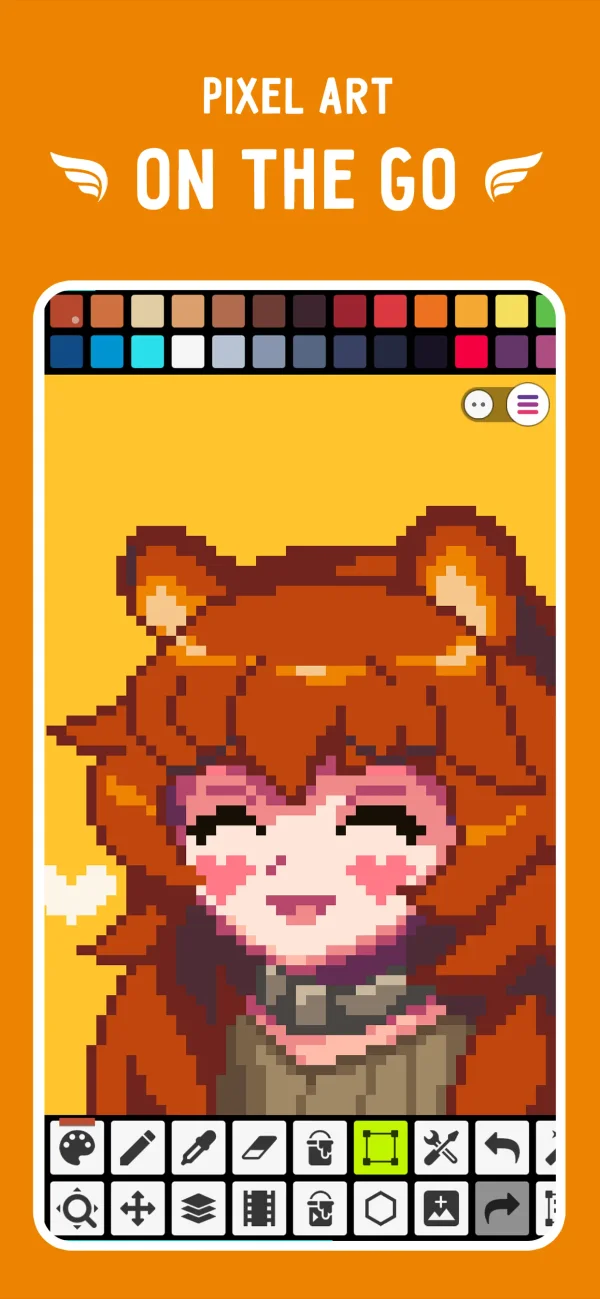
Create pixel art, animated sprites and game assets on iPhone and iPad. Draw with layers, animate frame by frame, and export your work as images, GIFs or sprite sheets.
Start with a small character or build a detailed scene. Pixel Studio brings drawing, animation and color tools together, with Apple Pencil support and a customizable workspace.
DRAW PIXEL ART
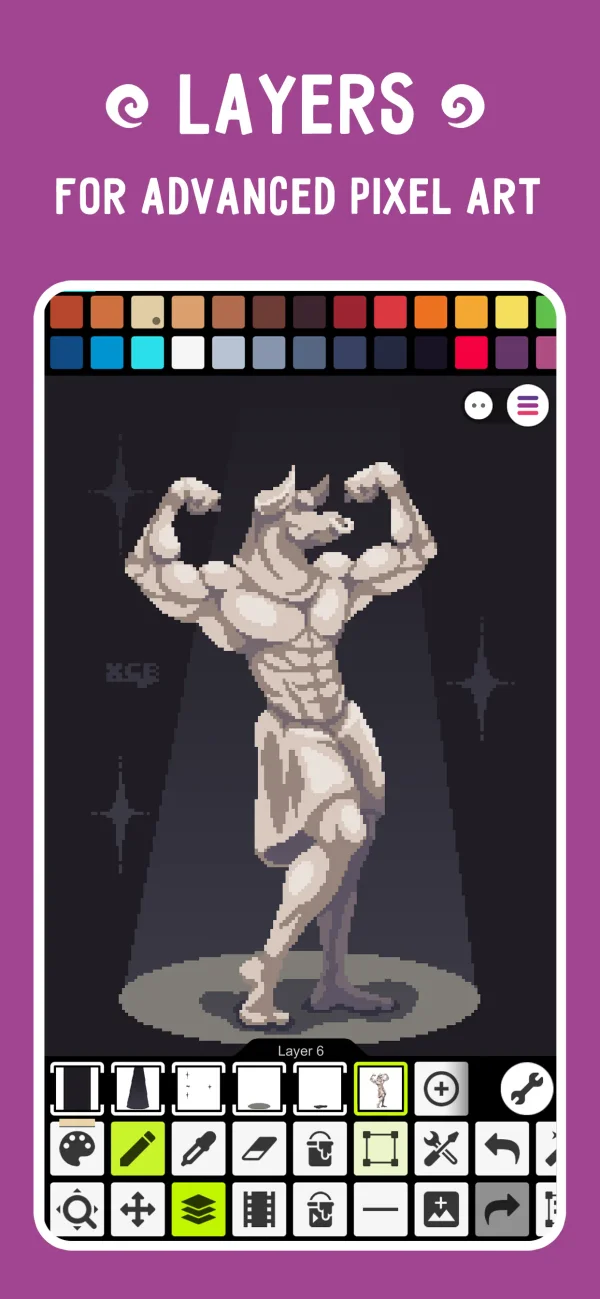
• Work with layers, built-in and custom brushes, shapes and gradients
• Draw symmetrically and add shading with the Dithering Pen
• Use Dot Pen for precise drawing with a cursor
• Customize your grid, background and toolbar
• Resize and rotate your canvas, with pixel art scaling and rotation tools
ANIMATE YOUR SPRITES
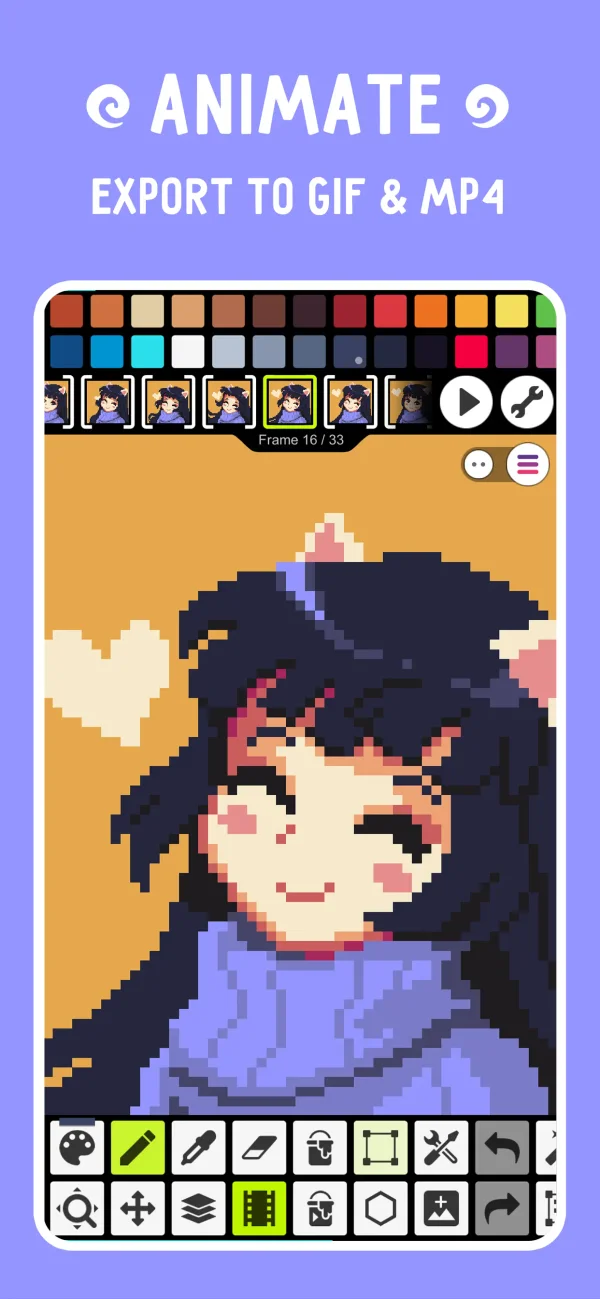
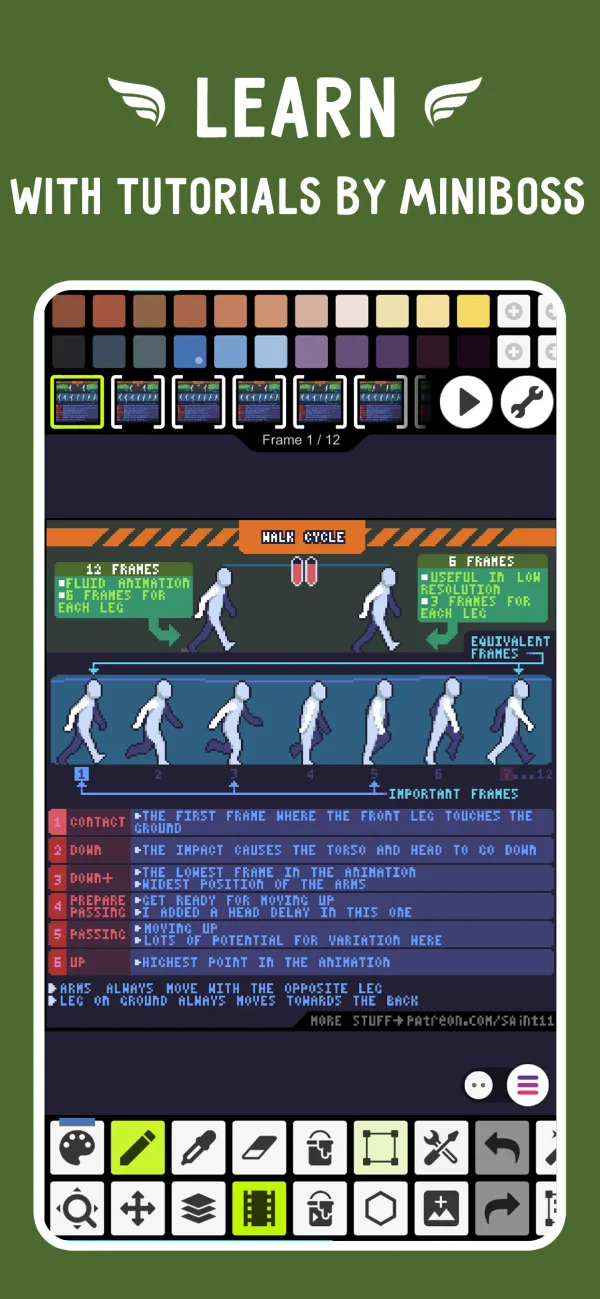
• Create frame-by-frame animations with Onion Skin
• Export animations as GIFs or sprite sheets
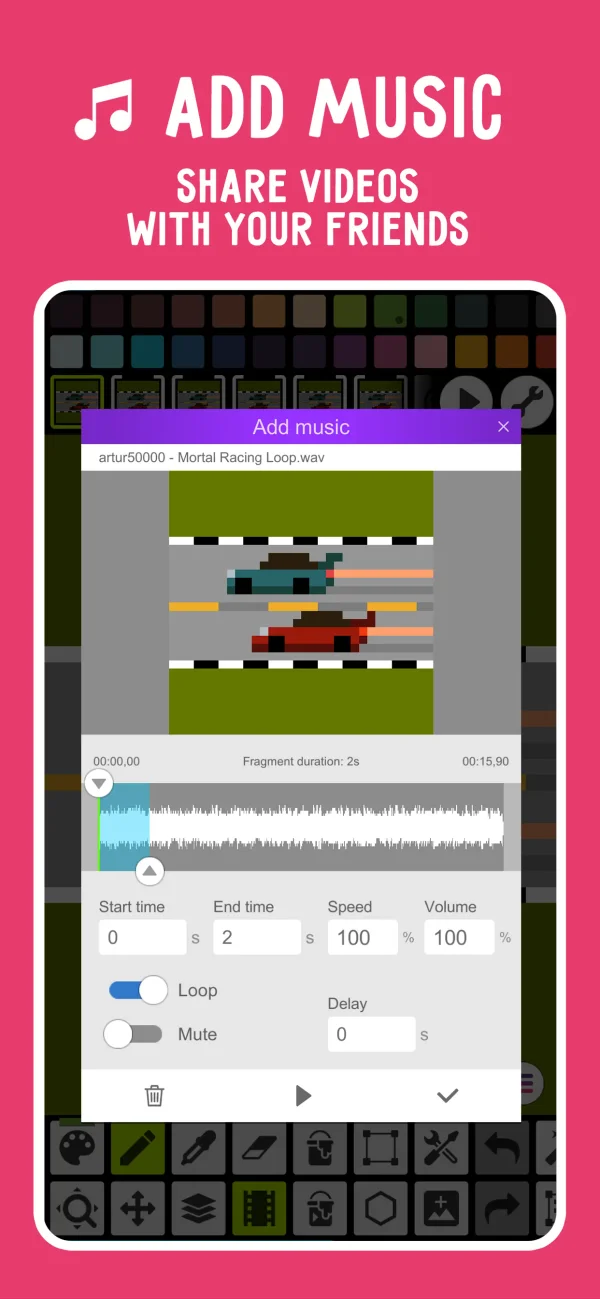
• Add music and export videos to MP4
WORK WITH COLOR
• Create your own palettes or use built-in palettes and palettes from Lospec
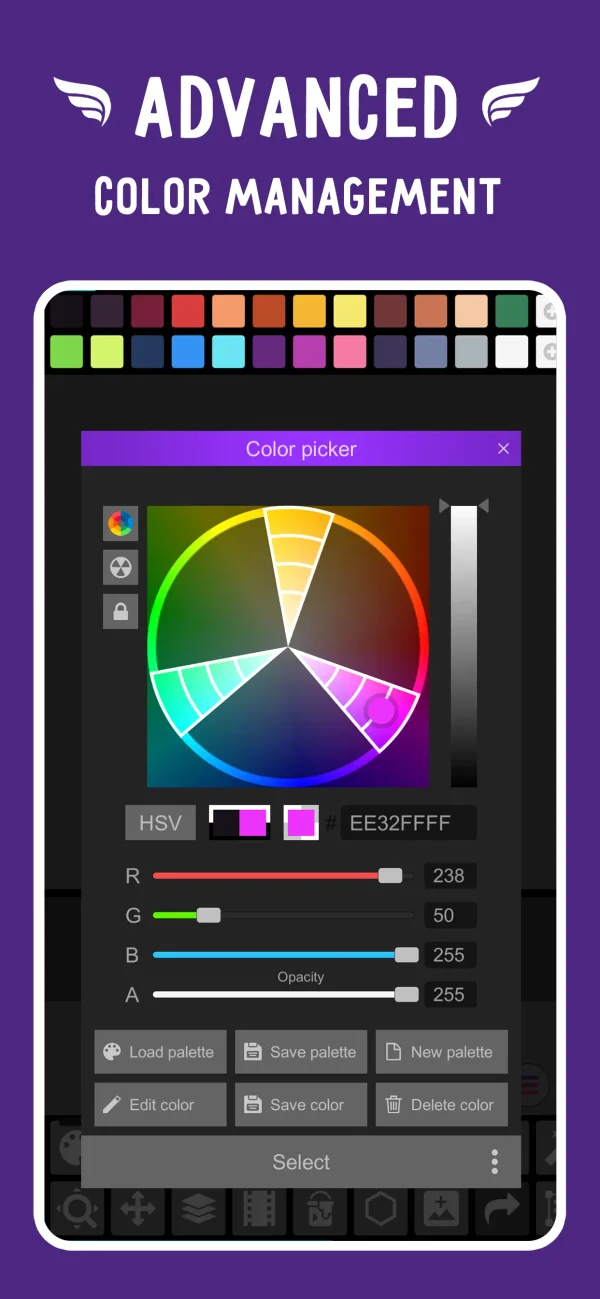
• Pick colors with RGBA and HSV controls
• Extract palettes from images and apply palettes to your artwork
SAVE AND SHARE
• Use autosave and backups to help protect your projects
• Work with PNG, JPG, GIF, BMP, TGA and Pixel Studio Project files
• Import Aseprite files
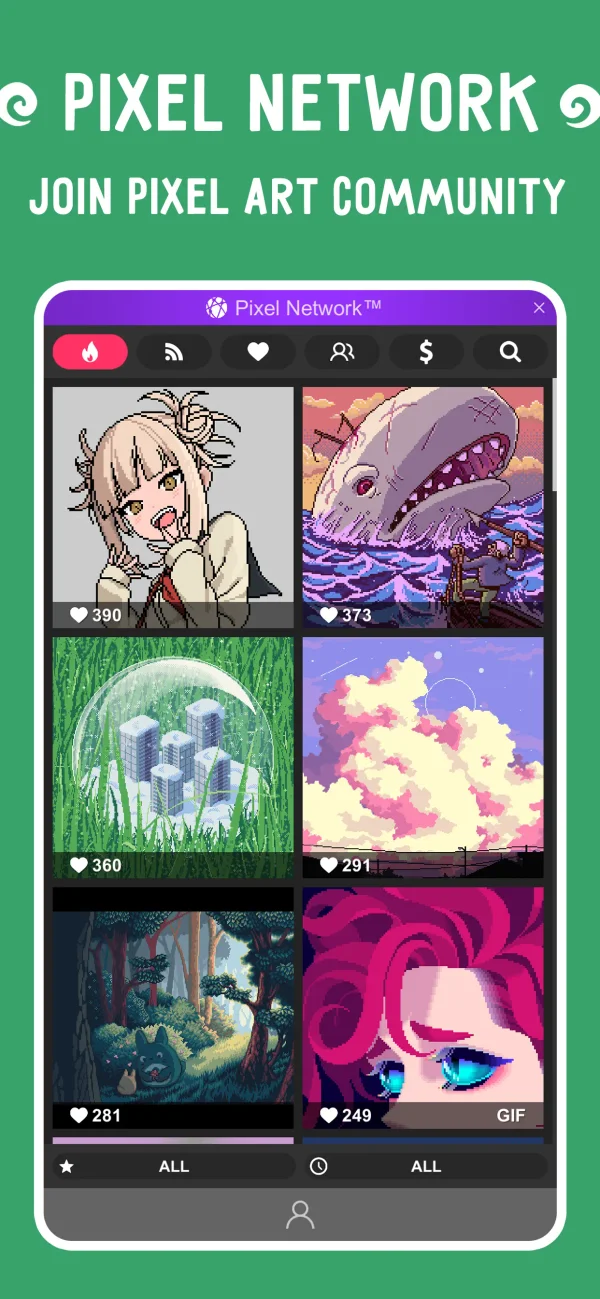
• Share your artwork with the Pixel Network community
UPGRADE TO PRO
PRO is a one-time purchase. It removes ads and unlocks Google Drive sync, a dark theme, 256-color palettes, seamless texture tile mode, larger projects, unlimited color adjustments and MP4 exports, additional format support and extended Pixel Network storage.
Google Drive sync requires PRO. Some export options and advanced features also require PRO.
Sample images by lorddkno, Redshrike, Calciumtrice, Buch and Tomoe Mami are used under CC BY 3.0.
Privacy Policy: https://github.com/hippogamesunity/PixelStudioHub/wiki/Privacy-Policy
Terms of Use: https://github.com/hippogamesunity/PixelStudioHub/wiki/EULA
What’s new
Version 5.67 · Nov 5, 2026
• Added frame groups
• Added a local MP4 encoder
• Added 120 Hz support
• Improved performance
• Faster GIF encoding (up to x10)
• Faster Pixel Network feed loading
• AI palette maker
• Added Aseprite export
• Added MELMOD format support (Melon Sandbox)
• Minor bug fixes
App privacy
What Farida Yarullina declares on the App Store about how this app handles data.
-
Data used to track you
May be used to track you across apps and websites owned by other companies.
- Identifiers
-
Data not linked to you
May be collected but is not linked to your identity.
- Identifiers
- Usage data
- Diagnostics
Privacy practices may vary, for example with the features you use or your age.
Information
- Seller
- Farida Yarullina
- Category
- Graphics & Design
- Version
- 5.67
- Updated
- Nov 5, 2026
- Released
- Jul 30, 2018
- Size
- 144.0 MB
- Requires
- iOS 15.0 or later
- Age rating
- 12+
- Price
- Free
- In-app purchases
- Yes
- Languages
- English, Arabic, Czech, Danish, Dutch, Filipino, French, German, Hindi, Hungarian, Indonesian, Italian + 14 more
- Copyright
- © Hippo Games
You might also like
-
 Resprite: pixel art studioPixel art and sprite editor
-
 Pixquare - Pixel Art Studio#1 pixel art editor
-
 Prisma3D - Animation, ModelingPrisma 3D Animation App
-
 Castle - Make and PlayGraphics & Design
-
 ToonSquidCreate beautiful animations
-
 Magic Poser - Art Pose ToolBest 3D pose reference app
-
 3D Modeling: Blender ShapeyardSketch, sculpt, 3d print, art
-
 MediBang Paint – Drawing & ArtGraphics & Design
-
 MotionBook - Draw & AnimateBest Flipbook Animation Maker
-
 Clip Studio Paint for iPhoneDraw and sketch anywhere