- Age rating4+
- CategoryEducation
- DeveloperHiroki Kijima
- LanguagesEnglish
- Size21.7 MB
Links to the official App Store page
Download.org hosts no file of Pixel Wind Tunnel. The button opens its official App Store page, published by Hiroki Kijima. Listing last checked on Nov 15, 2026.
Screenshots

About
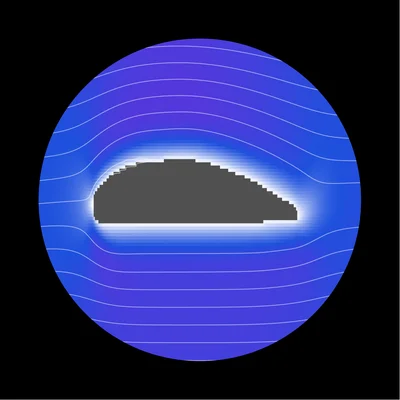
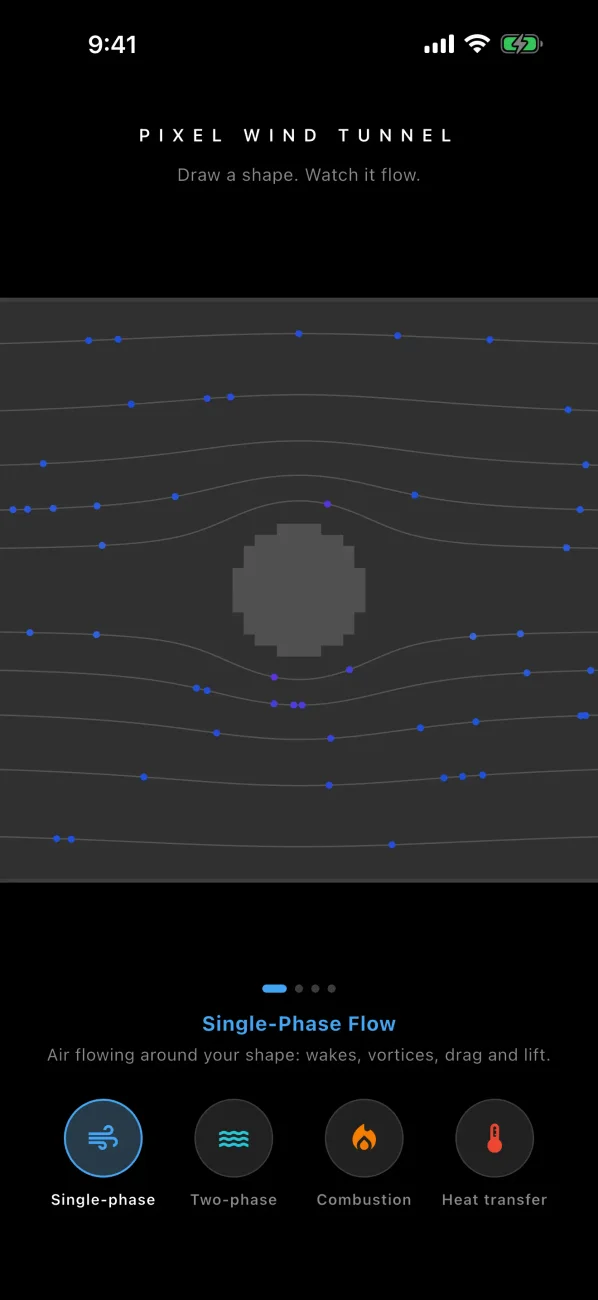
Draw a shape. Tap Simulate. Watch real fluid physics come alive in pixels.
Pixel Wind Tunnel runs real CFD (Computational Fluid Dynamics) right on your device, in 2D or 3D. It uses the lattice Boltzmann method with a turbulence (LES) model, so it stays stable even at very high Reynolds numbers.
FOUR SIMULATIONS
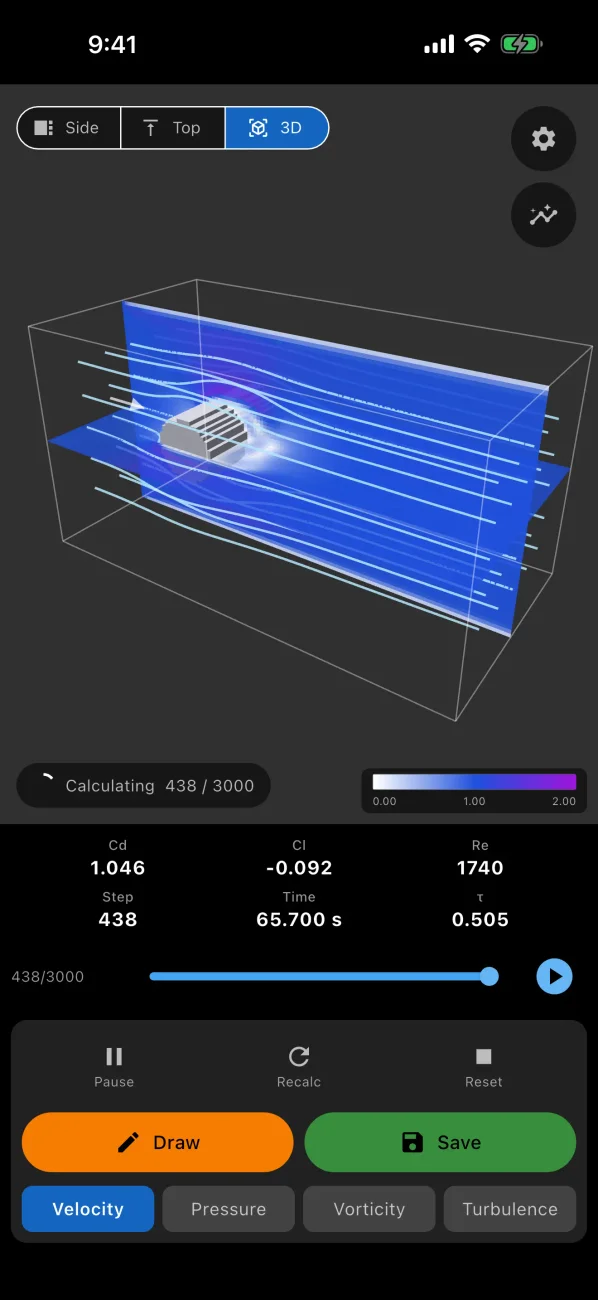
• Single-phase flow: the classic wind tunnel. Wakes, vortex shedding, drag and lift.
• Two-phase flow: a liquid layer flows under air. Set the interface height, the density and the viscosity of each phase (water and air by default) and watch waves and overflow around your shape.
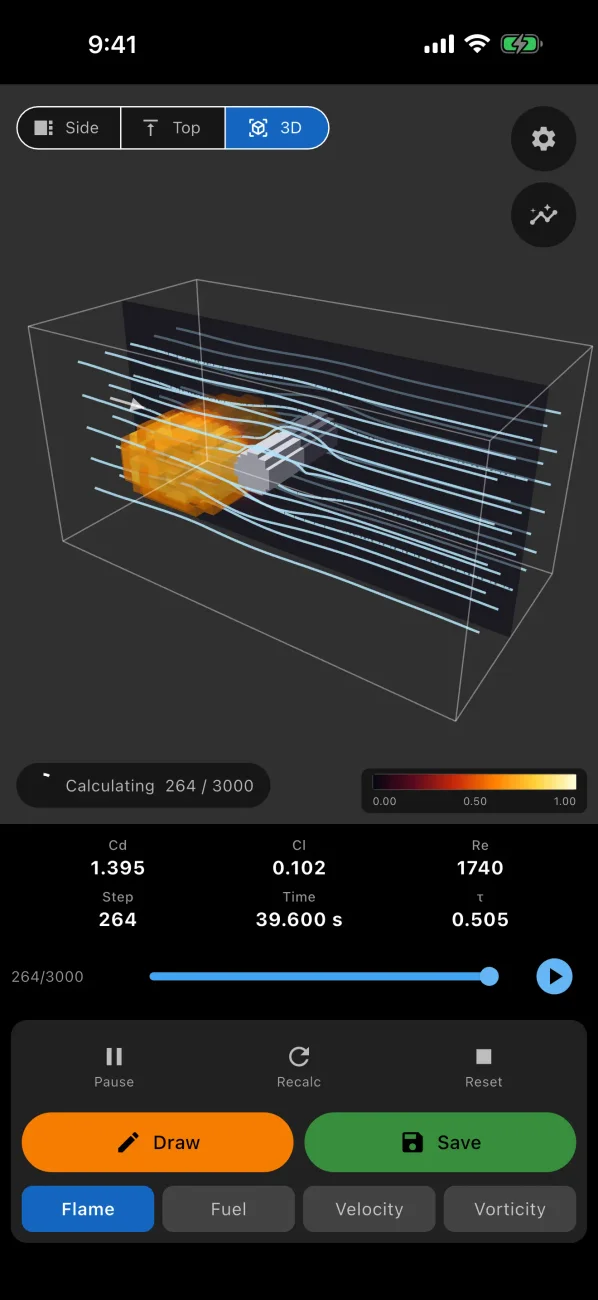
• Combustion: draw fuel nozzles in any direction. The fuel jets mix with the air and burn as flames.
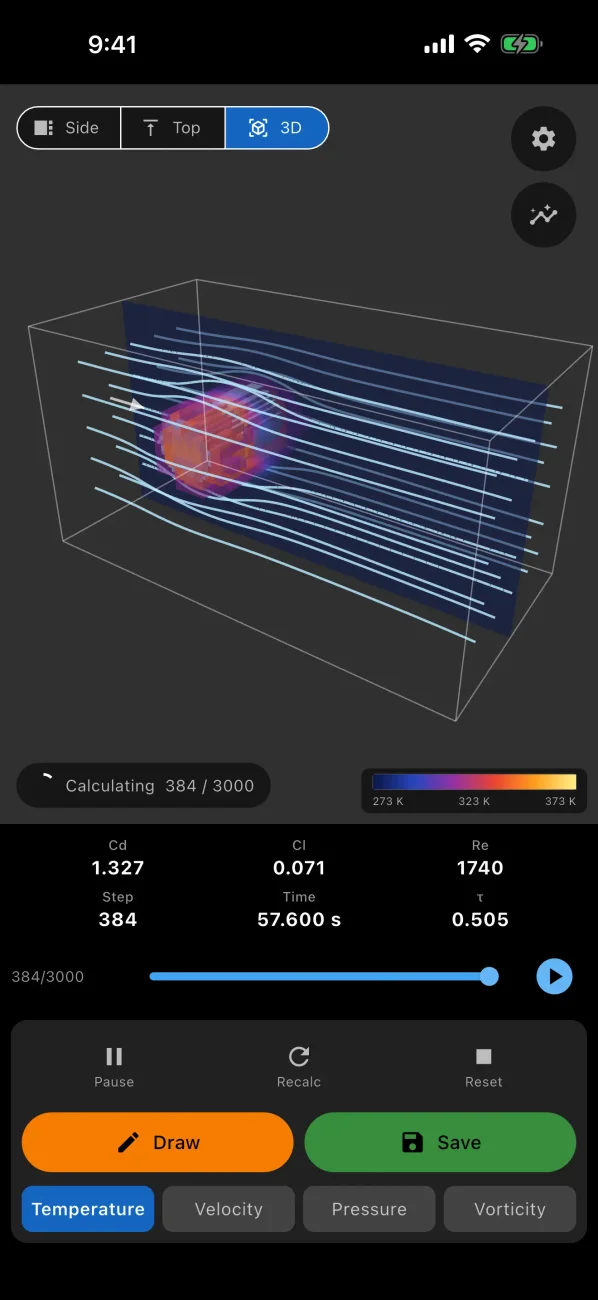
• Heat transfer: draw hot and cold shapes, set their temperatures in kelvin and watch warm air rise and cold air sink.
HOW IT WORKS
1. Pick a simulation on the home screen
2. Draw any shape with your finger: airfoils, cars, buildings, anything
3. Tap Simulate and watch the flow develop
SEE IT IN 3D
Every mode can extrude your drawing in depth. Drag to orbit, move the view with two fingers, set the model width (half or full) and see 3D streamlines, flames, liquid surfaces and hot and cold air from any angle.
SEE THE FLOW
• Velocity, pressure, vorticity and turbulence
• Temperature, flames, fuel and liquid fraction
• Streamlines in every view
MEASURE PERFORMANCE
• Drag coefficient (Cd), lift coefficient (Cl) and Reynolds number
• Point probes that track the flow over time
• A timeline to scrub through the whole run
DRAWING TOOLS
Brush with adjustable size, pen, straight lines with X/Y lock, eraser, fuel nozzles and pinch-to-zoom. Start from ready-made shapes (sports car, person, airfoil, orifice, building and more), select and move parts of your drawing, and save shapes to reload anytime. In 3D, extrude your drawing over half or the full width, or spin it into a body of revolution, with a live front-view preview.
PLAY WITH THE FLOW
Long-press the result to release a stream of particles that drift along the computed flow, like powder in a wind tunnel.
FOR CURIOUS MINDS
Whether you are a student of fluid mechanics, an engineer sketching ideas, a teacher demonstrating aerodynamics or heat transfer, or simply curious why things are shaped the way they are: draw it and find out.
What’s new
Version 1.2.2 · Nov 14, 2026
- Kármán vortex street out of the box: draw a circle in 2D, tap Simulate and switch to Vorticity
- Lower default viscosity and longer 2D runs (10,000 steps); 3D keeps short runs
- Max steps can now go up to 10,000
App privacy
What Hiroki Kijima declares on the App Store about how this app handles data.
-
Data used to track you
May be used to track you across apps and websites owned by other companies.
- Location
- Identifiers
- Usage data
-
Data not linked to you
May be collected but is not linked to your identity.
- Location
- Identifiers
- Usage data
- Diagnostics
Privacy practices may vary, for example with the features you use or your age.
Information
- Seller
- Hiroki Kijima
- Category
- Education
- Version
- 1.2.2
- Updated
- Nov 14, 2026
- Released
- Mar 29, 2026
- Size
- 21.7 MB
- Requires
- iOS 15.0 or later
- Age rating
- 4+
- Price
- Free
- Languages
- English
- Copyright
- © Hiroki Kijima
You might also like
-
 Shock DiamondsSimulate Shuttle Reentry
-
 WingFlowMini Airflow & CFD Simulator
-
 NeuraFOILCFD Surrogate for Airfoils
-
 FerrionWind Tunnel
-
 Airfoil DesignEducation
-
 WindFlow: 3D Print AeroSTL Wind Tunnel, Drag & Lift
-
 StormWiseEducation
-
 FlatSixDynamicsLive aerodynamics. Your car.
-
 Vector Field: Particle FlowEducation
-
 Engine Lab: Simulator & SoundBuild, rev & hear car engines