
- Age rating4+
- CategoryGraphics & Design
- DeveloperLeonardo Amora
- LanguagesEnglish+ 3 more
- Size16.1 MB
Links to the official App Store page
Download.org hosts no file of Pixelart Studio: Sprite Maker. The button opens its official App Store page, published by Leonardo Amora. Listing last checked on Nov 24, 2026.
Screenshots


About
You are not going to believe what fits inside this app.
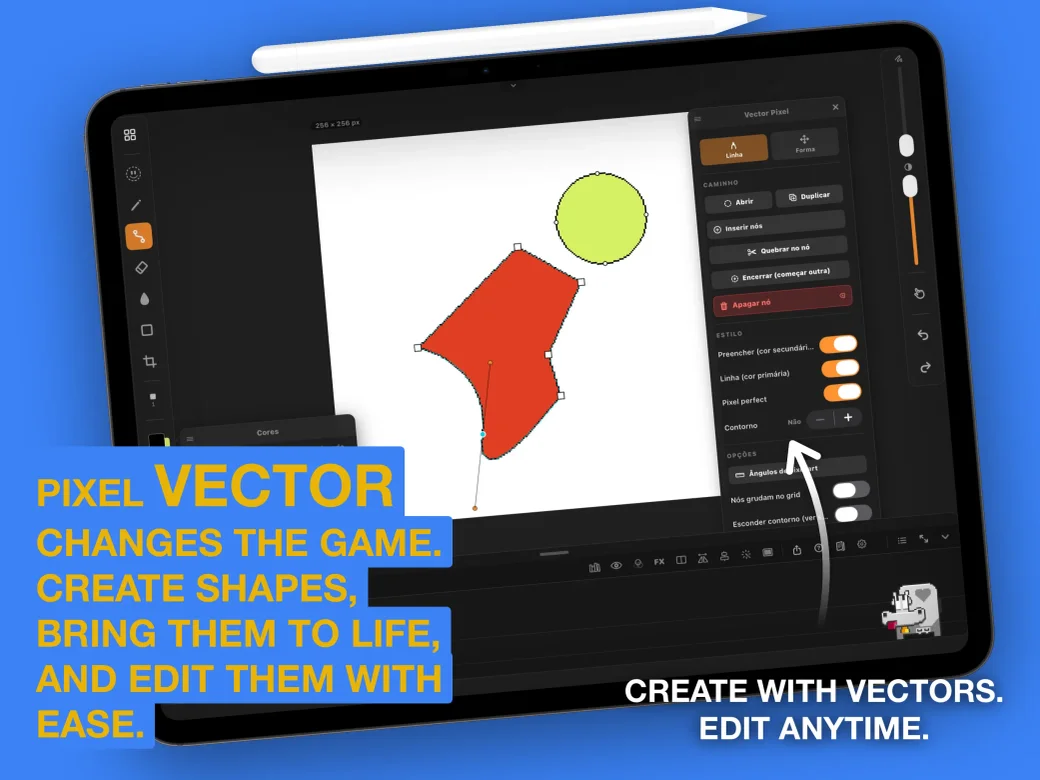
Pixel Art Studio is a pixel art and animation studio built from scratch for iPad and Mac. The feel is inspired by Procreate, the output is pure pixels: no blur, no interpolation, every pixel exactly where you put it. And then it keeps going, way past what a pixel editor is supposed to do.
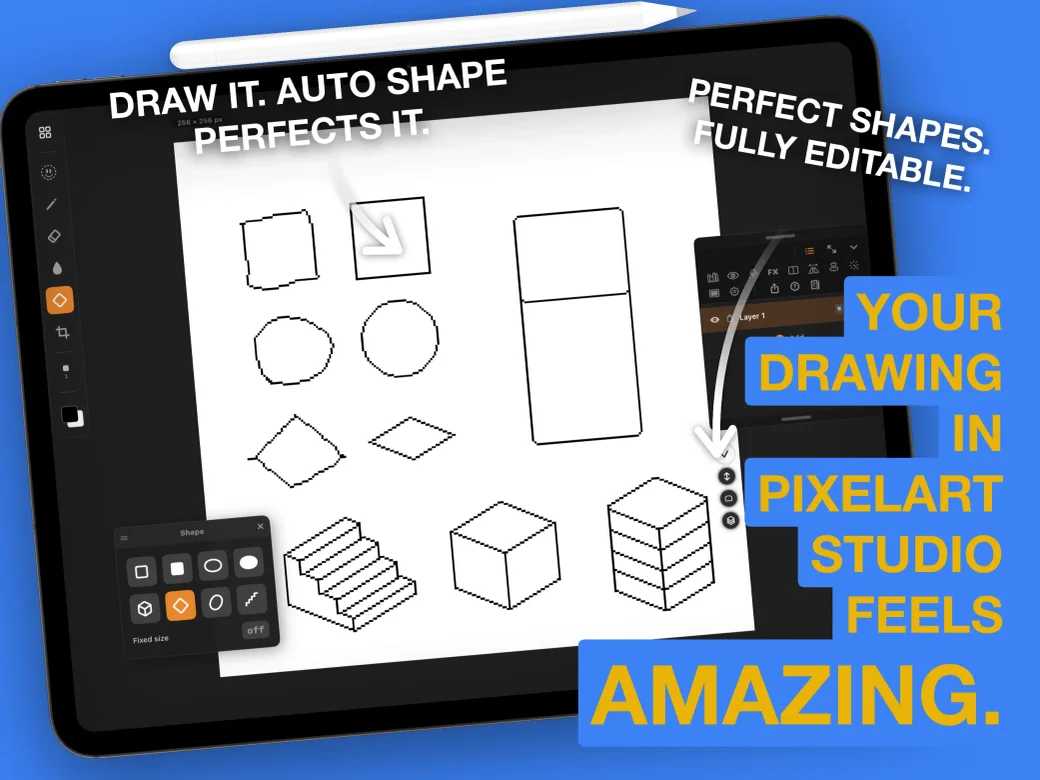
ONE TAP AND THE SHAPE IS PERFECT
Scribble a wobbly line, hold the pencil at the end of the stroke, and QuickShape turns it into a flawless line, rectangle, ellipse or polygon, snapped to the classic pixel art angles. Believe it: you can draw an isometric cube, a cylinder, a staircase or a rounded box in one gesture, extrude it to any height, and never nudge a single pixel by hand.
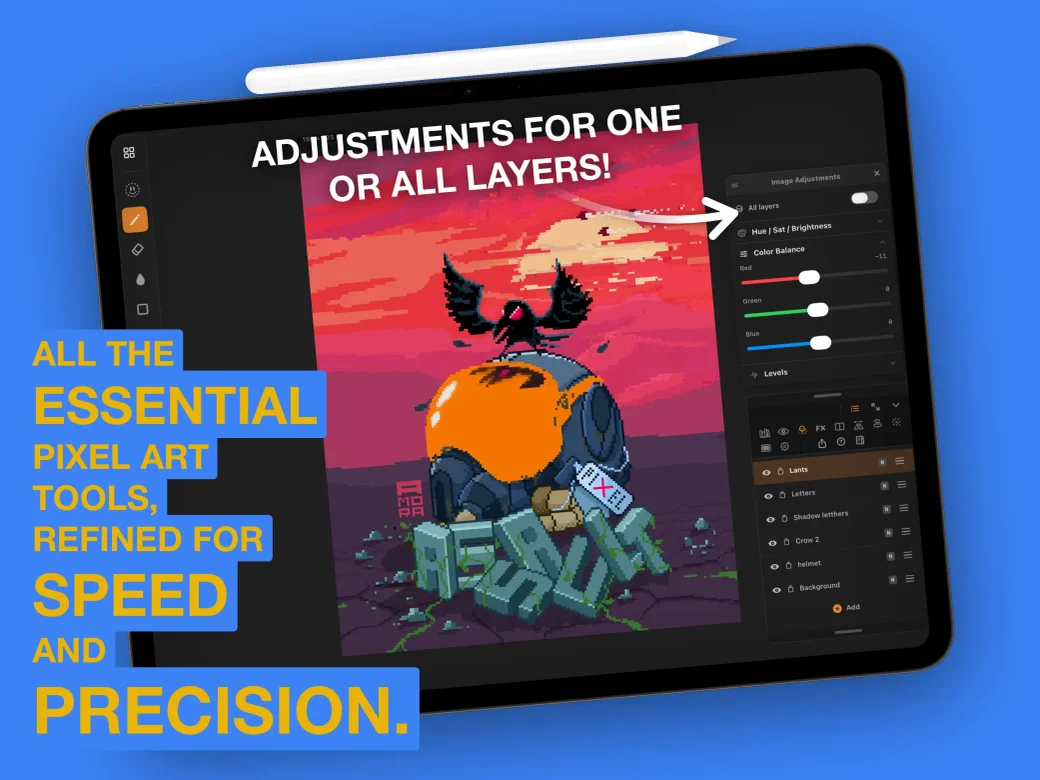
Independent brush axes, spray, pressure shading, glow, blur and a silhouette brush that closes your outline and floods it the moment you lift the pencil. Four axis symmetry, Lock Alpha, one coat of paint per pixel, and Smart Nudge that snaps shapes to their neighbours.
ANIMATION TOOLS FROM ANOTHER UNIVERSE
This is where it stops behaving like a pixel editor.
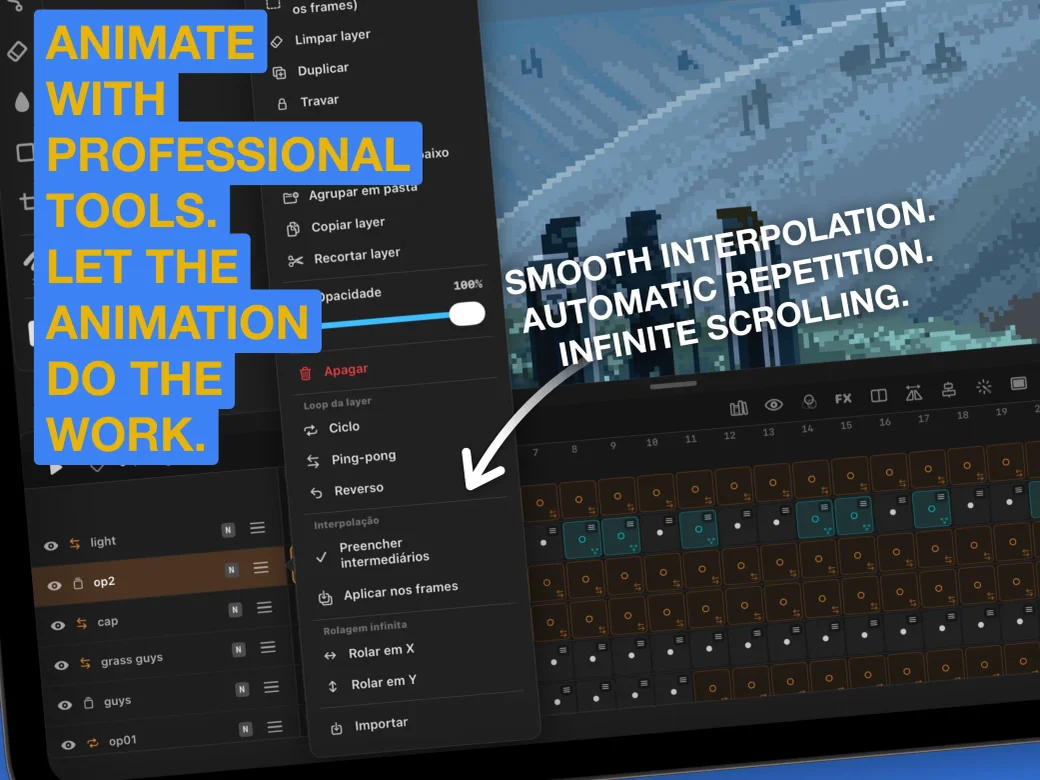
Leave frames empty between two drawings and Tweening fills them in, reading how your art moved, scaled and rotated, object by object. Two sketches become a full animation.
Layer Loop is the loopOut of After Effects: two frames of a blinking eye on Cycle, Ping-pong or Reverse, and that layer animates the entire scene by itself, forever.
Infinite Scroll slides a layer with wrap around, one full lap every N frames, on X or Y. Paint one strip of clouds, get an endless sky.
Offset Assist is the Photoshop Offset filter, live under your pen, so seamless tiles are built, not guessed.
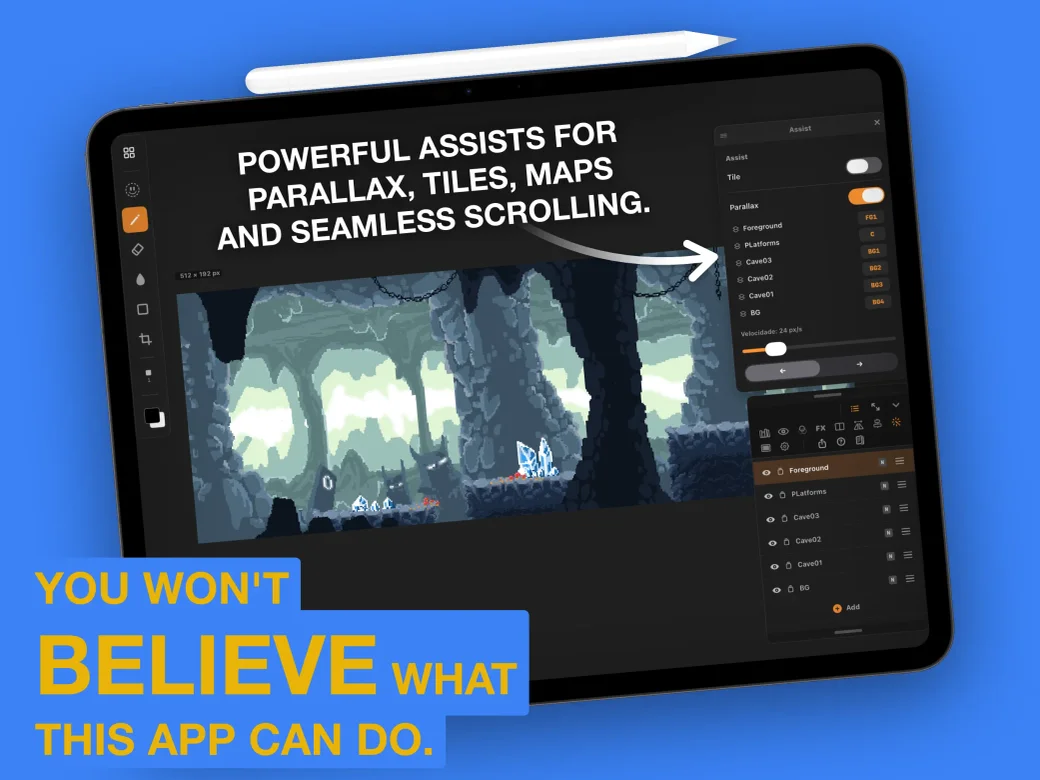
Add per layer frames, onion skinning, animation tags, a scrub bar with playhead, folders, blend modes and Parallax Assist playing depth right inside the canvas.
SELECT LIKE MAGIC
Tap an object and the whole object is selected. Tap a color and it is selected across the layer, connected or not. Freehand and polygon lasso, exact color matching, additive wand, 9 slice scaling in the Unity Sliced style, rotation, mirroring, and a move handle with 1px arrows because pixel art is precision. Erase or transform the same selection across every frame at once.
A TILESET STUDIO HIDING INSIDE
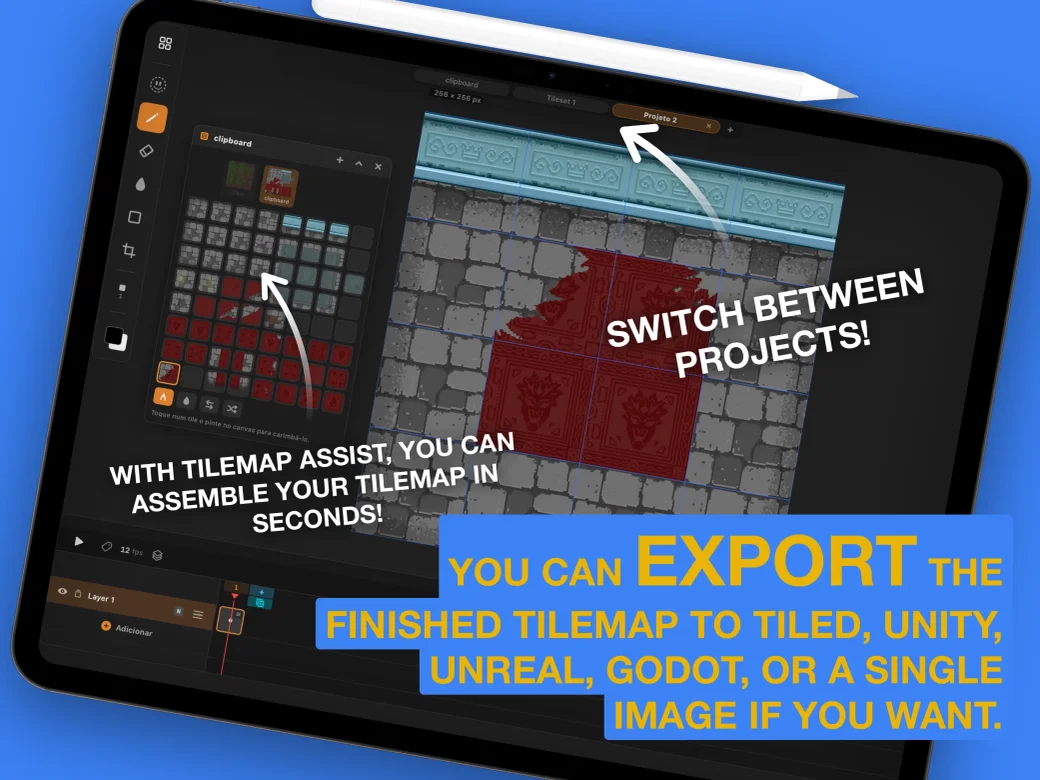
Build a tileset, stamp a map with it, edit one tile and watch every copy in the map update. Then export PNG plus Tiled .tsj and .tmj, one tile layer per app layer, ready to drop into your engine. Ask around: almost nobody does this.
EXPORT LIKE A PRO
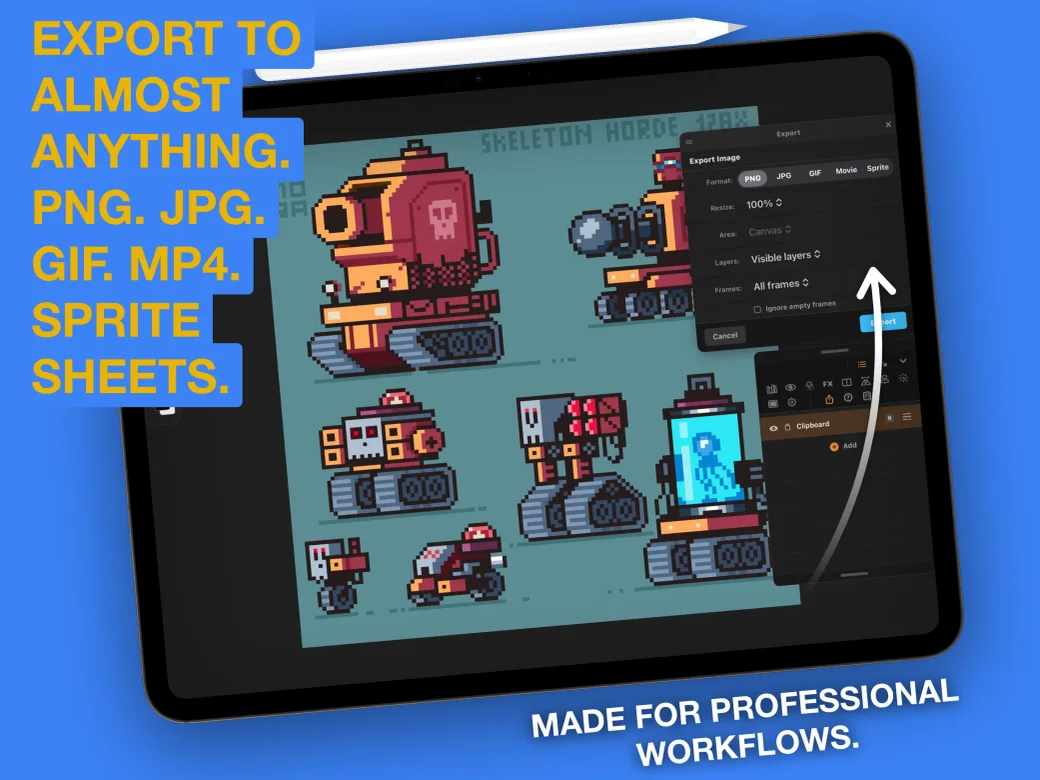
PNG, JPG, GIF, image sequence and sprite sheet with a configurable grid. MP4 in 4:5, 9:16, 1:1, 16:9 or the canvas ratio, with a safe area drawn over the canvas and loop repetition inside the file. Ship everything, the current frame or a single tag. Opens and saves .aseprite, so your work is never locked in. Record a time lapse of the session and publish your process.
IPAD AND MAC
Apple Pencil with pressure, two and three finger gestures, project tabs, automatic backup of your library and preview broadcast to another screen. On Mac, the same app with keyboard shortcuts, hover hints and wheel zoom. Your projects and your .aseprite files travel between both.
One tap. Perfect pixels. Animation that thinks for you.
Maximum effort!
What’s new
Version 2.1 · Nov 23, 2026
PixelArt 2.1 is here, and the big idea is simple: your drawing becomes a game.
NEW
- Terrain brush: with a 16-corner tileset, its two terrains become brushes above the tiles. Paint water and the shore draws itself around it, paint grass over it and the edge follows. On an empty map, each terrain makes an island.
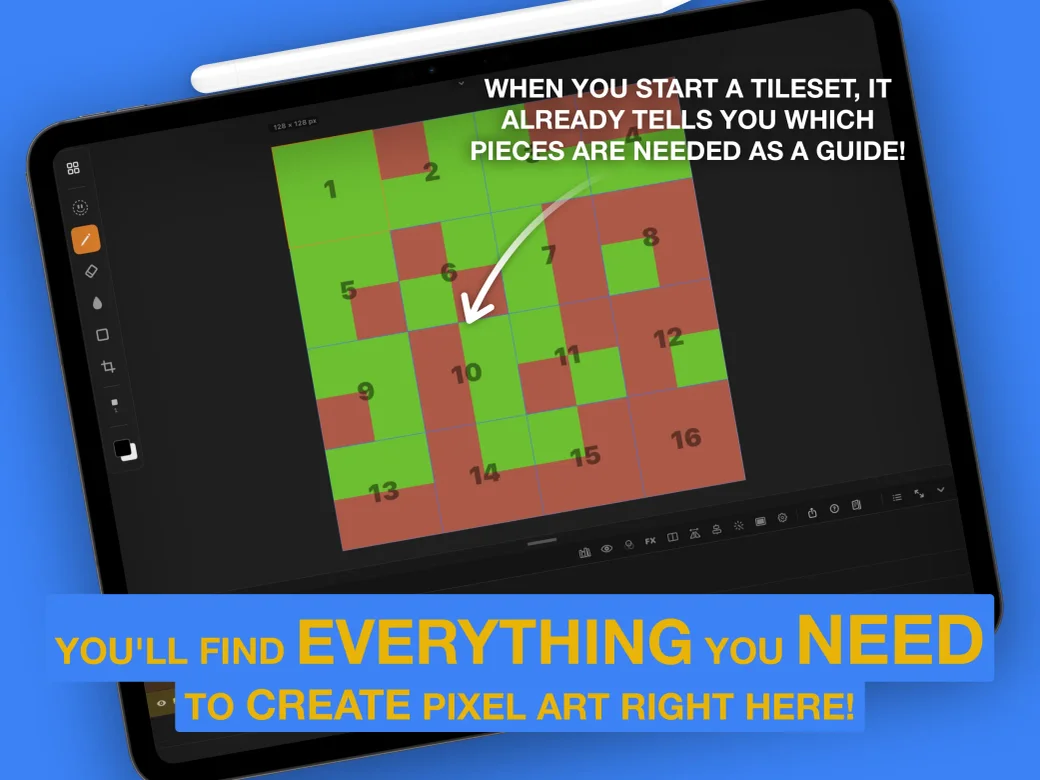
- Ready to play: every Tilemap list comes with a sample lake, already set up as a 16-corner tileset, and the numbered guide, so you can build a map before drawing a single tile.
- Animated tiles: turn on Ripple in a tileset and its water comes alive on the map. The tiles play in the palette and in every cell you stamp, while the map itself stays a single frame. Shore foam now leaves the shore in lines, one after another, with its own distance and speed.
- Tileobjects: draw trees, rocks and houses on a grid and place them on the map from the new Tileobjects tab. Drag over several cells to take a big object, tap to place it, drag to move it. They live in their own layer above the ground, and whatever is lower stays in front.
- A guided tutorial that teaches by doing, now with seven chapters: toolbar, timeline bar, selection, tile, tileset, tilemap and objects. Every lesson sets its own scene up from scratch, so you can go forward and back and always find it ready.
- A whole art library inside the app, offline: 14 Kenney packs, 5,444 pieces, from towns and battles to dungeons and input prompts. Tap a pack, pick a piece and it lands on the canvas, with no download and no connection.
- The app now speaks English, Portuguese, Spanish and Chinese, help pages included.
ALSO
- Spritesheet from projects: in Projects, select two or more and the app lays them out in one sheet, each drawing in its own layer.
- Open several files at once: Import takes many images or projects, each one becomes a project and they all open in tabs.
- Switch tabs without touching the pills: Option-Tab on the Mac, three fingers sideways on the iPad, plus Close the others.
- New Project has the consoles in pixel art: NES, Game Boy, Atari, Mega Drive, Super Nintendo and Neo Geo.
- Each symmetry line mirrors only what it shows: the straight axes work together, the diagonals work together, never mixed. The sketch pencil follows the axes too.
- The bucket shows the pixel it will fill before you tap, and a semi transparent color shows its checkerboard everywhere.
- Side bars snap to their edge and hide, with a little arrow to bring them back.
- Every button in the Tilemap window says what it does, and every tile shows its number from the guide.
- The preview remembers how you left it in each project: zoom, framing, minimized and its own play.
- Tap a draggable number to type it instead.
- Each tool keeps its own tip size, so a thicker eraser no longer means a thicker brush.
- Notices now come as the app's own card in the middle of the screen, each one saying how to fix what happened.
FIXED
- The Tilemap bucket fills the whole empty area again, and tilesets of another size light up on an empty map.
- Option-click no longer misses the color on the Mac.
- The W x H label leaves the screen with the selection.
- The layers-only panel no longer jumps when you stretch it, and the resize button of the preview and reference windows is easy to hit now.
Maximum effort!
App privacy
What Leonardo Amora declares on the App Store about how this app handles data.
-
Data linked to you
May be collected and linked to your identity.
- User content
- Identifiers
Privacy practices may vary, for example with the features you use or your age.
Information
- Seller
- Leonardo Amora
- Category
- Graphics & Design
- Version
- 2.1
- Updated
- Nov 23, 2026
- Released
- Jul 7, 2026
- Size
- 16.1 MB
- Requires
- iOS 17.0 or later
- Age rating
- 4+
- Languages
- English, Portuguese, Spanish, Simplified Chinese
- Copyright
- © Leonardo Amora Leite
You might also like
-
 ZPixit3D Voxel Modeling & Pixel Art
-
 Light AnimatorGraphics & Design
-
 Paper: 3D Drawing StudioDraw, Paint and Sculpt in 3D
-
 Canvas Software - AnimateYour imagination come to life.
-
 Konjur3DBuild on a whim
-
 Itinerant RigGraphics & Design
-
 LUNE 2D AnimationThe joy of animation is back
-
 QwartzLow-poly 3D, pixel-painted
-
 ISD ConverterConvert DXF, FBX, OBJ to RIB
-
 Infinite Zoom Drawing CanvasInfinite paper for endless art