PixelBead: Bead Pattern Maker
Photo to Fuse Bead Grid & PDF
Designed for iPhone, iPad, iPod touch
Free · In-app purchases
- Age rating4+
- CategoryGraphics & Design
- Developer笑海 吕
- LanguagesEnglish+ 31 more
- Size44.9 MB
Links to the official App Store page
Download.org hosts no file of PixelBead: Bead Pattern Maker. The button opens its official App Store page, published by 笑海 吕. Listing last checked on Nov 26, 2026.
Screenshots
About
PixelBead helps you turn photos into clean bead patterns you can actually make.
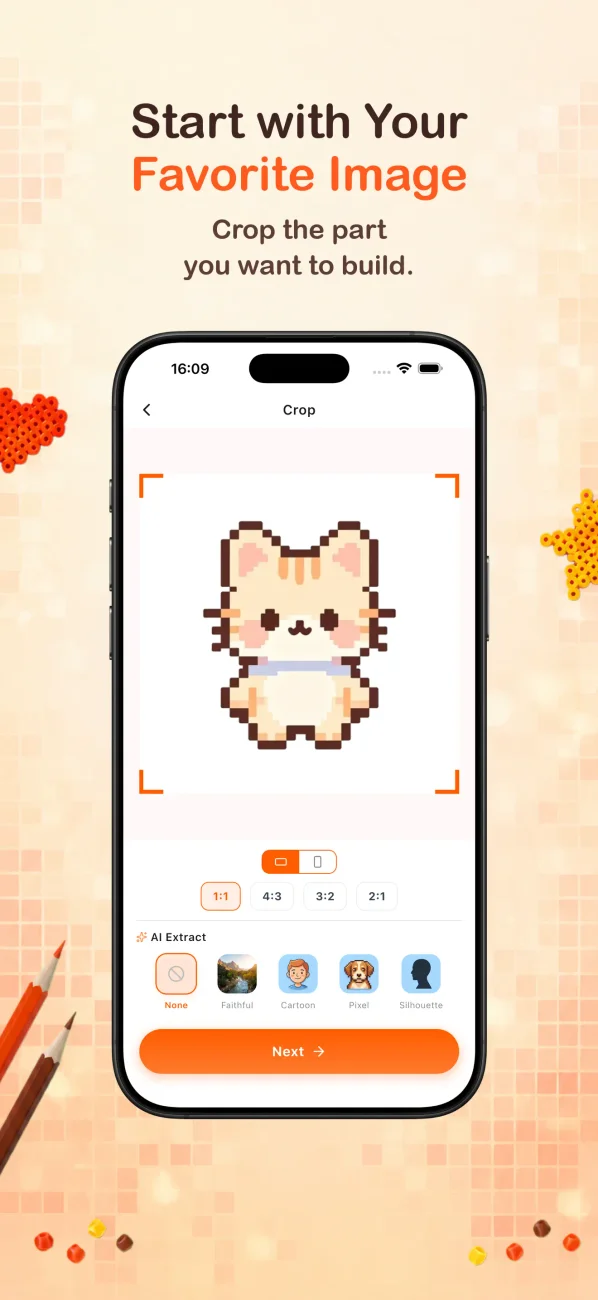
Import an image from your photo library or camera, generate a bead pattern in seconds, then refine the result with tools built for real bead projects. Whether you are making Perler, Hama, Artkal, or Nabbi designs, PixelBead helps you move from idea to printable pattern faster.
WHAT YOU CAN DO
▸ Photo To Bead Pattern — Turn photos into bead patterns with automatic color matching and grid generation.
▸ AI Extraction (Premium) — Isolate a subject or simplify image content before conversion for cleaner results.
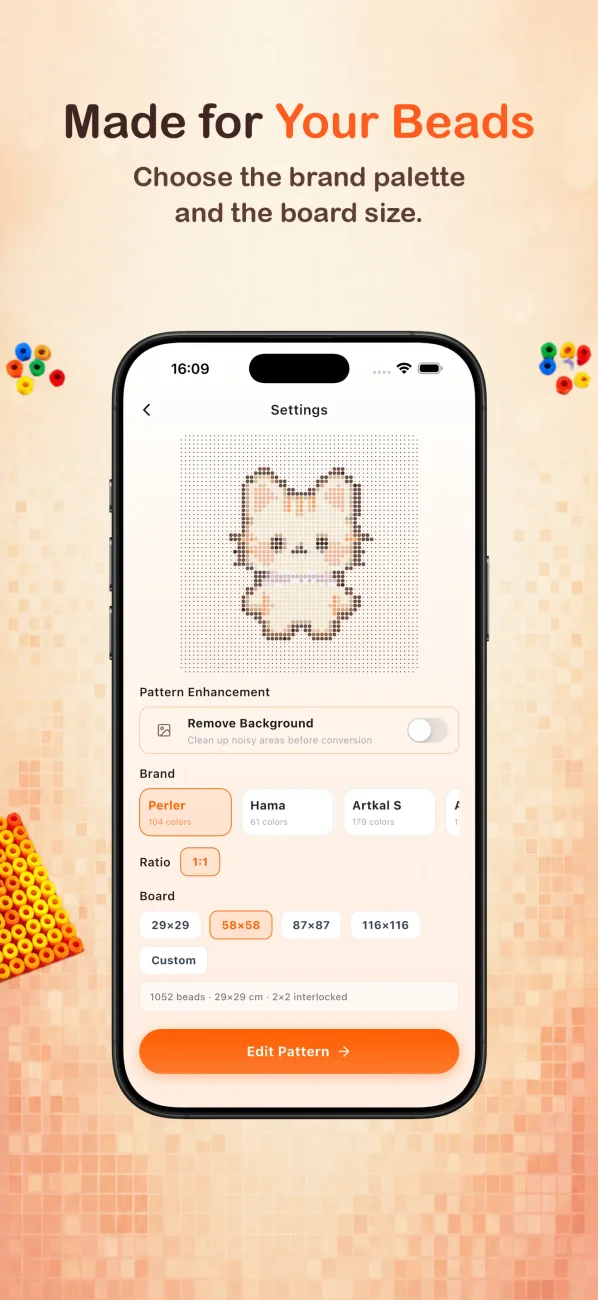
▸ Brand & Custom Palettes — Browse Perler, Hama, Artkal S, Artkal C, and Nabbi palettes; create your own palettes, add or import colors, and use them in new or existing patterns.
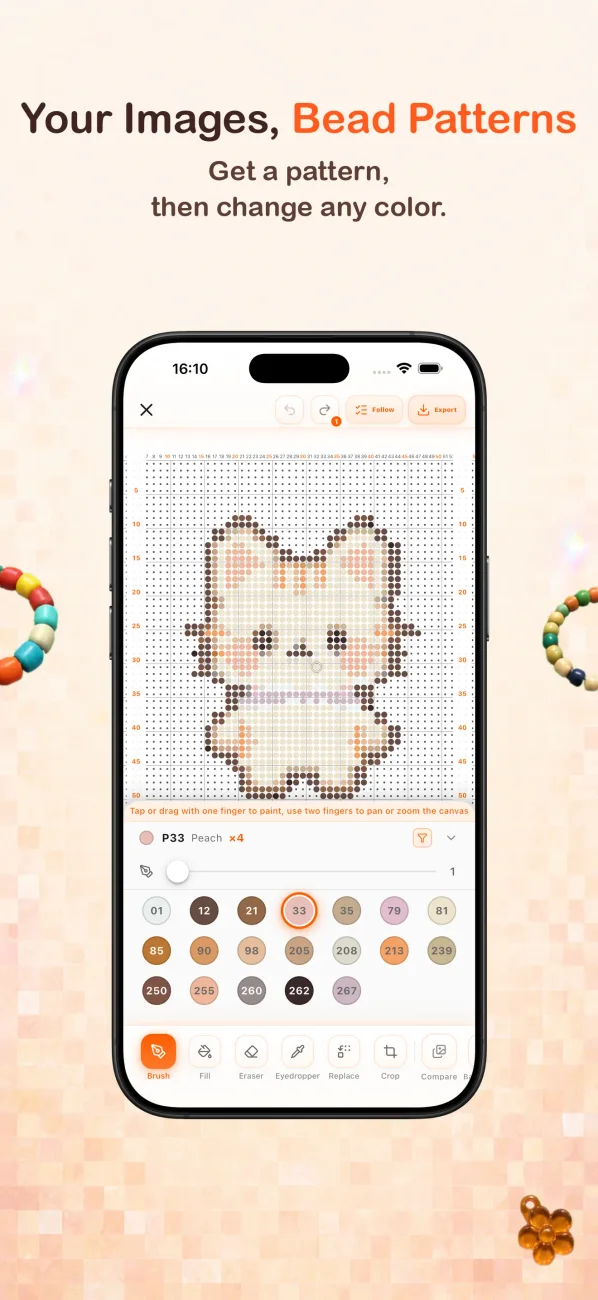
▸ Full Pattern Editing — Refine every pattern with brush, eraser, eyedropper, fill, batch replace, trim edges, and center tools.
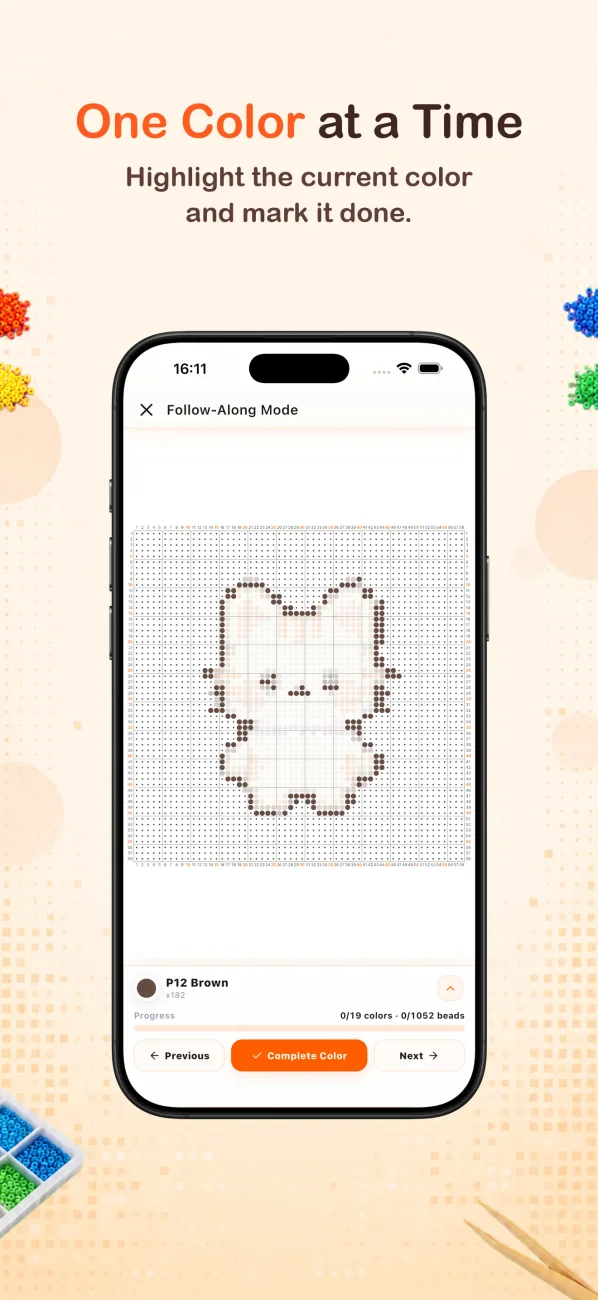
▸ Building Guide — Build color by color, mark completed colors, and resume progress later.
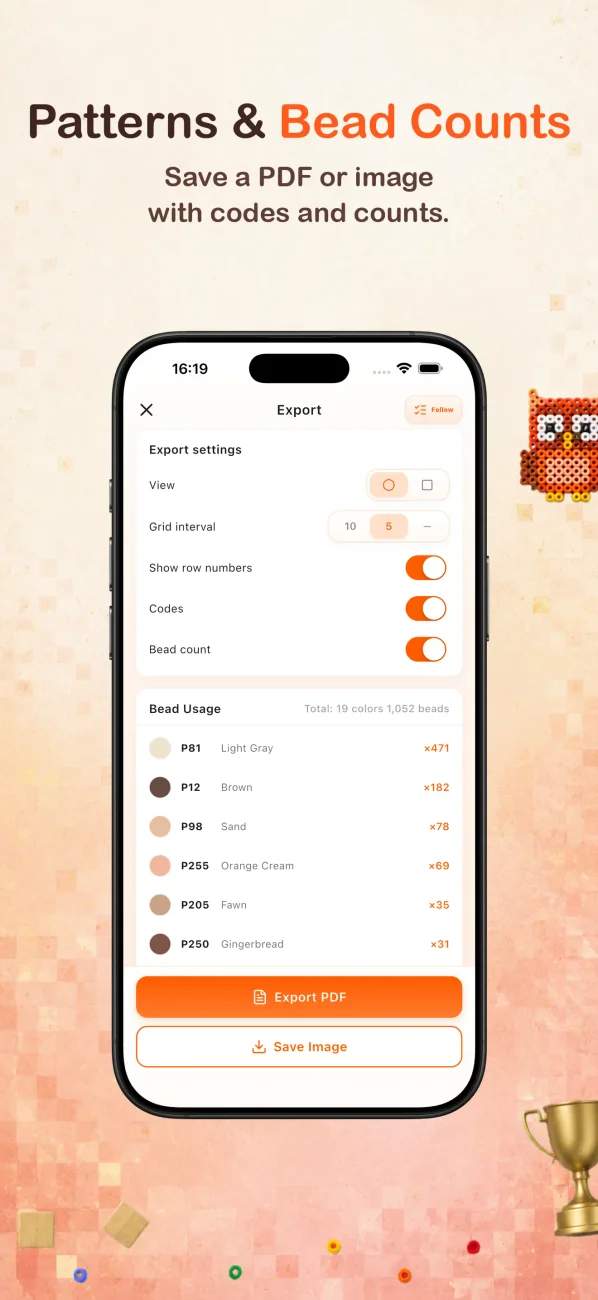
▸ Clear Export (Premium) — Export high-resolution PDF or PNG files for printing, saving, and sharing.
▸ Bead Usage Stats — Check color counts, bead codes, row numbers, and total bead quantity before you start making.
HOW IT WORKS
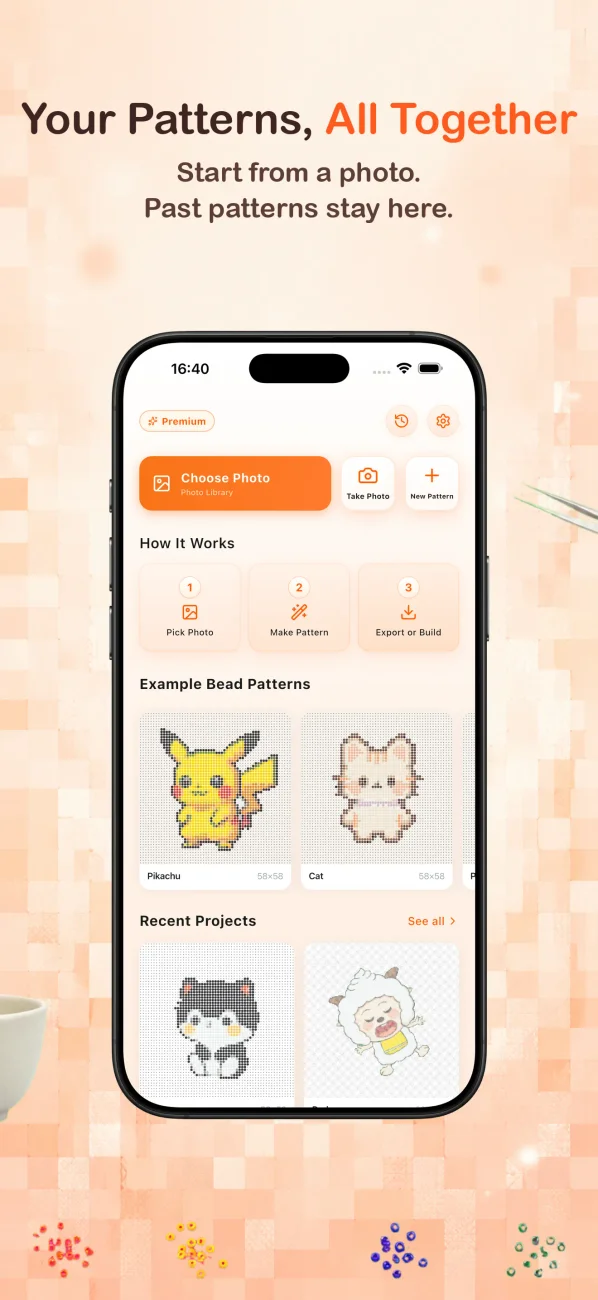
1. Import a photo from your library or camera.
2. Generate a bead pattern with color matching.
3. Edit details by hand and start making your pattern.
WHY PIXELBEAD?
▸ Built for real fuse bead projects, not just simple image filters.
▸ Faster planning for pixel art, pegboard crafting, and printable bead patterns.
▸ Easier to move from photo to finished pattern on your phone.
AI Extraction, Pattern Enhancement, batch color replacement, full Building Guide, and high-resolution PDF/PNG export require a Premium subscription.
Terms of Use: https://neolabsapp.com/terms
Privacy Policy: https://neolabsapp.com/privacy
What’s new
Version 1.4.0 · Nov 24, 2026
What's new in this update:
- Added Dark Mode for more comfortable crafting in low light
- Improved performance and stability for a smoother experience
App privacy
What 笑海 吕 declares on the App Store about how this app handles data.
-
Data not linked to you
May be collected but is not linked to your identity.
- Purchases
- Identifiers
Privacy practices may vary, for example with the features you use or your age.
Information
- Seller
- 笑海 吕
- Category
- Graphics & Design
- Version
- 1.4.0
- Updated
- Nov 24, 2026
- Released
- May 7, 2026
- Size
- 44.9 MB
- Requires
- iOS 15.0 or later
- Age rating
- 4+
- Price
- Free
- In-app purchases
- Yes
- Languages
- English, Arabic, Croatian, Czech, Danish, Dutch, Finnish, French, German, Greek, Hebrew, Hindi + 20 more
- Copyright
- © 2026 Lv Xiaohai. All rights reserved.
You might also like
-
 BeadCraft: Bead PatternsPhoto to Perler Bead Plans
-
 PixelBead - Perler & Pixel ArtTurn Photo to Bead Art & Pixel
-
 Beadify: Perler MakerPixel Art & Hama Beads Creator
-
 Bead Pattern StudioPhoto to Bead Charts
-
 Bead StudioPhoto to Bead Patterns
-
 Beads Buddy: Bead PatternsTurn photos into bead patterns
-
 Bead Pattern Maker - FusePhoto to fuse bead patterns
-
 AI Fuse Bead Pattern MakerPerler, Hama & Kandi Templates
-
 FuseBeads: Bead Pattern MakerPhoto to Pixel Art & DIY Craft
-
 BeadNeko: Pixel Bead MakerTurn Photos into Bead Art