PixelGlow
Edit & Enhance Photos with AI
Designed for iPhone, iPad, iPod touch
Free · In-app purchases
- Age rating12+
- CategoryPhoto & Video
- DeveloperArlax, Inc.
- LanguagesEnglish
- Size134.6 MB
Links to the official App Store page
Download.org hosts no file of PixelGlow. The button opens its official App Store page, published by Arlax, Inc. Listing last checked on Nov 14, 2026.
Screenshots

About
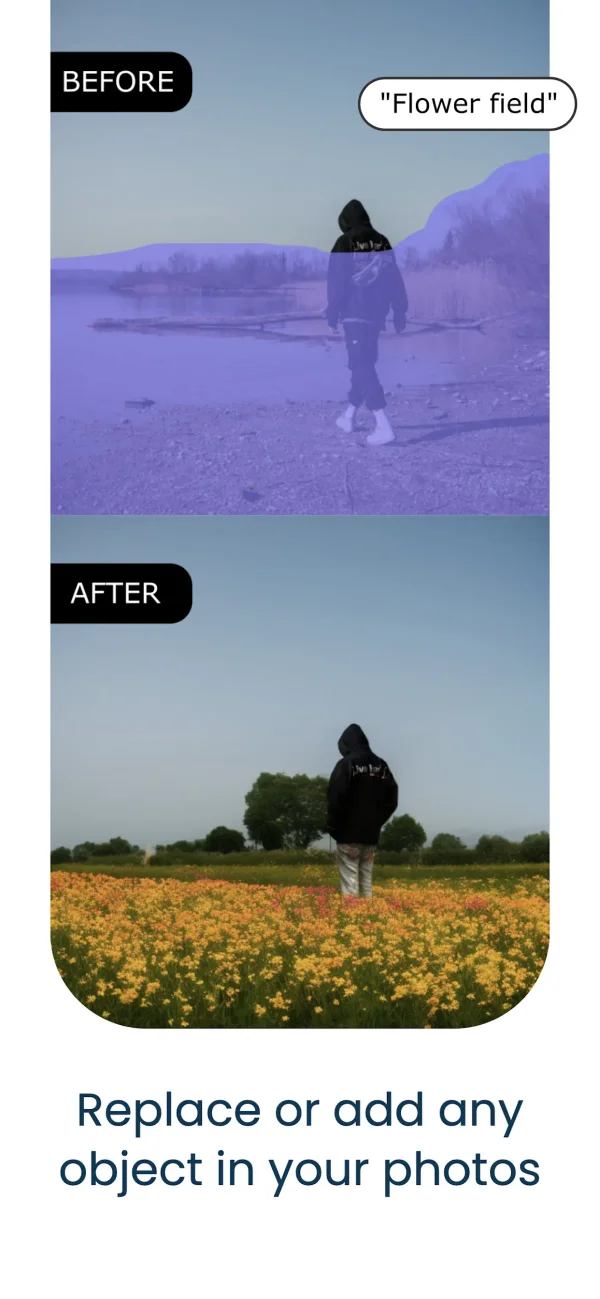
No design experience? No Problem! With the PixelGlow AI photo editor, you can remove, replace and add any object to your photos with a simple tap. Create professional-level edits in seconds that would otherwise take hours on other photo tools.
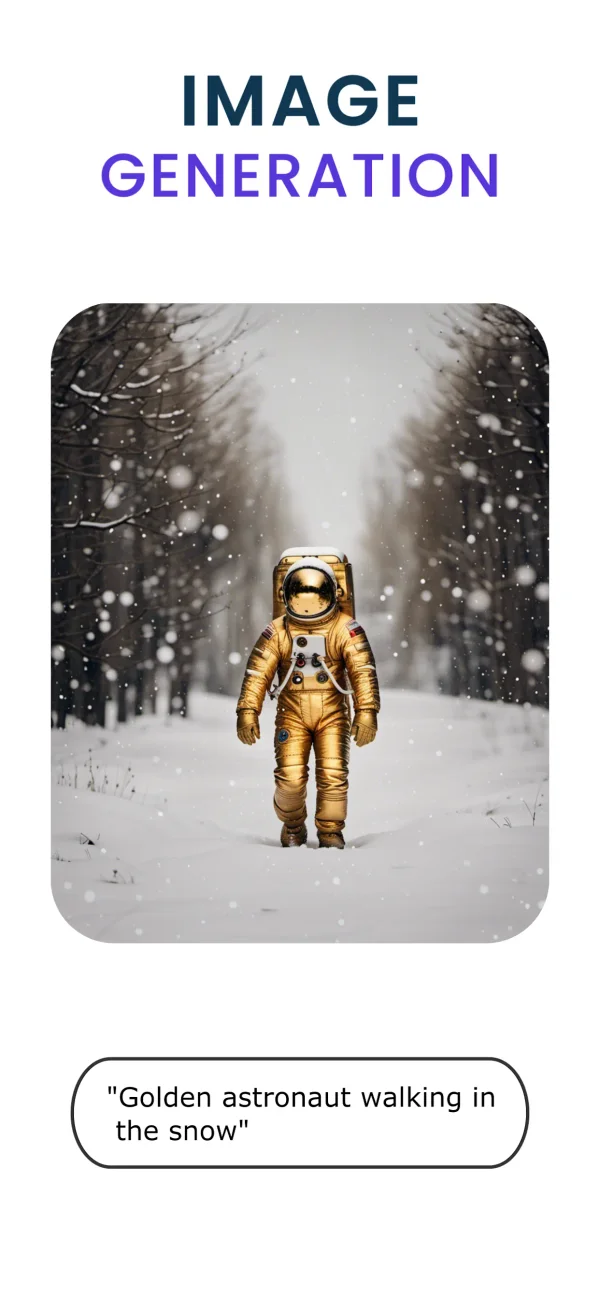
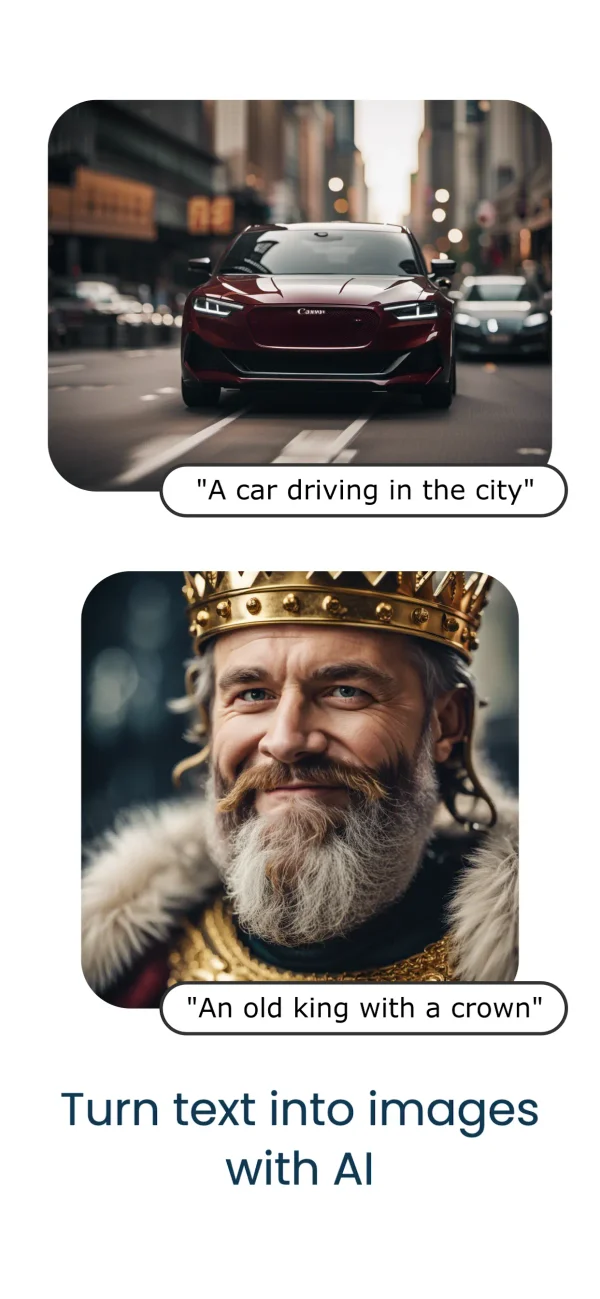
Turn text into art with PixelGlow's AI image generator, and choose from dozens of styles and filters to personalize your designs.
Want to create stunning high-quality artwork? Need inspiration for a 2D cartoon character? Whatever the design, PixelGlow generates it in seconds.
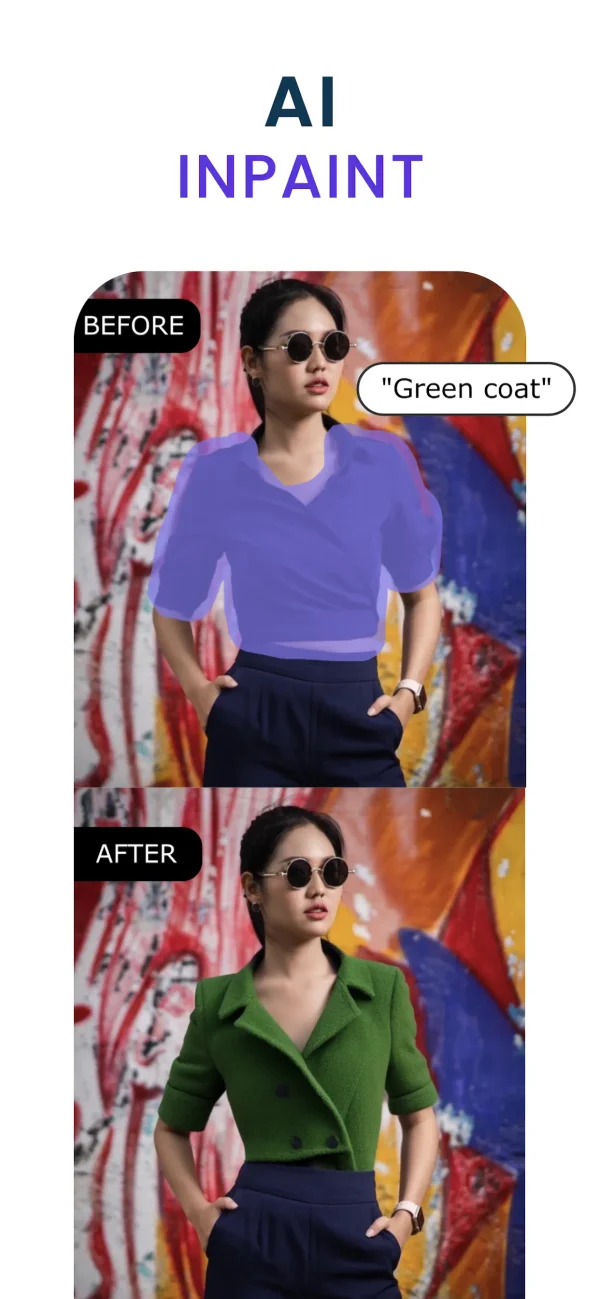
Want to turn your t-shirt into a suit in your last photo? Just type "suit" and watch PixelGlow do the rest!
PixelGlow Features:
IMAGE BLENDING
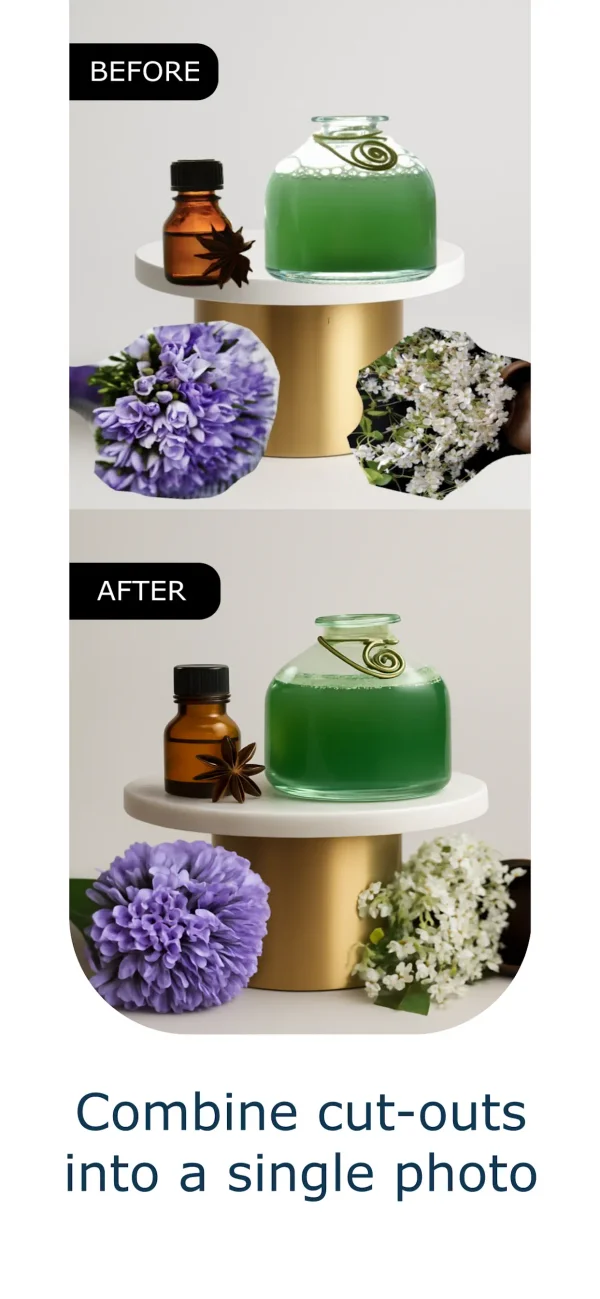
• Combine multiple cut-outs into a single image.
• Add as many images as you want, arrange them how you like and blend them into a single coherent photo.
• Forget about manually fixing lighting, shadows, perspective, etc. PixelGlow automates the entire process!
IMAGE GENERATION
• Turn text into images with AI image generator and create unique images automatically.
• Have access to dozens of community-made styles to inspire your designs.
• Create photorealistic portraits, 2D cartoons and much more with a simple tap.
INPAINTING
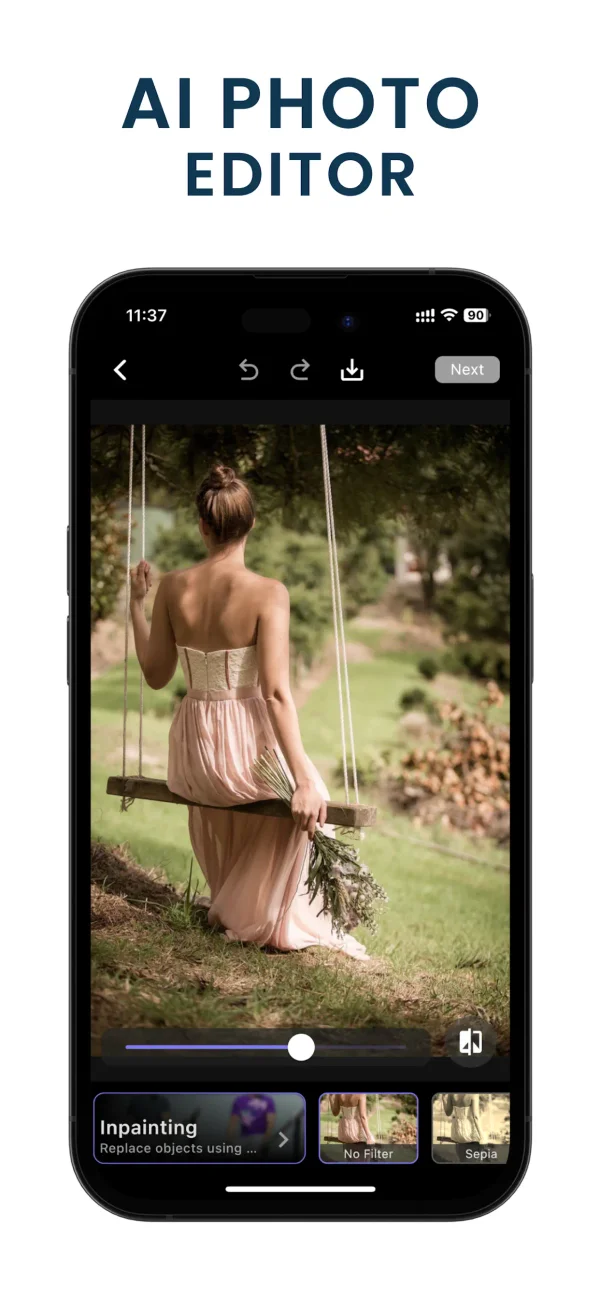
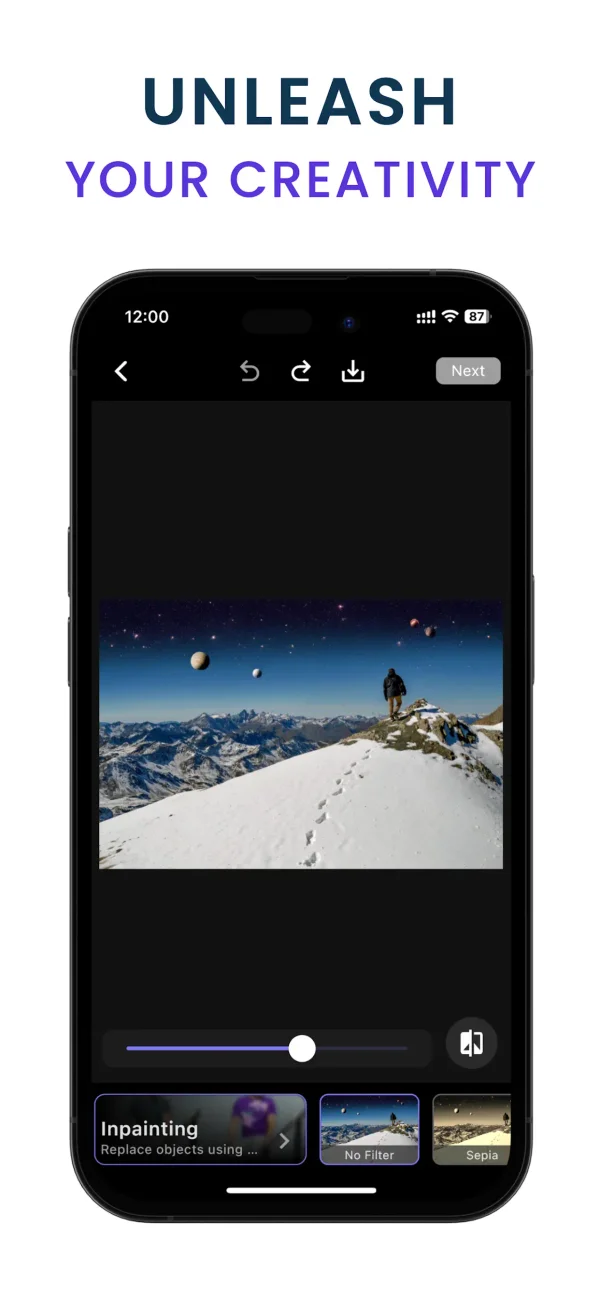
• Edit your photos in seconds with a simple text description.
• Replace an object in a photo by simply selecting it and describing what to replace it with. Achieve professional-level edits without using complex tools.
• Add an object to a photo with a one-sentence description and save hours of work within a couple seconds.
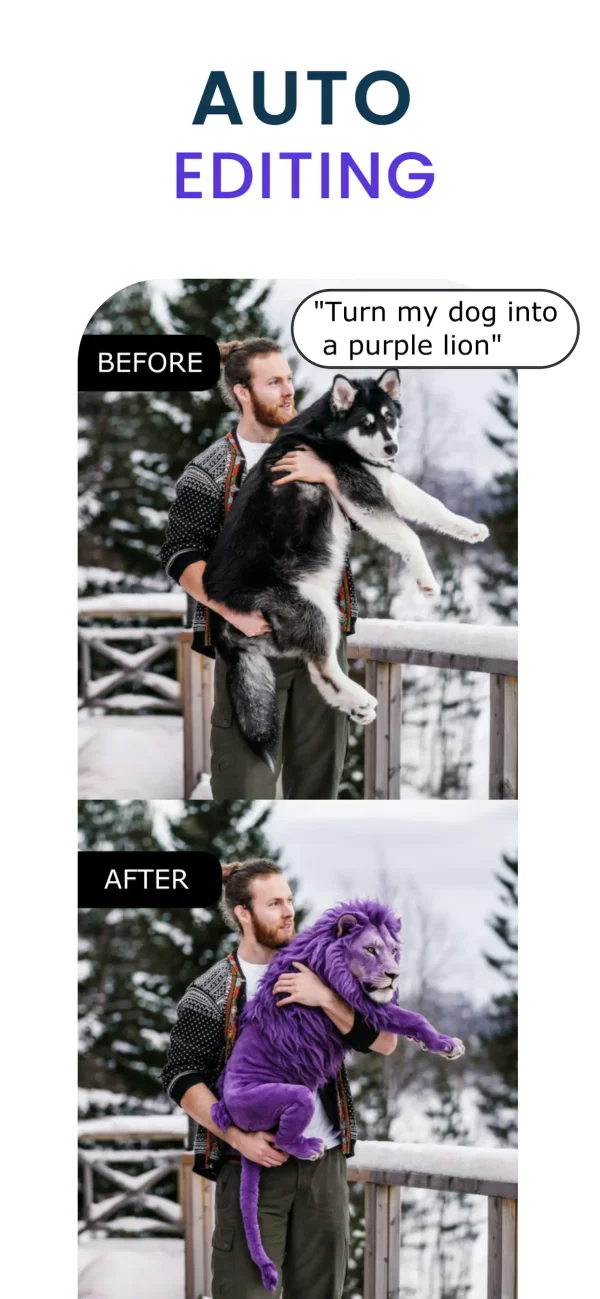
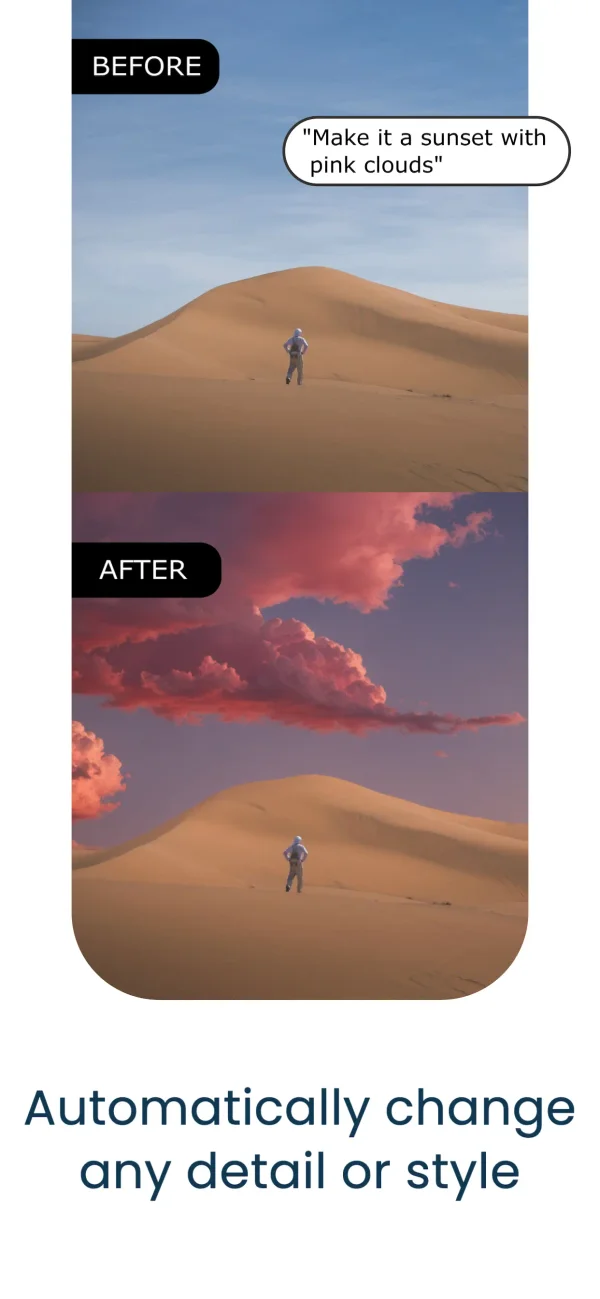
AUTO-EDITING
• Edit any image from a single text prompt.
• Replace, re-color and re-imagine objects by simply writing an edit instruction.
• Just type how the image should be changed and let AI do the work!
UN-CROPPING (coming soon)
• Extend the size of your photos beyond their borders.
• Add content around the frame of an image and increase its dimensions.
• Adjust and fix any aspect ratio to your requirements.
SUPER RESOLUTION (coming soon)
• Enhance the quality of your photos.
• De-noise and increase the resolution of any image.
• Automatically improve the quality of your posts and make them go viral!
Terms of Use:
https://arlaxai.com/terms-of-use/
Privacy Policy:
https://arlaxai.com/privacy-policy/
What’s new
Version 1.1 · May 2, 2025
- NEW TOOL: Image Blending -> Combine multiple cut-outs into a single image!
- Bug fixes
App privacy
What Arlax, Inc. declares on the App Store about how this app handles data.
-
Data linked to you
May be collected and linked to your identity.
- Purchases
- Contact info
- User content
- Identifiers
-
Data not linked to you
May be collected but is not linked to your identity.
- Usage data
- Diagnostics
Privacy practices may vary, for example with the features you use or your age.
Information
- Seller
- Arlax, Inc.
- Category
- Photo & Video
- Version
- 1.1
- Updated
- May 2, 2025
- Released
- Mar 27, 2025
- Size
- 134.6 MB
- Requires
- iOS 15.6 or later
- Age rating
- 12+
- Price
- Free
- In-app purchases
- Yes
- Languages
- English
- Copyright
- © 2025 Arlax, Inc.
You might also like
-
 Magic Eraser AI - PureErasePhoto eraser object remover
-
 Mimiya AI Video Art GeneratorPhoto to Video,Image Art Maker
-
 AI Photo Editor - PerfektAI Photo Editor & Presets
-
 Teleprompter 4 CreatorsRecord videos with auto scroll
-
 Prism: Pro Camera & RAWManual Camera & Photo Editor
-
 Raster AI StudioAI Photo Editor · On Device
-
 Eydol: AI Images & VideosYour AI creation studio
-
 Raze AI: Photo EditorAI Photos, Pranks, & Templates
-
 AI Art GenerateAI Image Generate & Edit
-
 Brainrot AI - AI Photo Editor67% more AI Images in SECONDS!